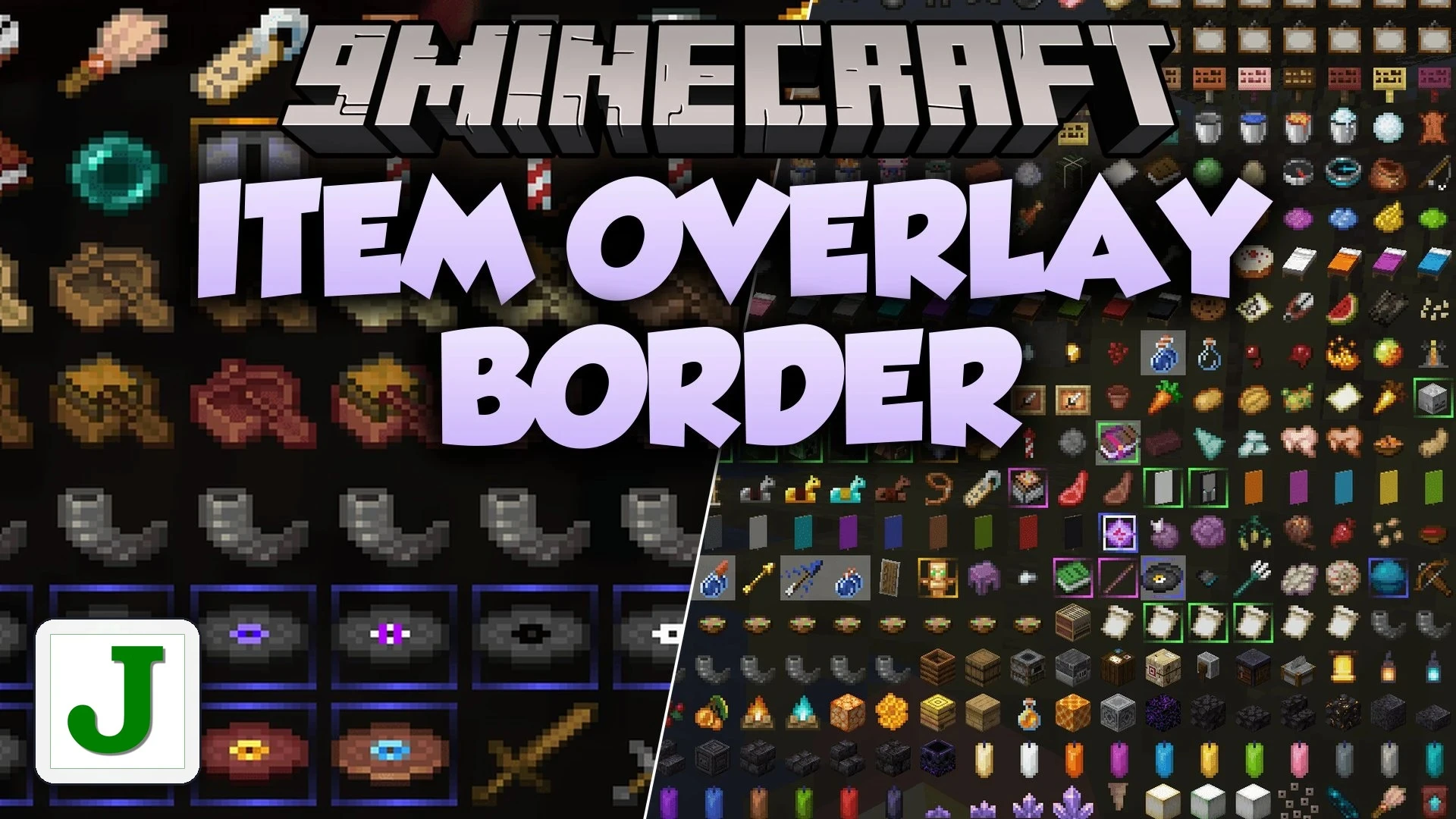


Item Overlay Border Mod adds animated, rarity-colored borders around item icons in your inventories and screens. Any item with a rarity higher than Common gets a colorful outline matching its rarity tier. This visual cue helps you quickly spot your most valuable gear, tools, and loot without reading every tooltip.
Features:
- Brings animated, glowing borders to items above Common rarity.
- Takes the border color directly from the item’s built-in rarity style.
- Keeps Common item slots plain and clean so your inventory stays uncluttered.
- Displays rarity borders across standard player inventories and container chests.
- Shows colorful outlines on your hotbar slots during regular play.
- Works directly with recipe viewer mods like JEI, REI, and EMI.
- Includes compatibility with shop menus such as CashShop.
- Supports custom rarity colors from script add-ons like RarityJS.
- Includes an option to switch from moving animations to a static border.
- Requires no manual item lists or color setup out of the box.
Configuration:
You can adjust the mod settings inside the client config file located at config/itemoverlayborder.toml:
"Disable animation" = true: stops border movement while keeping the colored rarity outline visible around item slots.
Screenshots:
Item Overlay Border Mod Download Links
Quick facts
- Edition: Minecraft Java
- File type: .jar
- Minecraft version listed: 1.20.1
- How to install: Install the matching mod loader (Forge, Fabric or NeoForge) for your Minecraft version. → Download the .jar. → Put it in the .minecraft/mods folder and launch that loader profile.
- Where to get it: In MC Java Mods, or directly above on this page.
Install steps are the general flow for this file type — How to install Minecraft Java mods & modpacks walks through it step by step.
Item Overlay Border Mod (1.20.1) – Spot Rare Loot Instantly in Your Inventory is a free Minecraft Java mod. Compatible with Minecraft 1.20.1. Download it and open it directly in the game.