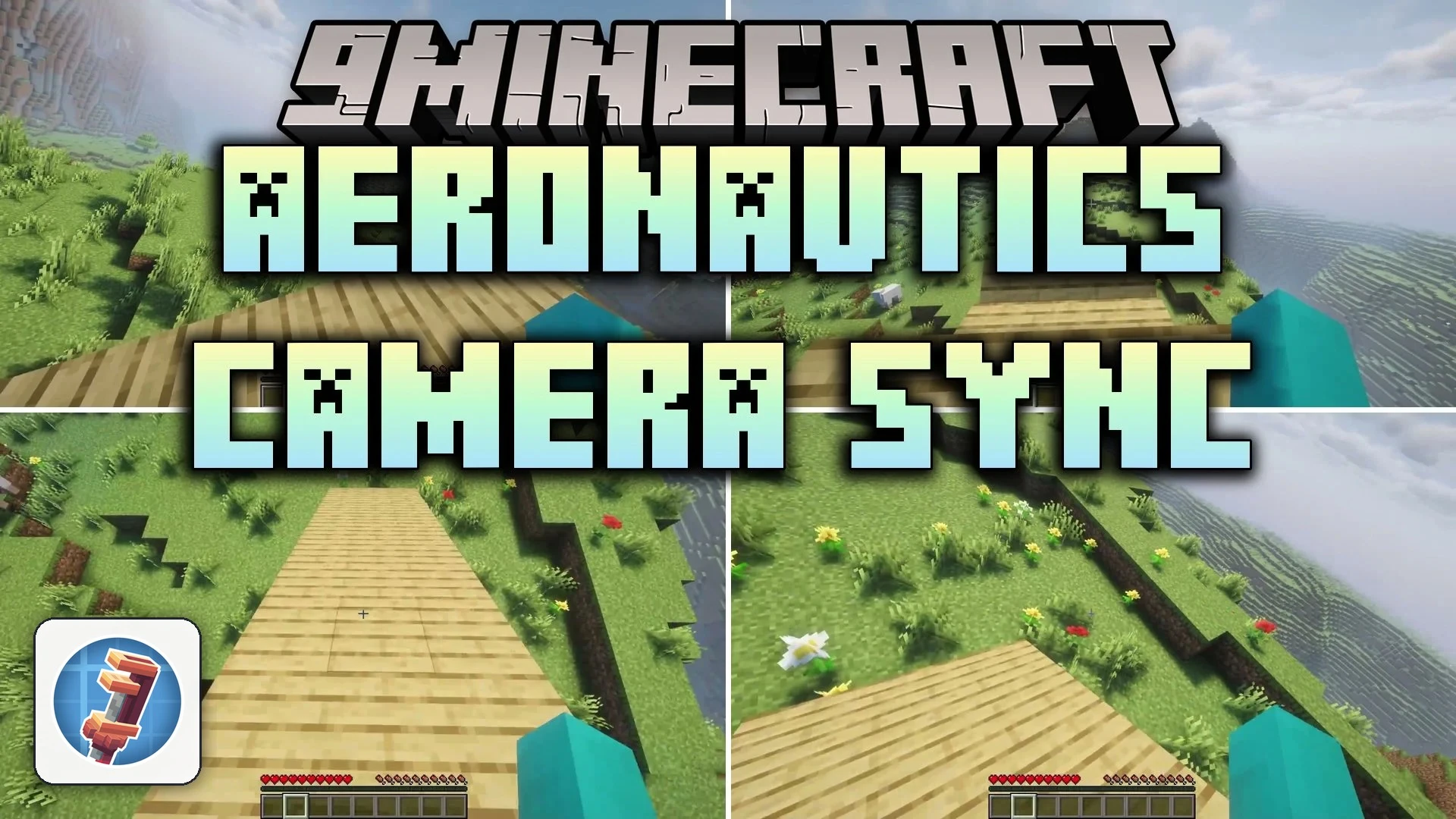


Aeronautics Camera Sync Mod rotates your camera to match moving airships and flying contraptions. When you stand on a turning, climbing, or banking vessel, your view tilts along with the deck instead of locking flat to the horizon. This mod keeps your crosshair, reach distance, and throwing direction lined up with where you actually look on board.
Features:
- Matches your viewing angle to the pitch, roll, and turns of moving contraptions.
- Aligns attacks, tool reach, and block placement directly with your tilted camera.
- Corrects projectile throws so items launch toward your crosshair while flying.
- Switches off tilt temporarily on client-only setups while you hold throwables or buckets so items fly straight.
- Lets you blacklist specific items to turn off tilt whenever you hold them.
- Includes an in-game hotkey to quickly pause or resume camera tilting.
Aeronautics Camera Sync Mod – Video Showcase
How to Use:
- Board any moving airship or flying contraption to activate camera tilting automatically.
- Press I to toggle camera tilt on or off whenever you need a flat horizon.
- Use the item blacklist shortcut while holding an item to stop tilt whenever that tool is in your main hand or off-hand.
Screenshots:


Aeronautics Camera Sync Mod Download Links
Quick facts
- Edition: Minecraft Java
- File type: .jar
- Minecraft version listed: 1.21.1
- How to install: Install the matching mod loader (Forge, Fabric or NeoForge) for your Minecraft version. → Download the .jar. → Put it in the .minecraft/mods folder and launch that loader profile.
- Where to get it: In MC Java Mods, or directly above on this page.
Install steps are the general flow for this file type — How to install Minecraft Java mods & modpacks walks through it step by step.
Verified by MCModsHub
- Downloads as 519252.mcaddon
- Download size: 891 KB
- Download link checked 1 Oct 2026 — working
- Mirrored on our own servers — the download does not depend on the original host
These come from our own check of the pack file, not from the source page.