AddonsBedrock
Just Auto Tool Swap
With this addon, you can automatically change your tool, such as: shovel, pickaxe, iron, hoe, and shears. or what is known as "Auto Tool Swap"
⬇ Download on CurseForge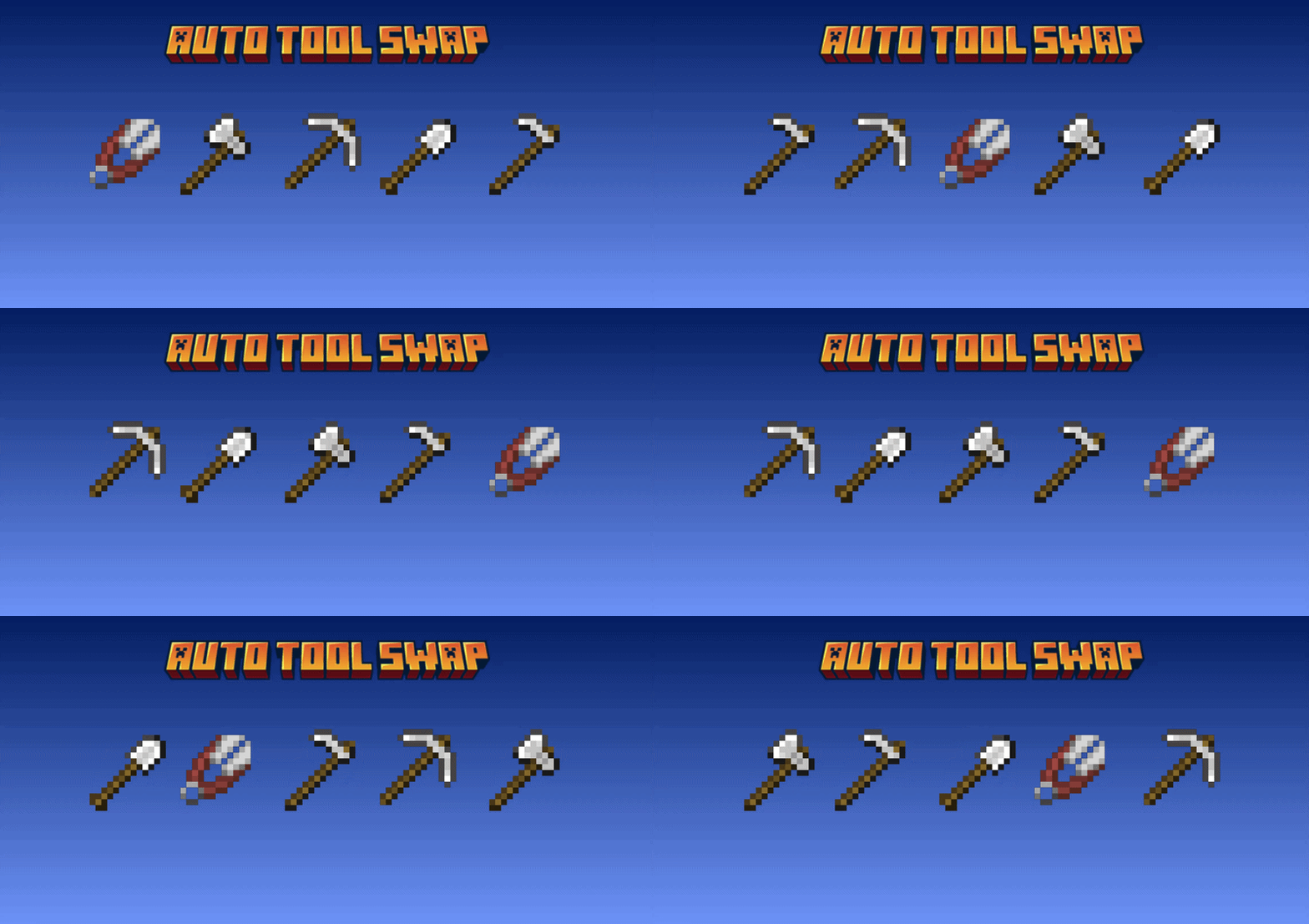
FEATURES
- Automatically switch tools
- You can customize which tools you want to swap, however you like.
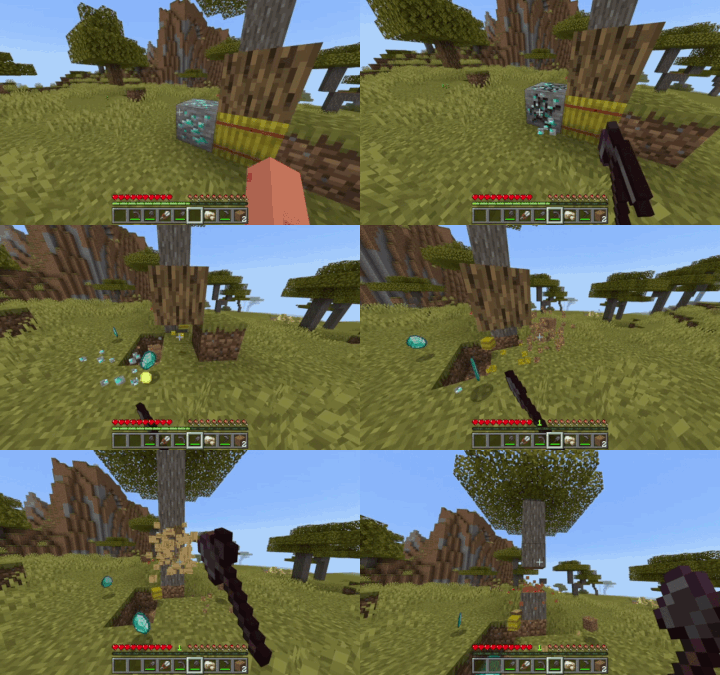
DEMO
HOW TO USE
- Create Auto Tool Swap Settings item
- Use the Health Settings item to open ui
- Select General Settings or Swap Settings according to your needs.
- Set it however you want
Main Menu
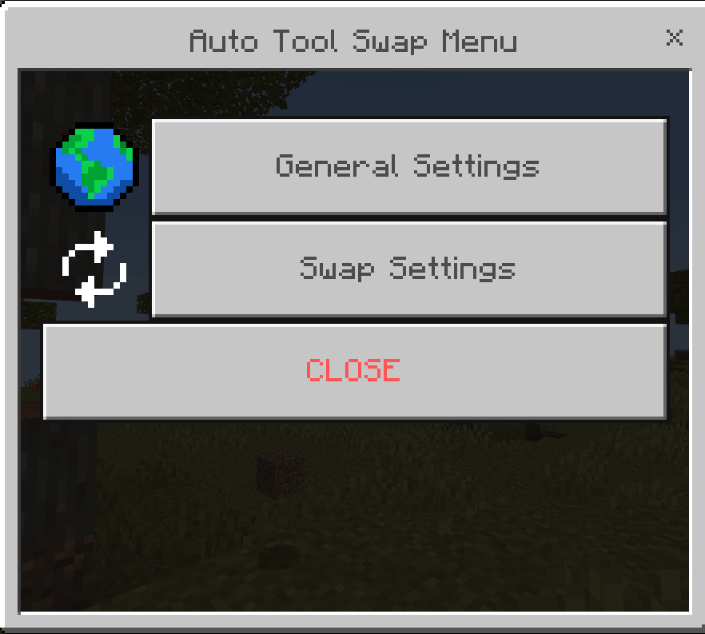
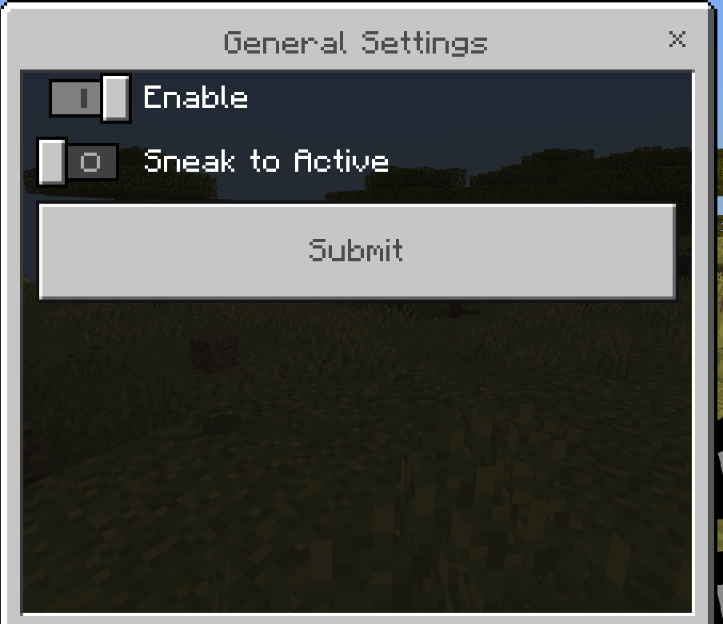
General Settings
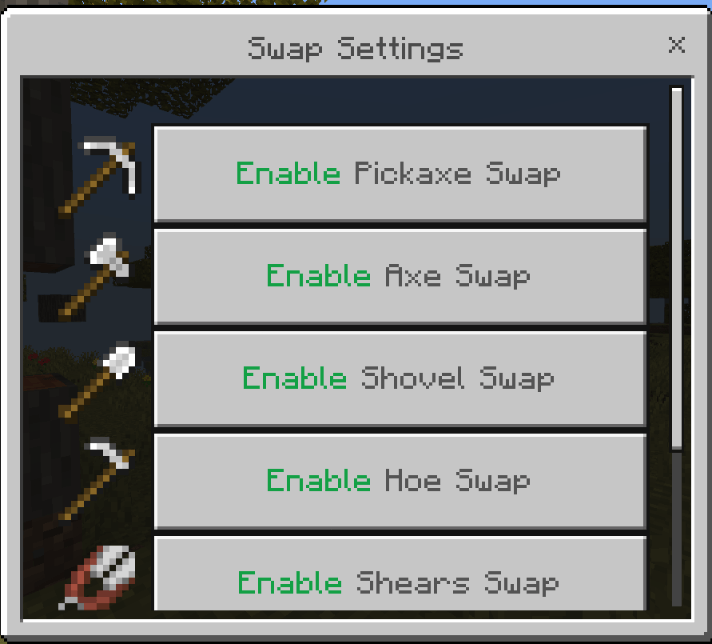
Swap Settings
COMPATIBILITY
- Achievement Friendly ✅
- No Experimental Features
- No player Json
- Compatible with blocks or tools from other addon
HOW TO INSTALL
- Download the provided file (
.mcaddon) - Import the file into Minecraft Bedrock Edition
- Before creating a world, don't forget to activate the Behavior Pack and Resource Pack
- Create a new world or open an existing one, and you're all set!
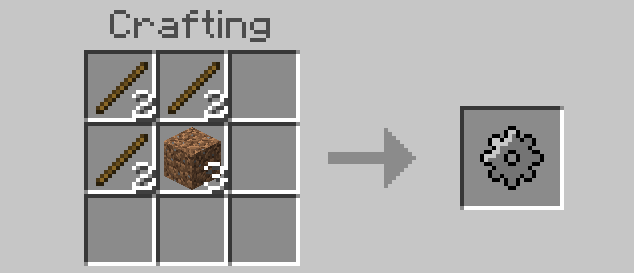
RECIPE
Auto Tool Swap Settings
BUG REPORTS
If you want to report a bug, req features, req addon, or ask anything, feel free to contact me on Discord: izy_0123
Quick facts
- Edition: Minecraft Bedrock
- File type: .mcpack or .mcaddon
- Minecraft versions listed: 26.20, 26.13, 26.30
- How to install: Download the .mcpack or .mcaddon file. → Open it — Minecraft imports it. → In your world: Behavior Packs → Available → Activate, then the same under Resource Packs.
- Where to get it: Opens on CurseForge — not every file is mirrored on our own servers.
Install steps are the general flow for this file type — How to install Minecraft Bedrock addons & mods walks through it step by step.
Verified by MCModsHub
- Pack type: .mcaddon — behaviour and resource pack in one file
- Manifest requires Minecraft 1.21.100 or newer
- Complete pack — everything it depends on is inside the file
- Download size: 33 KB
- Download link checked 1 Oct 2026 — working
These come from our own check of the pack file, not from the source page.