
AddonsBedrock
ZenXveda Essentials
The ultimate all-in-one survival and PvP companion featuring dynamic lighting, vein mining, auto-totem, and Java-style combat mechanics.
⬇ Download on CurseForge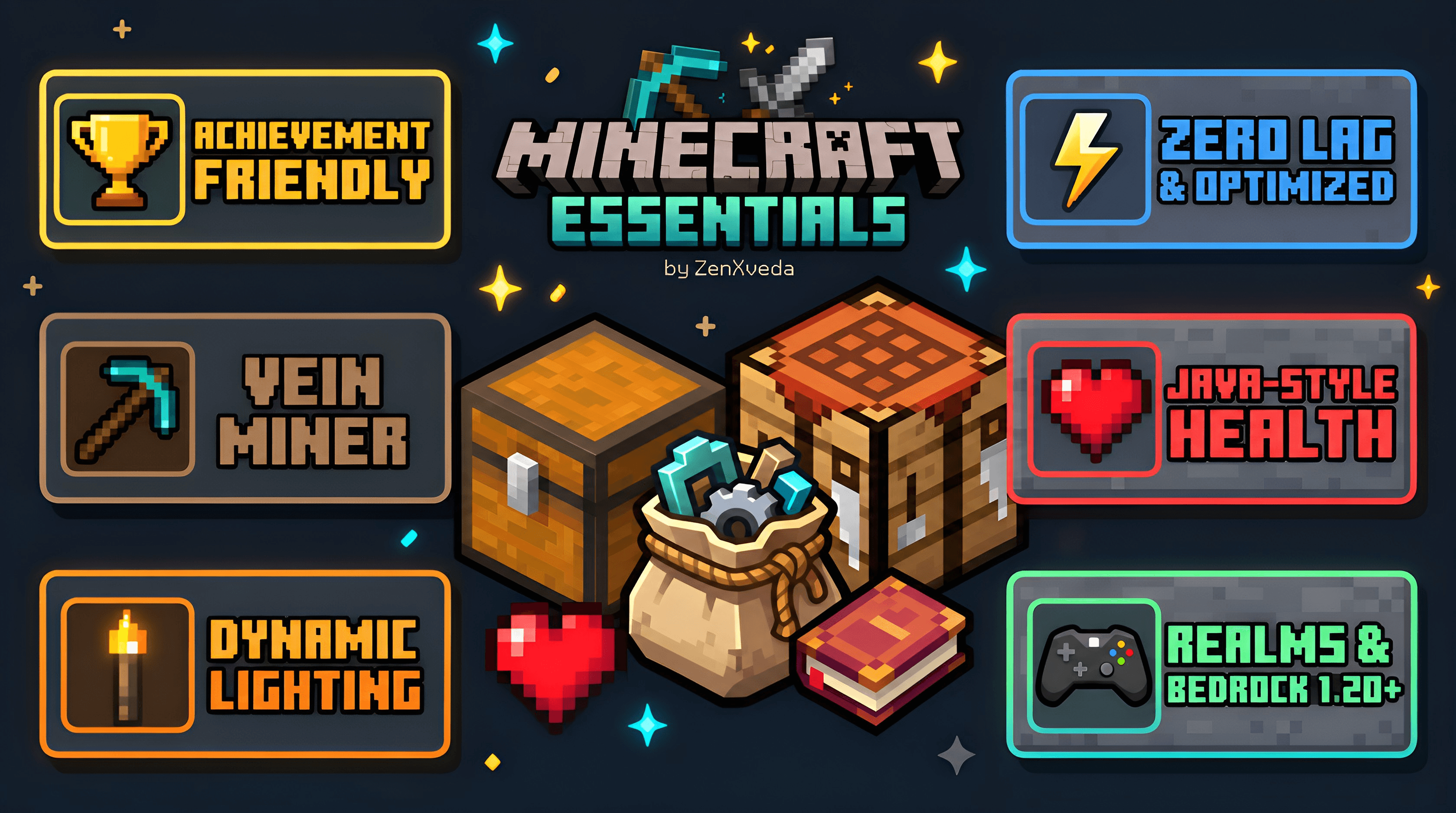
ZenXveda Essentials

The Ultimate All-in-One Survival, PvP & Quality-of-Life Companion for Bedrock!




📖 About The Pack
Tired of cluttering your worlds with dozens of disjointed, laggy addons that conflict with each other? ZenXveda Essentials consolidates all the most requested features into a single, cohesive, ultra-lightweight powerhouse. From automated mining and dynamic handheld lighting to a full F3 debug screen and PvP enhancements, this is the definitive survival pack.
🏆
100% Achievement & Realm Friendly!
The standalone Resource Pack (RP) provides the full HUD, F3 debug screen, durability viewer, and visual overhauls without disabling Xbox Live achievements!
⛏️ Survival & Resource Gathering

Vein Miner, Tree Capitator & Leaf Cutter
Sneak (crouch) while mining any ore or chopping wood to fell the entire tree or harvest the whole ore vein instantly! Leaves decay immediately to drop saplings and apples.

Auto Replant (Crop Capitator)
Harvest mature wheat, carrots, potatoes, and beetroot with a single right-click or break. The crops automatically replant themselves so farming is effortless.

Dynamic Handheld Lighting
Hold any light source (Torches, Soul Torches, Lanterns, Glowstone, Campfires) in your main-hand or off-hand. The surroundings illuminate dynamically as you walk and explore caves.

Fullbright & Night Vision
Crystal-clear cave exploration and underwater vision without murky pitch-black shadows. Spot distant ores, ravines, and mobs with ease.
⚔️ Combat, Defense & PvP

Smart Auto-Totem
Keep Totems of Undying safely in your inventory to free up your off-hand for shields, food, or torches. In life-threatening emergencies, the pack auto-swaps a totem to your off-hand just in time.

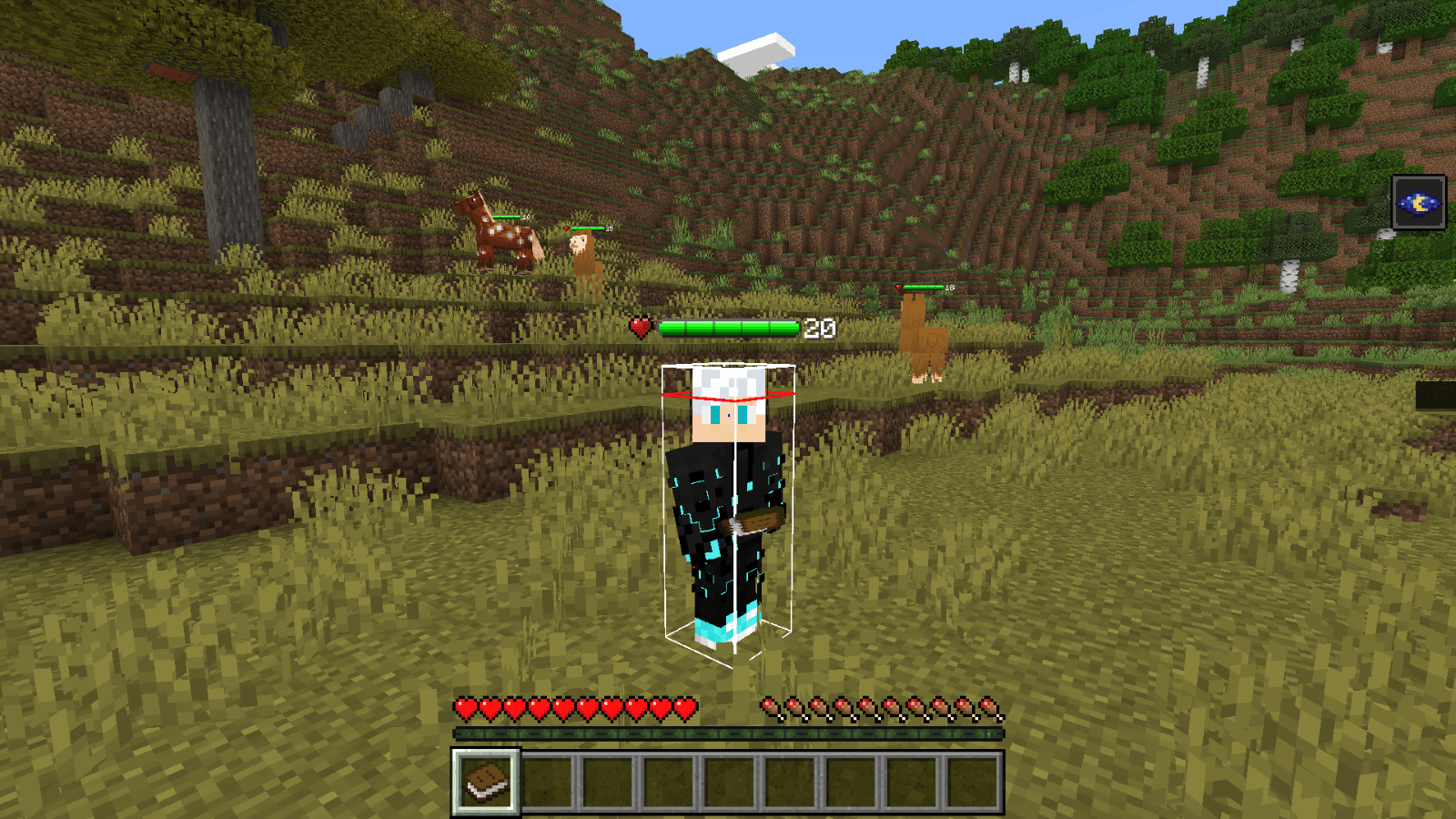
Clean Entity Hitboxes
Precise visual hitbox wireframes for players, hostile mobs, animals, and projectiles. Know the exact boundaries of your strikes for deadly accuracy in PvP and PvE.

PvP Combat Enhancements
Optimized specifically for combat: includes low-fire screen effect (so fire doesn't blind your vision), lowered shields when blocking, clean crosshairs, and reduced particle spam.

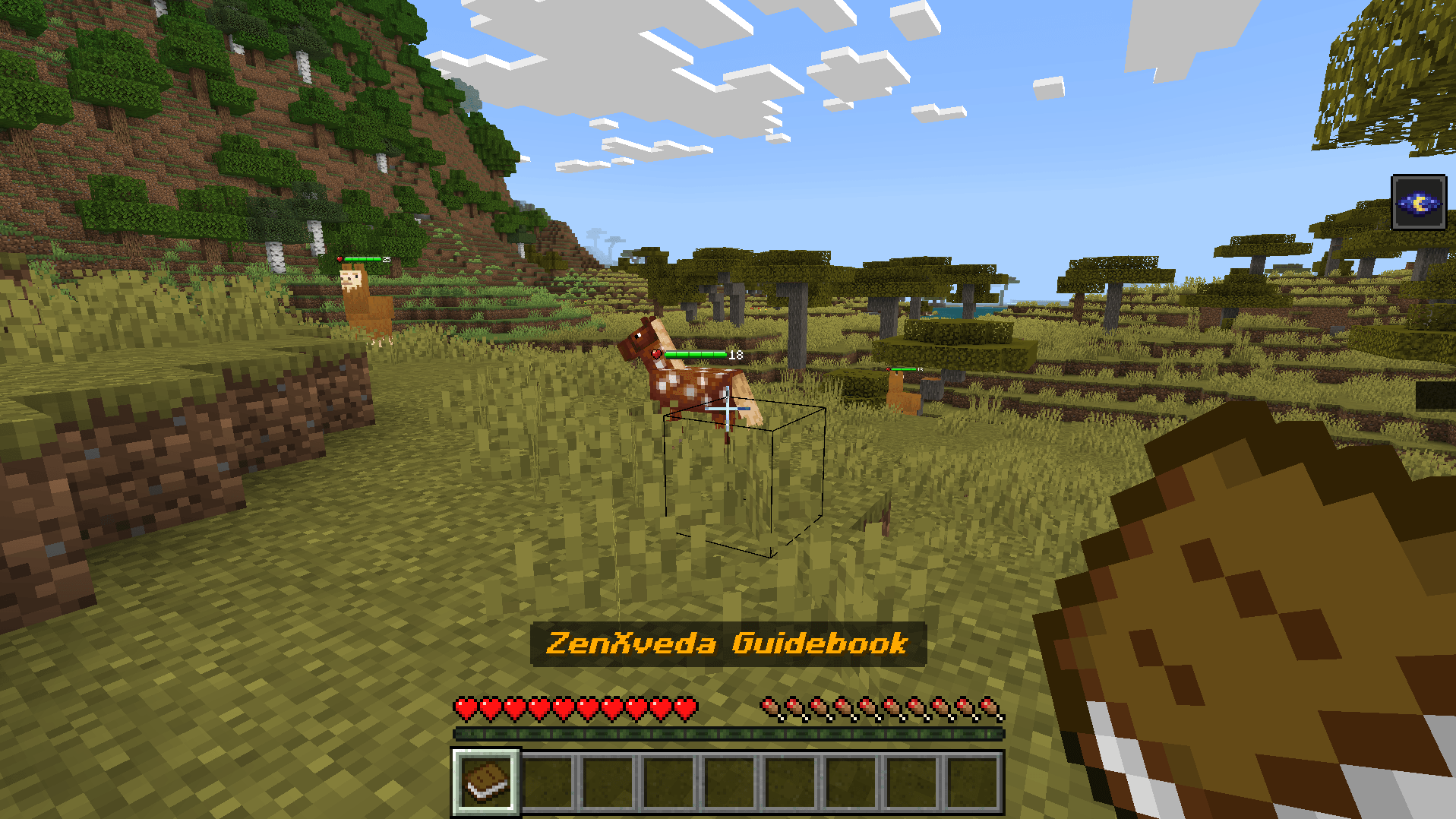
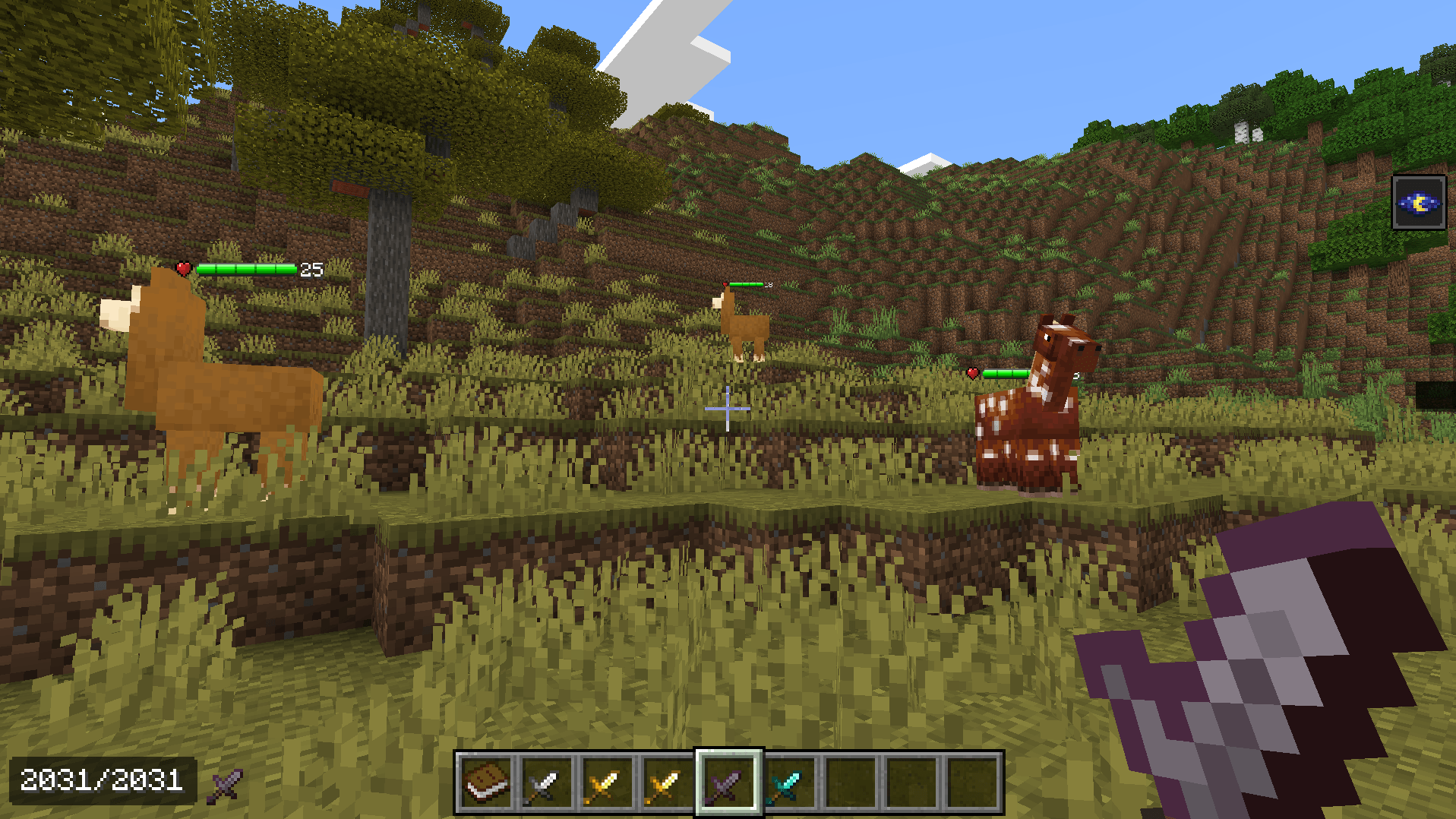
Mob & Player Health Bars
Real-time visual health bars over mobs and opponents showing exact remaining hearts, enabling calculated strikes and clutch combat decisions.
📊 HUD, Diagnostics & UI Utilities

Better F3 Java-Style Debug Screen
Brings Java's beloved F3 debug overlay to Bedrock! Displays real-time XYZ Coordinates, Facing Direction & Pitch/Yaw, current Biome, Light Level, System FPS, and In-game Days Played.

16x16 Chunk Border Visualizer
Render explicit 16×16 chunk boundaries on your screen. An indispensable tool for technical players building efficient iron farms, slime chunks, mob grinders, and chunk-aligned redstone.

Live Durability Viewer HUD
Displays exact numeric remaining durability for your Helmet, Chestplate, Leggings, Boots, and held tool right on the HUD. Color-coded alerts warn you when gear drops to critical health.

Java-Style Health Regen & Saturation HUD
Overhauls Bedrock's delayed healing into fast, responsive Java-style regeneration when food saturation is full. Includes a dedicated visual food saturation bar right over your hunger icons.

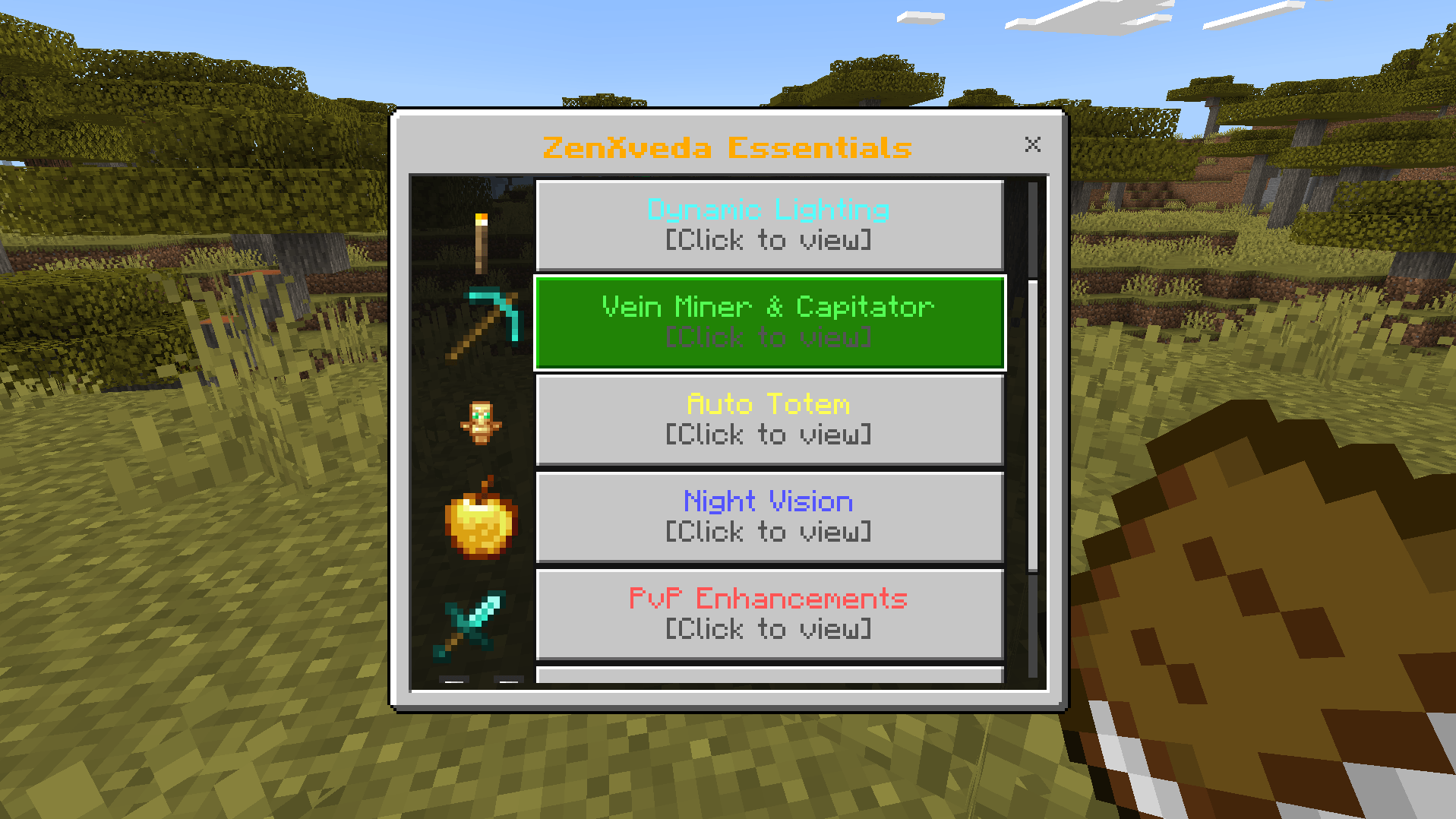
ZenXveda In-Game Mod Menu
Access your addon settings live during gameplay! Just click the custom ZenXveda logo button right beside "Game is paused" to toggle F3 color codes, minimal modes, pie charts, and view feature statuses.

In-Game Interactive Guidebook
Receive the official ZenXveda Guidebook in your inventory on initial spawn. Right-click anytime to open an interactive modal menu explaining every mechanic and hotkey.

Java-Style Tab Player List (Multiplayer)
Check who is currently online on your Realm or server with a Java-inspired multiplayer Tab list overlay, featuring player names, ping latency, and clean header styling.

Fast Crafting & Streamlined Inventory
Accelerated crafting menu recipes and uncluttered container interfaces. Craft stacks of items in seconds without repetitive clicking or UI delays.
📥 How to Install
- Download ZenXveda_Essentials.mcaddon from the Files tab above.
- Double-click the downloaded .mcaddon file to automatically import both Resource & Behavior packs into Minecraft.
- Go to your World Settings ➔ Activate both ZenXveda Essentials RP and BP.
- Important: Under World Settings ➔ Experiments, toggle ON Beta APIs so gameplay mechanics (Dynamic Lighting, Vein Miner, Auto Totem) work smoothly!



🌐 Support & Follow Us








Crafted with care by ZenXveda. Enjoy the ultimate Minecraft Bedrock experience!
Quick facts
- Edition: Minecraft Bedrock
- File type: .mcpack or .mcaddon
- Minecraft versions listed: 1.20.40, 1.21.30, 1.21.50
- How to install: Download the .mcpack or .mcaddon file. → Open it — Minecraft imports it. → In your world: Behavior Packs → Available → Activate, then the same under Resource Packs.
- Where to get it: Opens on CurseForge — not every file is mirrored on our own servers.
Install steps are the general flow for this file type — How to install Minecraft Bedrock addons & mods walks through it step by step.
Verified by MCModsHub
- Pack type: .mcaddon — behaviour and resource pack in one file
- Download size: 1.5 MB
- Download link checked 1 Oct 2026 — working
These come from our own check of the pack file, not from the source page.