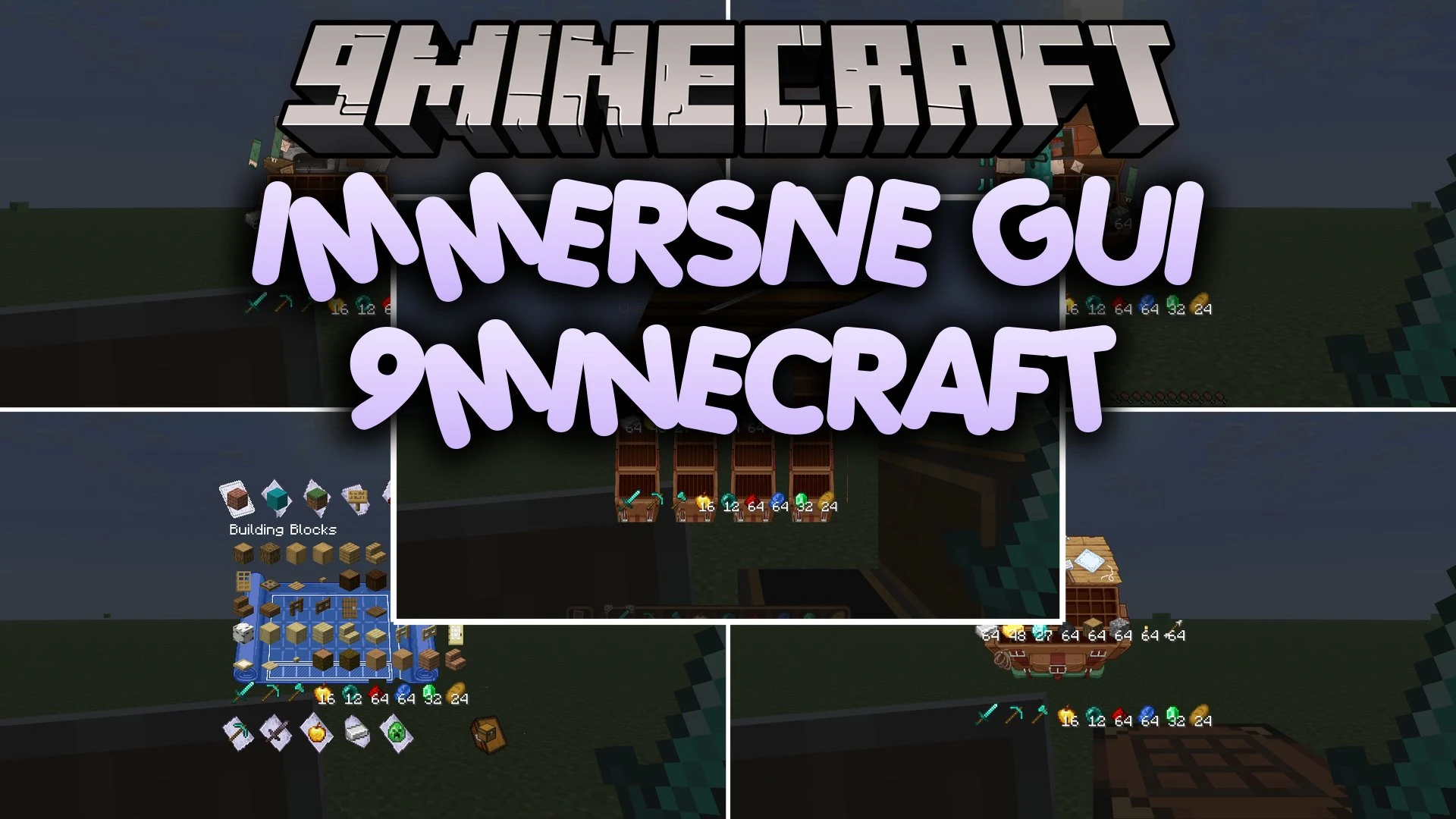
Immersive GUI 9minecraft Resource Pack (26.3) – Custom Artistic Menus for Every Block
Java resource pack listed for Minecraft 26.x. Download on the author's site.
⬇ Download


Immersive GUI 9minecraft Resource Pack replaces vanilla grey interface menus with custom artwork based on the actual blocks you open. The pack transforms containers like chests, furnaces, and crafting tables so you look directly into the storage space. Built-in shaders help each screen blend cleanly against the background world while keeping the standard pixel art style.
Features:
- Replaces standard grey menu backgrounds with unique artwork tailored to each block type.
- Matches chest interfaces directly to what you open, including barrels, ender chests, chest minecarts, and boat chests.
- Colors shulker box screens to match the exact dye color of the box.
- Adds visible doors and fire graphics to furnaces, blast furnaces, and smokers.
- Turns villager trading menus into shop counters with visible shopkeepers, including a bookshelf theme for librarians.
- Shows custom artwork for command blocks based on their impulse, chain, repeat, and conditional states.
- Puts clear item outline icons on empty equipment and crafting slots for tools, armor, gems, and smithing templates.
- Restyles the recipe book, toolbars, buttons, scroll bars, and tooltips to fit the unified theme.
- Includes core shaders that make opened interfaces sit naturally against the game world.
- Keeps a clean 16x pixel resolution that fits alongside regular Minecraft textures.
- Redraws interfaces for crafting tables, anvils, looms, stonecutters, cartography tables, grindstones, smithing tables, beacons, hoppers, droppers, and crafters.
Immersive GUI 9minecraft Resource Pack – Video Showcase
Screenshots:

Immersive GUI 9minecraft Resource Pack Download Links
- Edition: Minecraft Java
- File type: .zip (resource pack)
- Minecraft version listed: 26.3
- How to install: Download the .zip resource pack — do not unzip it. → Put it in .minecraft/resourcepacks. → Enable it in Options → Resource Packs.
- Where to get it: Opens on the file's original source — not every file is mirrored on our own servers.
Install steps are the general flow for this file type — How to install Minecraft Java resource packs walks through it step by step.
Immersive GUI 9minecraft Resource Pack (26.3) – Custom Artistic Menus for Every Block is a free Minecraft Java resourcepack. Compatible with Minecraft 26.3. Download it and open it directly in the game.