
Fake Player Add-on for Minecraft
Bedrock add-on listed for Minecraft 26.x. Download on the author's site.
Spooky Fake Player 'Jerald' stalks players at night, appears with a join message, watches briefly, and vanishes if approached.
⬇ Download on Modbay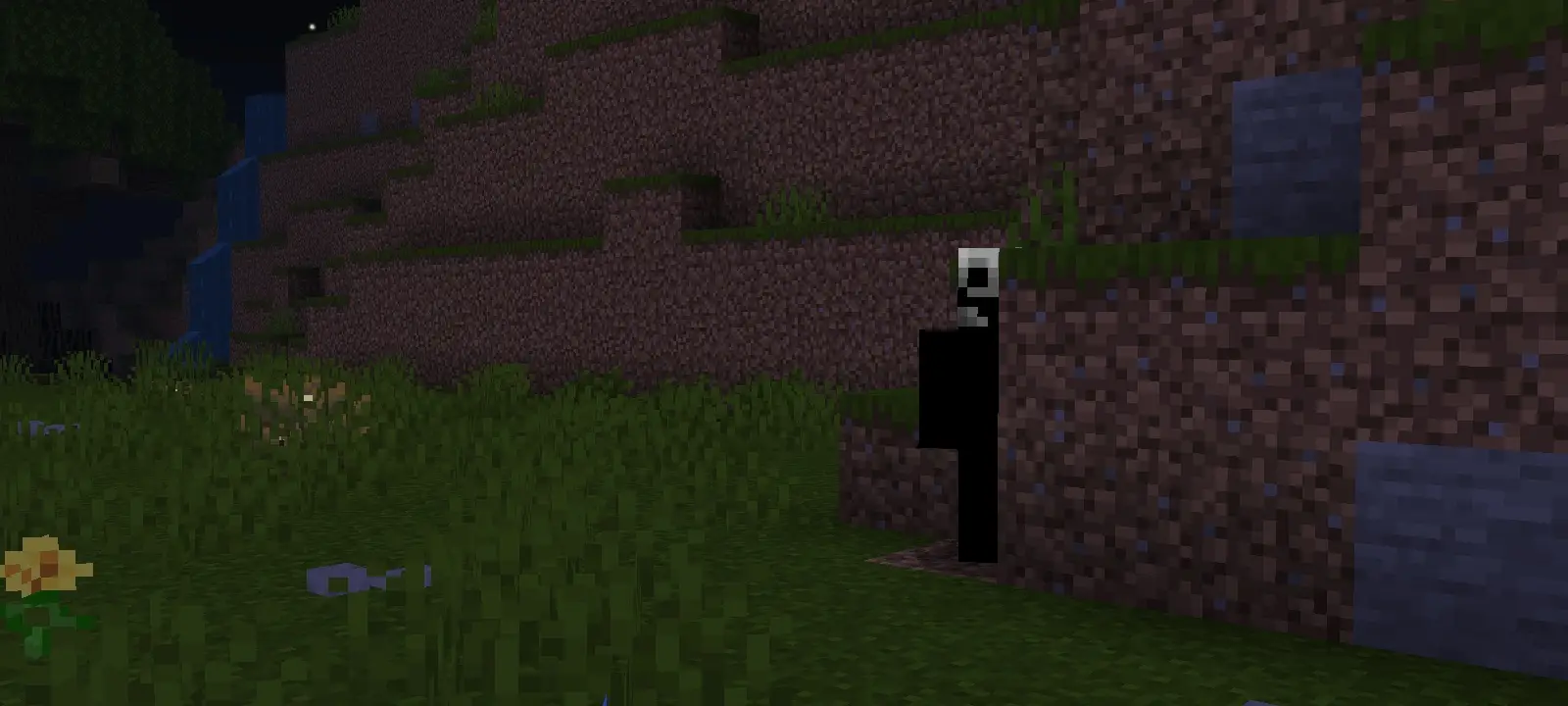
👁️ The Fake Player – Minecraft Horror Addon
The Fake Player is a mysterious horror addon for Minecraft Bedrock that adds a creepy non-player entity which mimics a player joining the world. It’s designed to create unsettling encounters and atmosphere for survival or horror maps.
Behavior
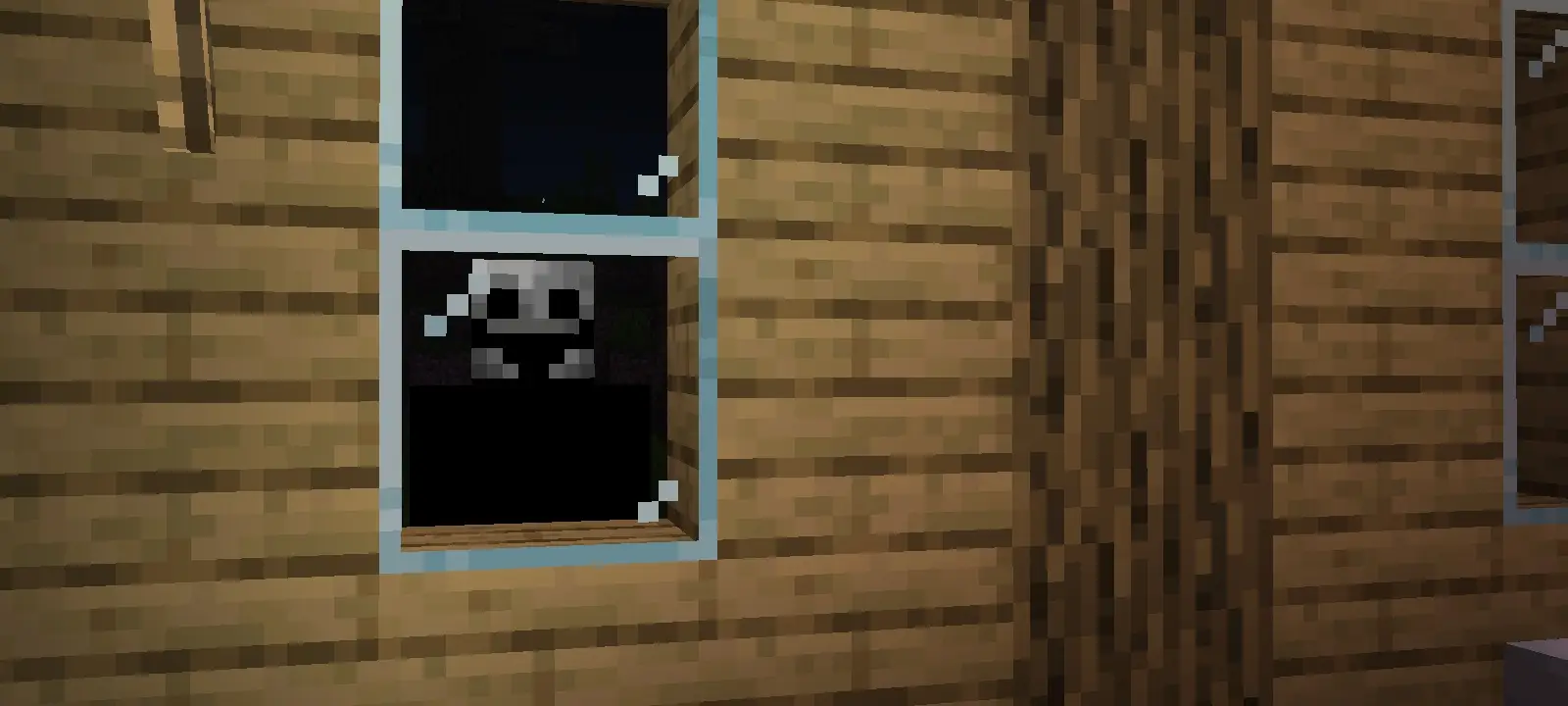
The Fake Player appears unexpectedly at night and behaves like a silent stalker. At first glance it may look like another player, but its behavior is wrong and unnerving. It often watches you from dark areas such as forests, caves, or peering through windows.
When the Fake Player (named Jerald) spawns, a join message "Jerald joined the game" appears. Jerald will stand and stare at the player for about 15 seconds, then disappear. If the player approaches within 7 blocks, Jerald vanishes immediately instead of engaging.
Video
https://youtu.be/woHDd0gP58Q?si=6wyouxQrco_lzKja
Features
- 👤 Fake Player: A mysterious entity that stalks and watches the player.
- 👁️ Stalking: Jerald silently watches the player from a distance.
- 🏃 Disappears at 7 Blocks: If the player gets within 7 blocks of Jerald, he will disappear.
- 💬 Join Message: When Jerald spawns, a chat message appears saying "Jerald joined the game".
- ⏱️ 15-Second Encounter: Jerald stays for 15 seconds while staring at the player, then disappears.
- 🌙 Night Only: Jerald can only spawn during the night.
- 📅 Starting on Day 1: The spawning system begins from Night 1 and continues into the following nights.
- 🔄 Night Loop: The encounter system repeats throughout subsequent nights.
- 🪟 Rare Window Appearance: Jerald has a rare chance to appear watching the player through windows.
Stay alert... you see Jerald watching you. 👁️
- Edition: Minecraft Bedrock
- File type: .mcpack or .mcaddon
- Minecraft versions listed: 26.10, 26.50
- How to install: Download the .mcpack or .mcaddon file. → Open it — Minecraft imports it. → In your world: Behavior Packs → Available → Activate, then the same under Resource Packs.
- Where to get it: Opens on Modbay — not every file is mirrored on our own servers.
Install steps are the general flow for this file type — How to install Minecraft Bedrock addons & mods walks through it step by step.
Fake Player Add-on for Minecraft is a free Minecraft Bedrock addon. Compatible with Minecraft 26.10, 26.50. Available via Modbay. Download it and open it directly in the game.