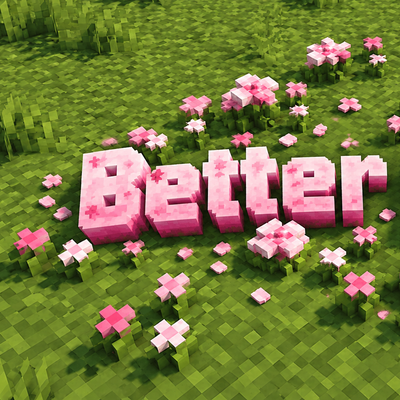
Better Petals
Better Petals turns Minecraft's flat pink petals into true voxel 3D flowers, with every pixel shown as a real cube. Bedrock & Pocket Edition 1.21.100…
⬇ Download on CurseForge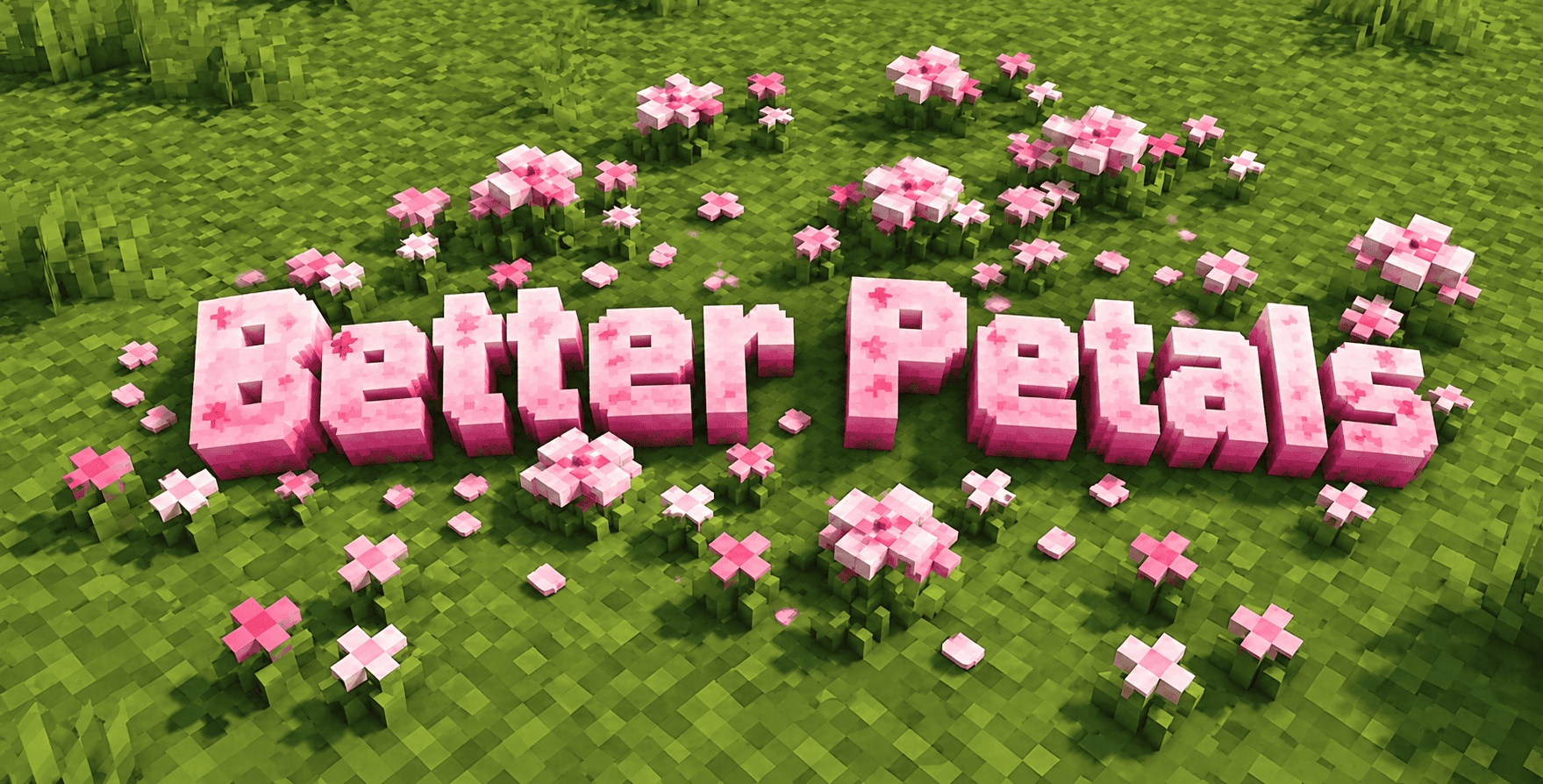
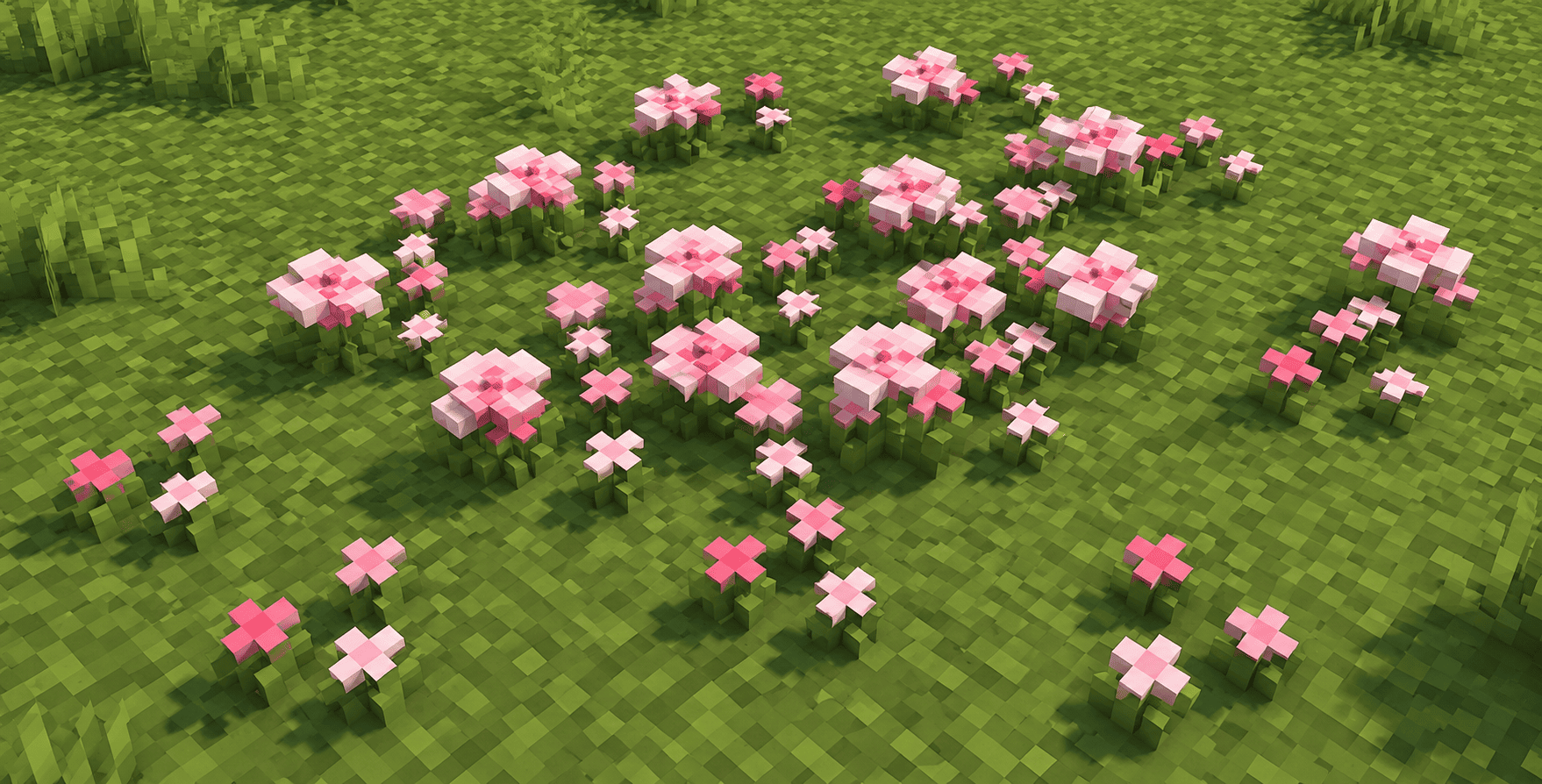
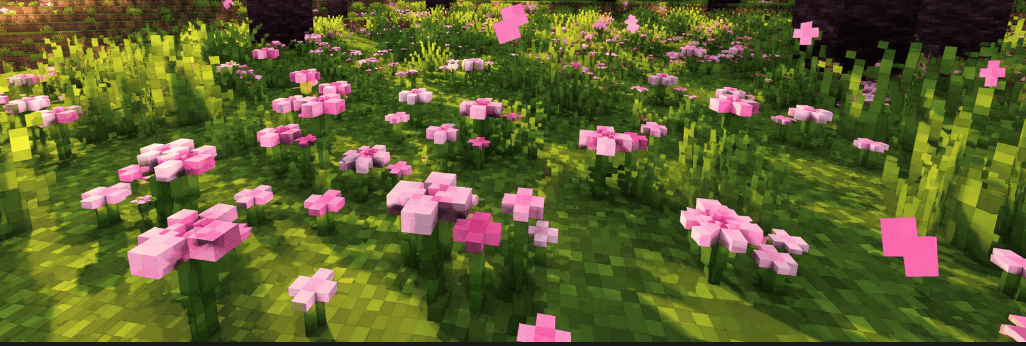
Cherry Groves are one of the prettiest places in Minecraft, but the fallen pink petals on the ground are completely flat. Better Petals fixes that. This add-on rebuilds the vanilla pink petals as real three-dimensional voxel flowers, where every single pixel of the original texture becomes its own small cube.
What makes it better
In vanilla, petals are a flat picture lying on the grass. With Better Petals, they have thickness, depth and a clear pixel structure that you can see from above, from the side and from a low crouch. The look stays true to Minecraft's blocky style, because the add-on uses the original game texture. Nothing is repainted, so the colours are exactly the pink you already know. Under each petal cluster there is a small green stem and base, so the flowers look planted in the ground instead of floating above it.
Automatic conversion
You do not need to place special blocks. A built-in script scans the area around you and swaps vanilla pink petals for their 3D versions automatically. Walk through a Cherry Grove and watch the flat petals around you turn into voxel flowers. The number of petals (one to four) and the direction they face are kept, so your gardens and builds keep their layout.
Feels like vanilla
Better Petals is made to behave naturally. Use a pink petal on a 3D petal block to add more, up to four in total. When you break one, you get normal vanilla pink petals back, so pink dye, composting and crafting all still work. The blocks have no collision and break instantly, just like the plants you already know.
Compatibility
Made for Minecraft Bedrock Edition and Pocket Edition, versions 1.21.100 to 1.26 and above. It runs on Windows, Android, iOS and platforms that support add-ons, and needs no experimental toggles.
Installation
- Open the .mcaddon file so Minecraft imports it.
- Create or edit a world.
- Turn on both the Resource Pack and the Behavior Pack.
- Load the world and visit a Cherry Grove.
Good to know
Bedrock does not let resource packs change the shape of vanilla blocks. Because of this, Better Petals uses custom blocks together with a small script that replaces vanilla petals near each player. The change appears as you explore. Very distant blocks may look a little softer because of Minecraft's own texture smoothing, so get close to enjoy the pixel detail.
Perfect for
Cherry Grove builders, pink and aesthetic builds, screenshots and videos, cosy gardens, Japanese-style architecture and anyone who loves pixel art in 3D.
Every pixel counts. Enjoy the blossoms.
Item Descriptions
- Better Petals (1): One voxel pink petal cluster with a green stem.
- Better Petals (2): Two petal clusters growing together.
- Better Petals (3): Three petal clusters, a fuller patch.
- Better Petals (4): Four petal clusters, the full flower bed. Drops 4 vanilla pink petals when broken.
Credits
- Creator / Author: Baku_Studio
- Original petal texture: Mojang Studios (used from the vanilla game, not redistributed)
- Reference documentation: Bedrock Wiki, Microsoft Learn
- Version: 1.0.0
- Compatibility: Minecraft Bedrock & Pocket Edition 1.21.100 – 1.26+
- Edition: Minecraft Bedrock
- File type: .mcpack or .mcaddon
- Minecraft versions listed: 1.21.100, 26.0
- How to install: Download the .mcpack or .mcaddon file. → Open it — Minecraft imports it. → In your world: Behavior Packs → Available → Activate, then the same under Resource Packs.
- Where to get it: Opens on CurseForge — not every file is mirrored on our own servers.
Install steps are the general flow for this file type — How to install Minecraft Bedrock addons & mods walks through it step by step.
- Pack type: .mcaddon — behaviour and resource pack in one file
- Manifest requires Minecraft 1.21.100 or newer
- Complete pack — everything it depends on is inside the file
- Download size: 26 KB
- Download link checked 1 Oct 2026 — working
These come from our own check of the pack file, not from the source page.