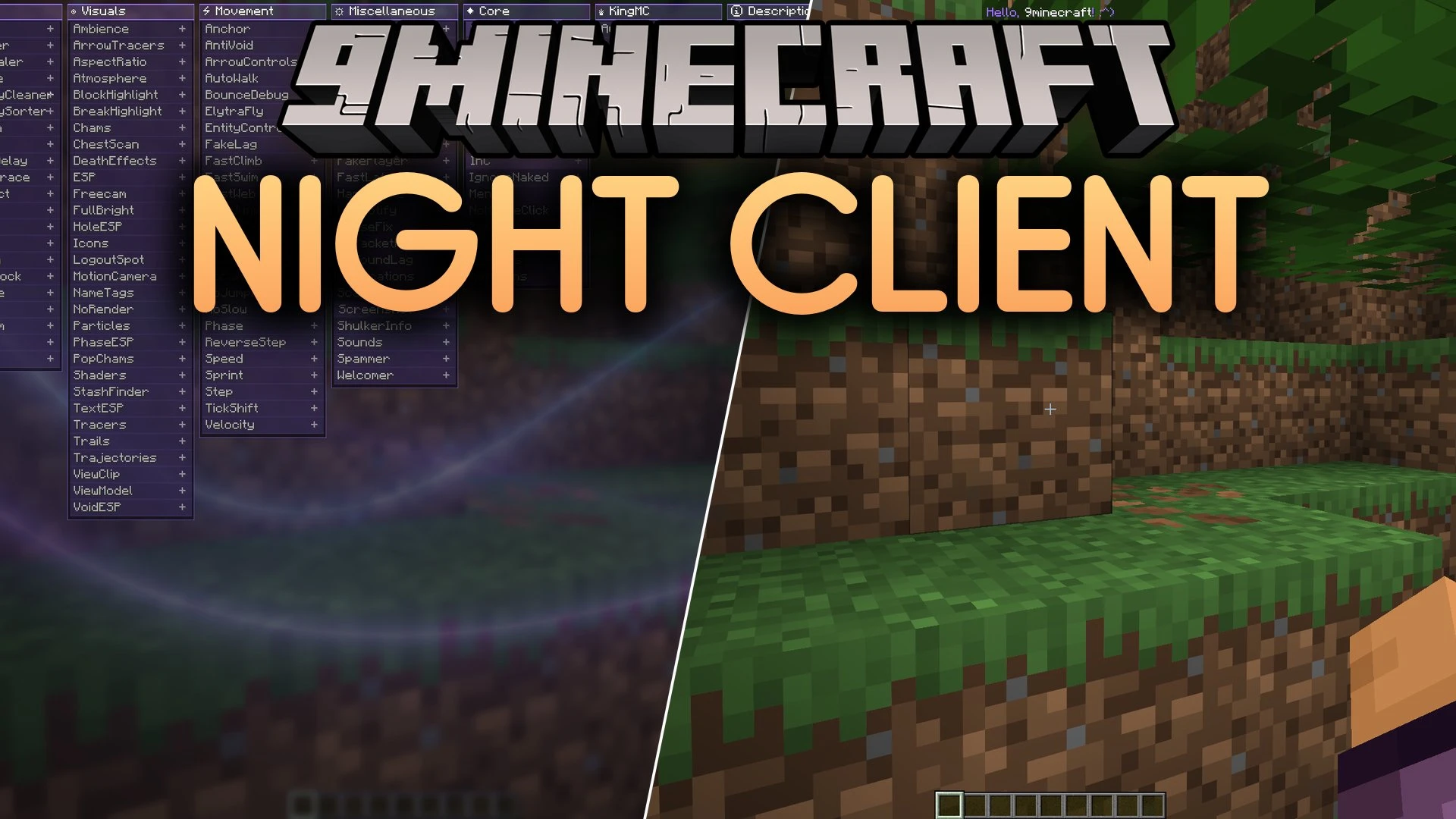
Night Client Mod (26.2) – Dominate Anarchy Servers and Crystal PvP
Minecraft Java mod. Download on the author's site.
⬇ Download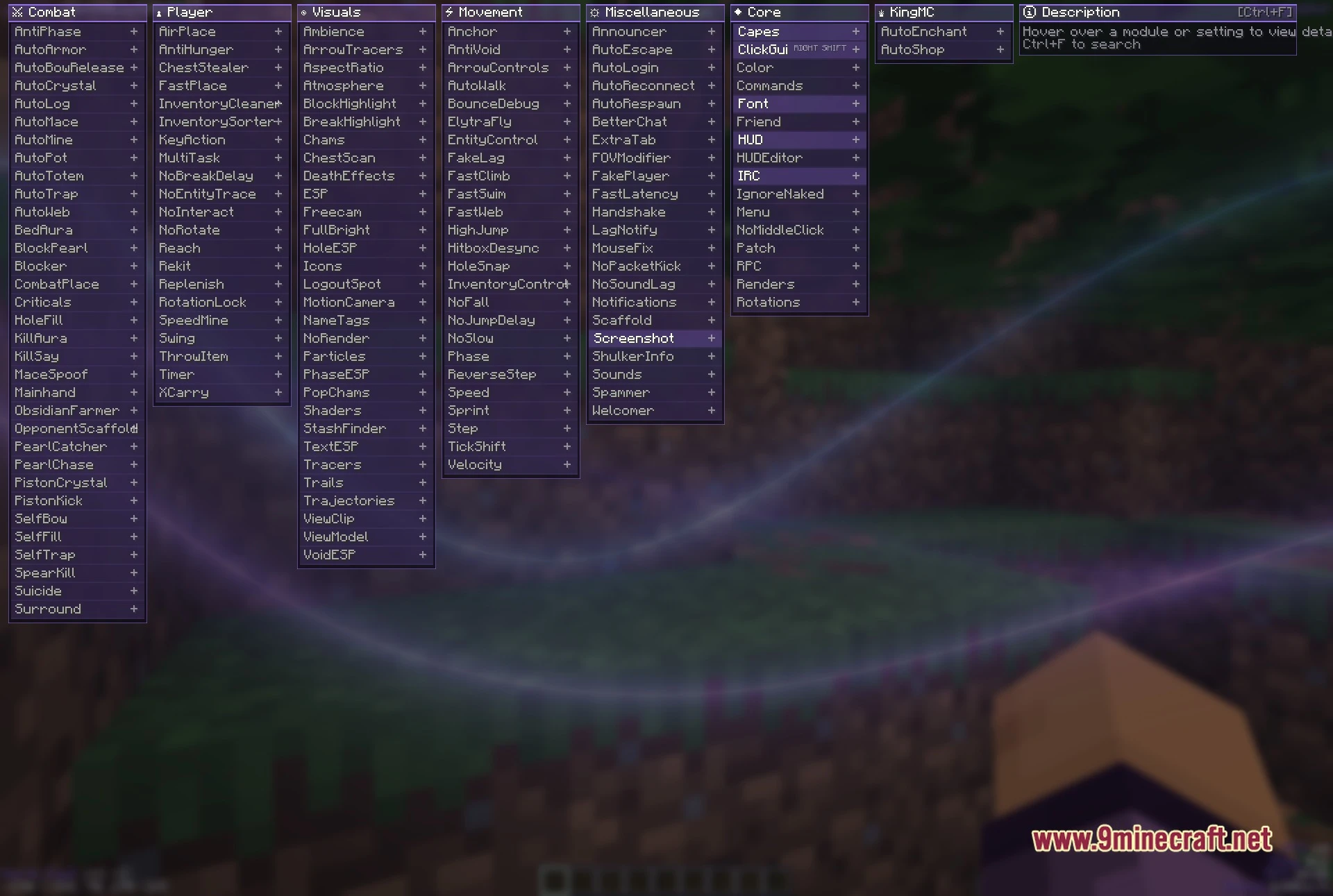
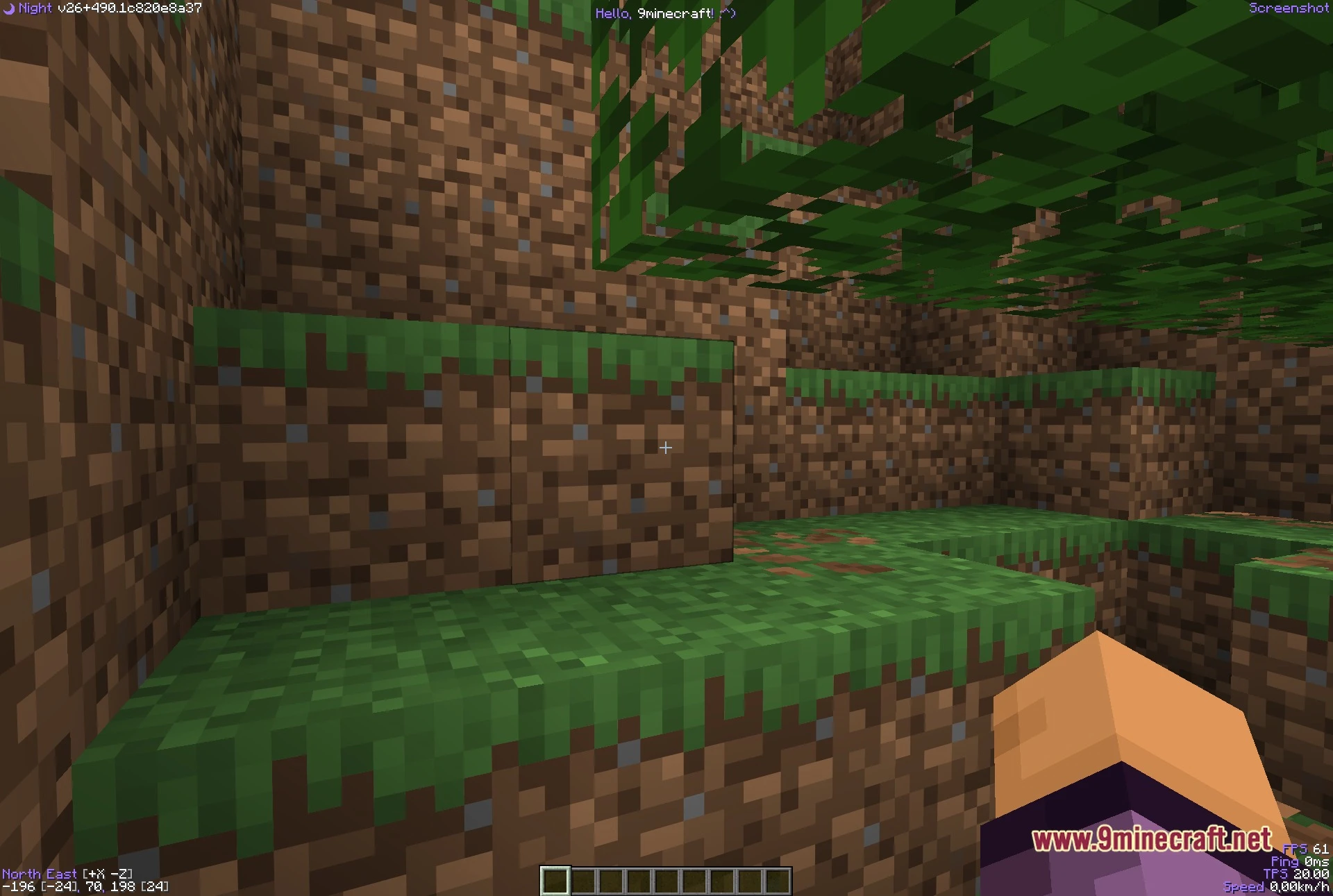
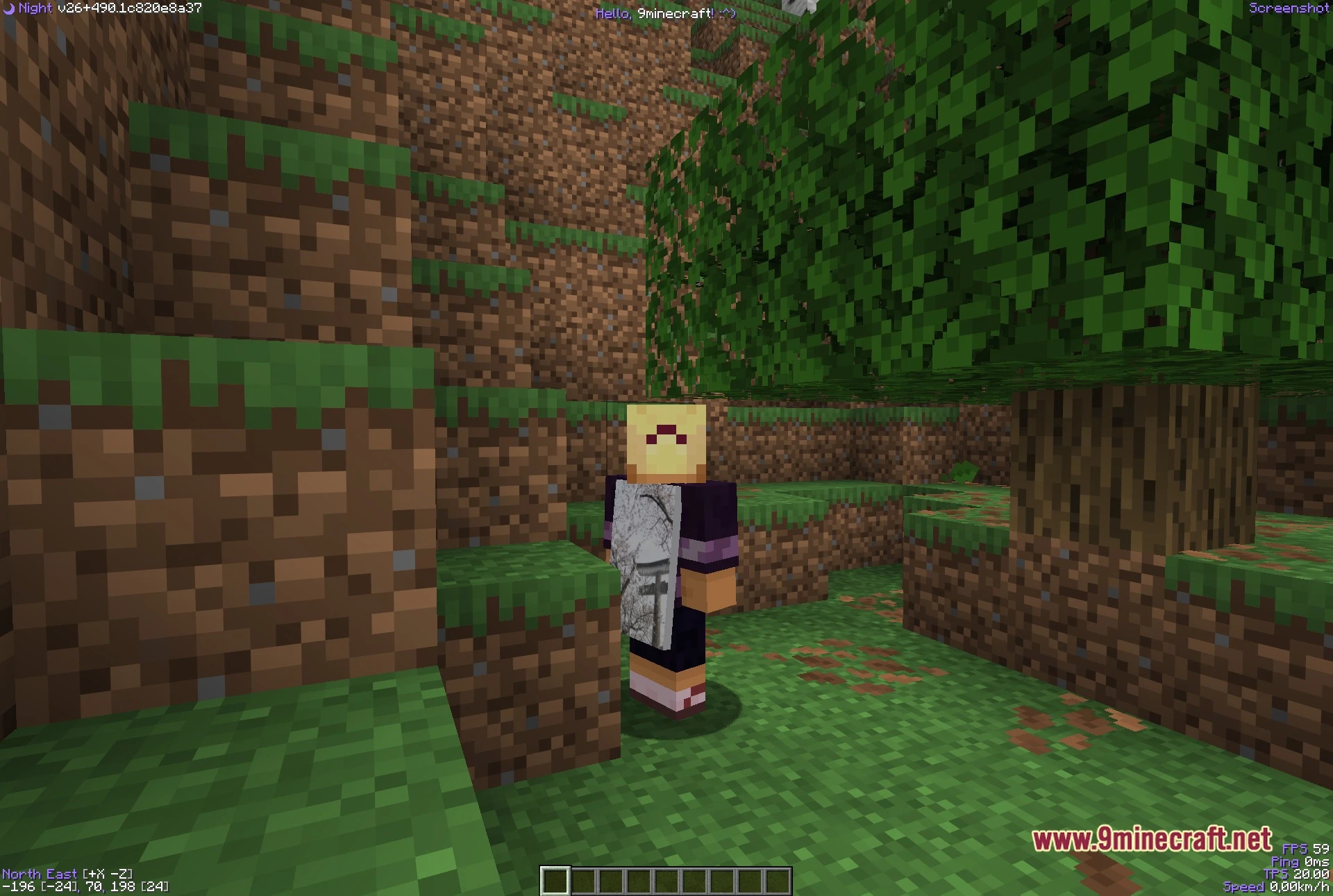
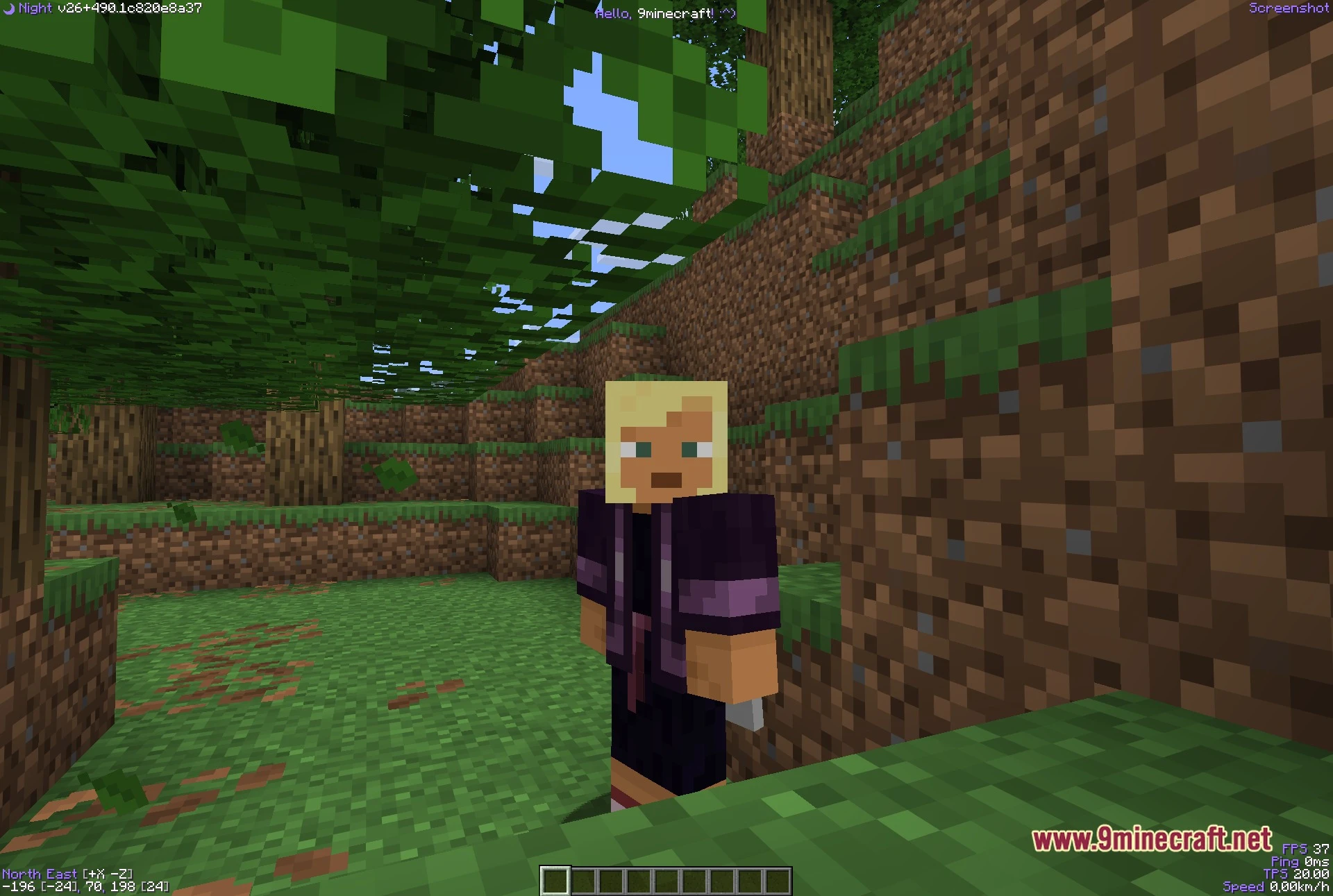
Night Client Mod equips you with a multi-column menu and utility tools built for crystal fighting, stash hunting, and anarchy servers. This mod organizes everything into clear screen categories so you can toggle settings quickly in battle. It adds a custom HUD that displays your ping, frame rate, server tick speed, and coordinates in real time. You also get a built-in account manager that lets you switch between profiles right in the game without closing your window.
Features:
- Multi-Column ClickGUI: Opens with the Right Shift key to show side-by-side categories and a module search bar.
- On-Screen HUD: Displays an active module list, compass heading, coordinates, ping, and server tick rates.
- Account Manager: Lets you sign in through your browser and switch between multiple game profiles on the fly.
- Provides dedicated tools for crystal placing, anchor fighting, and base raiding.
- Includes visual alerts and tracers to help find hidden stashes and player bases.
- Features automatic reconnection and chat tools to handle long multiplayer sessions.
Combat Modules:
- AutoCrystal
- AutoTotem
- KillAura
- Surround
- BedAura
- Criticals
Player Modules:
- FastPlace
- InventorySorter
- ChestStealer
- NoBreakDelay
- SpeedMine
- AntiHunger
Visuals Modules:
- FullBright
- ESP
- Tracers
- Freecam
- HoleESP
- StashFinder
Movement Modules:
- ElytraFly
- NoFall
- NoSlow
- Speed
- Sprint
- Velocity
Miscellaneous Modules:
- AutoReconnect
- AutoRespawn
- BetterChat
- Notifications
- ShulkerInfo
- Spammer
Core Modules:
- ClickGui
- Commands
- Friend
- HUD
- HUDEditor
- Rotations
How to Use:
- Press the Right Shift key on your keyboard to open the main ClickGUI menu.
- Click on any category column to view and toggle individual features.
- Press Ctrl + F inside the menu to search for specific modules by name.
- Hover your mouse over any module to read its description in the right-side panel.
Screenshots:
Night Client Mod Download Links
- Edition: Minecraft Java
- File type: .jar
- How to install: Install the matching mod loader (Forge, Fabric or NeoForge) for your Minecraft version. → Download the .jar. → Put it in the .minecraft/mods folder and launch that loader profile.
- Where to get it: Opens on the file's original source — not every file is mirrored on our own servers.
Install steps are the general flow for this file type — How to install Minecraft Java mods & modpacks walks through it step by step.
Night Client Mod (26.2) – Dominate Anarchy Servers and Crystal PvP is a free Minecraft Java mod. Download it and open it directly in the game.