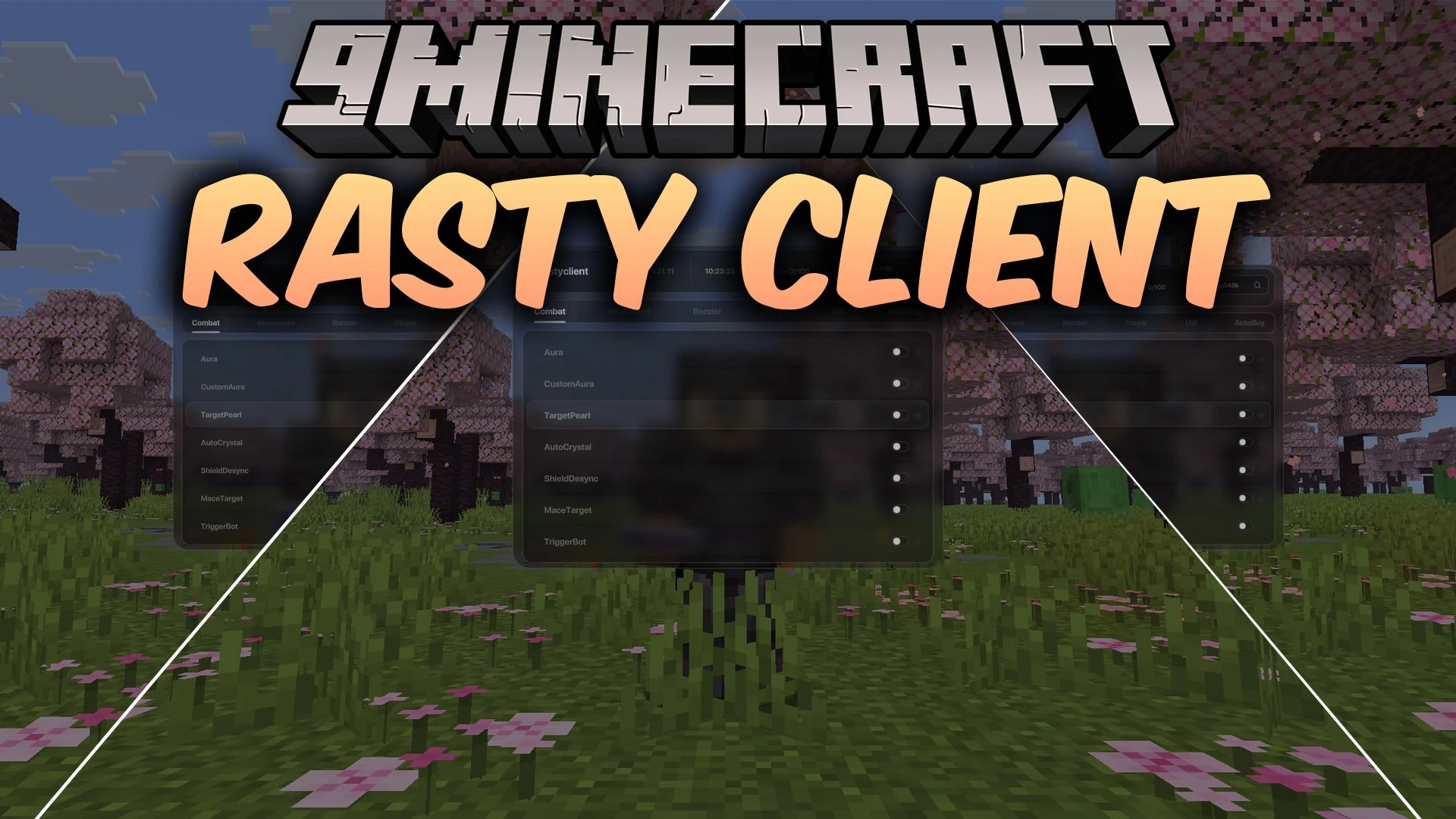
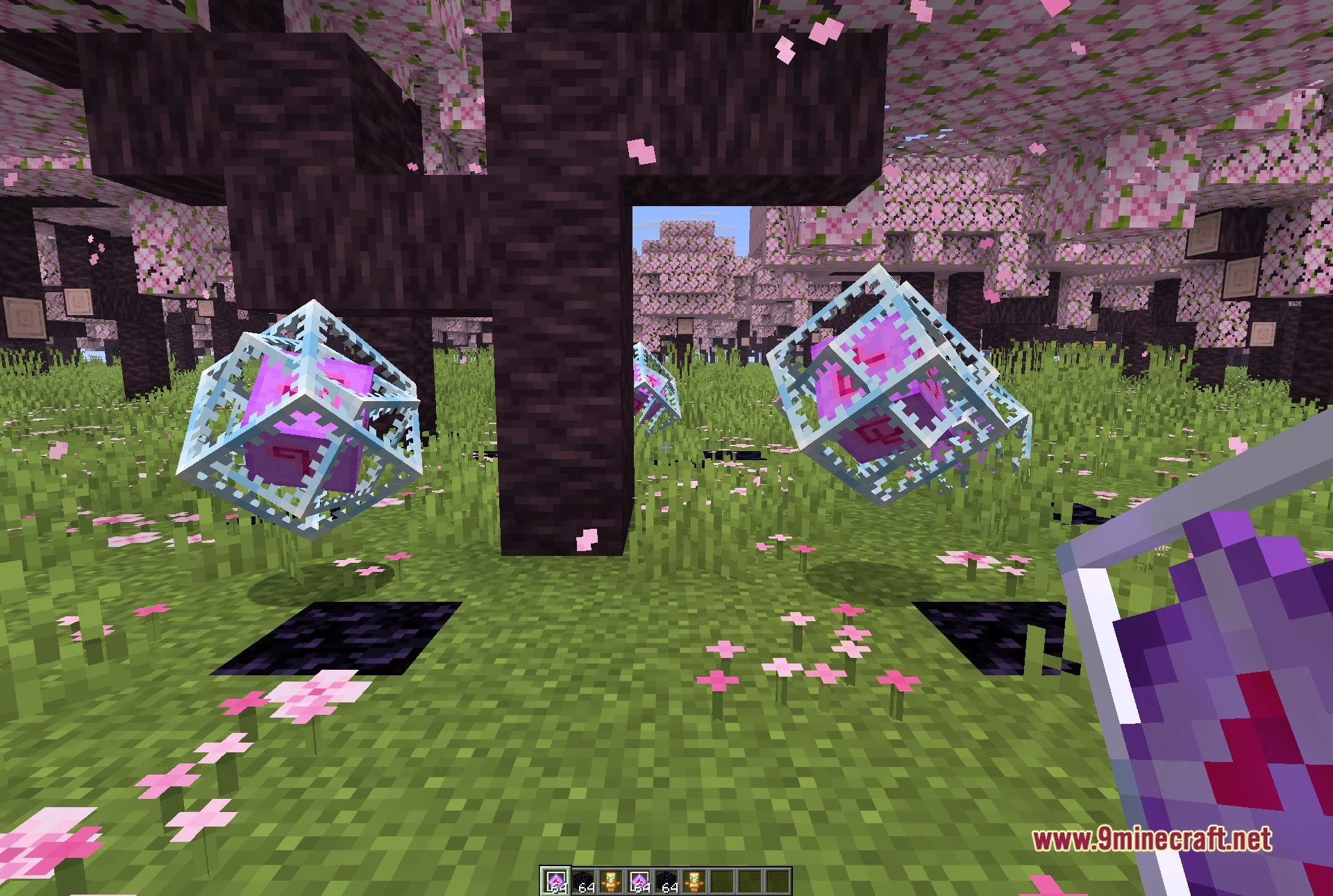
Rasty Client Mod provides a dedicated toolset for competitive Crystal PvP and anarchy servers. It packs one hundred modules into a clean, rounded interface for fast combat adjustments. Players can customize automated battle routines, alter flight physics, spot items through walls, and snipe shop listings instantly.
Features:
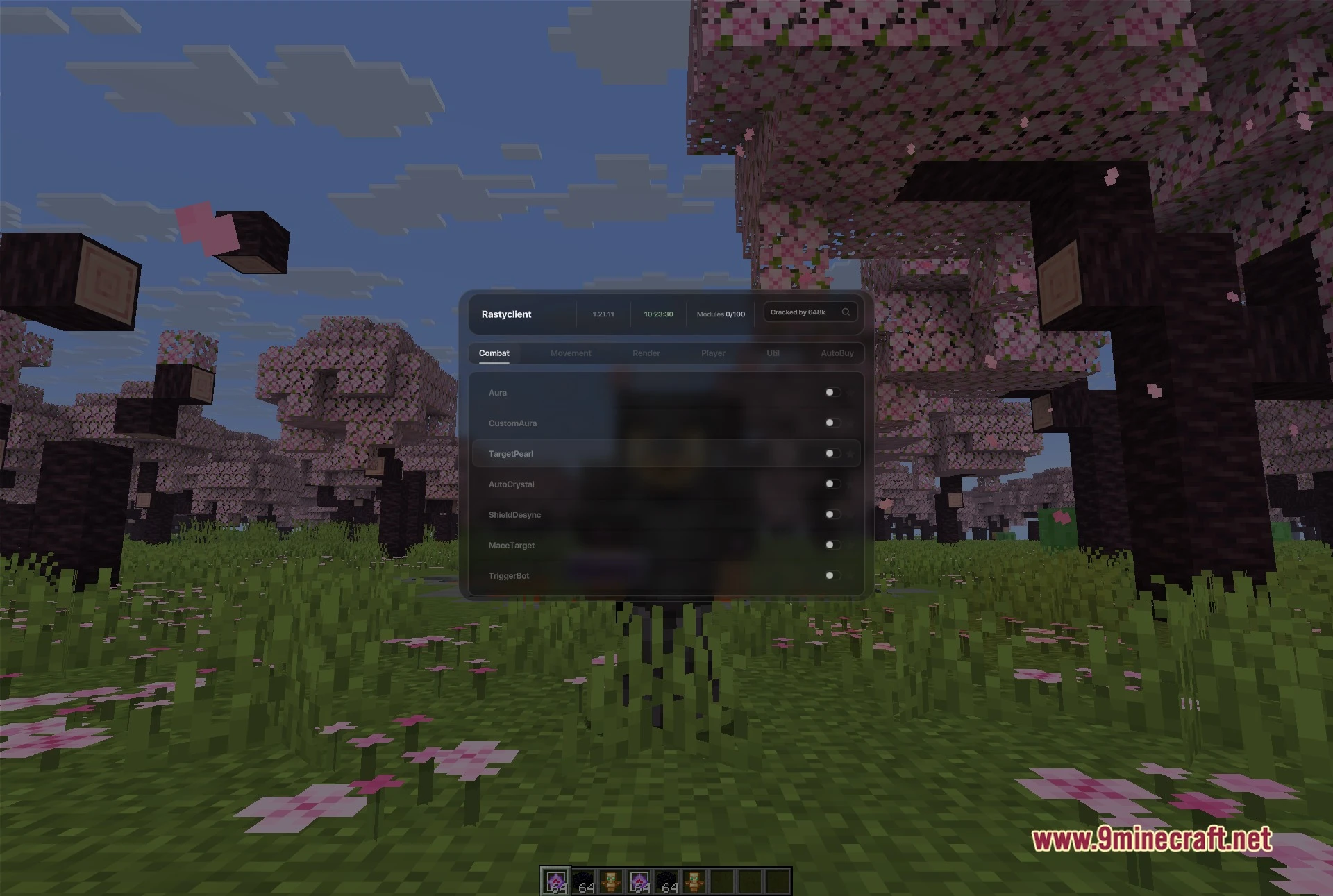
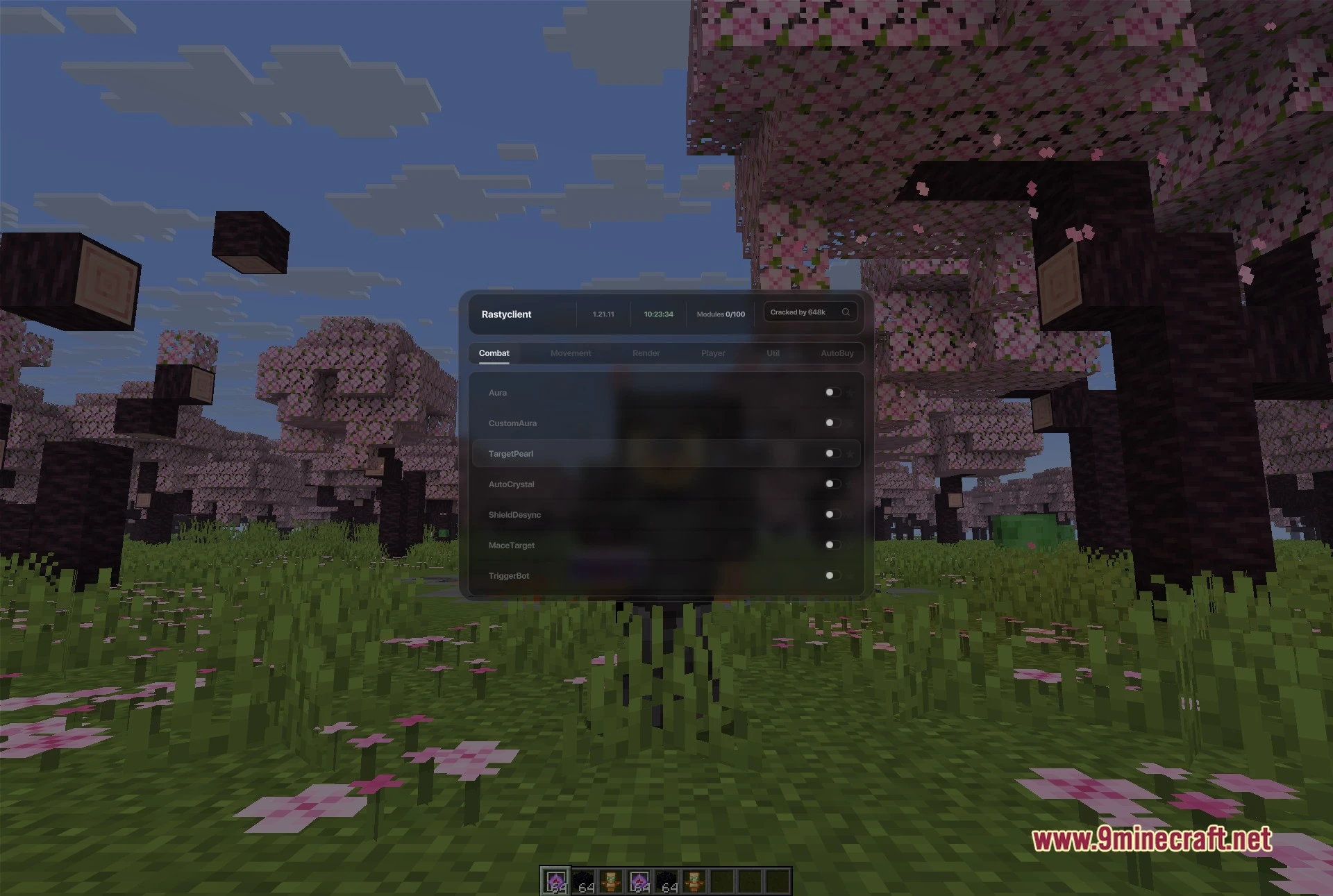
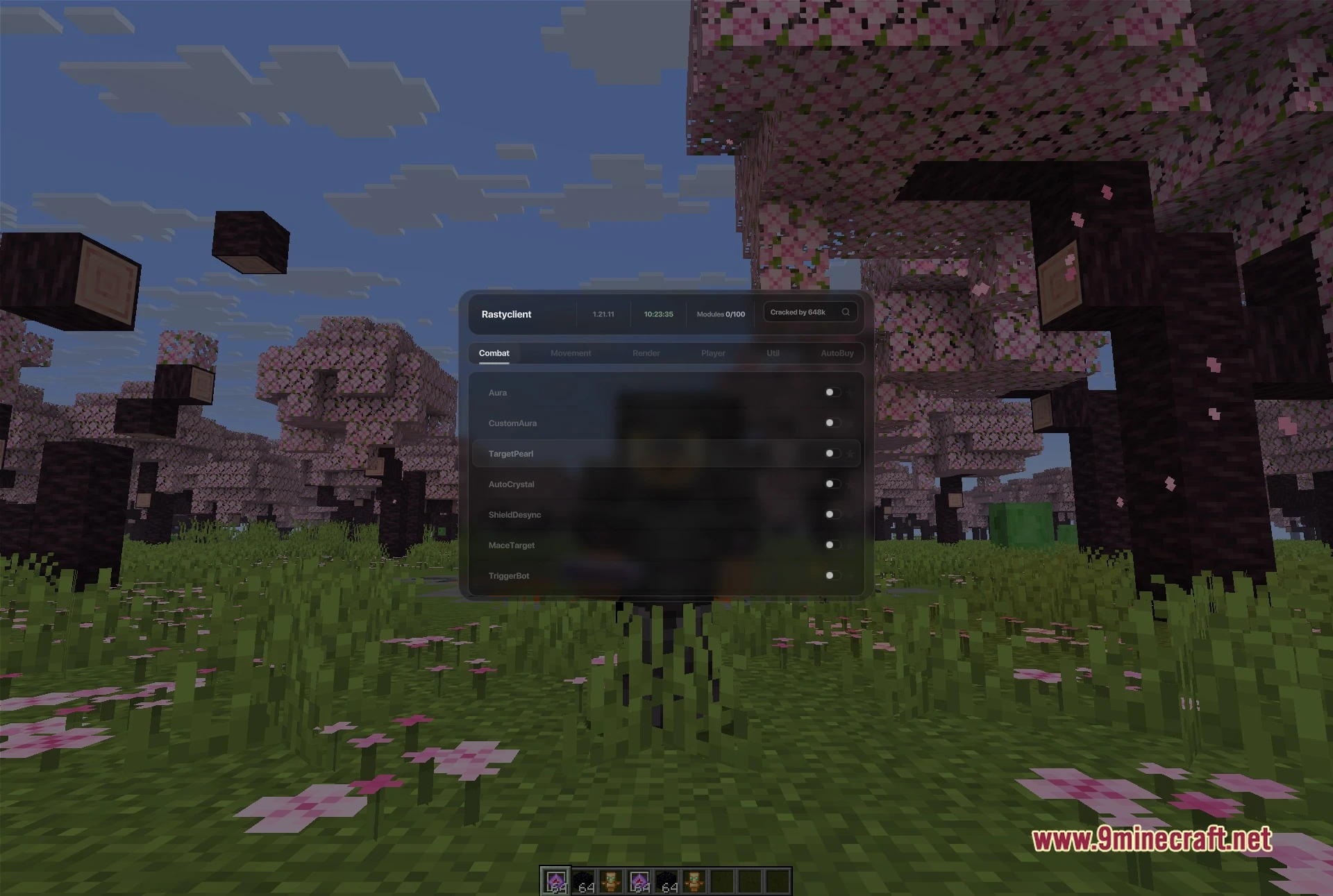
- Organized ClickGUI: Opens with a single keypress to show all category tabs, a search bar, and an active module counter.
- Quick Pin System: Lets you star key modules to place them at the top of the menu for fast access during fights.
- Automatic Server Detection: Recognises popular anarchy servers on join and swaps module presets to match server rules.
- Displays the client name, current game build, and local time on the top header bar.
- Contains one hundred toggleable options grouped into six dedicated categories.
- Includes an automated market sniper to buy listed auction items instantly.
Combat Modules:
- AutoCrystal places and breaks end crystals at rapid speeds during fights.
- Aura and CustomAura strike hostile entities automatically using customized reach and delay settings.
- TargetPearl aims and throws ender pearls directly toward tracked targets.
- ShieldDesync bypasses opponent shield blocks during fast combat exchanges.
- MaceTarget and TriggerBot deliver immediate weapon attacks when a target crosses your crosshair.
Movement Modules:
- ElytraFlight and ElytraMotion modify gliding momentum and control in open skies.
- ElytraTarget steers flight direction automatically toward locked opponents.
- GrimGlide adjusts player glide movement to avoid velocity rollbacks.
- NoClip, NoSlow, and NoWeb prevent slowdown from cobwebs, held items, and blocks.
- Velocity reduces or removes incoming knockback from attacks and explosions.
Render Modules:
- ESP displays visible outlines around players and storage containers through blocks.
- Chams applies bright color models to enemies hidden behind walls.
- Tracers draws visible target lines from your screen center to nearby players.
- Full Bright clears away world darkness and shadows completely.
- Custom block outlines highlight focused blocks with selected colors.
Player Modules:
- NameProtect replaces your real username with a custom tag on screen.
- NoPush stops other entities and moving fluids from pushing your character.
- Unhook disconnects selected client functions inside guarded server zones.
- Inventory helpers assist with fast armor swaps and item sorting in combat.
Util Modules:
- Server detection matches known anarchy server addresses to switch configuration profiles.
- RegionExploit checks world data to track chunk parameters.
- Skin manager loads and swaps custom character skins in-game.
- Subscription reminder overlay shows remaining active tier time on your screen.
AutoBuy Modules:
- Custom network handler inspects incoming server shop packets in real time.
- Auction sniper monitors marketplace listings and purchases target items immediately.
- Filters items by set names, custom price ceilings, and stack counts.
- Sends rapid purchase packets before rival buyers can click the listing.
How to Use:
- Press Right Shift in-game to open the main menu screen.
- Select one of the six tabs at the top or type a module name into the search bar.
- Click the toggle switch on the right side of any module row to turn it on or off.
- Click the star icon next to any module to pin it to your favorites list.
Screenshots:
Rasty Client Mod Download Links
Quick facts
- Edition: Minecraft Java
- File type: .jar
- Minecraft version listed: 1.21.11
- How to install: Install the matching mod loader (Forge, Fabric or NeoForge) for your Minecraft version. → Download the .jar. → Put it in the .minecraft/mods folder and launch that loader profile.
- Where to get it: In MC Java Mods, or directly above on this page.
Install steps are the general flow for this file type — How to install Minecraft Java mods & modpacks walks through it step by step.
Verified by MCModsHub
- Downloads as 519754.mcaddon
- Download size: 9.3 MB
- Download link checked 2 Oct 2026 — working
- Mirrored on our own servers — the download does not depend on the original host
These come from our own check of the pack file, not from the source page.