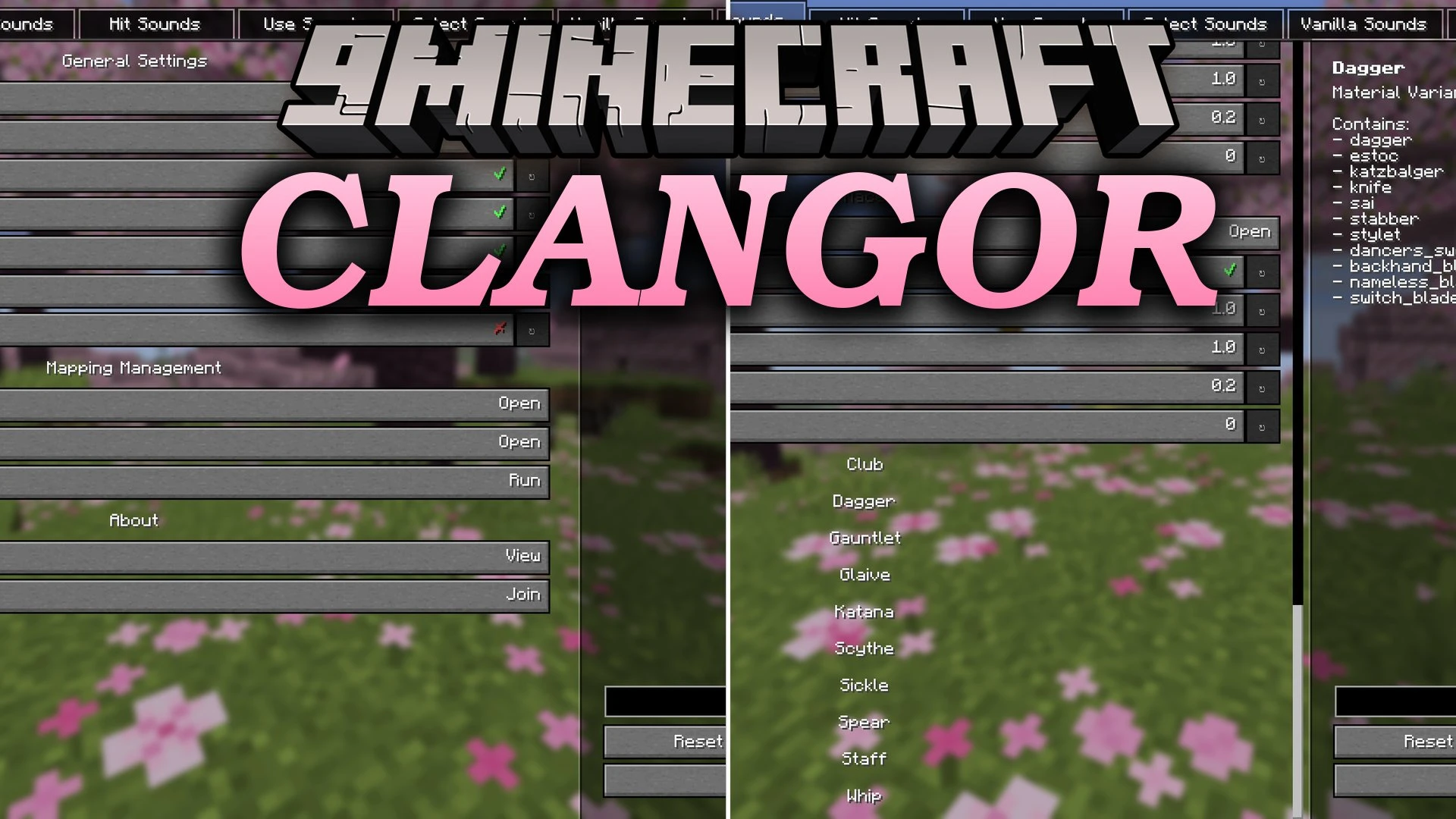


Clangor Mod brings a customizable sound framework to weapons, tools, and actions in Minecraft. You can assign audio files directly to swings, hits, item uses, and hotbar swaps without complex setups. The mod recognizes both vanilla gear and modded equipment automatically based on item categories and materials.
Features:
- Adds custom sound support for tool and weapon swing motions.
- Lets you set unique hit impact sounds for every weapon, tool, or empty fist.
- Plays custom audio when drawing bows, charging tridents, or using items.
- Triggers distinct audio feedback whenever you switch items in your hotbar.
- Overrides default vanilla sound events for armor equipping, shooting, blocking, and item pickups.
- Automatically categorizes standard weapons and tools across wood, stone, iron, gold, diamond, netherite, and copper.
- Includes an in-game mapping screen to link unlisted modded weapons to custom sound groups.
- Exports your configured audio folders directly into shareable resource pack zip files.
- Supports dual-wield swing sounds when running alongside combat mods.
Commands:
/clangor export: exports your current sound folder setup into a shareable resource pack file.
How to Use:
- Press F12 to open the main configuration menu.
- Select your desired item category and open its audio folder.
- Drop your mono .ogg audio files directly into the folder.
- Press F3 + T in game to reload textures and audio.
- Press V to open the mapping screen if you want to assign custom modded items to specific sound groups.
Screenshots:
Clangor Mod Download Links
Quick facts
- Edition: Minecraft Java
- File type: .jar
- Minecraft version listed: 1.20.1
- How to install: Install the matching mod loader (Forge, Fabric or NeoForge) for your Minecraft version. → Download the .jar. → Put it in the .minecraft/mods folder and launch that loader profile.
- Where to get it: In MC Java Mods, or directly above on this page.
Install steps are the general flow for this file type — How to install Minecraft Java mods & modpacks walks through it step by step.
Verified by MCModsHub
- Downloads as 519988.mcaddon
- Download size: 131 KB
- Download link checked 2 Oct 2026 — working
- Mirrored on our own servers — the download does not depend on the original host
These come from our own check of the pack file, not from the source page.