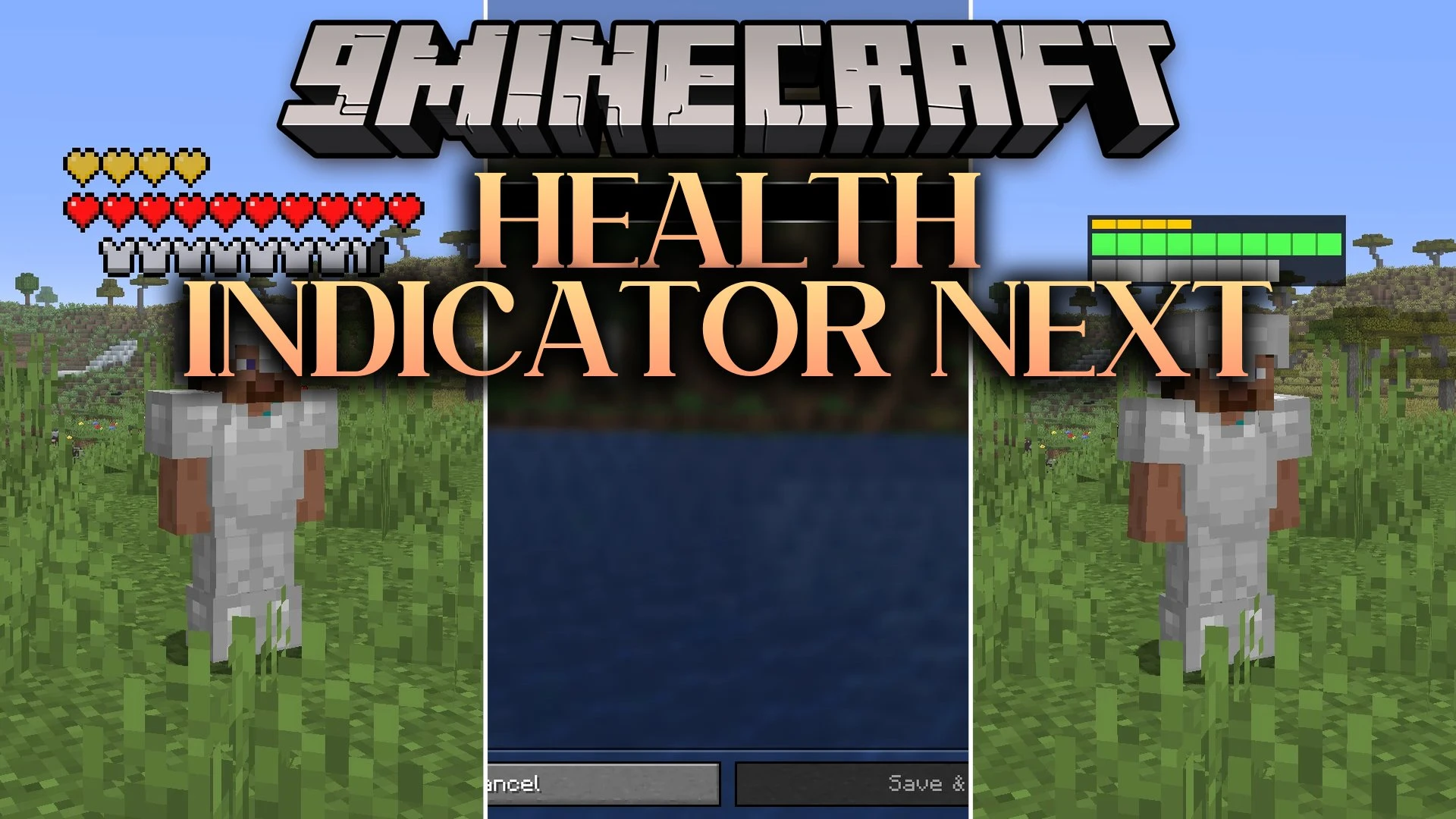


Health Indicator Next Mod puts clear health and armor meters directly above living mobs and players in your world. This client mod lets you track enemy status at a glance using classic hearts, numbers, or status bars. You can customize the look, colors, and visibility rules to match your combat needs without cluttering your screen.
Features:
- Three Display Styles: Choose between classic heart icons, simple numeric values, or clean status bars.
- Armor Tracking: Displays equipped defense values alongside regular hit points.
- Shows extra protection layers like golden absorption hearts in their own row.
- Changes icon colors when mobs suffer from poison, wither, or freezing status effects.
- Shakes and flashes warning colors when a target drops to critical health levels.
- Keeps invisible mobs hidden unless they put on pieces of armor.
- Caps long heart rows on tough bosses with a simple counter number.
- Hides meters until you look directly at a target or hit it in battle.
- Lets you set custom colors for fills, text, and background boxes.
- Includes separate blacklist filters for specific mob types and player names.
Display Modes:
- Icons mode: shows vanilla-style heart and shield rows above targets.
- Numeric mode: shows exact health values or current and maximum hit point numbers.
- Bar mode: displays filled progress bars with optional labels and segments.
How to Use:
- Press H in-game to toggle the health indicator overhead.
- Press J to show or hide the armor indicator.
- Press I to open the mod settings menu and adjust colors, scales, and offsets.
- Use Page Up or Page Down to move the position of the indicator bars higher or lower.
- Rebind any of these shortcuts inside the standard Controls menu if needed.
Screenshots:
Health Indicator Next Mod Download Links
Quick facts
- Edition: Minecraft Java
- File type: .jar
- Minecraft version listed: 1.21.1
- How to install: Install the matching mod loader (Forge, Fabric or NeoForge) for your Minecraft version. → Download the .jar. → Put it in the .minecraft/mods folder and launch that loader profile.
- Where to get it: In MC Java Mods, or directly above on this page.
Install steps are the general flow for this file type — How to install Minecraft Java mods & modpacks walks through it step by step.
Verified by MCModsHub
- Downloads as 519989.mcaddon
- Download size: 443 KB
- Download link checked 2 Oct 2026 — working
- Mirrored on our own servers — the download does not depend on the original host
These come from our own check of the pack file, not from the source page.