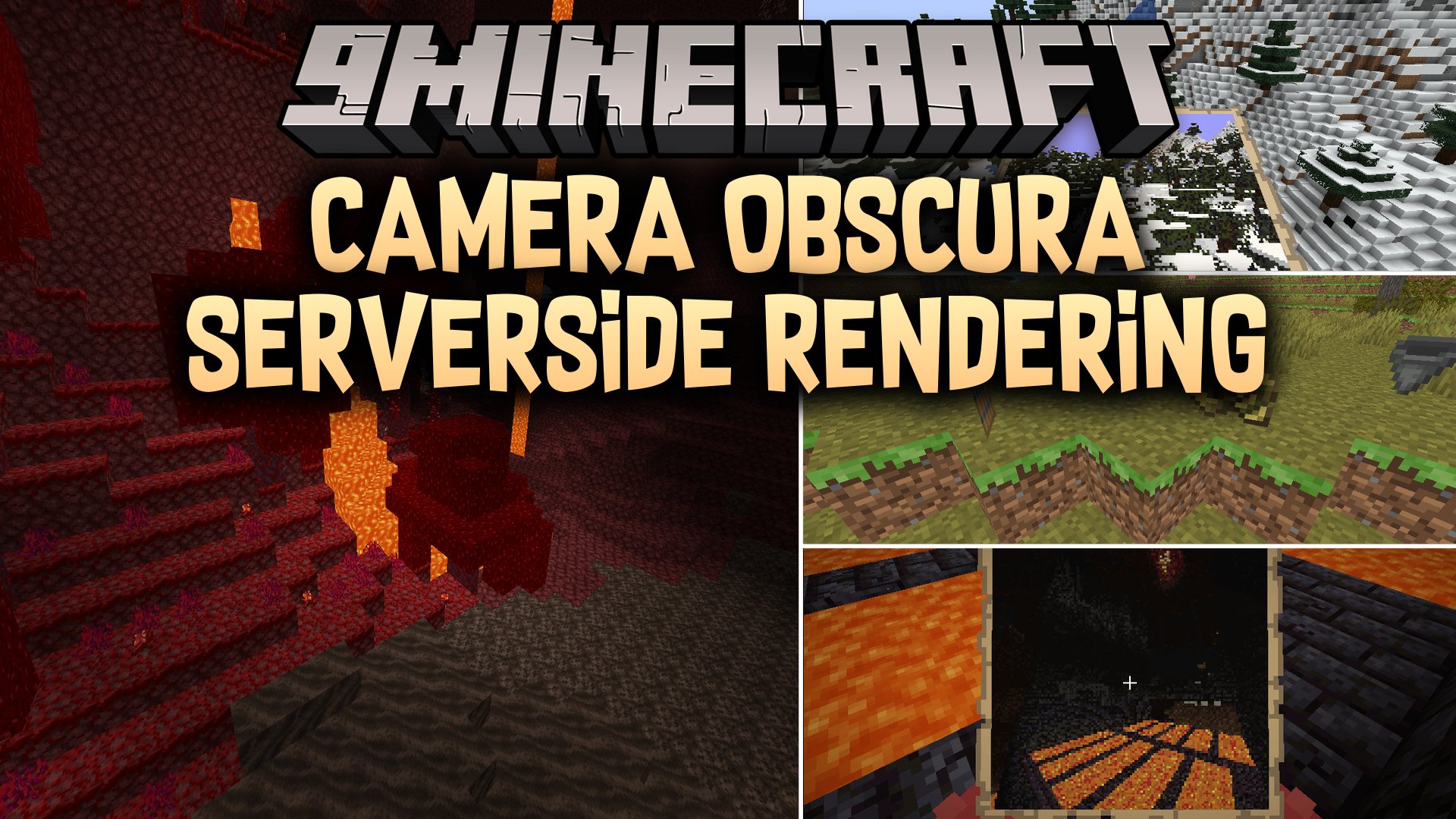


Camera Obscura Serverside Rendering Mod lets you take pictures of your Minecraft world directly onto in-game map items. The mod renders every shot on the server using raycasting, so players joining your world do not need to install any client-side files. You can capture landscapes, base builds, or friends and turn them into wall art or save them as PNG image files.
Features:
- Server-Side Raycasting: Renders high-quality scenes on the server without requiring client mod setups.
- In-Game Photo Maps: Turns captured views directly into filled map items that you can hang inside item frames.
- Adds a camera tool based on the spyglass to take pictures in survival or creative mode.
- Allows saving full-resolution PNG images directly to the server files.
- Supports multi-map scaling up to 3×3 maps or high-resolution PNG exports up to 1280×1280 pixels.
- Includes custom settings for field of view, render distance, and lighting options.
- Features experimental entity rendering to capture mobs and players in photos.
Configuration:
renderDistance: Sets the block render distance for the camera raycaster.showSystemMessages: Toggles in-game system messages when taking a photo via command.renderEntities: Enables experimental rendering of nearby mobs and players.renderEntitiesAmount: Limits the maximum number of entities rendered in one photo.fullbright: Ignores lighting levels to render everything at maximum brightness.fov: Adjusts the camera field of view between 30 and 110 degrees.biomeBlend: Controls color blending between different biomes.cameraItem: Chooses which vanilla item serves as the camera base model.cameraConsumesItem: Determines whether taking a photo consumes an item.cameraConsumeItem: Specifies the item consumed when capturing a picture.commandPermissionLevel: Sets the required permission level to use camera commands.
Commands:
/camera-obscura: Takes a picture from the player view and gives them the resulting map item./camera-obscura <scale>: Takes a picture from the viewpoint of a target entity with optional scaling up to 3×3 maps./camera-obscura save: Takes a picture and saves it directly to the server renders folder as a PNG file./camera-obscura save <Entity> <scale>: Saves a PNG render from a target entity with optional scaling up to 10x./camera-obscura clear-cache: Clears cached textures, resource pack models, and render data.
How to Use:
- Hold the camera item in your main hand.
- Keep an empty map in your inventory if item consumption is enabled.
- Aim at the scene you want to capture and right-click to take a photo.
- Receive the rendered map item and place it in an item frame to display your photo.
- Use
/camera-obscura savein chat to save photos directly to your server folder as PNG files.
Screenshots:
Camera Obscura Serverside Rendering Mod Download Links
Quick facts
- Edition: Minecraft Java
- File type: .jar
- Minecraft version listed: 1.21.1
- How to install: Install the matching mod loader (Forge, Fabric or NeoForge) for your Minecraft version. → Download the .jar. → Put it in the .minecraft/mods folder and launch that loader profile.
- Where to get it: In MC Java Mods, or directly above on this page.
Install steps are the general flow for this file type — How to install Minecraft Java mods & modpacks walks through it step by step.
Verified by MCModsHub
- Downloads as 519991.mcaddon
- Download size: 910 KB
- Download link checked 2 Oct 2026 — working
- Mirrored on our own servers — the download does not depend on the original host
These come from our own check of the pack file, not from the source page.