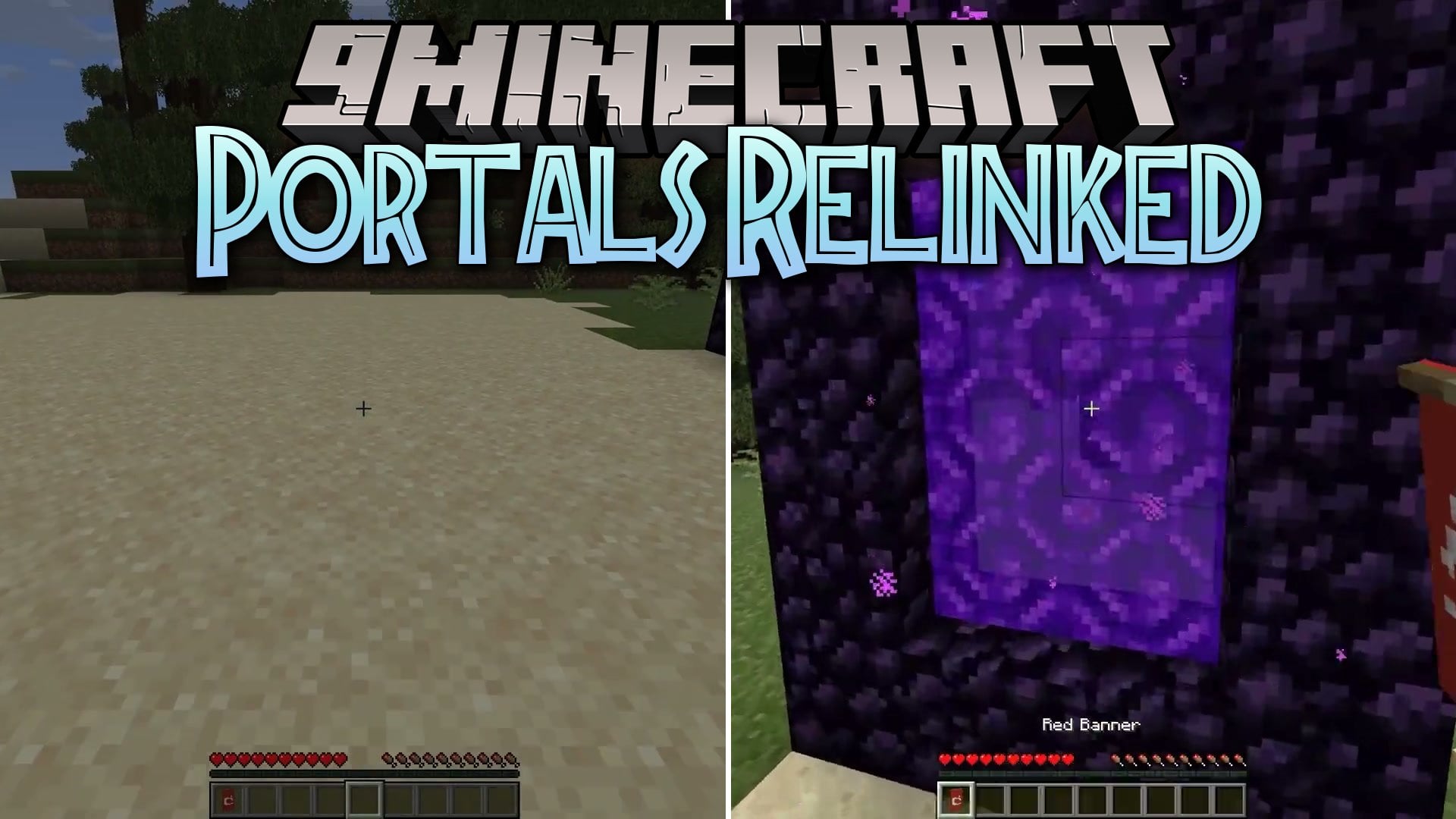


Portals Relinked Mod adds color-coded linking for Nether portals using regular dye items. You can connect two matching portals directly across dimensions or within the same realm. Standard uncolored portals keep their default behavior until you change their color. Using purple dye clears the link and restores normal travel rules.
Features:
- Links two portals directly when both share the exact same dye color.
- Works for travel inside a single dimension or between different dimensions.
- Limits each dye color to a single pair of connected gateways.
- Restores default portal travel when applying purple dye to an active colored frame.
- Leaves regular uncolored Nether portals untouched for standard vanilla travel.
Portals Relinked Mod – Video Showcase
How to Use:
- Build and light a standard Nether portal with obsidian and flint and steel.
- Right-click the portal frame blocks with your chosen dye item to apply color.
- Build a second portal in any location or dimension and apply the identical dye color.
- Step inside either portal to travel directly to its matching colored partner.
- Apply purple dye to either portal if you want to remove the custom link.
Screenshots:
Portals Relinked Mod Download Links
Quick facts
- Edition: Minecraft Java
- File type: .jar
- Minecraft version listed: 1.20.1
- How to install: Install the matching mod loader (Forge, Fabric or NeoForge) for your Minecraft version. → Download the .jar. → Put it in the .minecraft/mods folder and launch that loader profile.
- Where to get it: In MC Java Mods, or directly above on this page.
Install steps are the general flow for this file type — How to install Minecraft Java mods & modpacks walks through it step by step.
Verified by MCModsHub
- Downloads as 519996.mcaddon
- Download size: 55 KB
- Download link checked 2 Oct 2026 — working
- Mirrored on our own servers — the download does not depend on the original host
These come from our own check of the pack file, not from the source page.