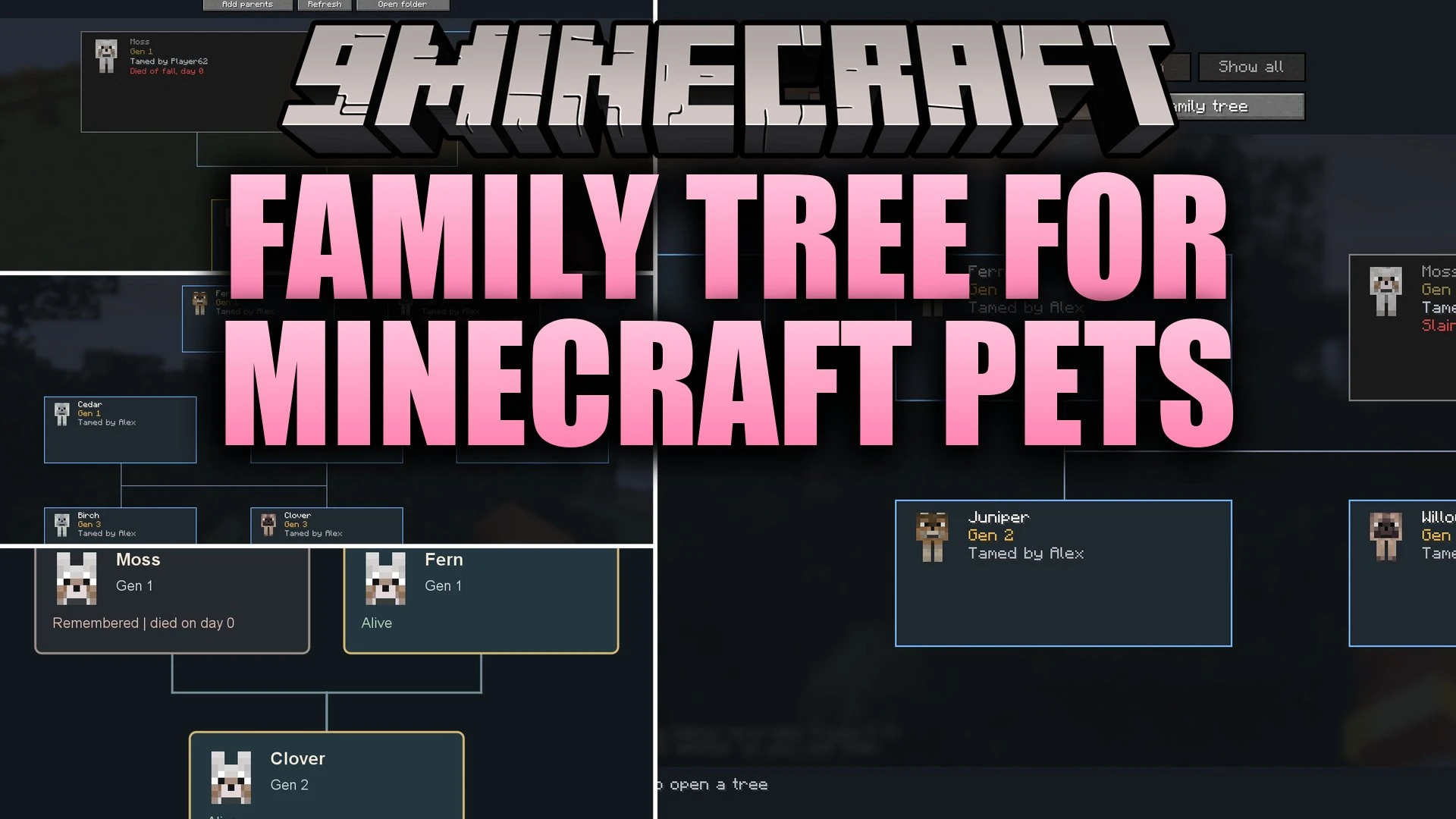


Family Tree for Minecraft Pets Mod tracks the lineage, parents, and children of your tamed companions. It remembers your animals even after they pass away, so their legacy stays in the family history forever. You can quickly check where lost pets were last seen, search through your animal records, and save pictures of their full lineage directly to your computer.
Features:
- Pet Lineage Tracking: Records parents, children, and generations for your tamed companions.
- Death History: Keeps fallen pets inside the lineage view so their memory remains.
- Pet Finder: Shows the last known coordinates and dimension of lost animals in chat.
- Works with tamed wolves, cats, parrots, horses, donkeys, mules, and llamas.
- Allows you to link parents manually through the screen or by using a stick renamed to familytree.
- Automatically records new babies when you breed two animals in your world.
- Displays custom portraits matching the exact coat colors of wolves and cats.
- Exports full family tree pictures as PNG image files to your screenshots folder.
- Includes a search bar and status filters to quickly find living or deceased animals.
How to Use:
- Press H to open the pet menu.
- Click Find existing pets to load nearby tamed animals into the list.
- Select a pet and choose Add parents to set its family manually, or breed pets to record babies automatically.
- Click Locate pet to view the animal’s last recorded coordinates and dimension in chat.
- Select Export family tree to save an image of the lineage into your screenshots folder.
Configuration:
viewPolicy=EVERYONE_ALL: lets all players on a server browse pet families without sharing private coordinates or editing rights.
Screenshots:

Family Tree Download Links
Quick facts
- Edition: Minecraft Java
- File type: .jar
- Minecraft version listed: 1.21.1
- How to install: Install the matching mod loader (Forge, Fabric or NeoForge) for your Minecraft version. → Download the .jar. → Put it in the .minecraft/mods folder and launch that loader profile.
- Where to get it: In MC Java Mods, or directly above on this page.
Install steps are the general flow for this file type — How to install Minecraft Java mods & modpacks walks through it step by step.
Verified by MCModsHub
- Downloads as 520002.mcaddon
- Download size: 349 KB
- Download link checked 2 Oct 2026 — working
- Mirrored on our own servers — the download does not depend on the original host
These come from our own check of the pack file, not from the source page.