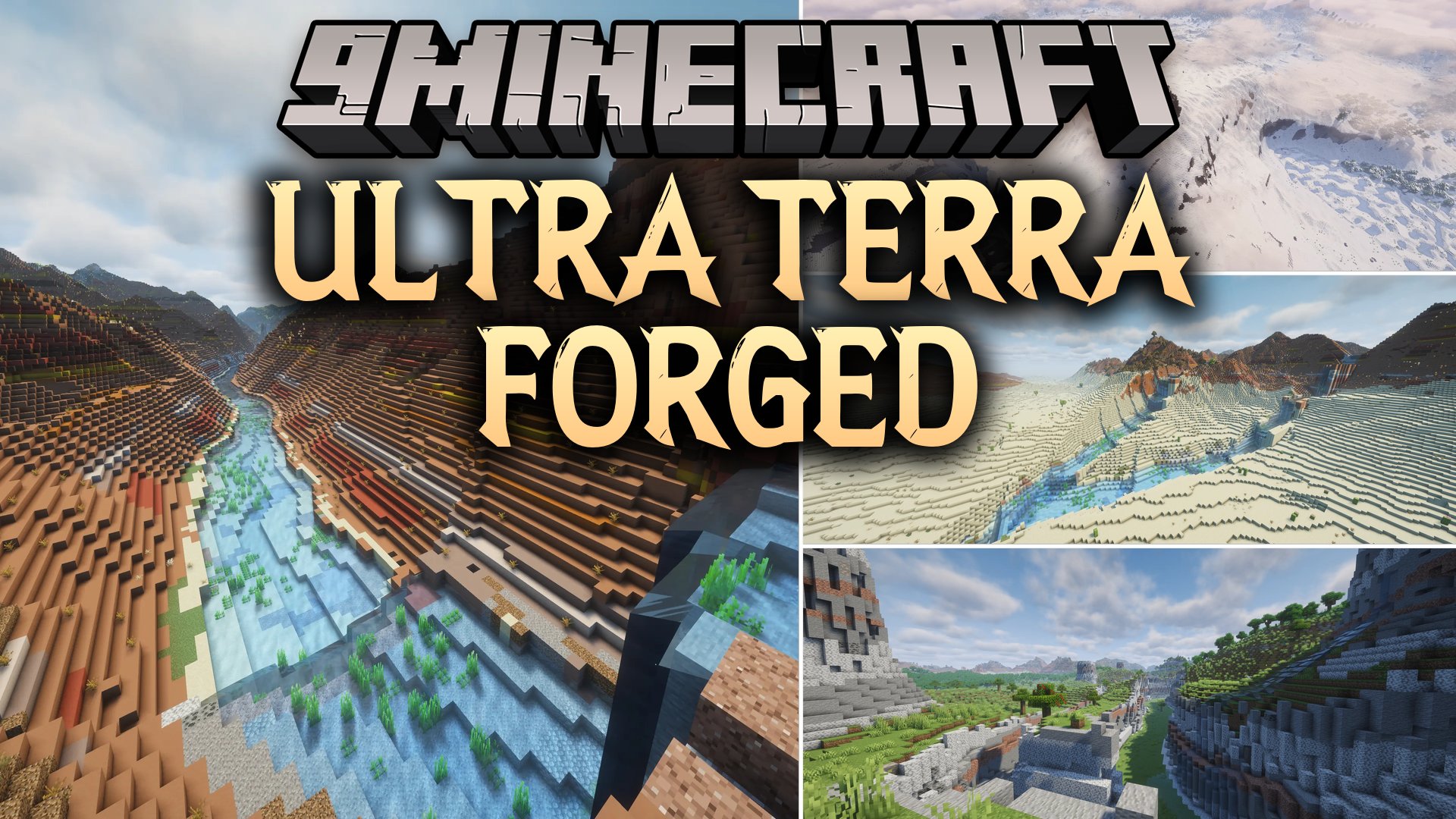


Ultra Terra Forged Mod generates realistic landforms, winding rivers, and detailed ocean floors in Minecraft. It continues the work of older world generator projects to create believable continents, mountain ranges, and deep caves. The mod only changes how the land shapes without adding new biomes, so you can pair it with your favorite biome mods. Players can customize every detail or choose from pre-made world presets.
Features:
World Generation:
- Forms realistic continents, mountain ranges, canyons, and glacial valleys across your world.
- Adds natural coastlines with sea cliffs, peninsulas, bays, and barrier islands.
- Fills ocean floors with trenches, coral reefs, submarine canyons, and sandy drop-offs.
- Carves out natural cave networks, lava tubes, and large underground caverns based on the surface shape.
- Adjusts the snow line on mountains so snow sits lower on north-facing slopes.
Rivers and Water:
- Rivers wind across the terrain naturally instead of cutting straight lines.
- Water bodies can sit high in the mountains and flow down through waterfalls.
- Riverbeds change materials based on surroundings, placing gravel in mountains and sand in lowlands.
- Carves deep gorges where rivers cut through high hills and mountains.
Customization and Tools:
- Includes a Terrain tab in the world creation menu with presets and sliders.
- Shows a live preview map that displays biomes and elevation while adjusting settings.
- Provides presets such as Archipelago, Supercontinent, Highlands, and Frozen North.
- Lets you share custom settings with other players using short preset codes.
Commands:
/utf locate <terrain>: Finds the nearest terrain feature and places you on its surface.
How to Use:
- Click Singleplayer and choose to create a new world.
- Open the Terrain tab to select a world preset or adjust terrain sliders.
- Check the live preview map to see how your changes look.
- Create the world and start exploring the newly shaped terrain.
Screenshots:

Ultra Terra Forged Mod Download Links
Quick facts
- Edition: Minecraft Java
- File type: .jar
- Minecraft version listed: 1.20.1
- How to install: Install the matching mod loader (Forge, Fabric or NeoForge) for your Minecraft version. → Download the .jar. → Put it in the .minecraft/mods folder and launch that loader profile.
- Where to get it: In MC Java Mods, or directly above on this page.
Install steps are the general flow for this file type — How to install Minecraft Java mods & modpacks walks through it step by step.
Verified by MCModsHub
- Downloads as 520013.mcaddon
- Download size: 1.7 MB
- Download link checked 2 Oct 2026 — working
- Mirrored on our own servers — the download does not depend on the original host
These come from our own check of the pack file, not from the source page.