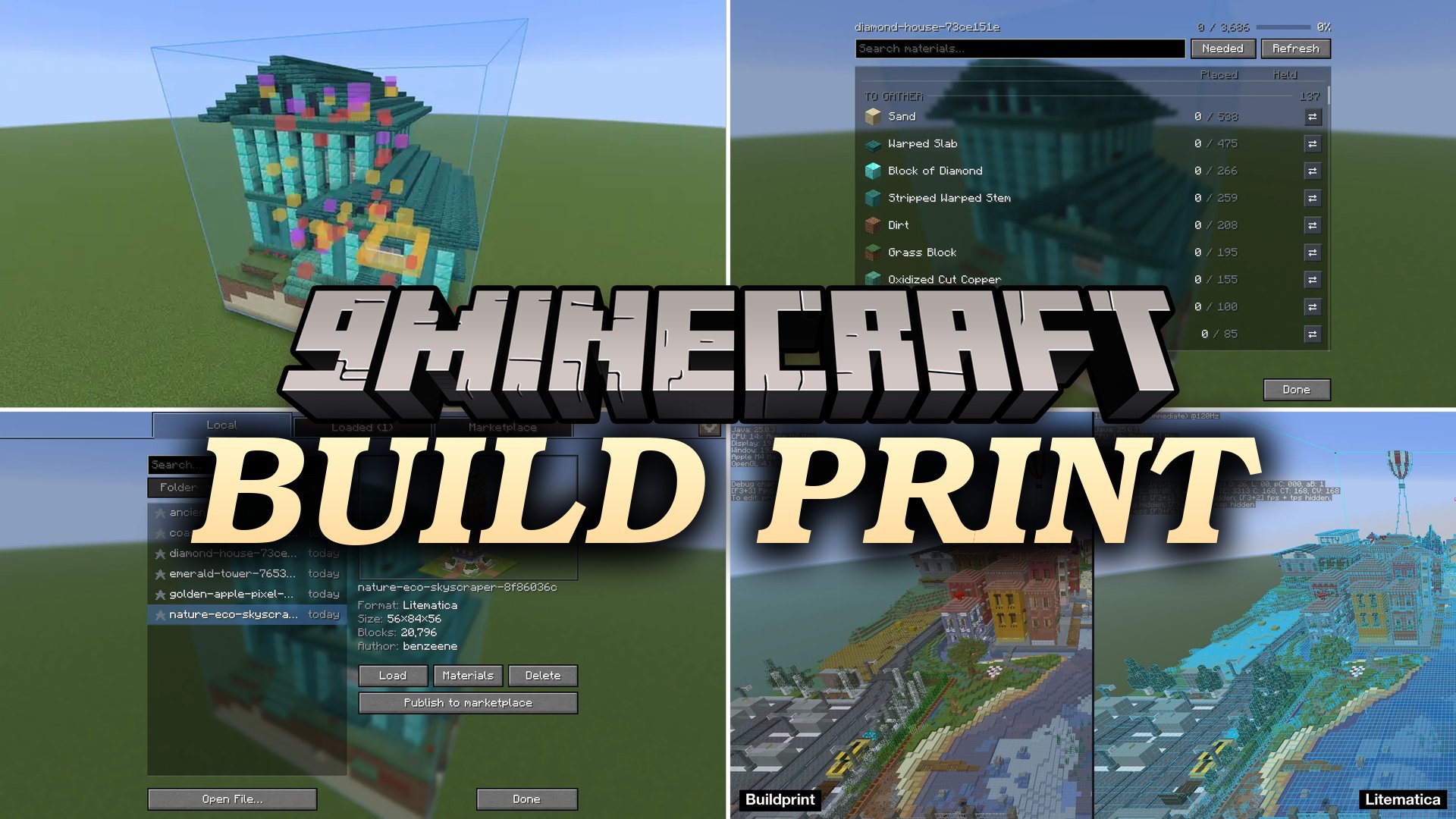


Build Print Mod projects holographic blueprints directly into your world to help you construct any structure block by block. This mod highlights missing blocks, fixes rotations, and tracks your required materials as you place them. You can place blocks quickly with assisted placement tools or let the built-in printer construct the project automatically. It works with many standard schematic formats and lets friends view the same project together without server plugins.
Features:
- Displays ghost projections of schematics directly in your world with real block models.
- Highlights missing, misplaced, rotated, and extra blocks using distinct color overlays.
- Tracks all required blocks with an active material list that updates while you build.
- Equips you with an easy place tool that pulls matching blocks from your inventory and fixes their placement angles.
- Includes an automated printer mode that places blocks layer by layer within normal player reach.
- Lets you isolate and construct specific slices of a project using the layer view.
- Pastes blueprints instantly in Creative mode with full undo functionality.
- Lets you swap specific materials across the entire blueprint without altering the original file.
- Displays ghost contents inside chests, hoppers, and barrels with a button to fill them from your inventory.
- Includes a free-camera editor to select, rotate, resize, and save structures into local blueprint files.
- Features a built-in file manager with 3D previews and an online marketplace tab to download community builds.
- Includes multiplayer sync sessions so team members can share blueprints and track construction progress together.
- Opens multiple popular blueprint formats including .litematic, .schem, .schematic, .nbt, and Axiom .bp.
How to Use:
- Press M to open the blueprint manager and pick a schematic file or browse the online tab.
- Position the ghost projection in your world using the placement tools.
- Press B if you want to open the selection tool, fly around, and adjust or save custom areas.
- Turn on easy place to place matching blocks from your inventory by holding right-click over the ghost models.
- Switch on the layer view to tackle big projects one height level at a time.
Screenshots:

Build Print Mod Download Links
Quick facts
- Edition: Minecraft Java
- File type: .jar
- How to install: Install the matching mod loader (Forge, Fabric or NeoForge) for your Minecraft version. → Download the .jar. → Put it in the .minecraft/mods folder and launch that loader profile.
- Where to get it: In MC Java Mods, or directly above on this page.
Install steps are the general flow for this file type — How to install Minecraft Java mods & modpacks walks through it step by step.
Verified by MCModsHub
- Downloads as 520014.mcaddon
- Download size: 1.8 MB
- Download link checked 2 Oct 2026 — working
- Mirrored on our own servers — the download does not depend on the original host
These come from our own check of the pack file, not from the source page.