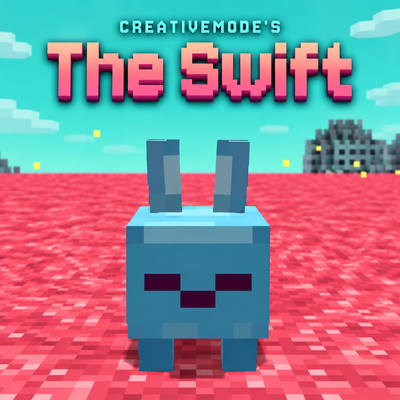
The Swift - Fan-Made Sift
A fan-made Minecraft Sift add-on for Bedrock Edition. Explore The Swift dimension with musical portals, six landscapes, 15 creatures and three bosses. No…
⬇ Download on CurseForgeThe author built this one for Minecraft 26.50. On other versions it may install and then do nothing.
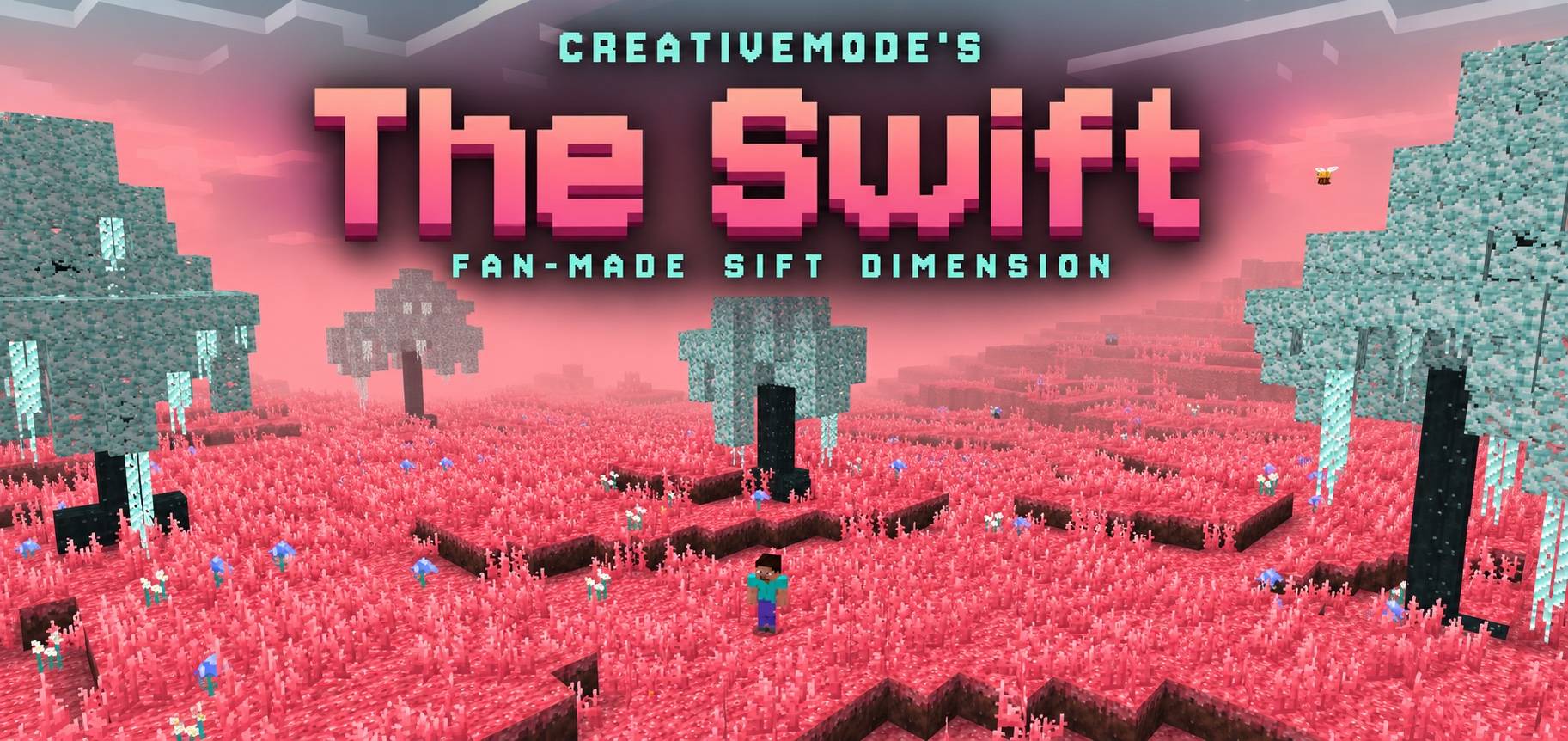
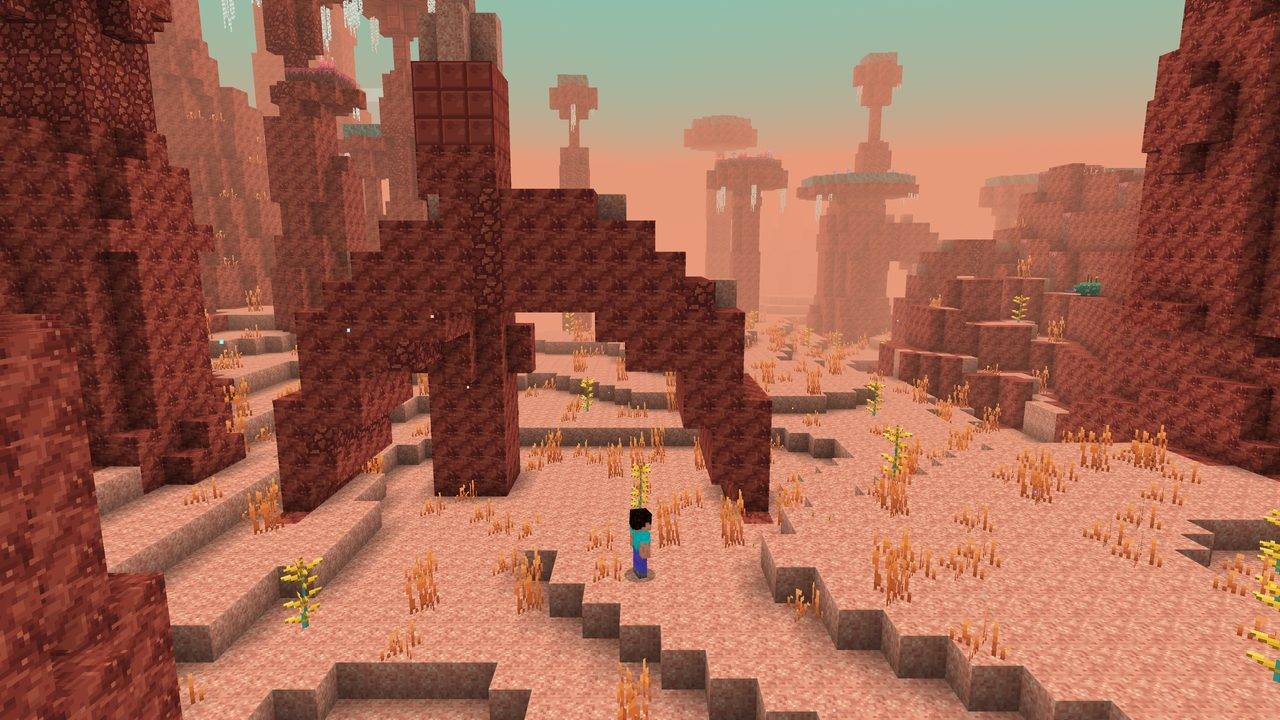
The Swift - Minecraft Sift Dimension Add-on
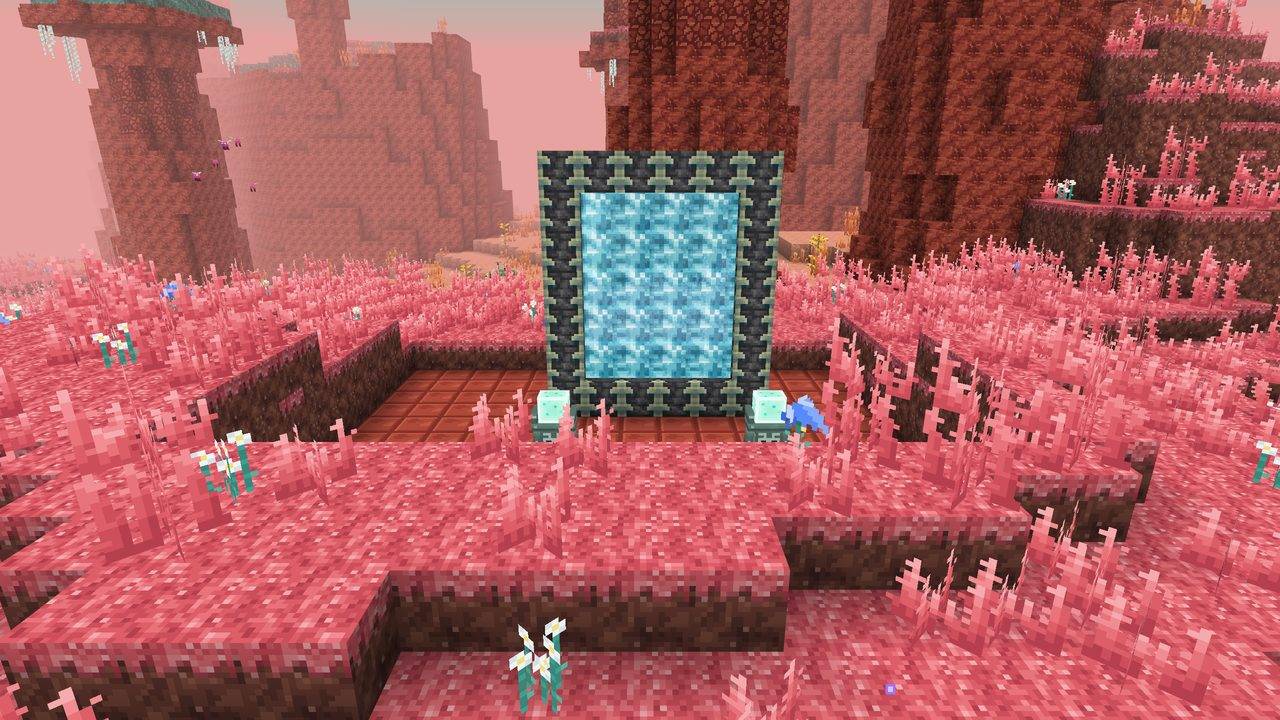
The Swift is CreativeMode's fan-made Minecraft Sift add-on for Bedrock Edition. Explore our take on the Sift dimension in Minecraft with musical portals, pink meadows, rainbow ichor and aurora skies. Includes behavior and resource packs; no experimental toggles are required.
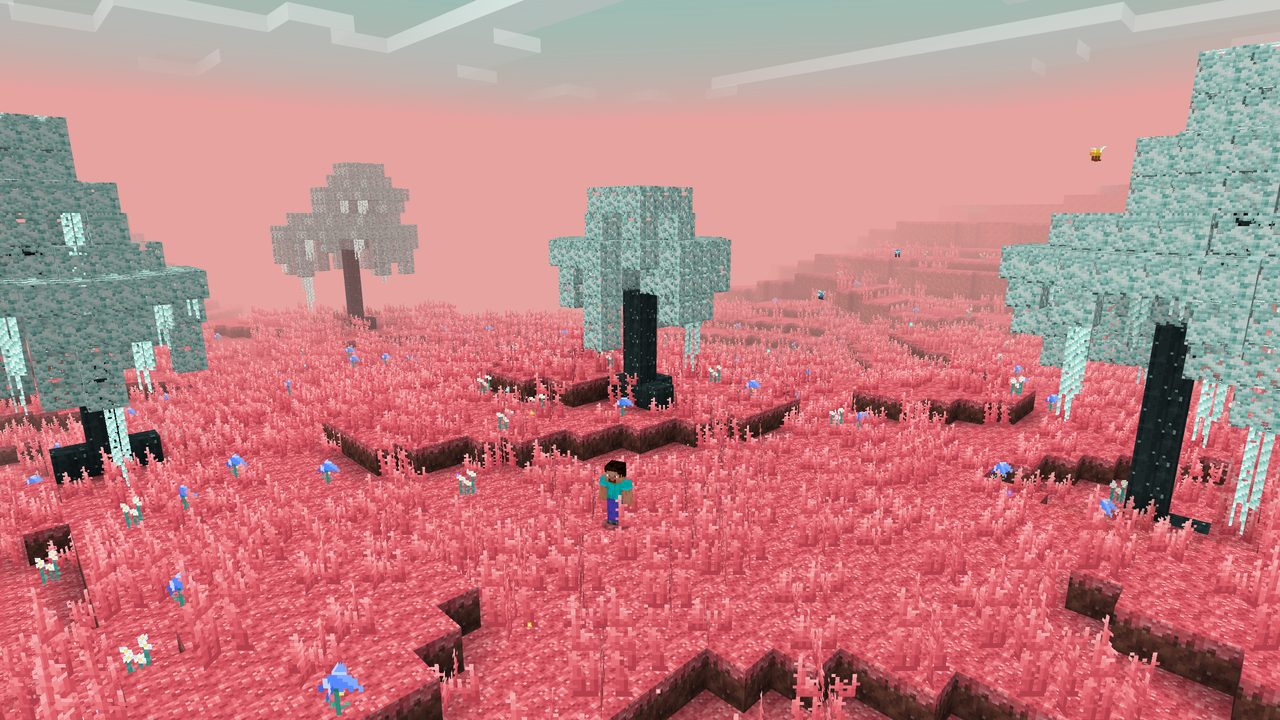
Play a melody. Open the ancient city portal. Step into the Swift.
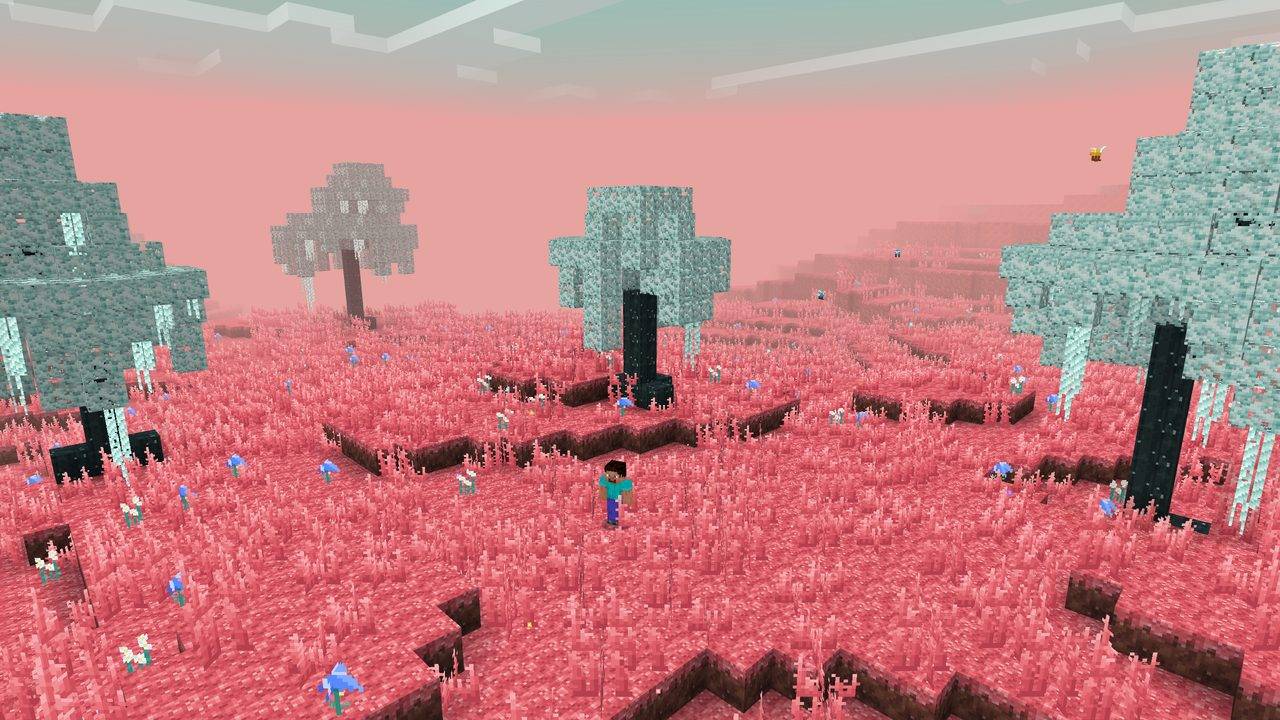
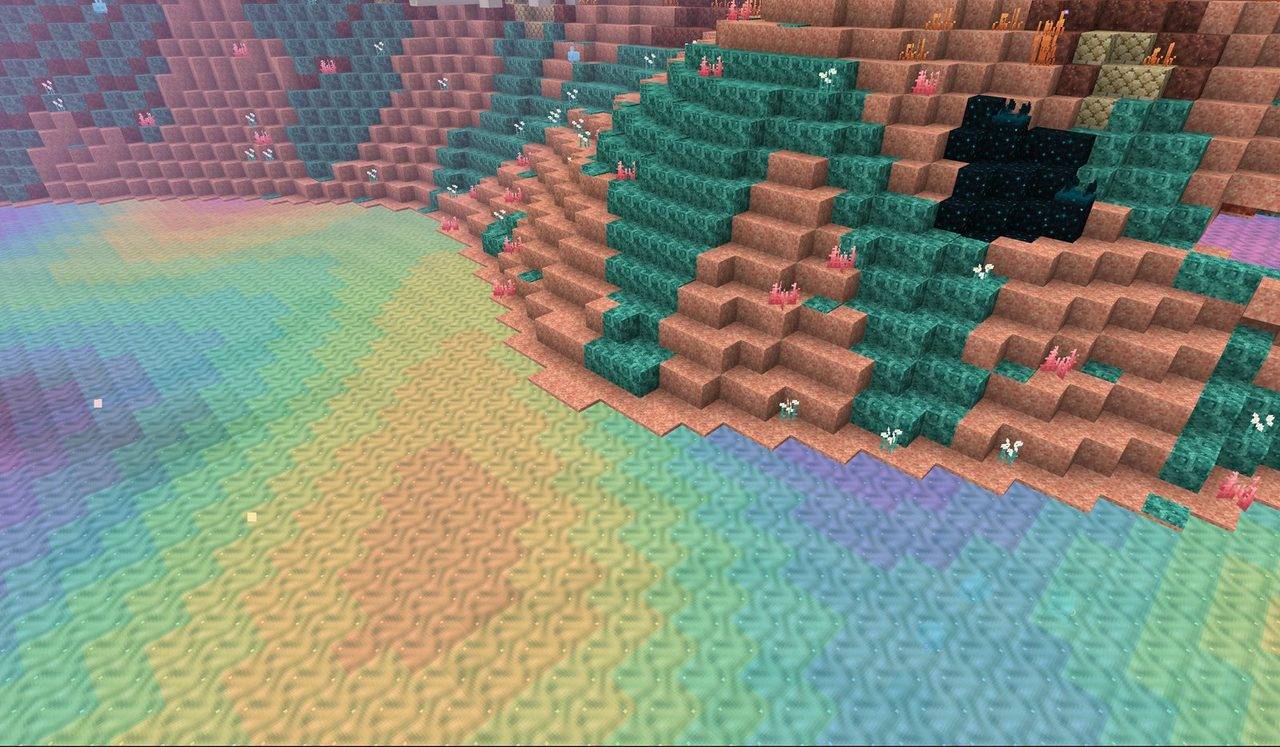
Explore coral-pink meadows, white willow forests, towering red spires and rainbow ichor beneath an aurora-lit sky. Befriend a bouncing blub, wake an echo golem, and discover a world where music opens doors—and the night changes the rules.
Explore the Sift-inspired Swift dimension
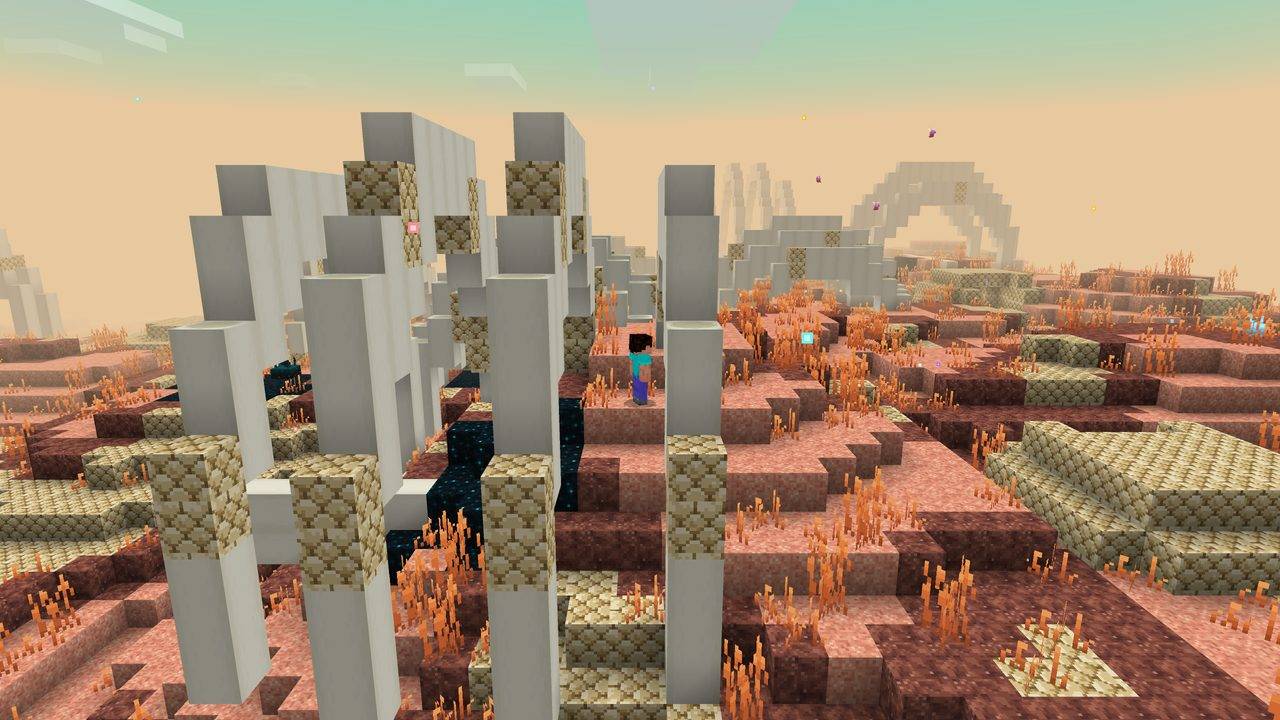
- Six landscapes: Meadows, White Willow Grove, Swiftstone Spires, Carapace, Ichor Shallows and the underground Echo Den, with floating islands overhead.
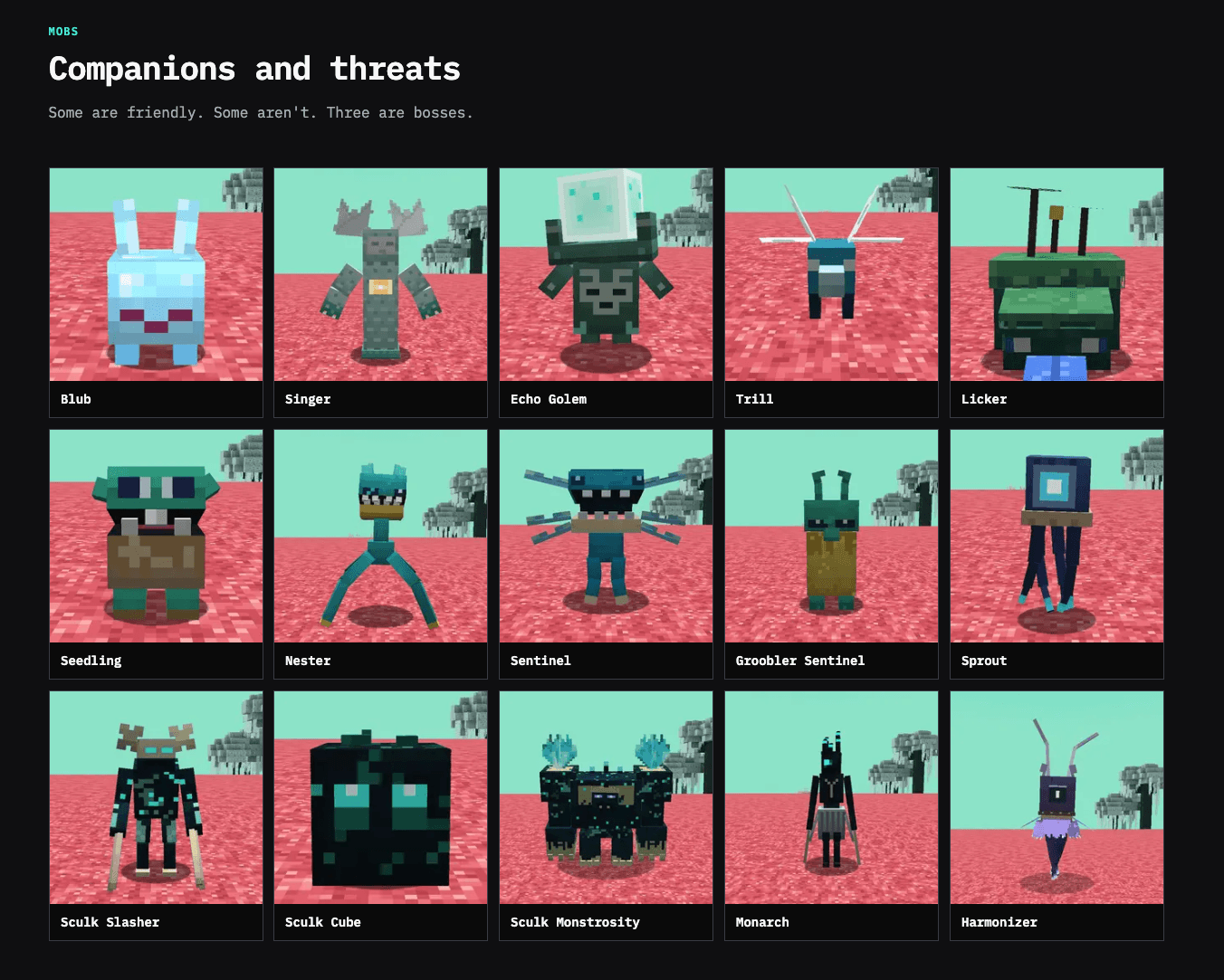
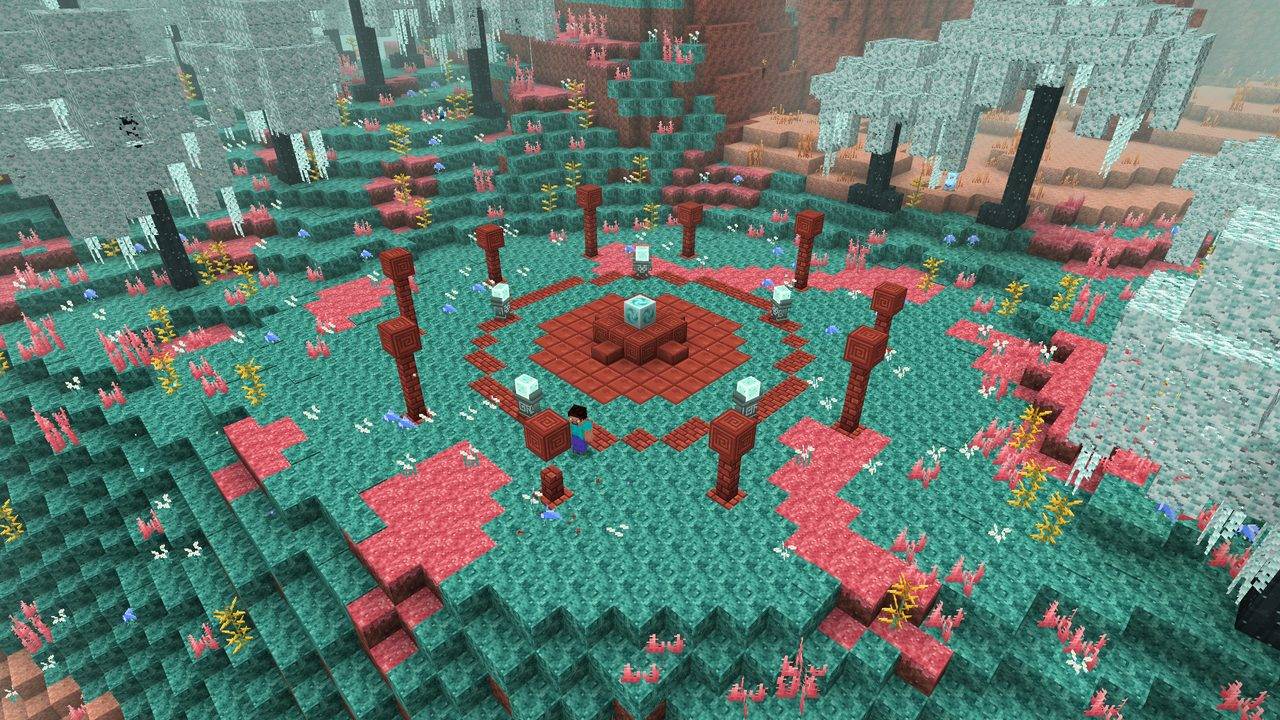
- 15 creatures, including three bosses: meet gentle Singers and helpful lickers, face the swiftlings, and challenge the Sculk Monstrosity, Monarch and Harmonizer.
- Five encounter structures: discover the Lullaby Circle, Harmonizer Grove, Monstrosity Lair, Monarch Court and Illager Soul Excavation.
- Three tides: Surge accelerates Soul Block recharge and echo golem pulses; Slack brings a pause between extremes; Undertow stops that recharge and brings tougher, soul-warped monsters.
- Build, collect and experiment: craft with white willow, swiftstone and blush sandstone; discover your soul power; earn the Lullaby music disc; forge a Spectral Spear in ichor.
How to enter the Swift dimension
Find the reinforced deepslate frame in an ancient city. Play five different note-block pitches within 12 seconds, close to the frame. Watch the colored note beams, then step through the portal. A linked return gate waits on the other side.
Awake echo golems can join the melody, and a nearby Singer can light the frame too. Keep an eye out for temporary rifts in the Overworld at night for another way in. Bring supplies: beds and respawn anchors do not work in the Swift.
Install for Bedrock Edition
Bedrock 1.26.50 or newer · Behavior + resource packs · No experimental toggles
- Download
swift_bedrock.mcaddonand open it with Minecraft to import both packs. - Create or edit a world. Under Behavior Packs, activate The Swift (Behavior). Its resource pack is linked as a dependency.
- Enter your world and start your journey. Cheats are only needed for optional helper commands.
Client checks were performed on Windows Bedrock 1.26.52. Mobile and console gameplay have not been verified; console installation needs a supported world-import or Realms route.
What is different on Bedrock?
- Terrain generates as you explore. Very fast flight can briefly outrun generation.
- Ichor is a glowing, non-flowing block: you sink through it instead of swimming.
- Play portal notes by hand; redstone-triggered notes do not count.
- Tides follow the world’s shared clock. Day/dusk/night sky-color transitions require Vibrant Visuals; those visuals have not been client-verified.
- White willow signs, hanging signs, shelves and boats are Java-only. Tamed pets cannot follow you across dimensions.
- Advancements appear as messages and toasts. Use
/swift:advancementsto see progress.
Landscape screenshots are actual Bedrock Windows-client captures. The labeled creature guide uses Java portraits from our website; both editions include the same 15-creature roster.
Guides, recipes and support
Read the Bedrock player wiki · Explore the Swift showcase · Join the CreativeMode community
For bug reports, include your game version, Swift version, other mods or add-ons, and the steps to reproduce the issue. Please avoid posting private information in logs.
Created by CreativeMode. Fan-made; not an official Minecraft product and not approved by or associated with Mojang or Microsoft.
License: CreativeMode Mods License. Keep the original filename and included license when sharing the unmodified release.
- Edition: Minecraft Bedrock
- File type: .mcpack or .mcaddon
- Minecraft version listed: 26.50
- How to install: Download the .mcpack or .mcaddon file. → Open it — Minecraft imports it. → In your world: Behavior Packs → Available → Activate, then the same under Resource Packs.
- Where to get it: Opens on CurseForge — not every file is mirrored on our own servers.
Install steps are the general flow for this file type — How to install Minecraft Bedrock addons & mods walks through it step by step.
- Pack type: .mcaddon — behaviour and resource pack in one file
- Manifest requires Minecraft 1.26.50 or newer
- Complete pack — everything it depends on is inside the file
- Download size: 6.3 MB
- Download link checked 2 Oct 2026 — working
These come from our own check of the pack file, not from the source page.