Colourblocks
Are you need Colourblocks in Minecraft? This addon add Colourblocks mobs, and you can press and hold the screen or right-click while holding morph item to…
⬇ Download on CurseForge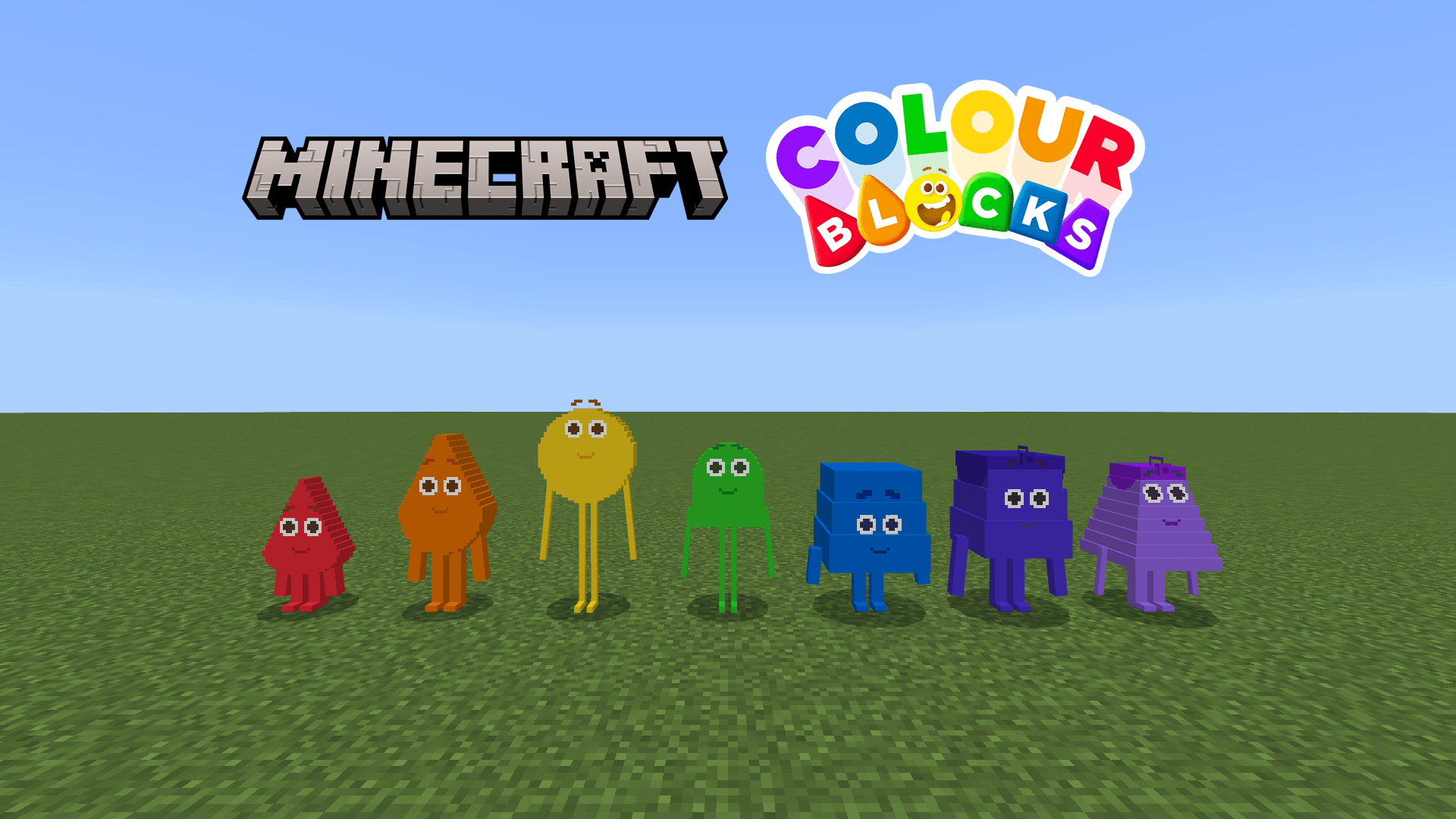
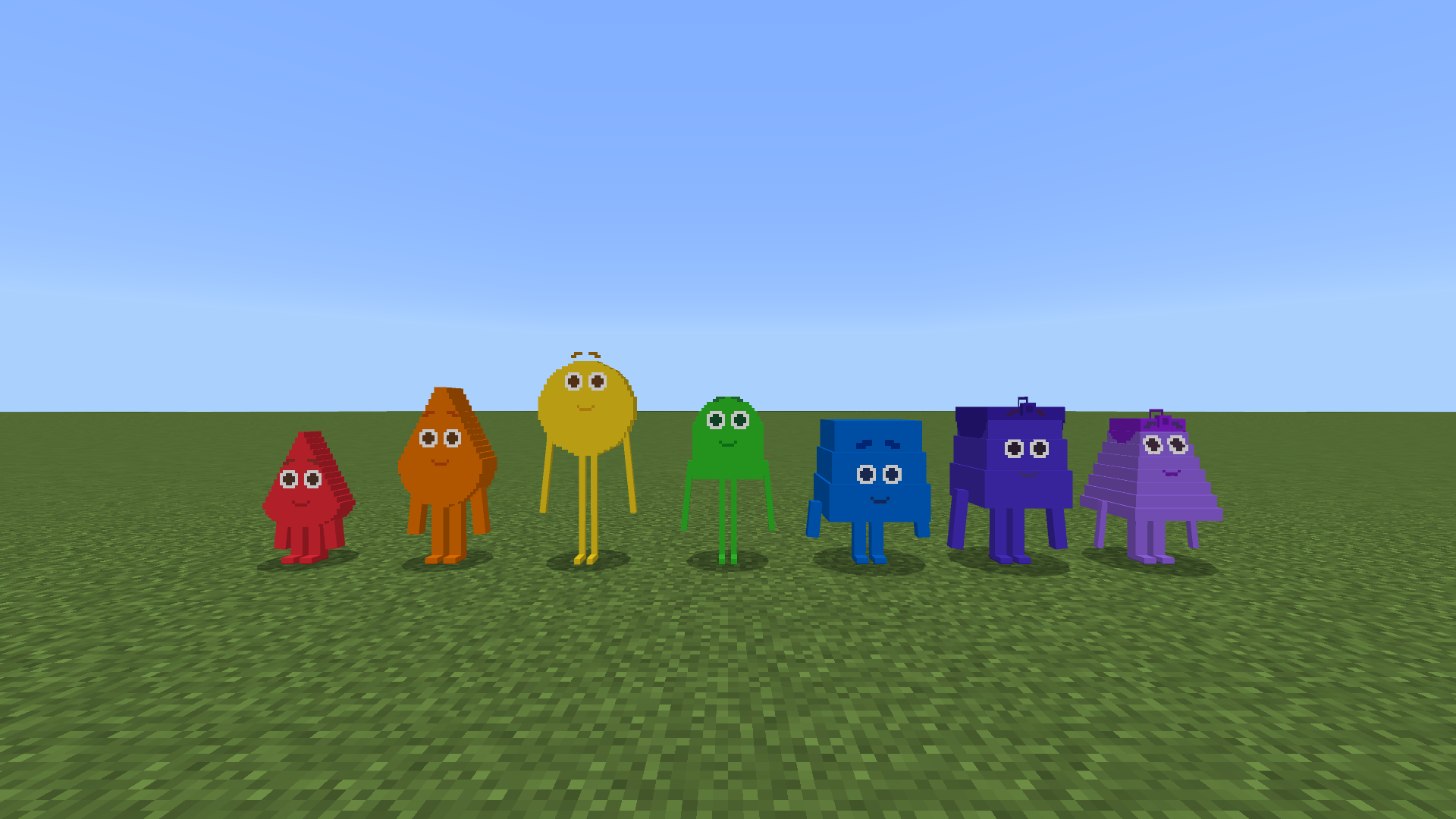
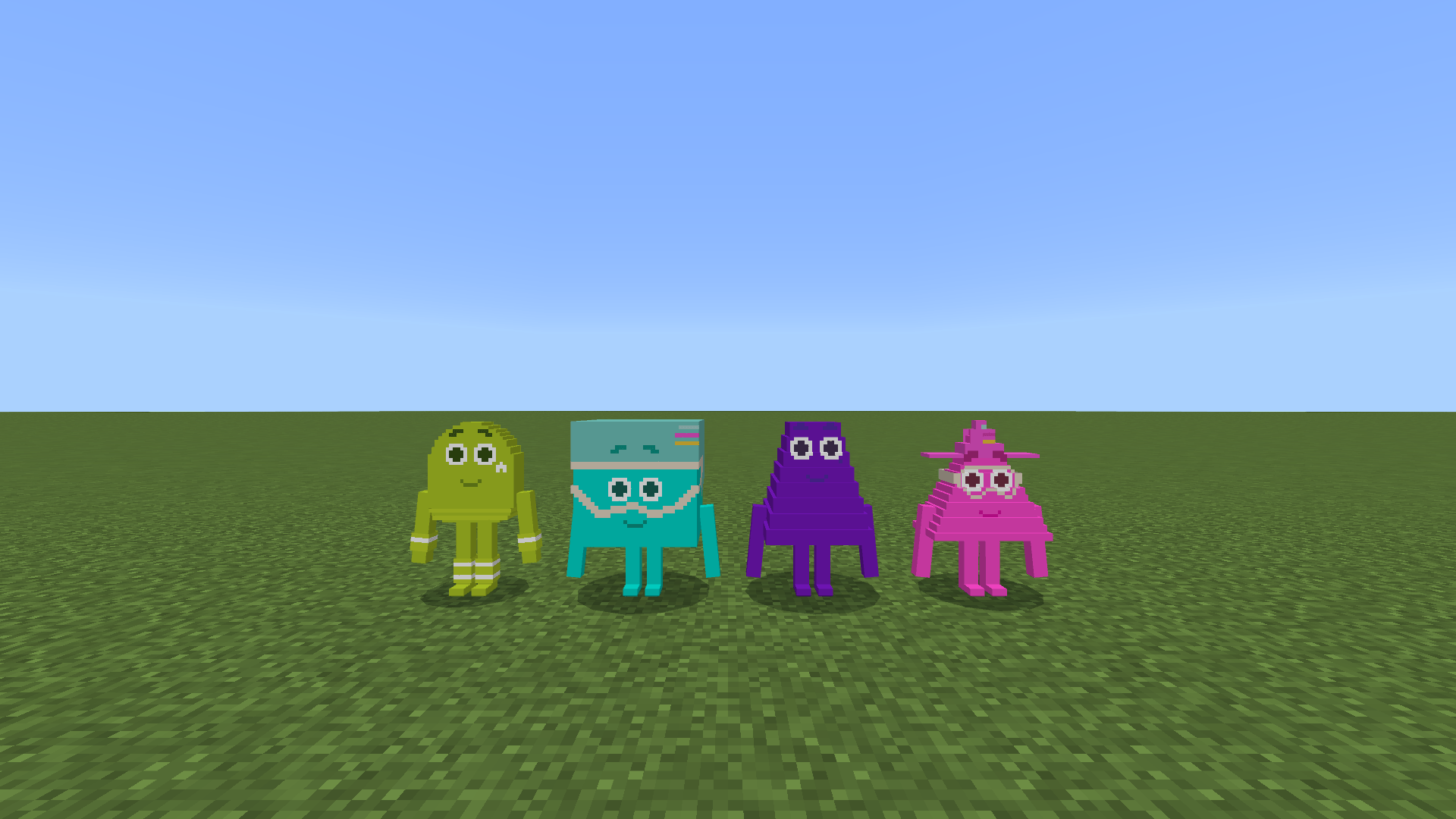
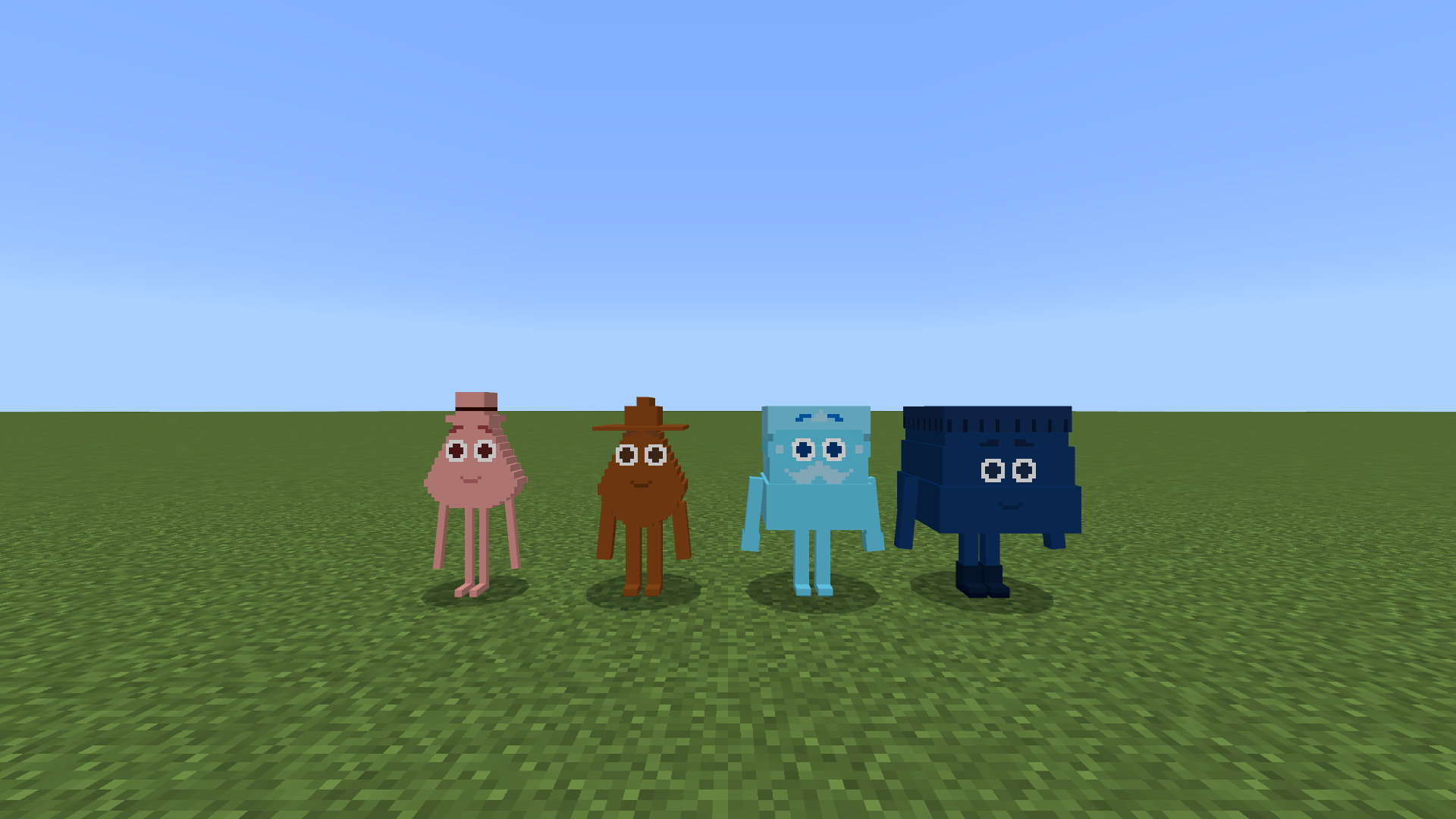
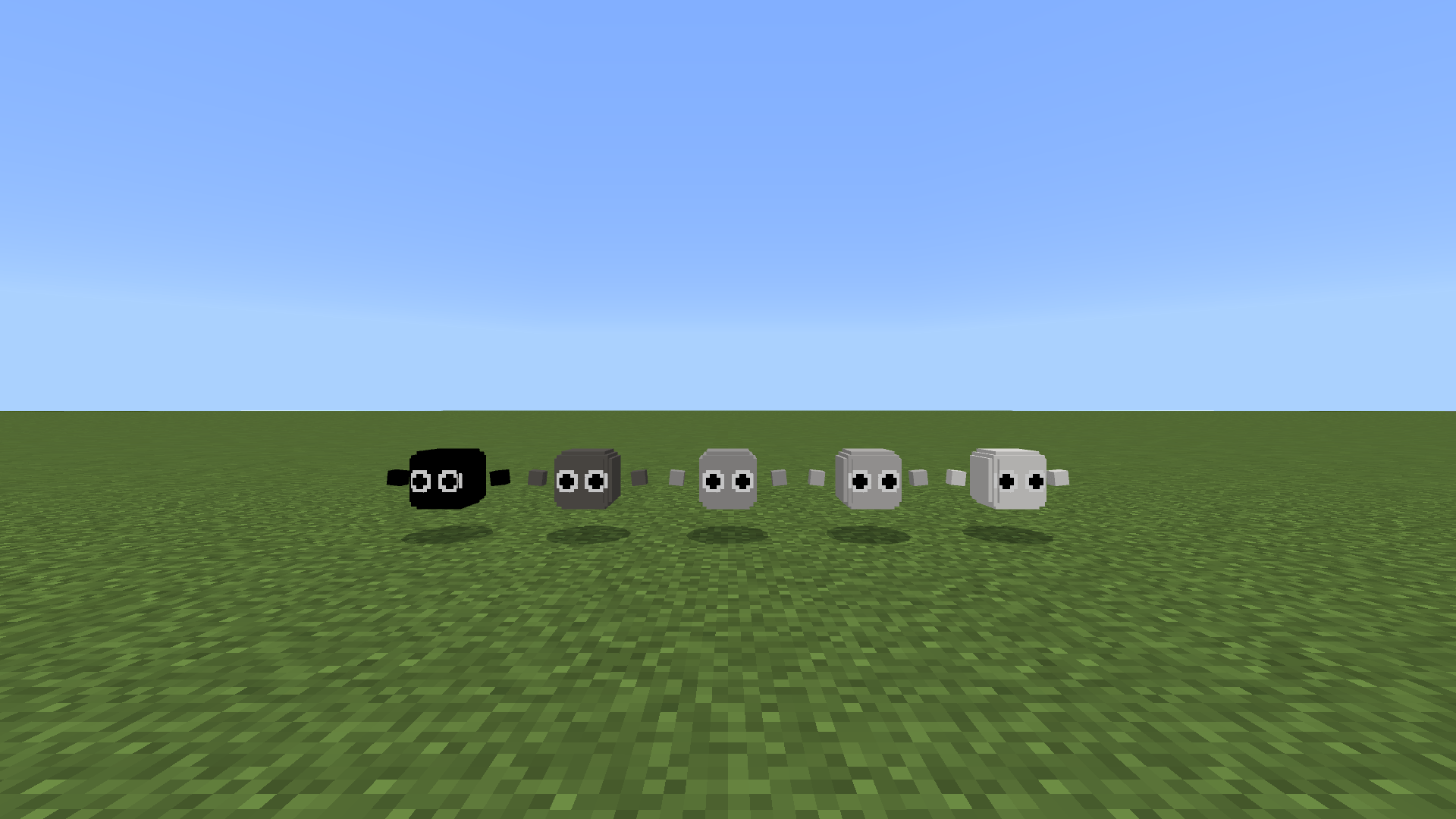
This addon add Colourblocks mobs, and you can be converted into the Colourblocks
Default appearance can be set to normal player, Red, Yellow, Blue, random Hues, or random Colourblocks form
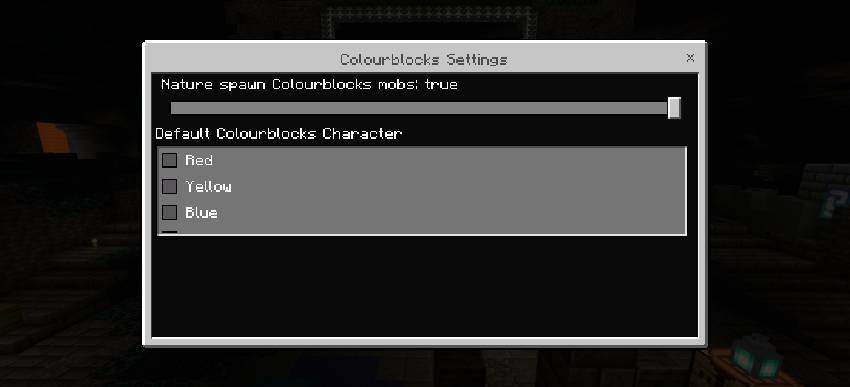
When Default Colourblocks Character is Normal Player, the default form when spawning is normal player form; when Default Colourblocks Character is Red/Yellow/Blue, the default form when spawning is Red/Yellow/Blue form; when Default Colourblocks Character is Random Hues, the default form when spawning is random Hues Colourblocks form; when Default Colourblocks Character is Random Colourblocks, the default form when spawning is random Colourblocks form
Method for turning into a Colourblocks:
Press and hold the screen or right-click while holding morph item can morph Colourblocks characters (does not consume items)
Remove Morph:
Press and hold the screen or right-click while holding remove morph item can remove morph (does not consume items)
Crafting recipes for remove morph item:
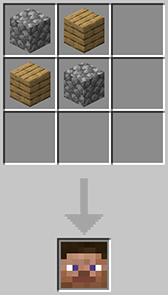
Colourblocks Mobs:
Colourblocks mobs will naturally spawn in the Overworld
Naturally spawn Colourblocks mobs can be turn on or off of settings from Colourblocks behavior pack
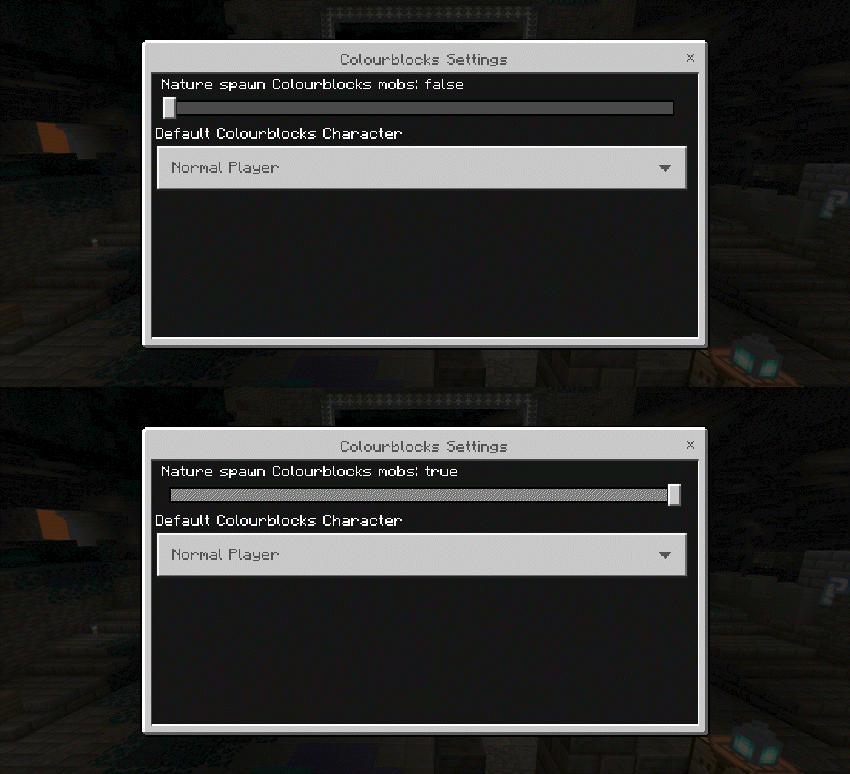
When Nature spawn Colourblocks mobs is true, the Colourblocks will spawn naturally; When the Nature spawn Colourblocks mobs is false, the Colourblocks will not spawn naturally
All naturally spawned can morph Colourblocks drop their corresponding Morph item when they die
Colourblocks spawned by spawn egg or /summon do not drop morph item upon death, and summon Colourblocks that drop morph item upon death:
/summon <colourblocks:EntityType> ~ ~ ~ ~ ~ minecraft:nature_spawn
Copy Colourblocks:
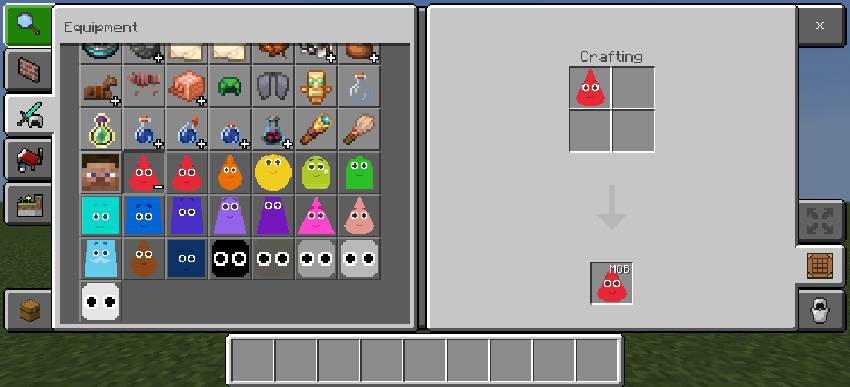
You can put Colourblocks morph item into the crafting area to copy the spawn egg
- Edition: Minecraft Bedrock
- File type: .mcpack or .mcaddon
- Minecraft versions listed: 26.40, 26.50
- How to install: Download the .mcpack or .mcaddon file. → Open it — Minecraft imports it. → In your world: Behavior Packs → Available → Activate, then the same under Resource Packs.
- Where to get it: Opens on CurseForge — not every file is mirrored on our own servers.
Install steps are the general flow for this file type — How to install Minecraft Bedrock addons & mods walks through it step by step.
- Pack type: .mcaddon — behaviour and resource pack in one file
- Manifest requires Minecraft 1.26.40 or newer
- Complete pack — everything it depends on is inside the file
- Download size: 482 KB
- Download link checked 2 Oct 2026 — working
These come from our own check of the pack file, not from the source page.