
AddonsBedrock
Villager Finder | Professions & Possible Trades
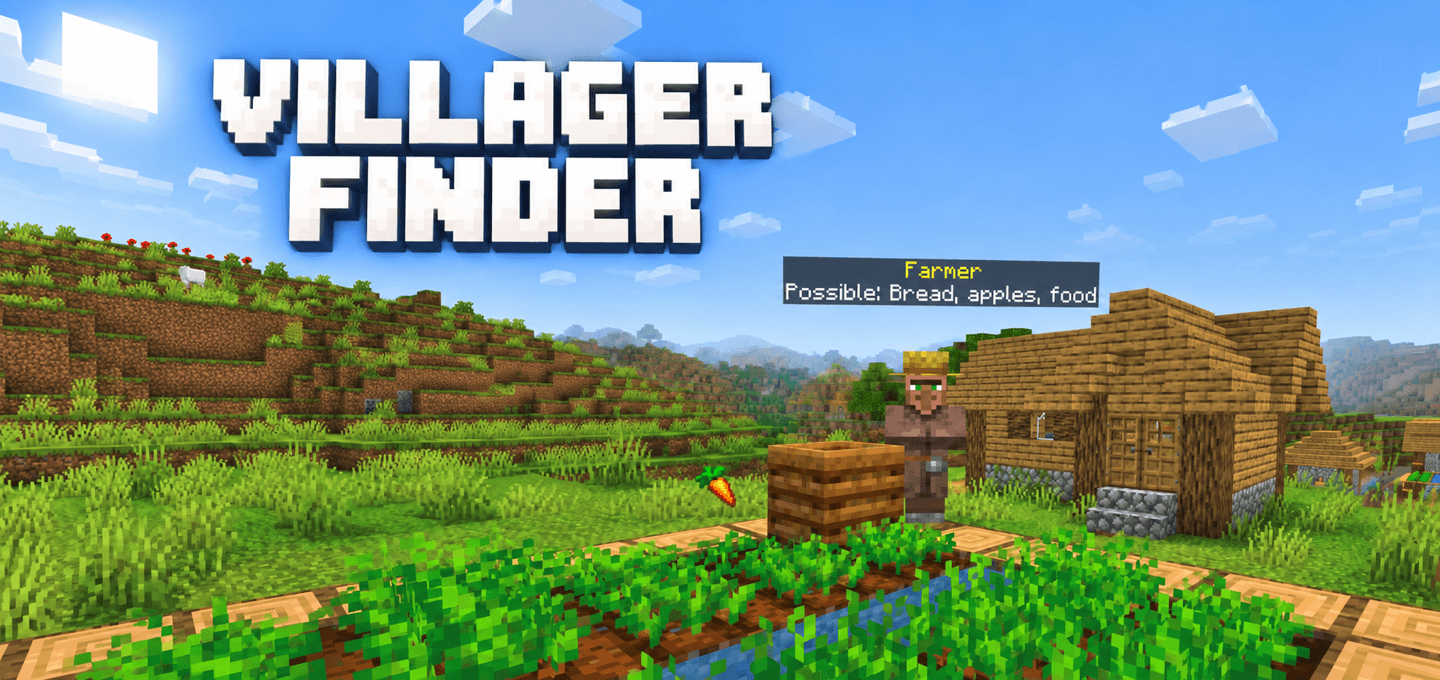
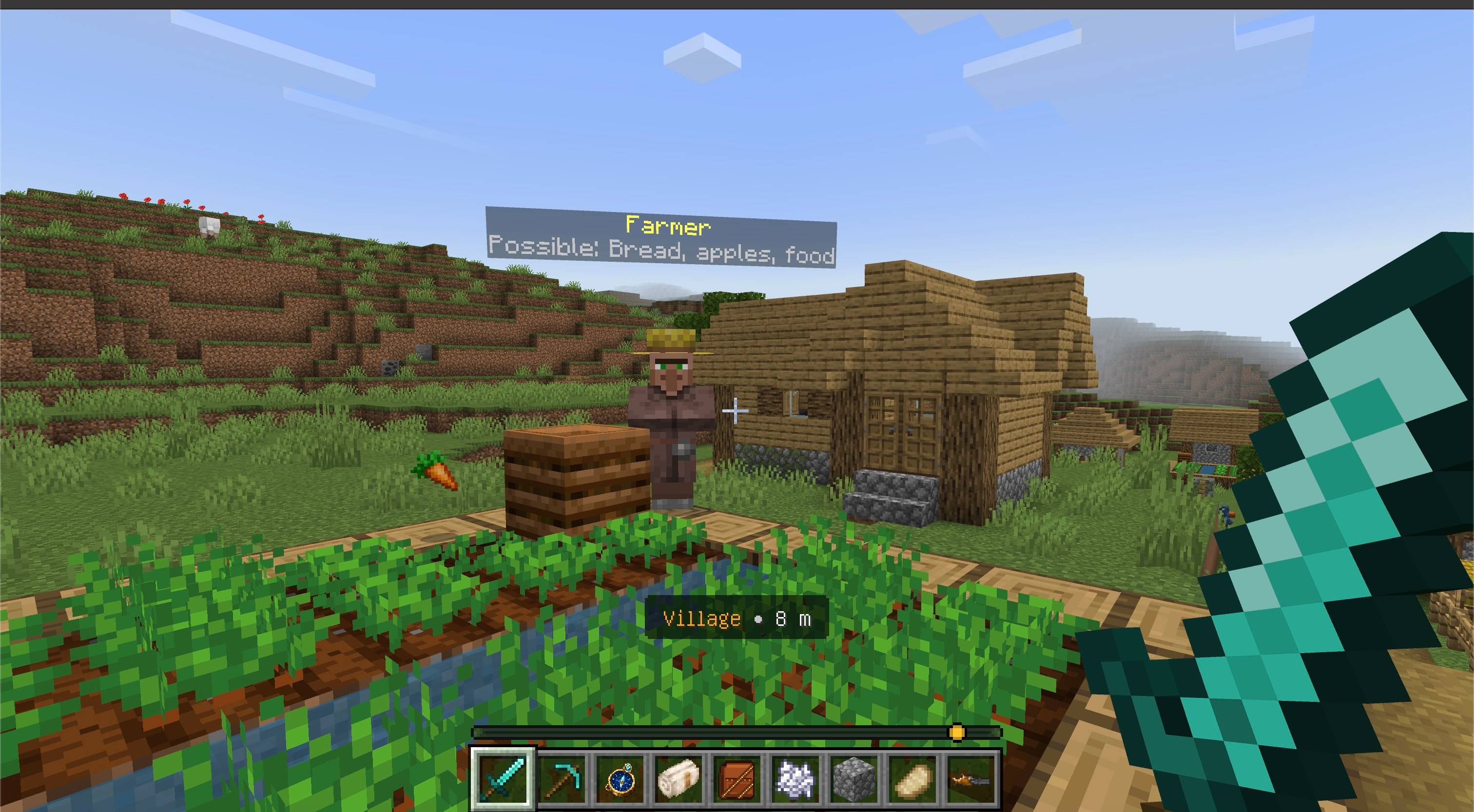
See villager professions and possible goods above their heads from up to 20 blocks away, without opening the trade screen.
⬇ Download on CurseForgeThe author built this one for Minecraft 26.50. On other versions it may install and then do nothing.
About
Find the villager you need before walking up to every trading stall.
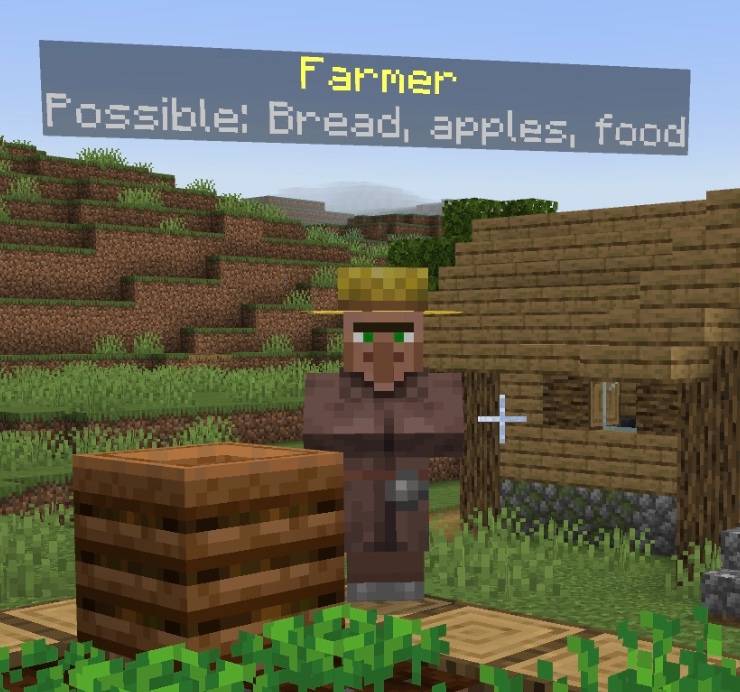
Villager Finder adds a compact label above nearby villagers. It shows their profession and examples of goods that profession may sell. Labels also identify unemployed villagers, nitwits, and Wandering Traders.
Features
- Shows villager professions above their heads from up to 20 blocks away
- Lists examples of goods that each profession may offer
- Identifies villagers without trades and Wandering Traders
- Follows moving villagers without changing names given by players
- Uses Russian or English based on the nearby player's game language; other languages use English
- Requires no experimental gameplay toggles
How to use
- Import the
.mcaddonfile into Minecraft Bedrock. - Activate both the Villager Finder Behavior Pack and Resource Pack in your world.
- Look around a village or trading hall. Labels appear when villagers are nearby.
- If an older build had a manually selected label language, an operator can run
/ztp:vf_autoto restore automatic selection.
Notes
- The goods are examples from vanilla trading tables, not the actual offers of that particular villager. Individual trades, prices, stock, enchantments, and unlocked levels may differ.
- In multiplayer, the label is shared by all nearby players. When players use different languages, it follows the language of the closest player to that villager.
- Other add-ons that change villager trades may make the example goods less representative.
Requirements
- Minecraft Bedrock Edition 26.50 or newer
- Activate both included packs
- No external add-on dependency

Quick facts
- Edition: Minecraft Bedrock
- File type: .mcpack or .mcaddon
- Minecraft version listed: 26.50
- How to install: Download the .mcpack or .mcaddon file. → Open it — Minecraft imports it. → In your world: Behavior Packs → Available → Activate, then the same under Resource Packs.
- Where to get it: Opens on CurseForge — not every file is mirrored on our own servers.
Install steps are the general flow for this file type — How to install Minecraft Bedrock addons & mods walks through it step by step.
Verified by MCModsHub
- Pack type: .mcaddon — behaviour and resource pack in one file
- Manifest requires Minecraft 1.26.50 or newer
- Complete pack — everything it depends on is inside the file
- Download size: 9 KB
- Download link checked 2 Oct 2026 — working
These come from our own check of the pack file, not from the source page.