ModsJava
Map Improvements Mod (1.21.1, 1.20.1) – Read Clear Terrain Contours
Java mod listed for Minecraft 1.20–1.21. Downloads from the MC Java Mods app on Android.
⬇ Download


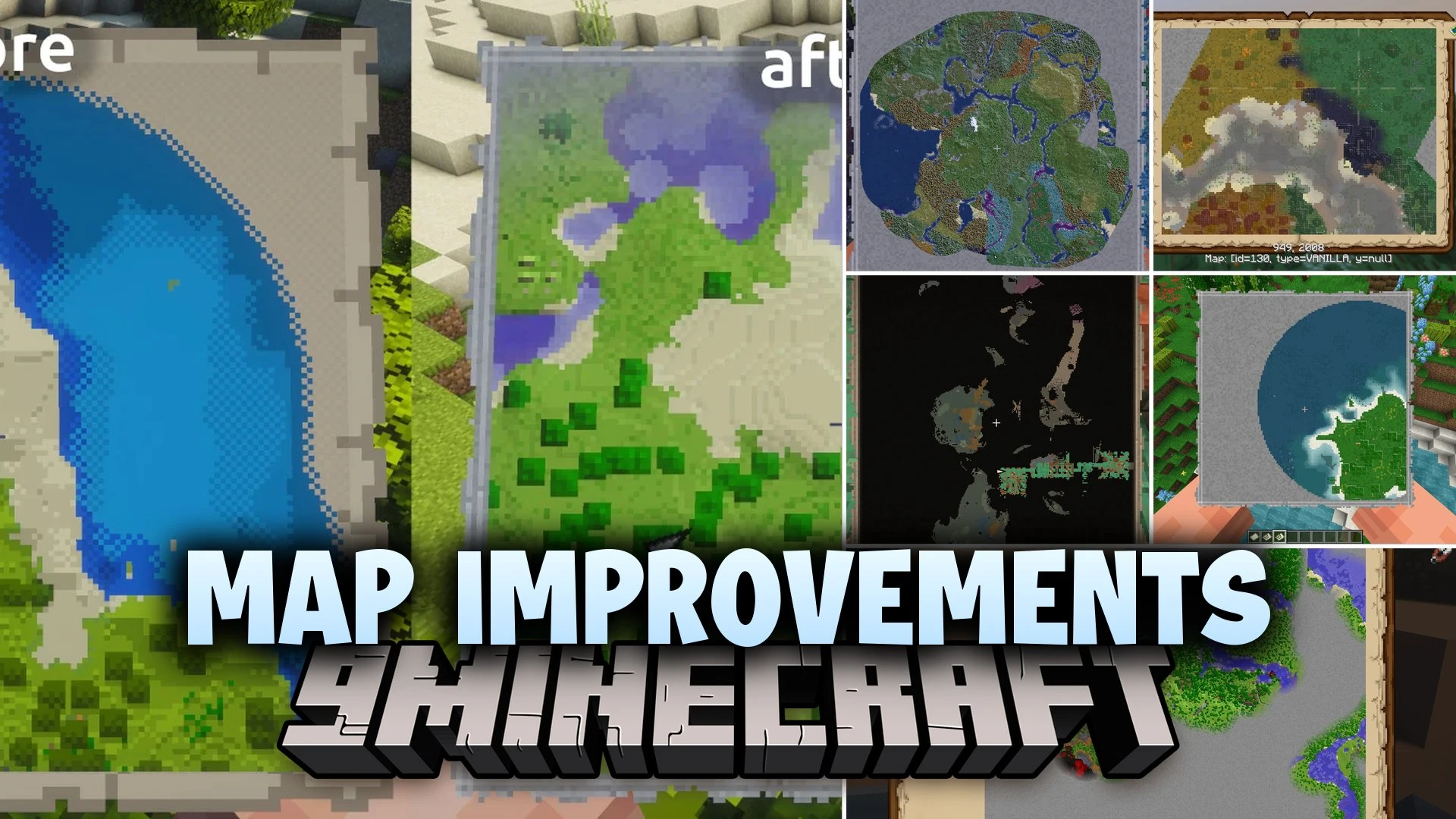
Map Improvements Mod overhauls standard Minecraft maps with true-color details and realistic terrain shading. The mod replaces flat pixel art with textured surfaces showing clear tree outlines and visible water depths. You can switch between surface view and cave layers to inspect underground tunnels. It turns basic paper items into clear cartography tools for your adventures.
Features:
- Renders small textures for every block to show real shapes, edges, and materials.
- Adds realistic sun-aware slope shading and smooth biome color transitions.
- Displays visible water depths so you can see river and lake beds clearly.
- Adds an underground cave layer that shows reachable paths using true line of sight.
- Lets you place custom map markers with unique icons, labels, and colors.
- Supports higher map resolutions up to 512×512 cells per map.
- Includes settings to adjust the map reveal radius and block render rules.
- Works on multiplayer servers when installed on the server side.
How to Use:
- Hold a filled map in your hand to view detailed textures and terrain shading.
- Switch map layers to inspect cave networks beneath the ground level.
- Place custom markers on points of interest to mark important landmarks.
- Adjust the render distance and reveal settings in the mod config.
Screenshots:

Map Improvements Mod Download Links
Quick facts
- Edition: Minecraft Java
- File type: .jar
- Minecraft versions listed: 1.21.1, 1.20.1
- How to install: Install the matching mod loader (Forge, Fabric or NeoForge) for your Minecraft version. → Download the .jar. → Put it in the .minecraft/mods folder and launch that loader profile.
- Where to get it: In MC Java Mods, or directly above on this page.
Install steps are the general flow for this file type — How to install Minecraft Java mods & modpacks walks through it step by step.
File checked by MCModsHub
- Downloads as 520635.mcaddon
- Download size: 3.3 MB
- Download link checked 3 Oct 2026 — working
- Mirrored on our own servers — the download does not depend on the original host
These come from our own check of the pack file, not from the source page.