ModsJava
Nodeworks Mod (26.3, 26.1.2) – Write Custom Code to Automate Item Networks
Minecraft Java mod. Downloads from the MC Java Mods app on Android.
⬇ Download


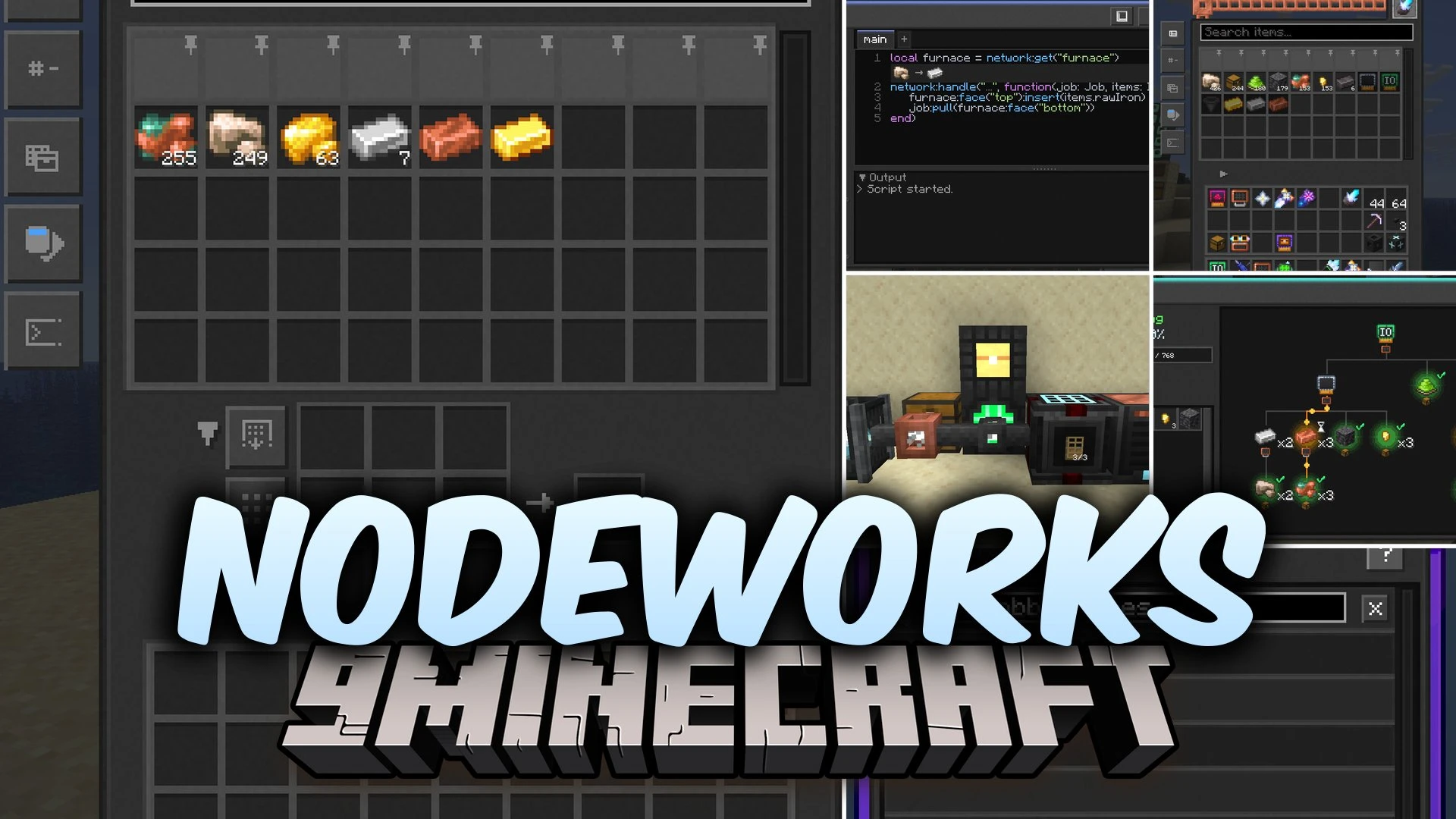
Nodeworks Mod introduces programmable logistics and network automation to Minecraft. It lets you link storage blocks, set up automated crafting routines, and move items across dimensions. The mod gives you full control over your item systems through visual setups and in-game Lua coding tools.
Features:
- Network Controllers: Connect nodes together to establish organized automation setups.
- Inventory Terminals: Access all connected storage blocks from a single block or a handheld terminal.
- Autocrafting Systems: Build multi-block crafting setups using Crafting CPUs, Processing Sets, and Instruction Sets.
- Lets you share recipes and transfer items across different dimensions with broadcast antennas.
- Provides Breakers, Placers, and Users to interact directly with blocks in the world.
- Includes a Diagnostic Tool to inspect network layouts, crafting trees, active jobs, and errors.
- Offers a built-in Lua Scripting Terminal with autocomplete, hover documentation, and syntax highlighting.
- Features Import and Export Chests to move items between networks and standard world containers.
- Tracks item totals and triggers crafting jobs automatically using Storage Meters and redstone signals.
- Lets you filter stored items by tags, item IDs, NBT data, stack sizes, or regular expressions.
- Ships with an interactive in-game guidebook to learn mechanics step by step.
How to Use:
- Right-click with the Nodeworks Book to view interactive guides and instructions.
- Place down a Network Controller and attach nodes or vacuum pipes to connect your chests.
- Open an Inventory Terminal to view and take items from all connected inventories.
- Place a Scripting Terminal or Processing Handler to automate custom recipes and item sorting routines.
- Use the Diagnostic Tool on your network blocks to inspect connections and resolve errors.
Screenshots:

Nodeworks Mod Download Links
Quick facts
- Edition: Minecraft Java
- File type: .jar
- How to install: Install the matching mod loader (Forge, Fabric or NeoForge) for your Minecraft version. → Download the .jar. → Put it in the .minecraft/mods folder and launch that loader profile.
- Where to get it: In MC Java Mods, or directly above on this page.
Install steps are the general flow for this file type — How to install Minecraft Java mods & modpacks walks through it step by step.
File checked by MCModsHub
- Downloads as 520637.mcaddon
- Download size: 9.8 MB
- Download link checked 3 Oct 2026 — working
- Mirrored on our own servers — the download does not depend on the original host
These come from our own check of the pack file, not from the source page.