
EasyNBT
- This plugin allows you to view, add and or remove NBT data of items.
- Best suitable for custom item developers or server admins that work with item NBT data and need to see it or edit it.
Features:
- Fully customisable messages via
translations.ymlconfig - Easy to use commands
Permissions:
easynbt.command
Commands: ( <> = required | [] = optional | -s = silent)
/easynbt see_nbt- for viewing all NBT data stored in item/easynbt get_nbt <key>- for obtaining a value of specific NBT key/easynbt set_nbt <key> <value> <data_type>- for setting a specific NBT key to certain value, described by the data type/easynbt set_nbt_player <player> <key> <value> <data_type> [-s] [offhand]- the same as above, but for specific online player, with options to silent the command and or specify offhand/easynbt remove_nbt <key> [offhand]- removes NBT key from item/easynbt remove_nbt_player <player> <key> [-s] [offhand]- same as above, but for specific online player, with options to silent the command and or specify mainhand or offhand
- Main hand is used as a default, when offhand argument is not provided
- Key consists of Namespace and a Value, if no namespace is provided, plugin assumes it's own name as the namespace, so for example if key argument is
test, then plugin is checking foreasynbt:test. However if key is for examplemy_plugin:testthen plugin parses that and checks by that instead.- Valid data types are: BOOLEAN, BYTE, BYTE_ARRAY, DOUBLE, FLOAT, INTEGER, INTEGER_ARRAY, LONG, LONG_ARRAY, SHORT, STRING (tab-complete helps with specifying them)

Disclaimers:
- No AI was used in making of this plugin - everything was coded by me, myself (petulikan1) alone. The same applies for any used logo(s) - again, created solely by me, with no use of AI.
- Plugin uses bStats service for anonymous analytics - you can read more here, about which data are collected and how to opt-out.
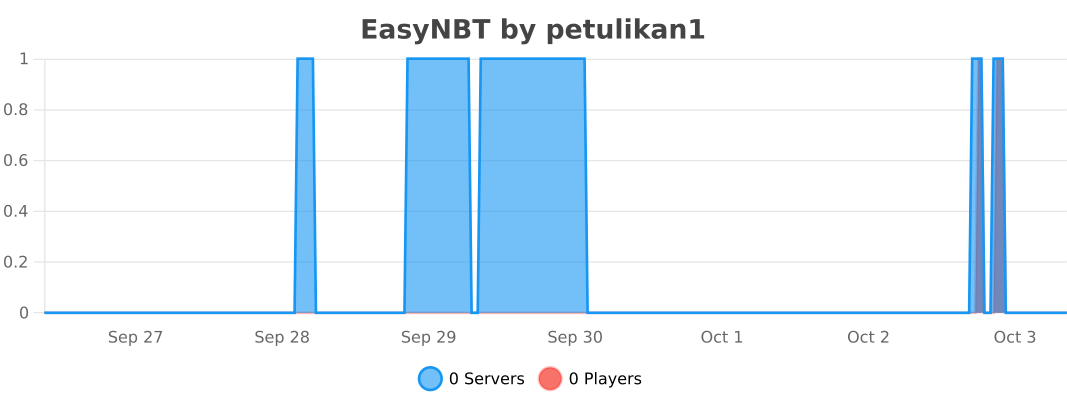
Plugin metrics
Quick facts
- Edition: Minecraft Java
- File type: .jar
- Minecraft versions listed: 1.13, 1.13.1, 1.13.2
- How to install: Install the matching mod loader (Forge, Fabric or NeoForge) for your Minecraft version. → Download the .jar. → Put it in the .minecraft/mods folder and launch that loader profile.
- Where to get it: Opens on Modrinth — not every file is mirrored on our own servers.
Install steps are the general flow for this file type — How to install Minecraft Java mods & modpacks walks through it step by step.
Verified by MCModsHub
- Ships as EasyNBT-1.0.0-a7659a5.jar — drop this file into the mods folder
- Download size: 333 KB
- Download link checked 3 Oct 2026 — working
These come from our own check of the pack file, not from the source page.
Related Java mods

1.21.11
Reimagined Intro

1.21
Super Duper Mega Optimize

1.21.5
NeoDimension

1.21.4
Epic Packs

1.21.1
CozyBlocks

1.21.11