ResourcepacksJava
Helpful PvP Pack Resource Pack (26.3, 1.21.1) – Clear Combat Views
Java resource pack listed for Minecraft 1.21. Downloads from the MC Java Mods app on Android.
⬇ Download


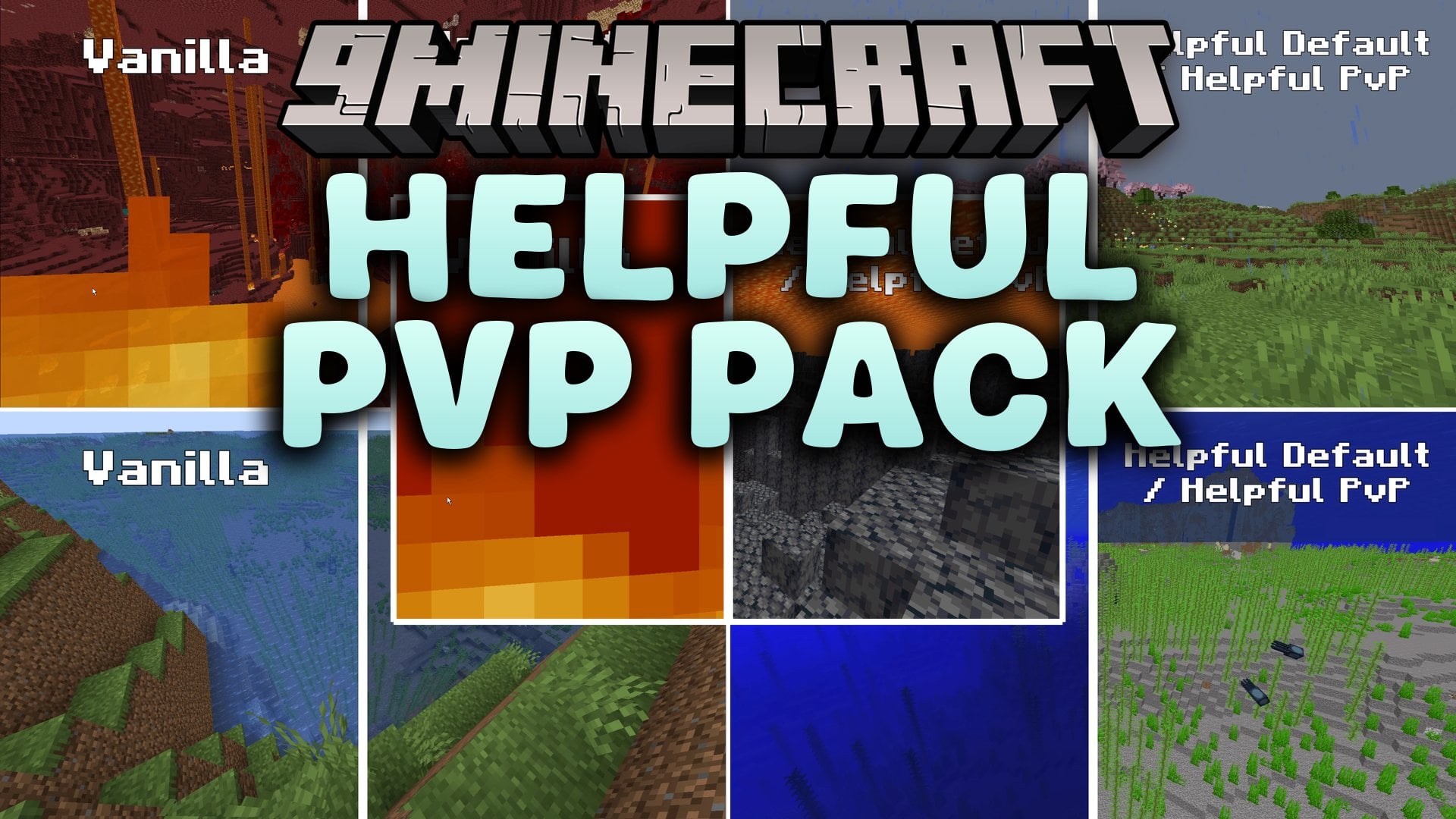
Helpful PvP Pack Resource Pack cleans up your game screen for competitive battles while keeping the classic Minecraft style. This pack reduces distracting screen effects, trims down bulky gear models, and highlights critical survival blocks so you spot danger immediately. It removes fog, cleans up particle clutter during fights, and sharpens visual cues without changing the core look of your blocks.
Features:
- Shorter sword models keep your view open during close-range fights.
- Smaller side shields sit lower on screen so they do not block your sight when blocking.
- Custom TXF crosshair helps you aim attacks and projectiles with precision.
- Bordered textures on all ores and Ancient Debris make valuable minerals pop underground.
- Removes all world fog, including thick underwater and lava fog for crystal clear sight.
- Lowers on-screen fire height and makes carved pumpkin overlays translucent.
- Clears away hit particles, sweeping edge sweeps, and block breaking dust to stop visual clutter.
- Makes powdered snow, tripwire string, and trapped chests easy to spot before you walk into traps.
- Cleans up the HUD with a smooth XP bar and transparent background panels for active status effects.
- Adds smooth animations to Ender Pearls and Bottles of Enchanting.
- Provides a built-in recipe guide directly inside the brewing stand interface.
- Reduces heavy rain, snow sheets, and oversized totem pop particles.
- Corrects minor visual texture bugs on armor trims, dripleaf stems, and decorated pots.
PvP Screen Adjustments:
- Compact totem graphics take up less screen space when held and triggered.
- Cleaner potion bottles and distinct potion bubbles let you identify buffs at a glance.
- Thinner world border lines make it easier to fight along the arena edge.
Screenshots:

Helpful PvP Pack Resource Pack Download Links
Quick facts
- Edition: Minecraft Java
- File type: .zip (resource pack)
- Minecraft version listed: 1.21.1
- How to install: Download the .zip resource pack — do not unzip it. → Put it in .minecraft/resourcepacks. → Enable it in Options → Resource Packs.
- Where to get it: In MC Java Mods, or directly above on this page.
Install steps are the general flow for this file type — How to install Minecraft Java resource packs walks through it step by step.
File checked by MCModsHub
- Downloads as 520851.mcpack
- Download size: 698 KB
- Download link checked 3 Oct 2026 — working
- Mirrored on our own servers — the download does not depend on the original host
These come from our own check of the pack file, not from the source page.