OptiLite Shaders (26.3, 1.20.1) – Soft Shadows and Temporal Antialiasing
Java shader pack listed for Minecraft 1.20. Downloads from the MC Java Mods app on Android.
⬇ Download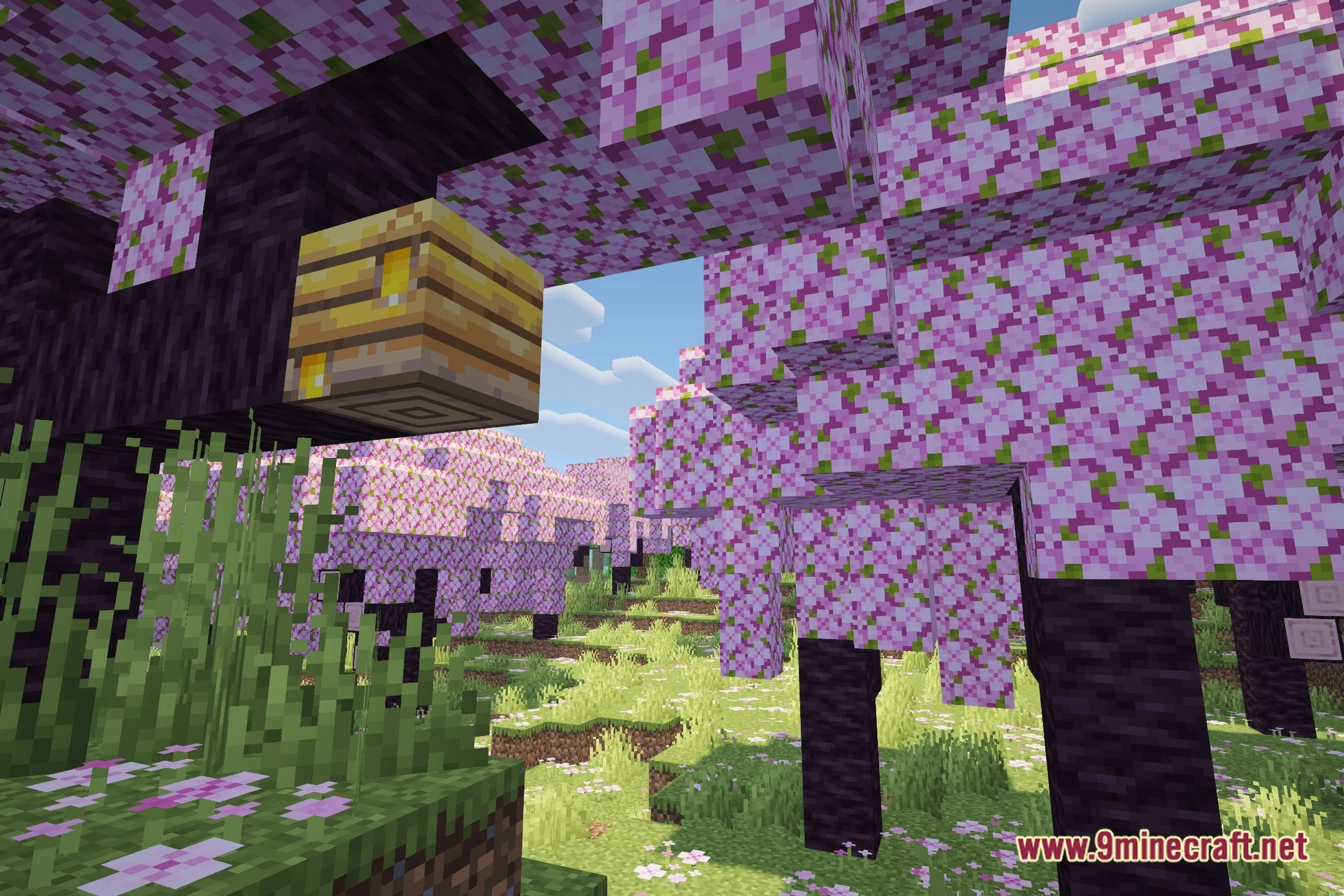
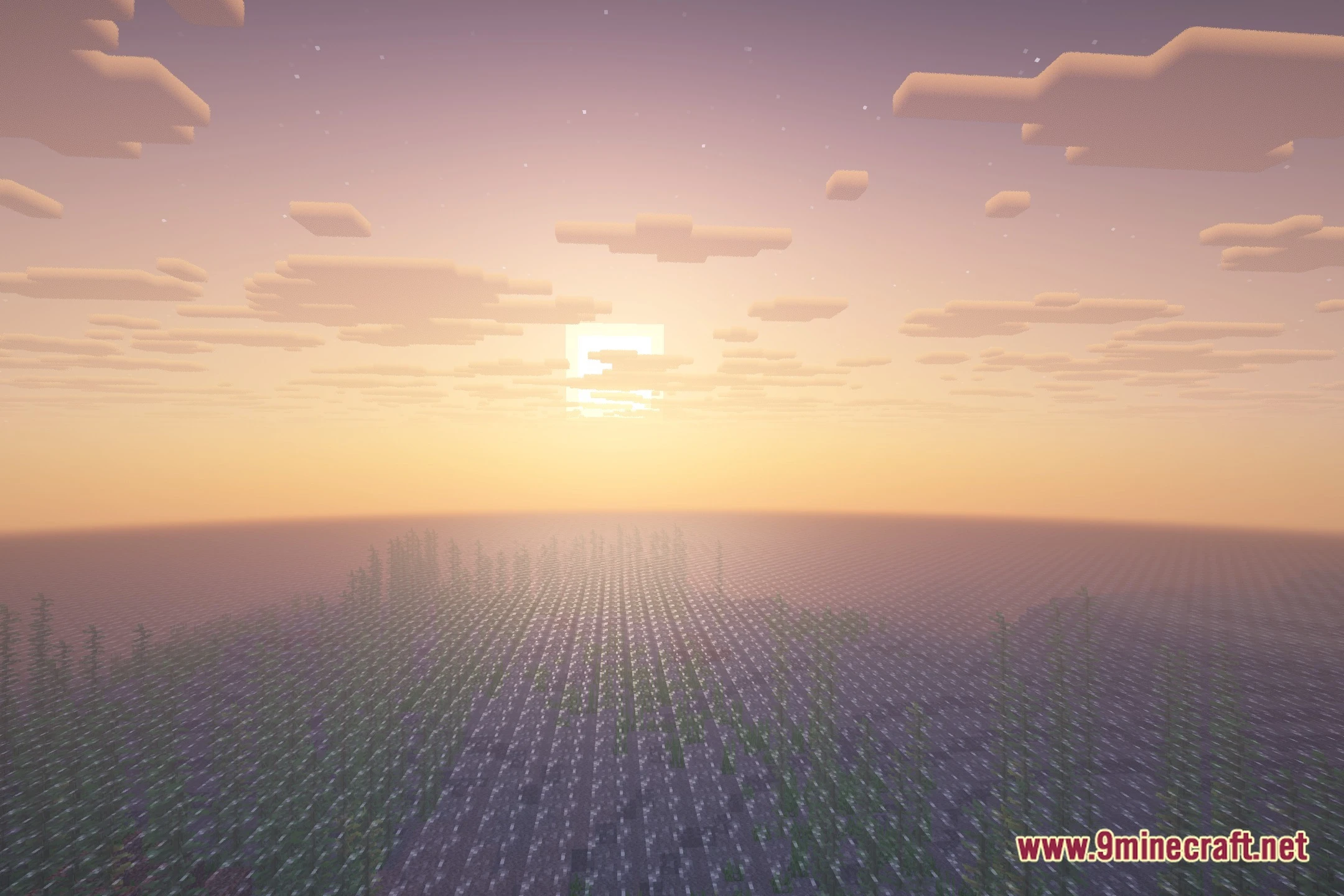
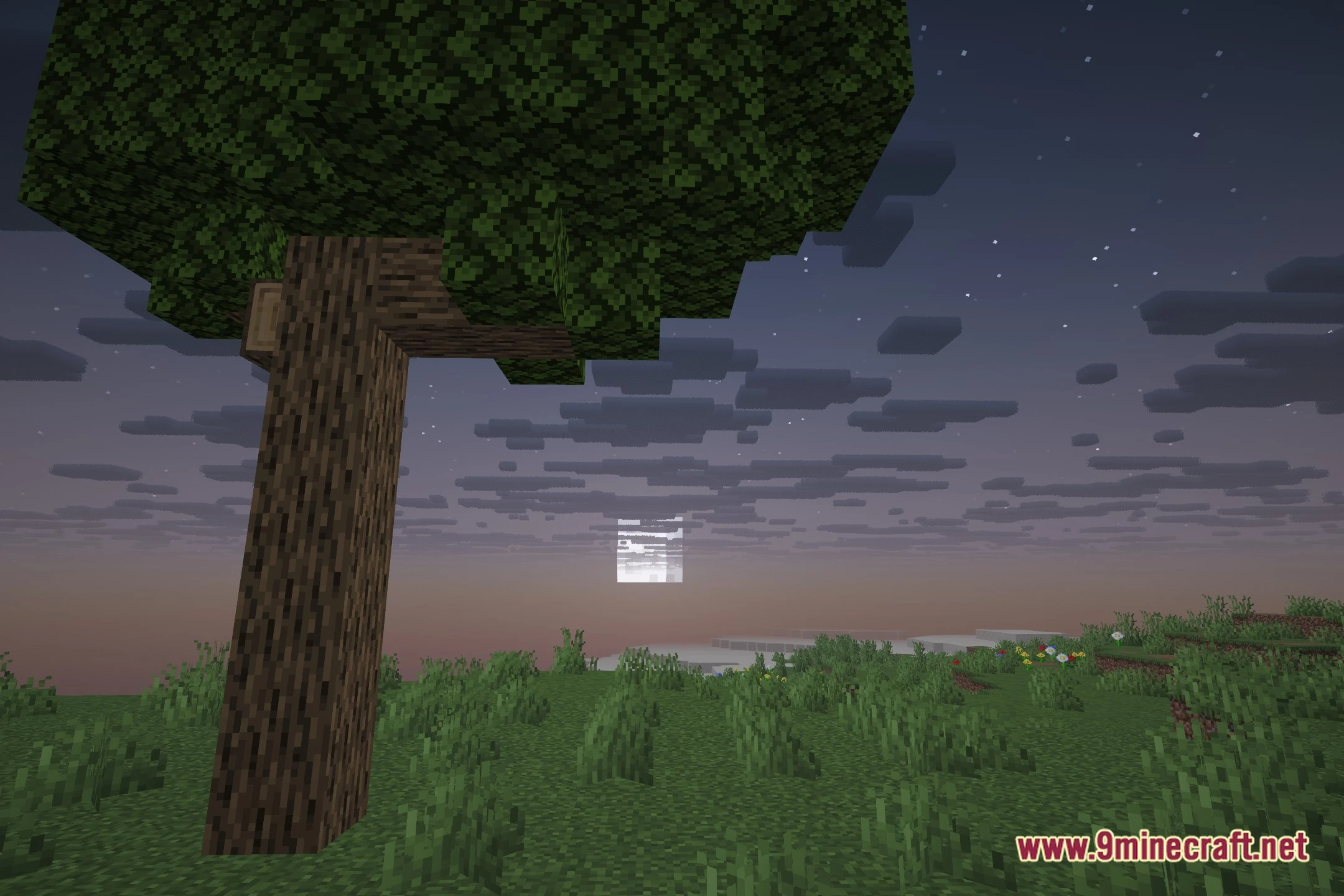
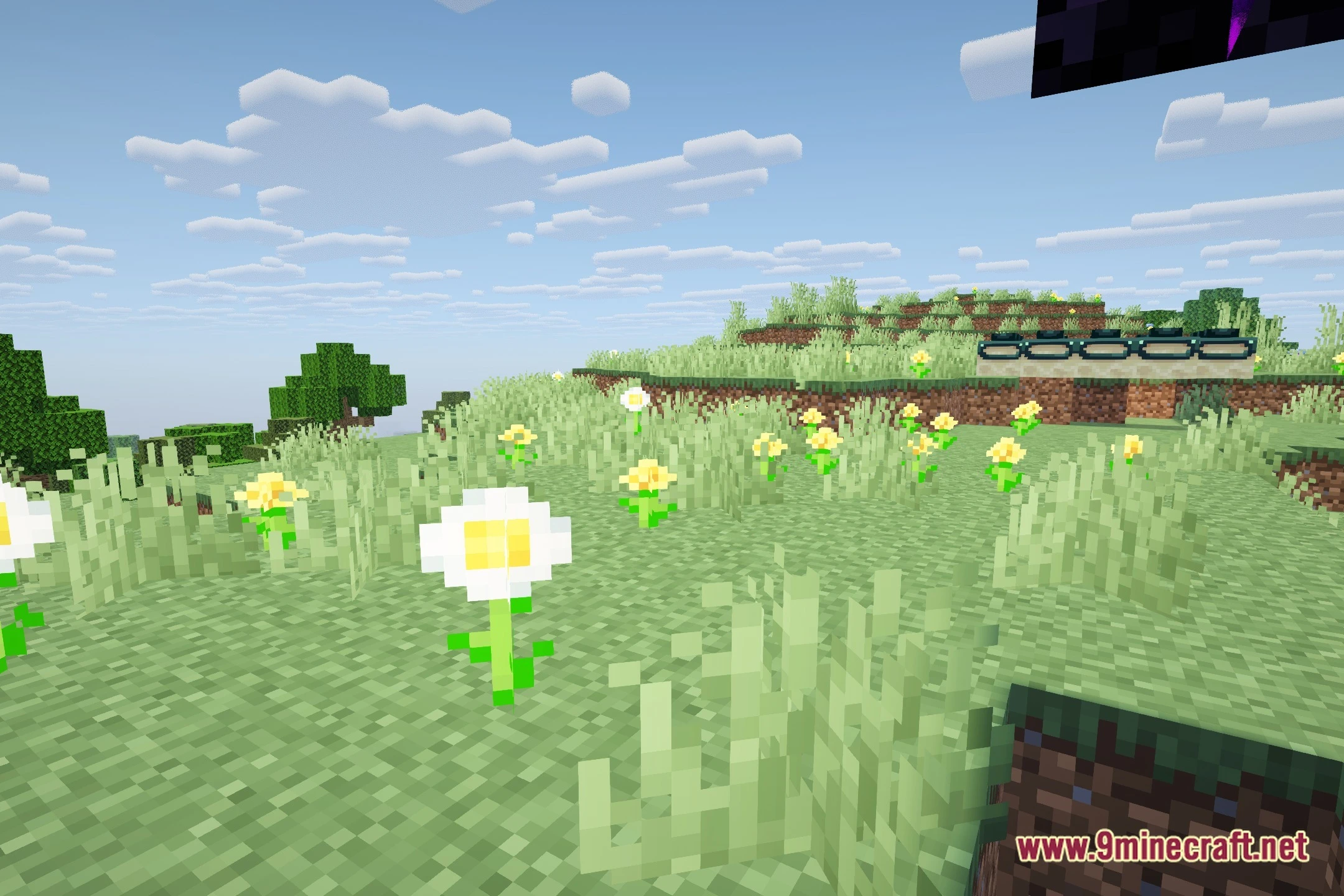
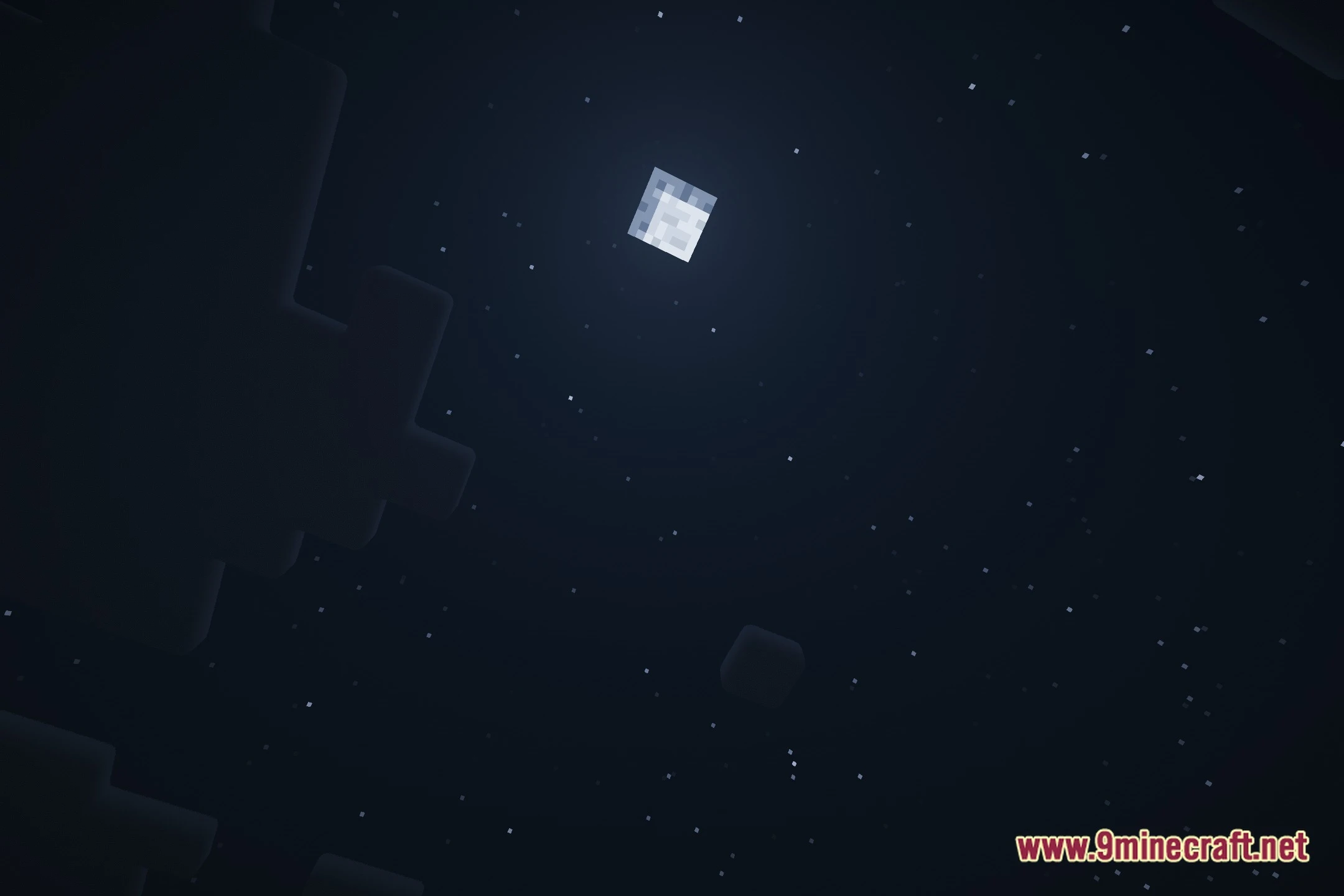
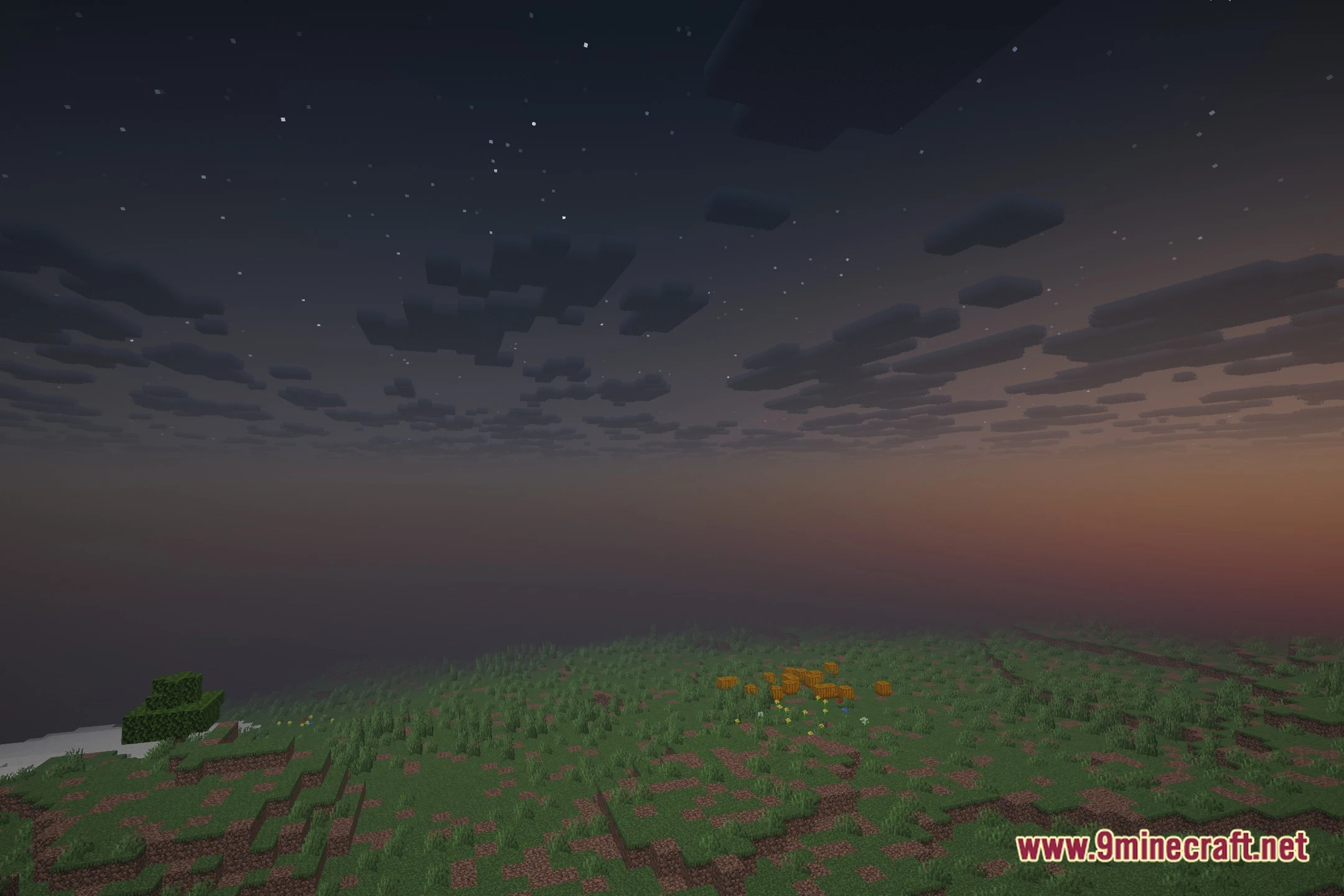
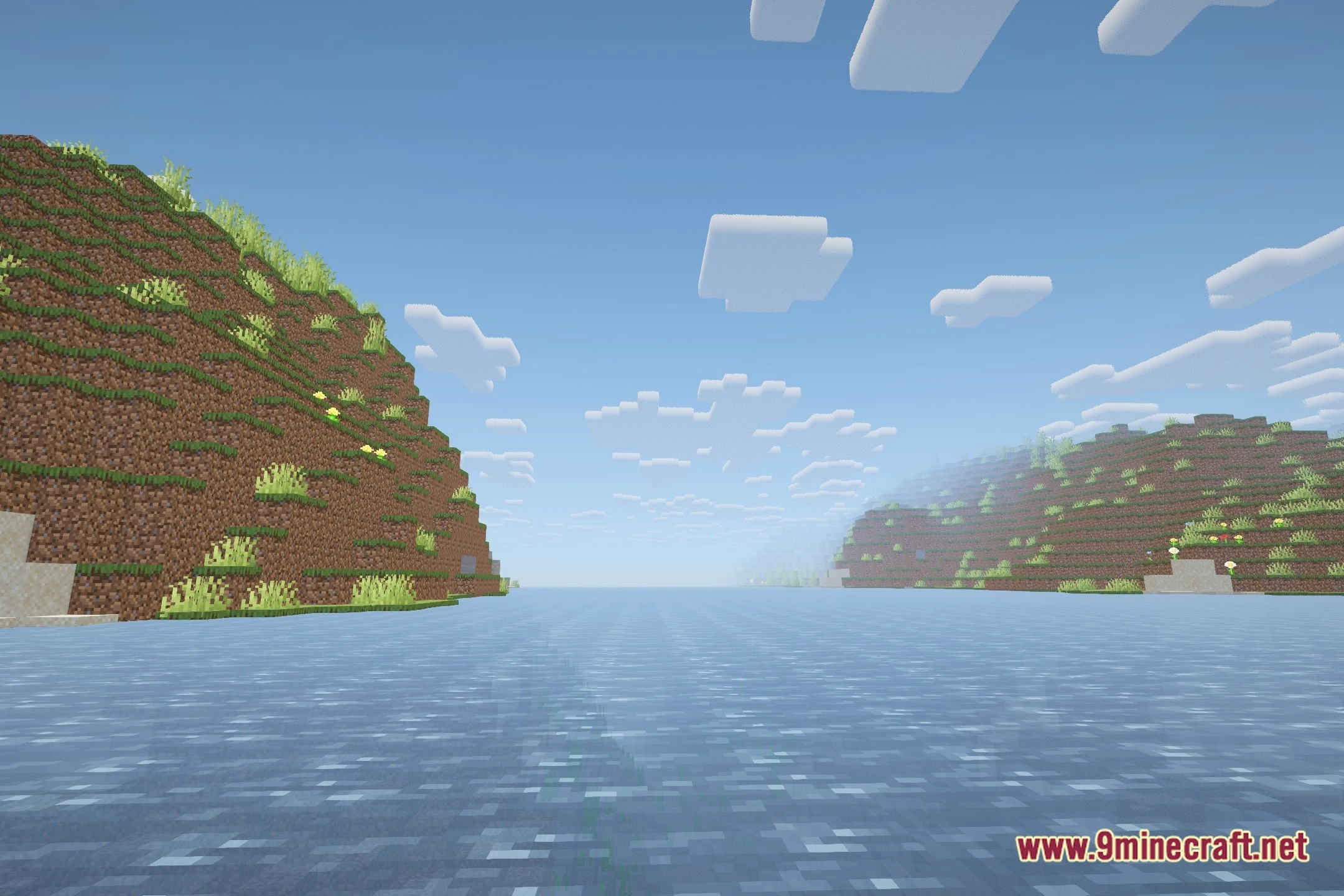
OptiLite Shaders transforms lighting in your world while keeping your game running fast. This shader pack brings soft shadows, cleaner water, and fresh color tones to the vanilla look without dropping frames. It adds temporal anti-aliasing to smooth out jagged block edges and optimizes cloud rendering for better performance. You get upgraded visuals that run smoothly on setups running Iris and Sodium.
Features:
- Casts soft shadows across the terrain and around placed blocks.
- Improves overall lighting and brightens up dark environmental scenes.
- Optimizes sky clouds to maintain stable performance during gameplay.
- Applies temporal anti-aliasing to eliminate rough edges on blocks.
- Updates water appearance and gives natural colors a clean look.
- Maintains high framerates on Iris and Sodium shader pipelines.
🎛️ Compare 40+ Minecraft Shaders Side by Side →
Drag the slider across 16 real in-game scenes — find YOUR perfect shader.
Screenshots:
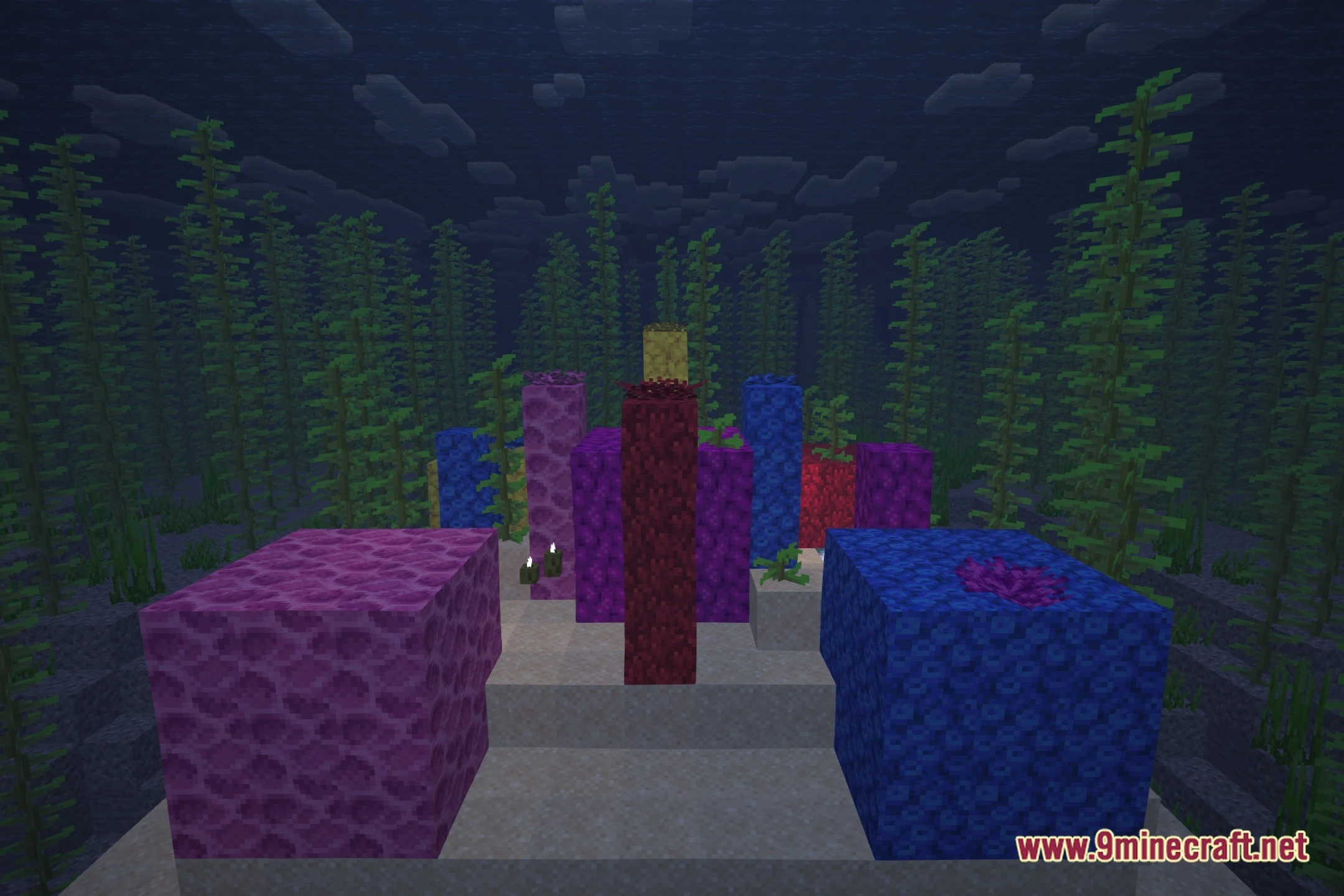
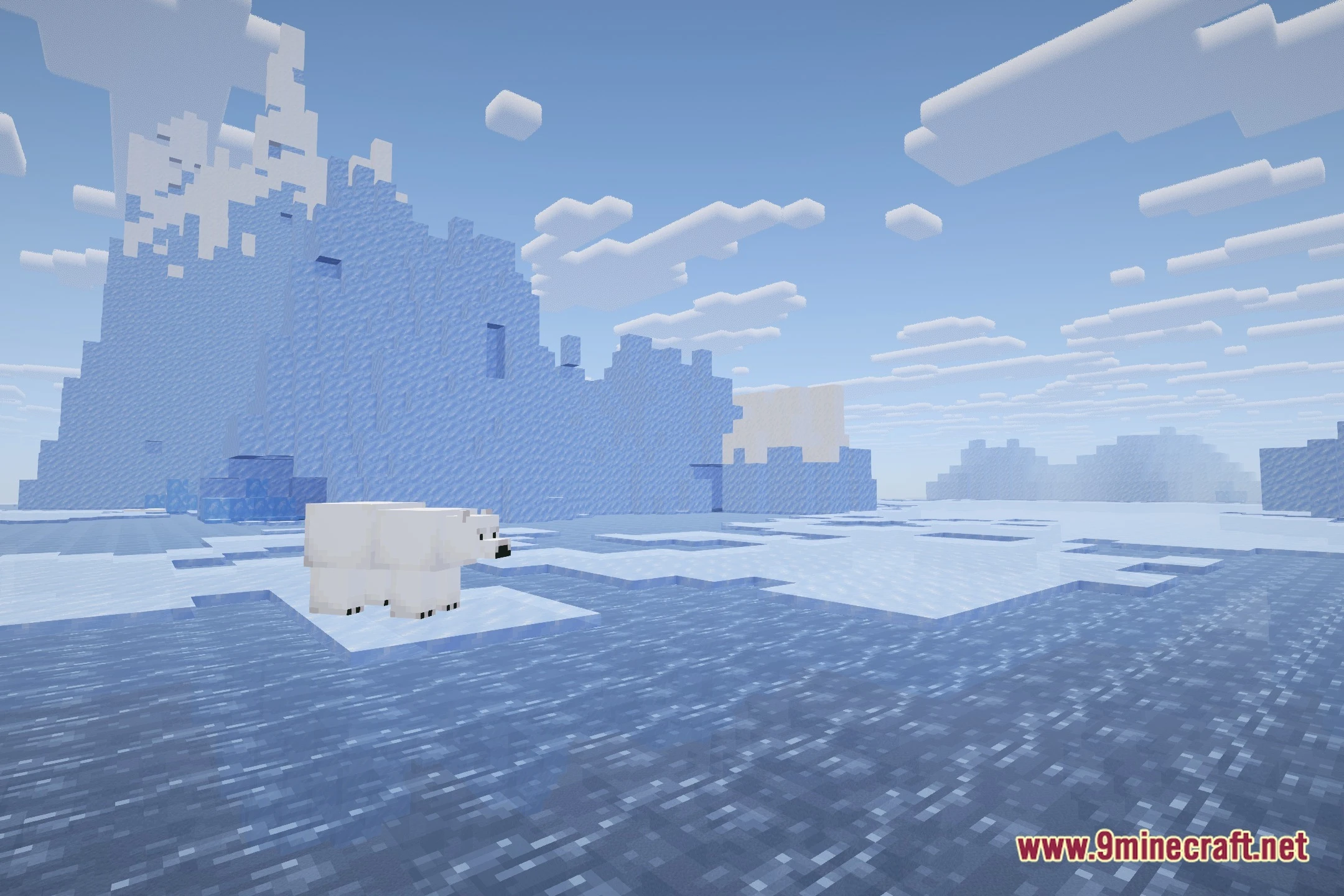
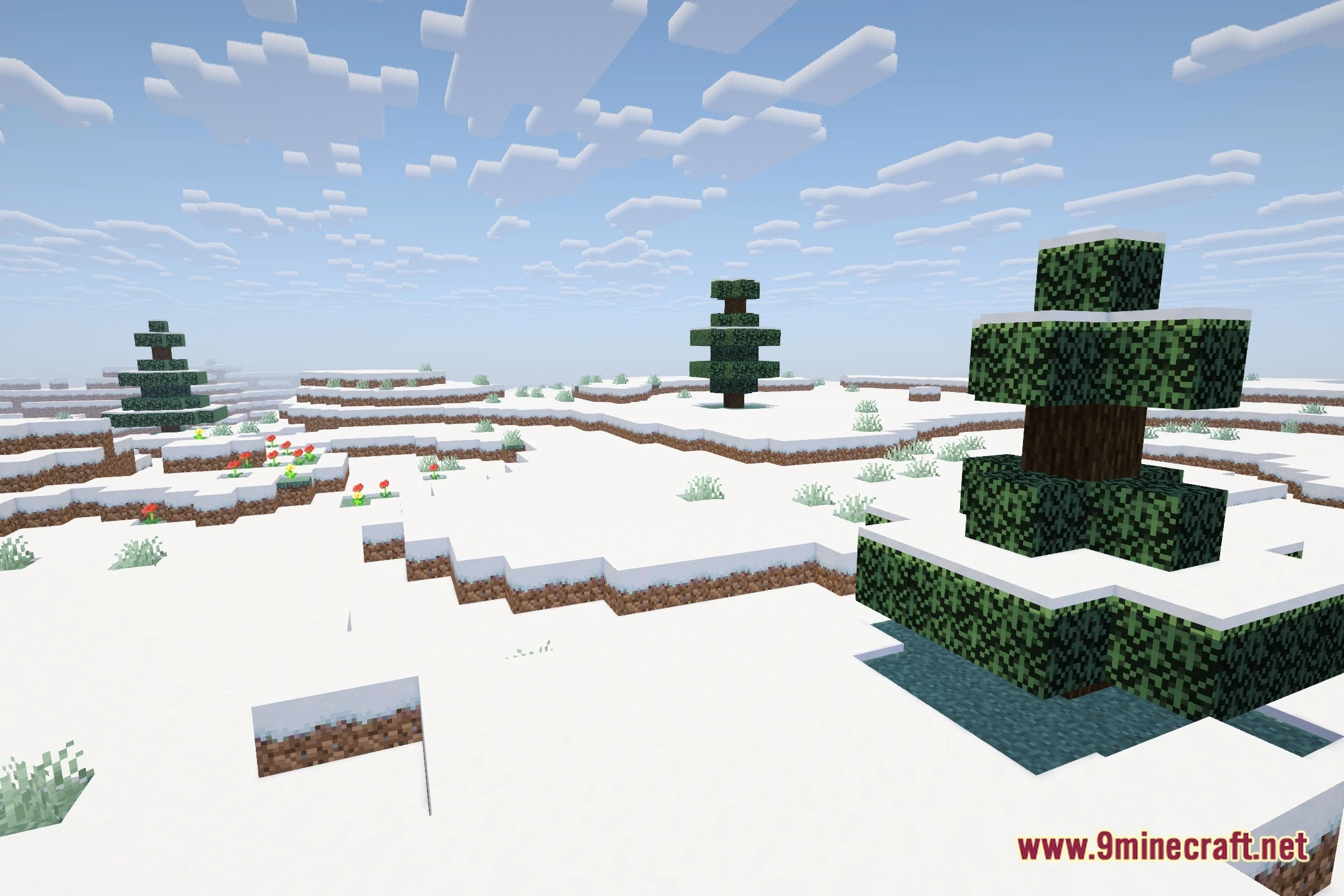
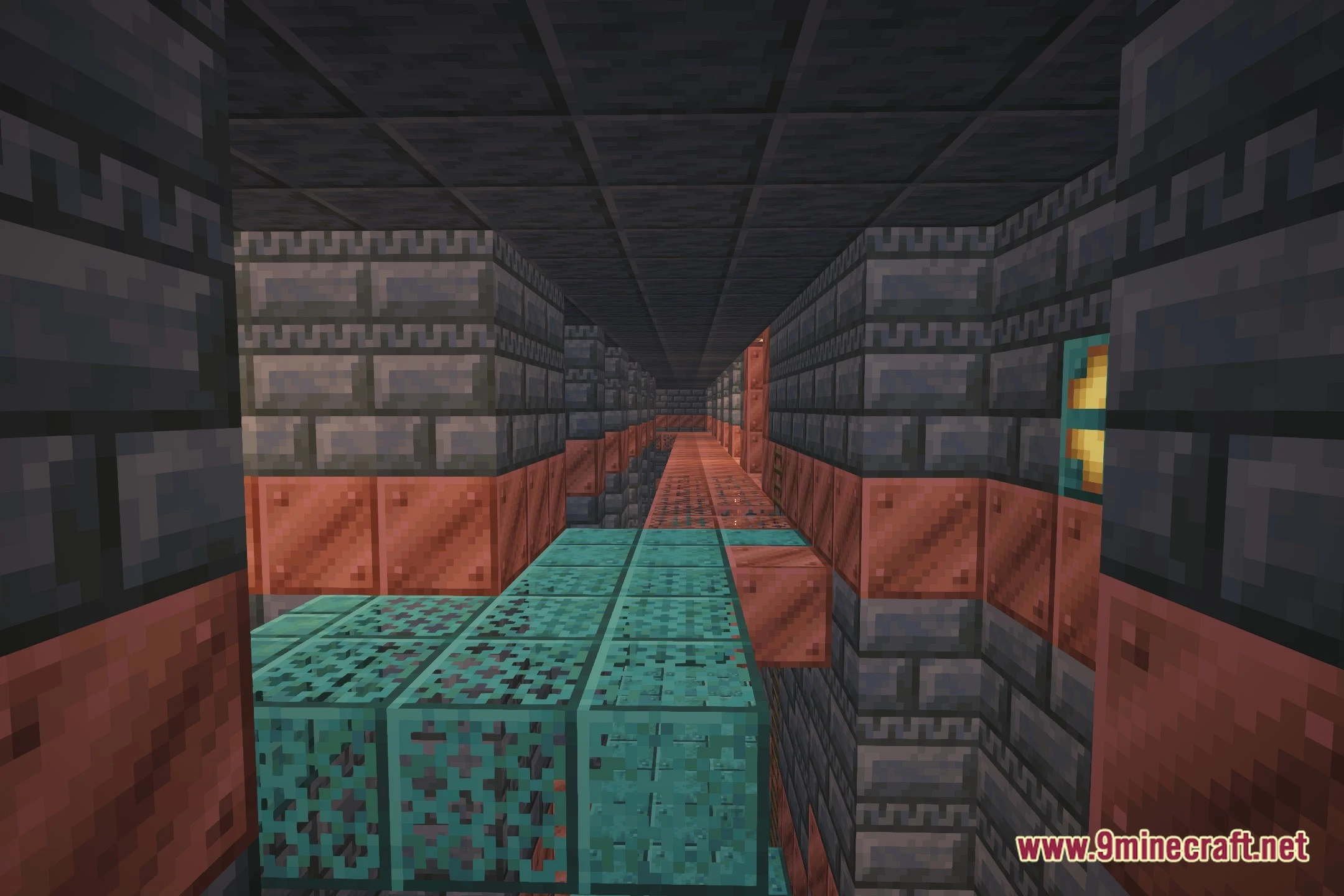
OptiLite Shaders Download Links
- Edition: Minecraft Java
- File type: .zip (resource pack)
- Minecraft version listed: 1.20.1
- How to install: Download the .zip resource pack — do not unzip it. → Put it in .minecraft/resourcepacks. → Enable it in Options → Resource Packs.
- Where to get it: In MC Java Mods, or directly above on this page.
Install steps are the general flow for this file type — see the MC Java Mods guides for the full walkthrough.
OptiLite Shaders (26.3, 1.20.1) – Soft Shadows and Temporal Antialiasing is a free Minecraft Java shader. Compatible with Minecraft 1.20.1. Download it and open it directly in the game.