ShadersJava
Radiation Shaders (26.3, 1.20.1) – Realistic Lighting for Low-End GPUs
Java shader pack listed for Minecraft 1.20. Downloads from the MC Java Mods app on Android.
⬇ Download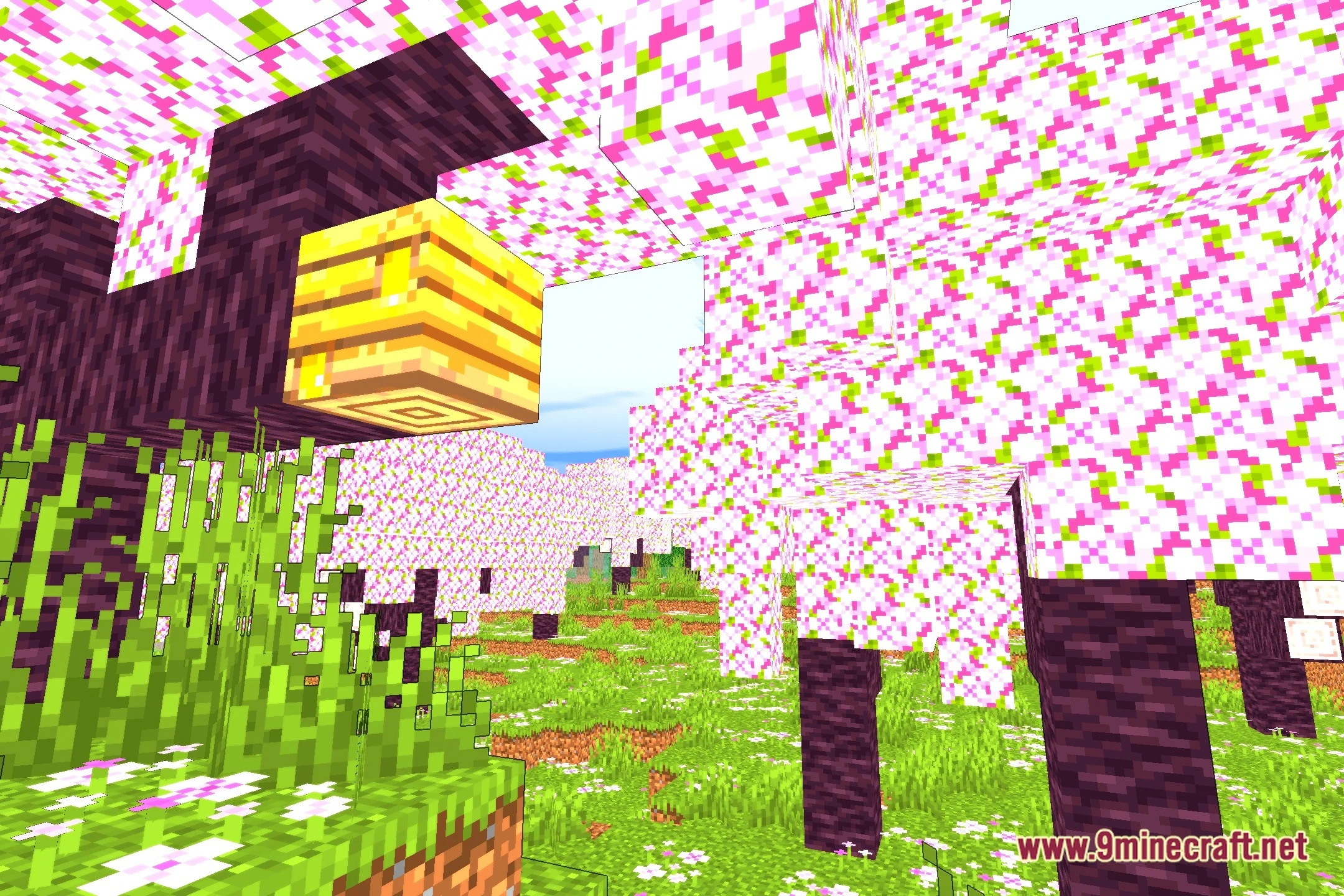
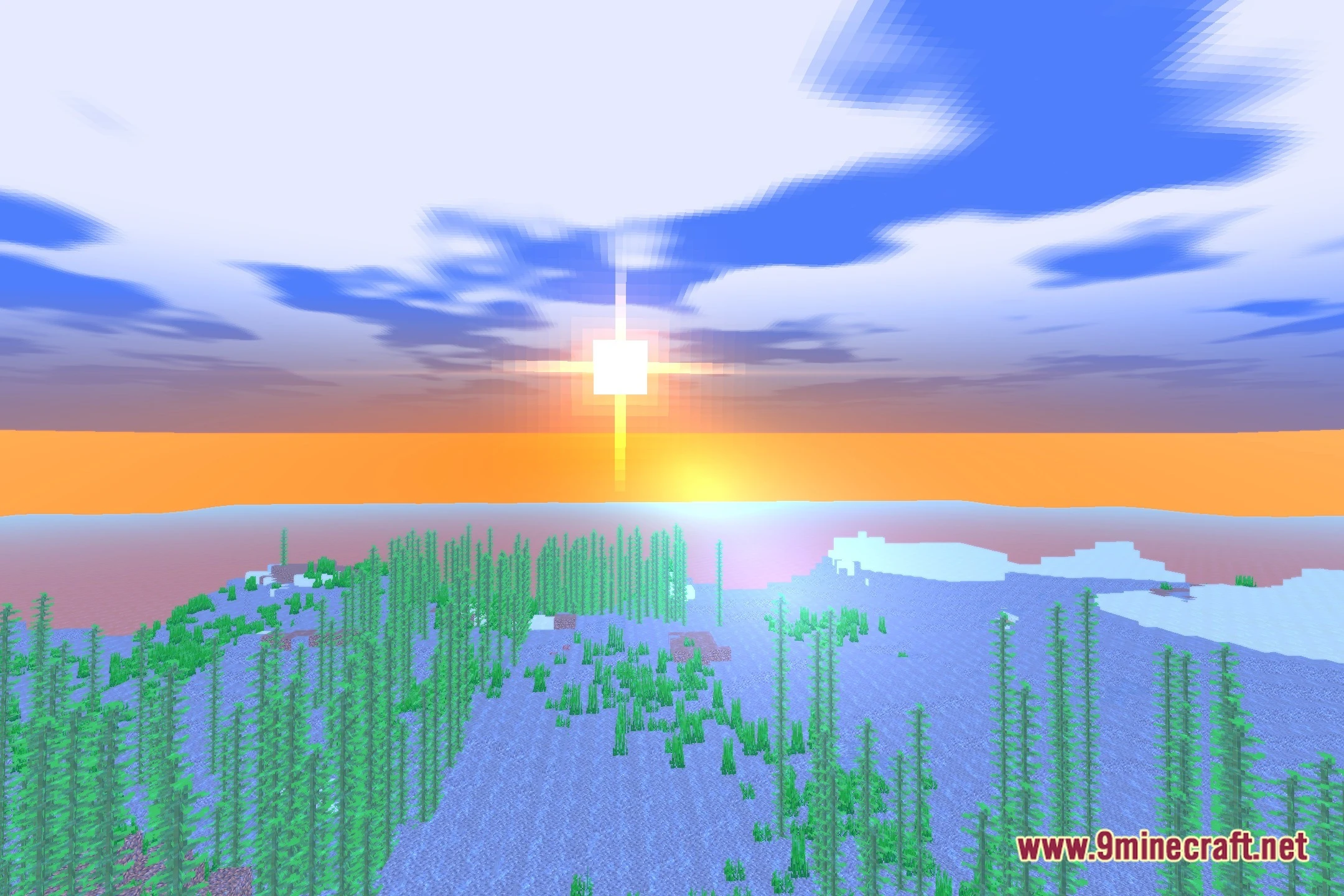
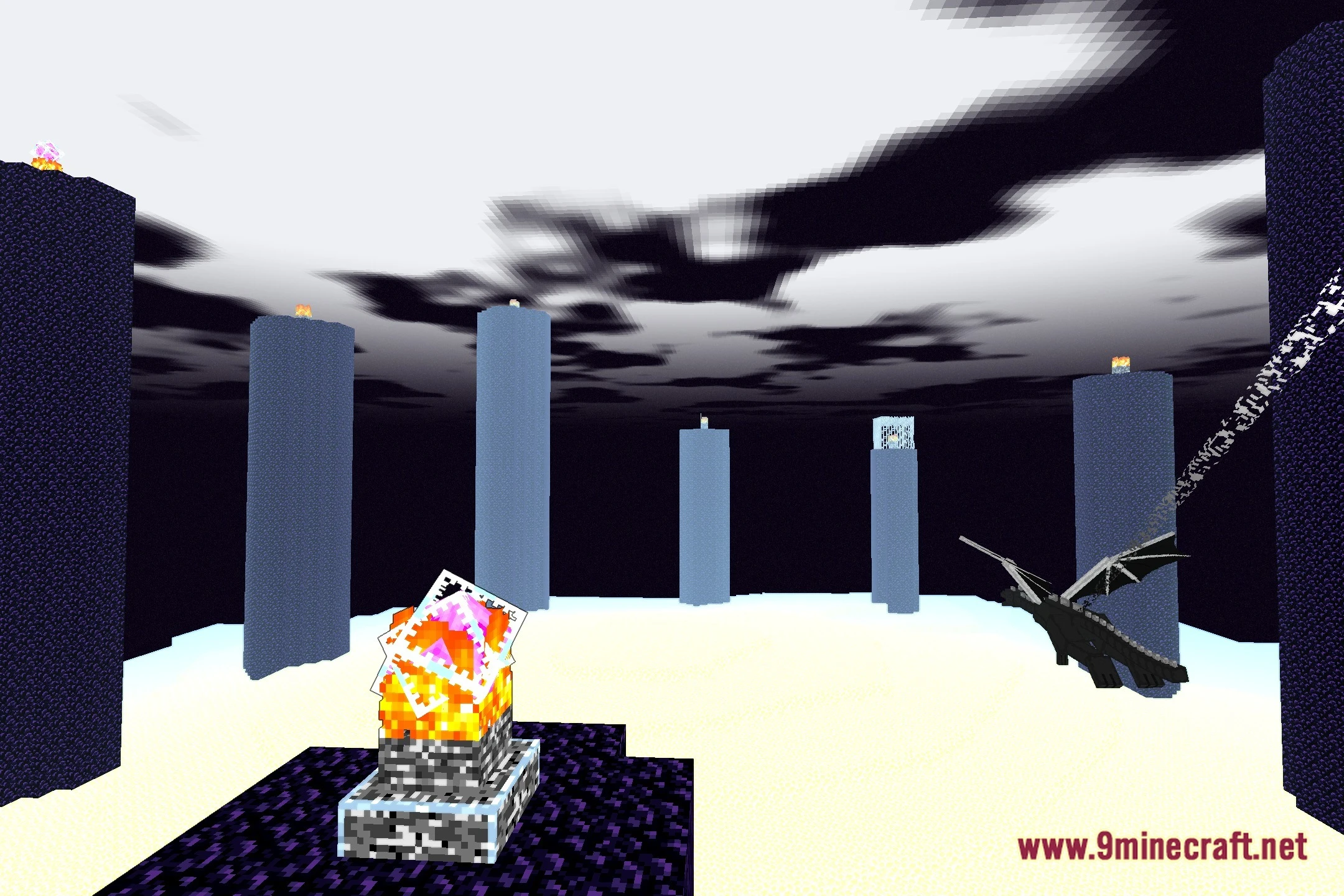
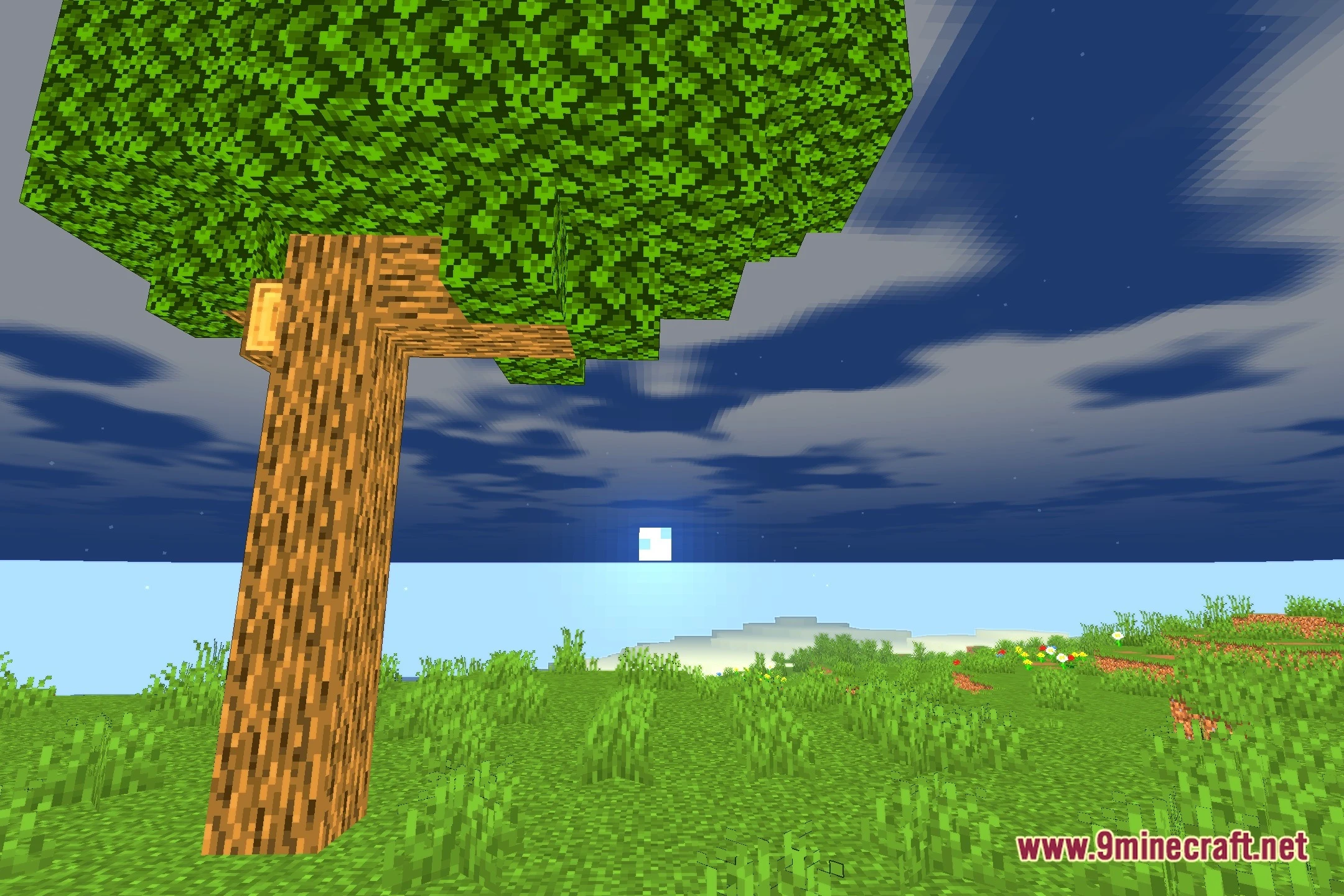

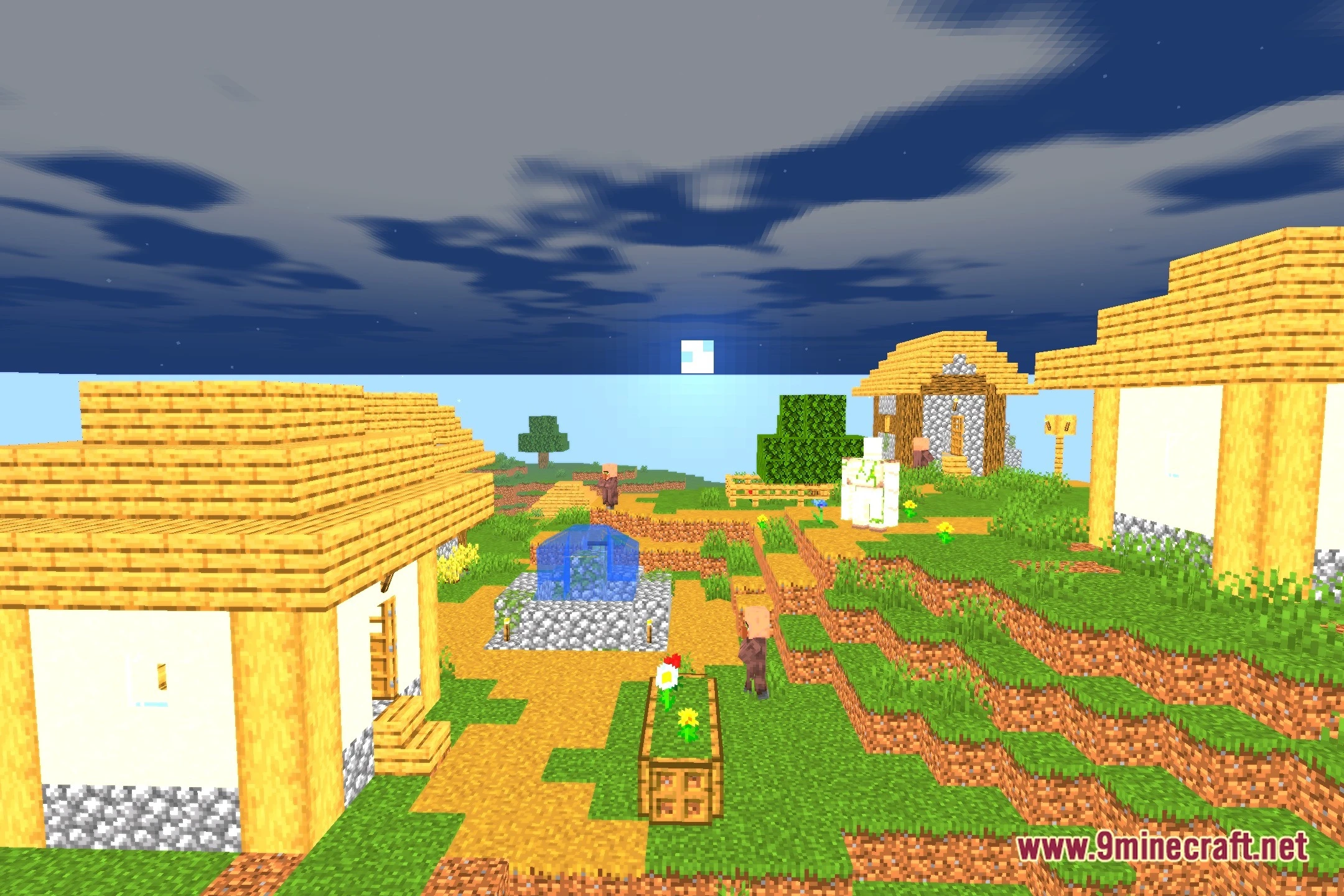
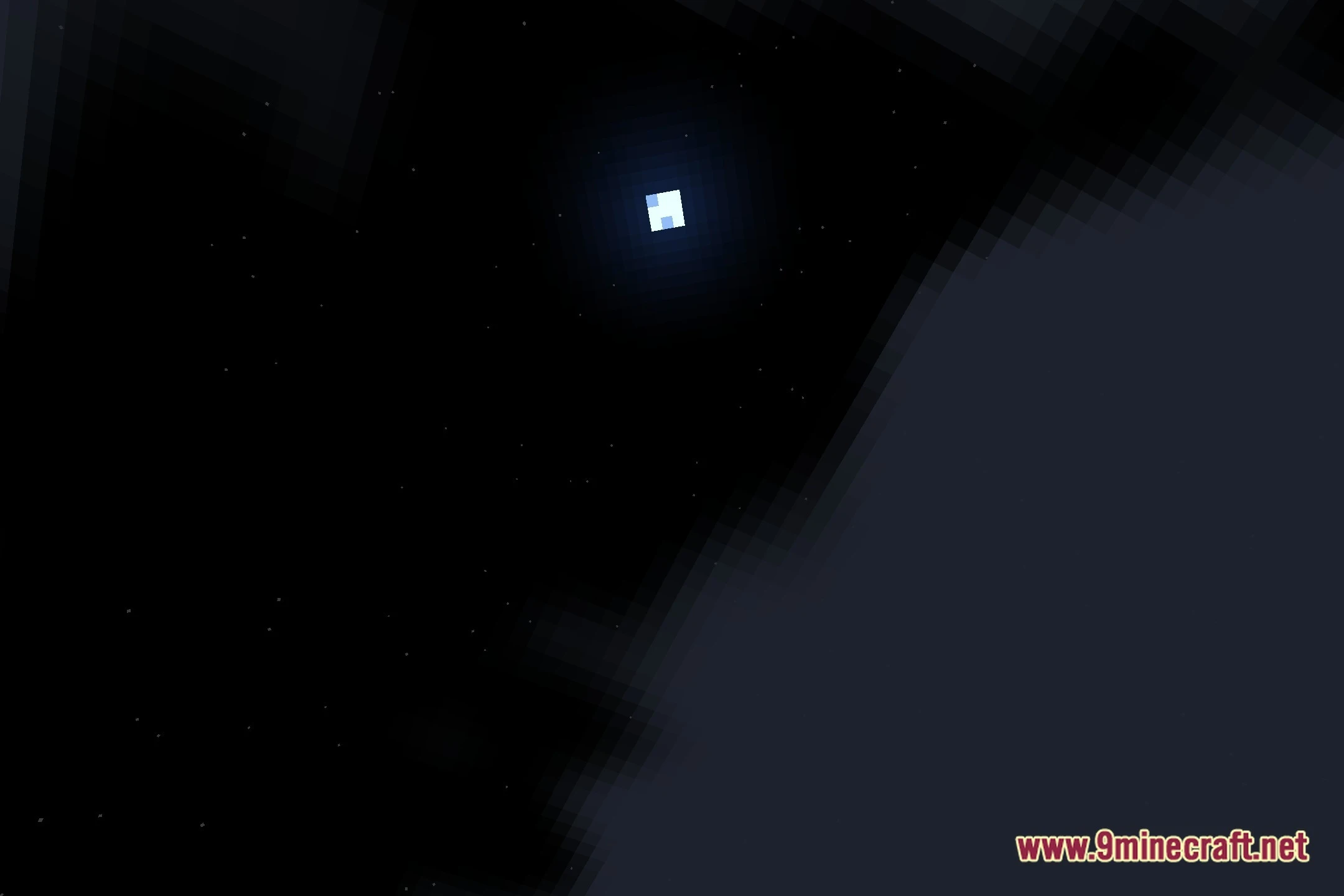
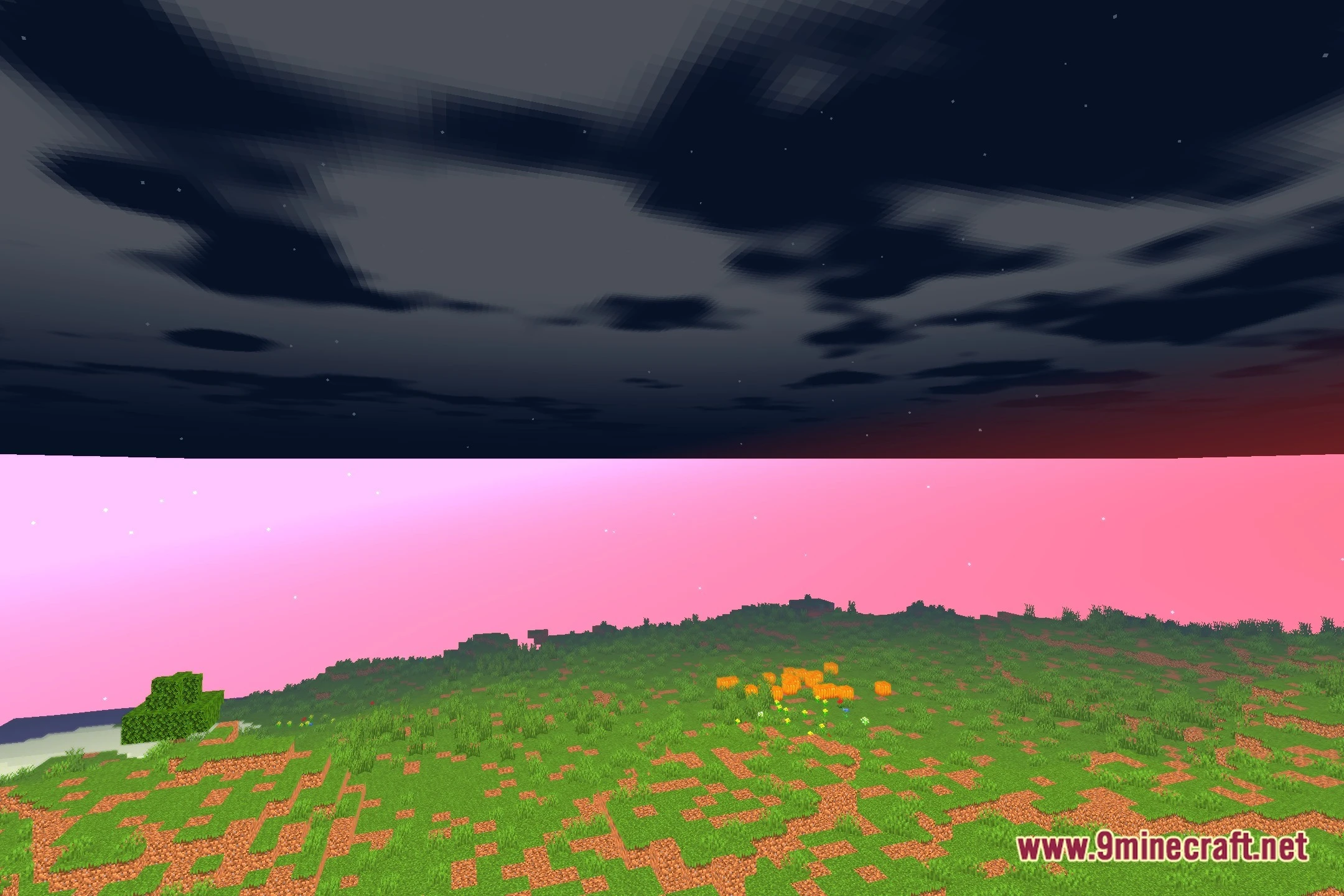
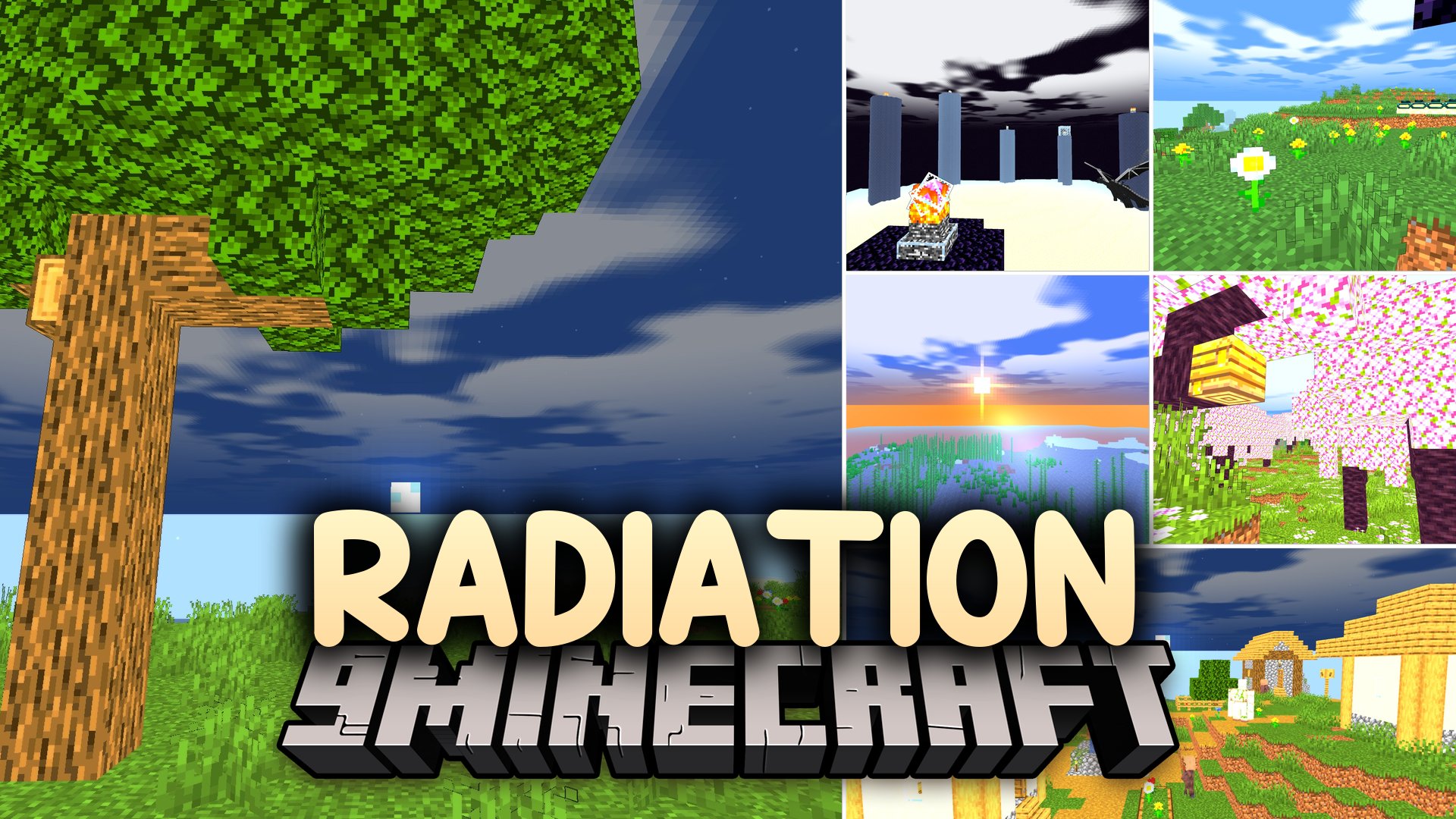
Radiation Shaders transforms the look of vanilla blocks with realistic lighting while keeping game performance fast and stable. This shader pack maintains steady frame rates during regular gameplay so you do not suffer from lag drops. It works smoothly across both Iris and OptiFine mod loaders.
Features:
- Brings realistic lighting while preserving the classic vanilla feel of the world.
- Keeps frame rates steady and prevents sudden performance drops during gameplay.
- Runs cleanly on low-end hardware and budget graphics cards.
- Works with both Iris and OptiFine loaders without extra setup.
- Provides clean outdoor illumination during both daytime and night cycles.
Screenshots:

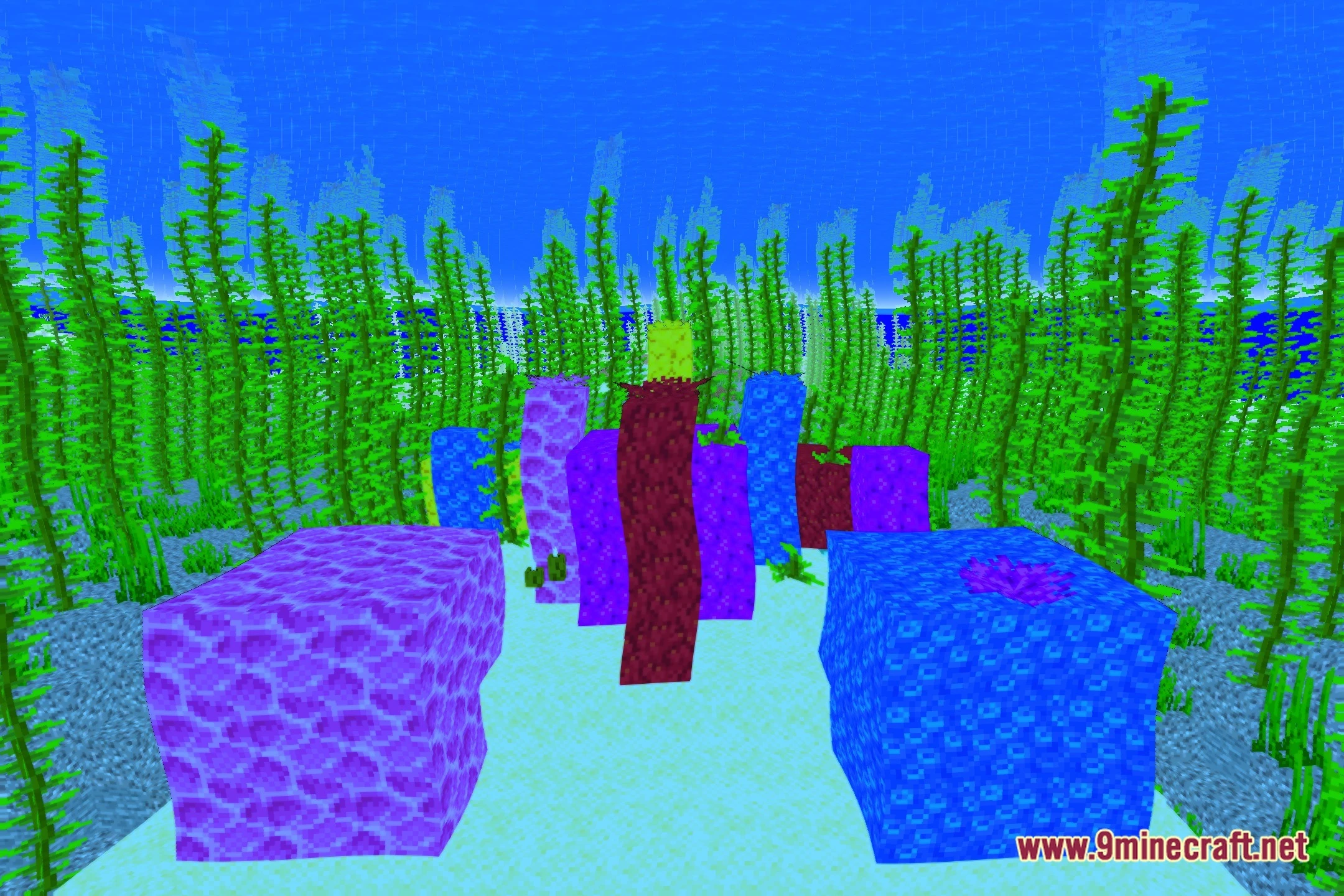
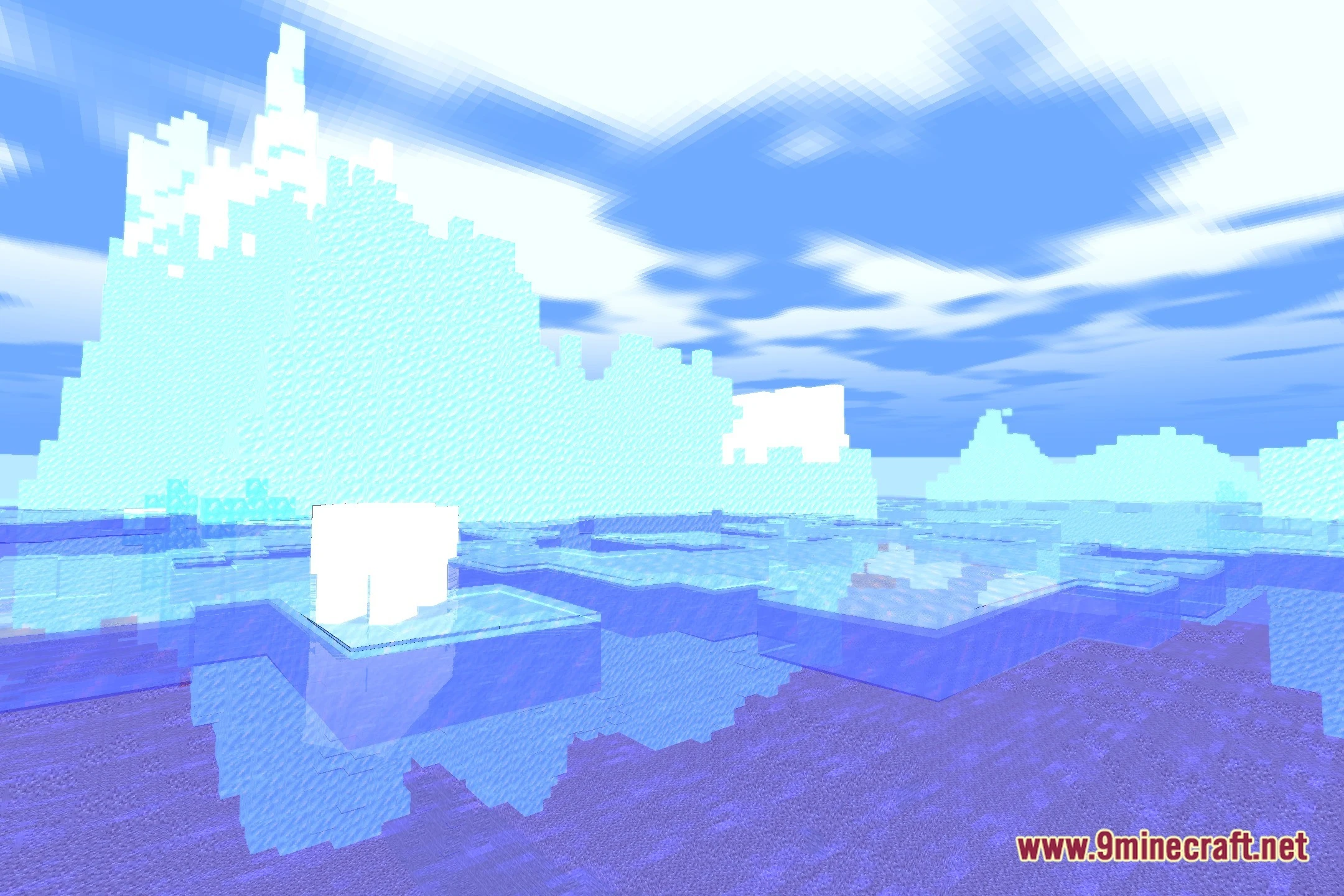
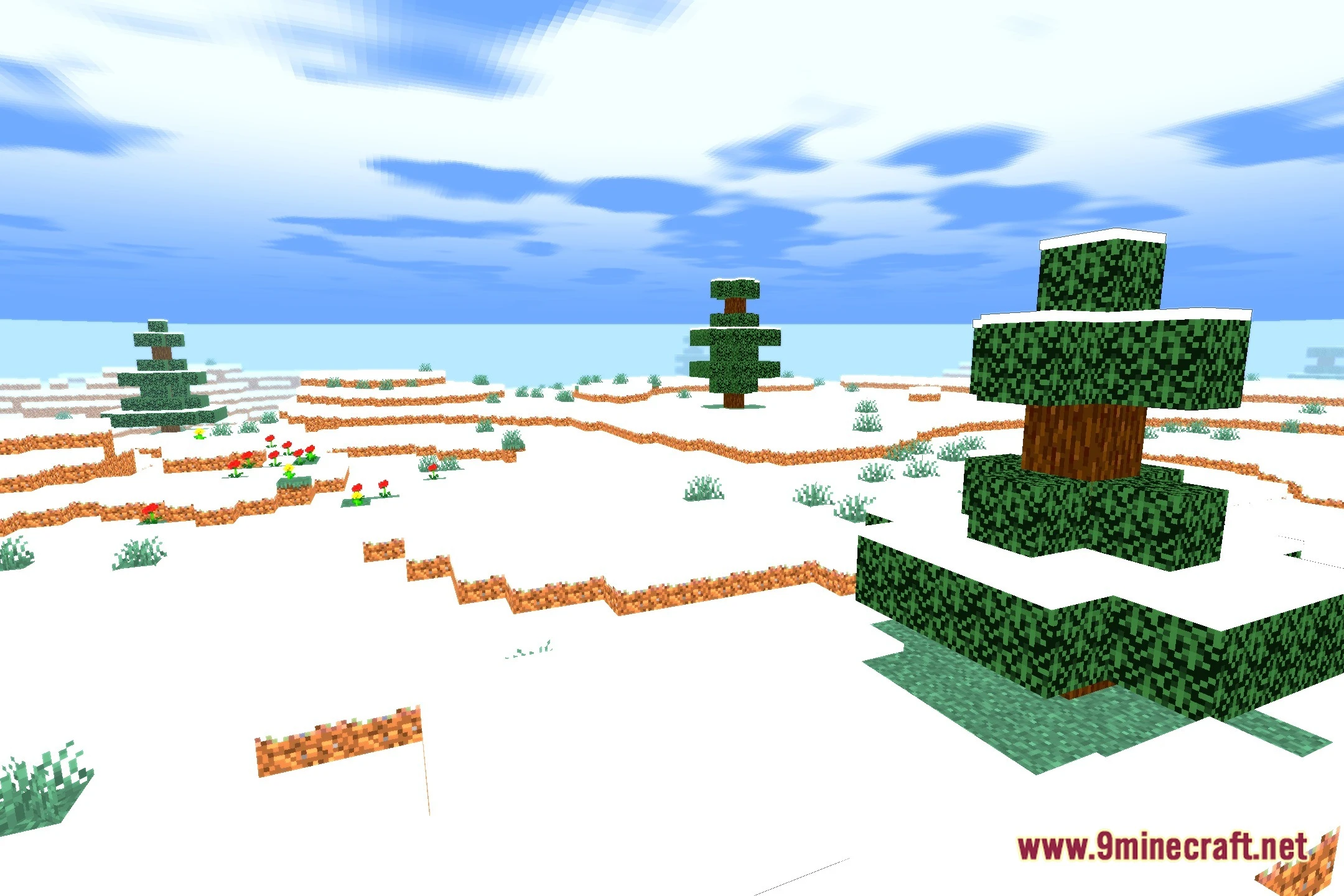
Radiation Shaders Download Links
Quick facts
- Edition: Minecraft Java
- File type: .zip (resource pack)
- Minecraft version listed: 1.20.1
- How to install: Download the .zip resource pack — do not unzip it. → Put it in .minecraft/resourcepacks. → Enable it in Options → Resource Packs.
- Where to get it: In MC Java Mods, or directly above on this page.
Install steps are the general flow for this file type — see the MC Java Mods guides for the full walkthrough.
Radiation Shaders (26.3, 1.20.1) – Realistic Lighting for Low-End GPUs is a free Minecraft Java shader. Compatible with Minecraft 1.20.1. Download it and open it directly in the game.