
Enjoyer Addon Client Mod (1.21.11) – Automate Server Auctions and Mining
Java mod listed for Minecraft 1.21. File opened and checked on 11 Oct 2026; downloads from the MC Java Mods app on Android.
⬇ Download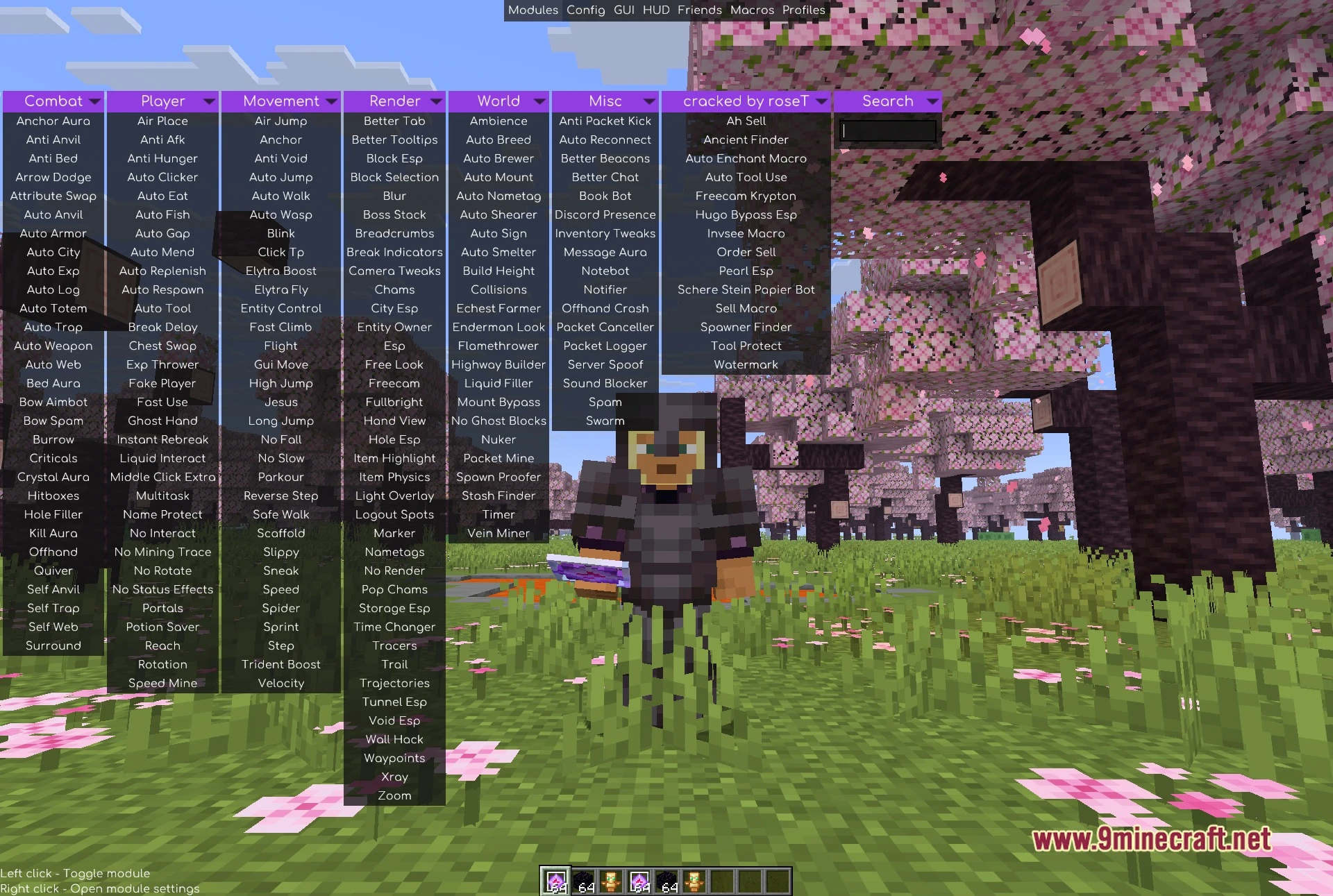
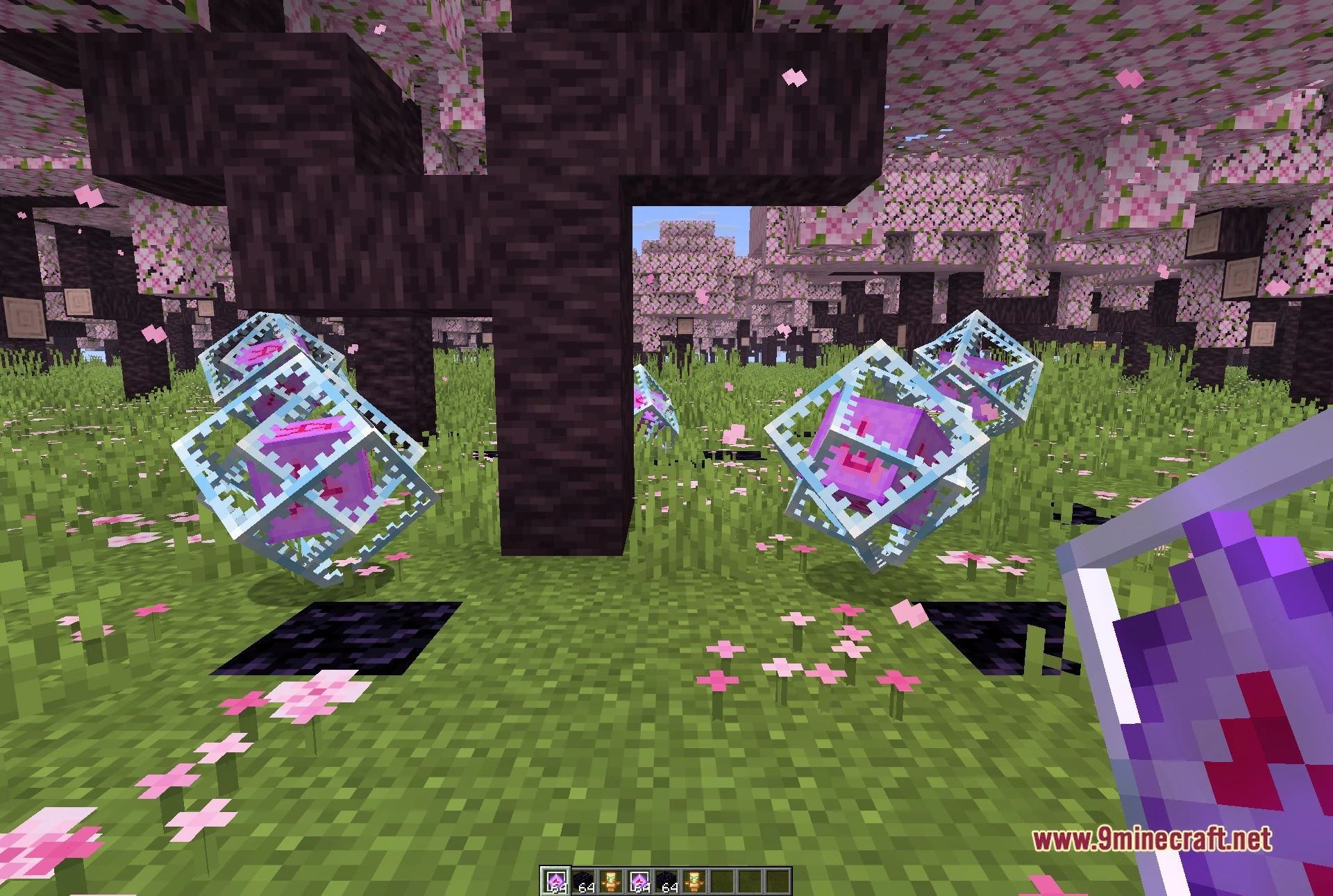
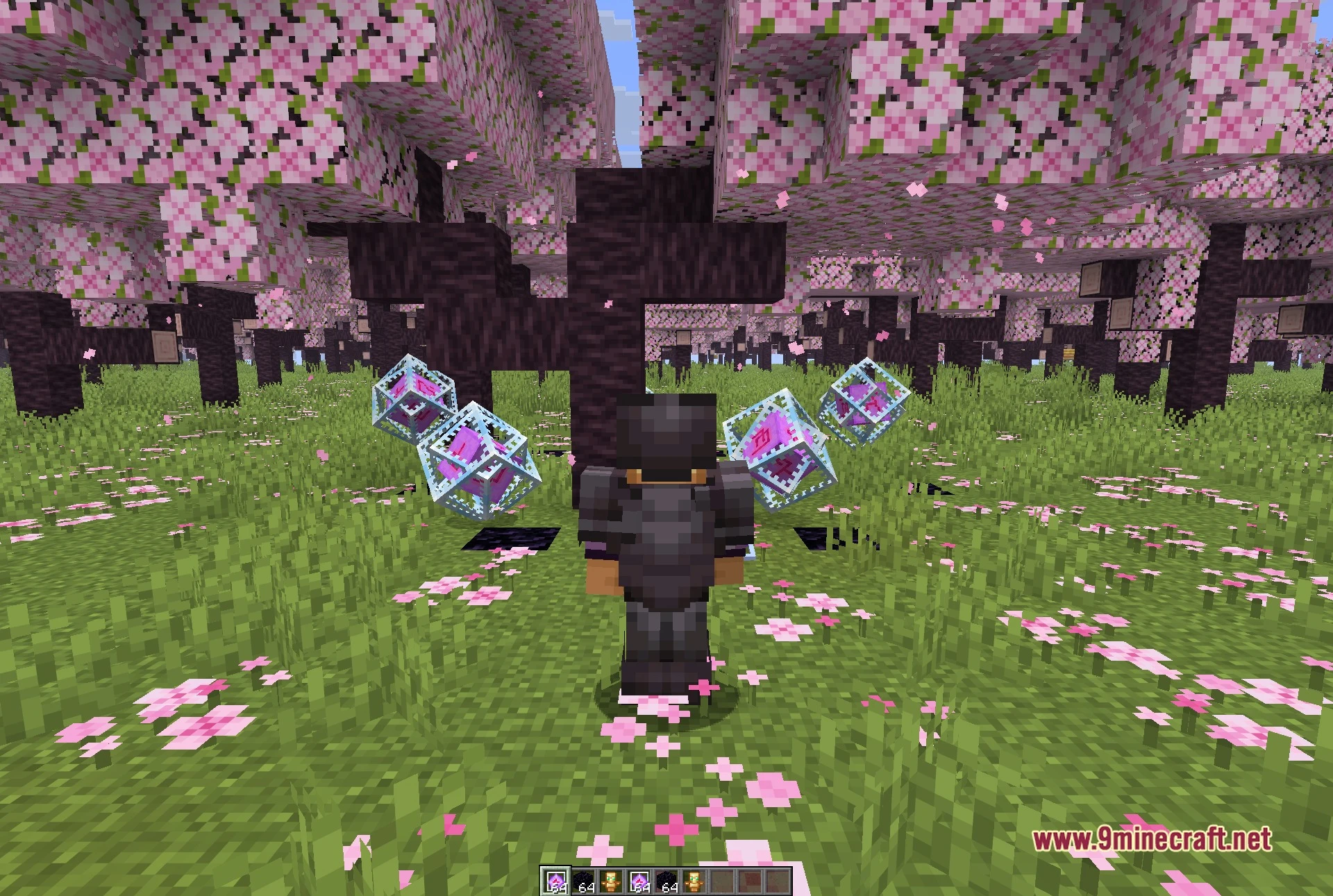
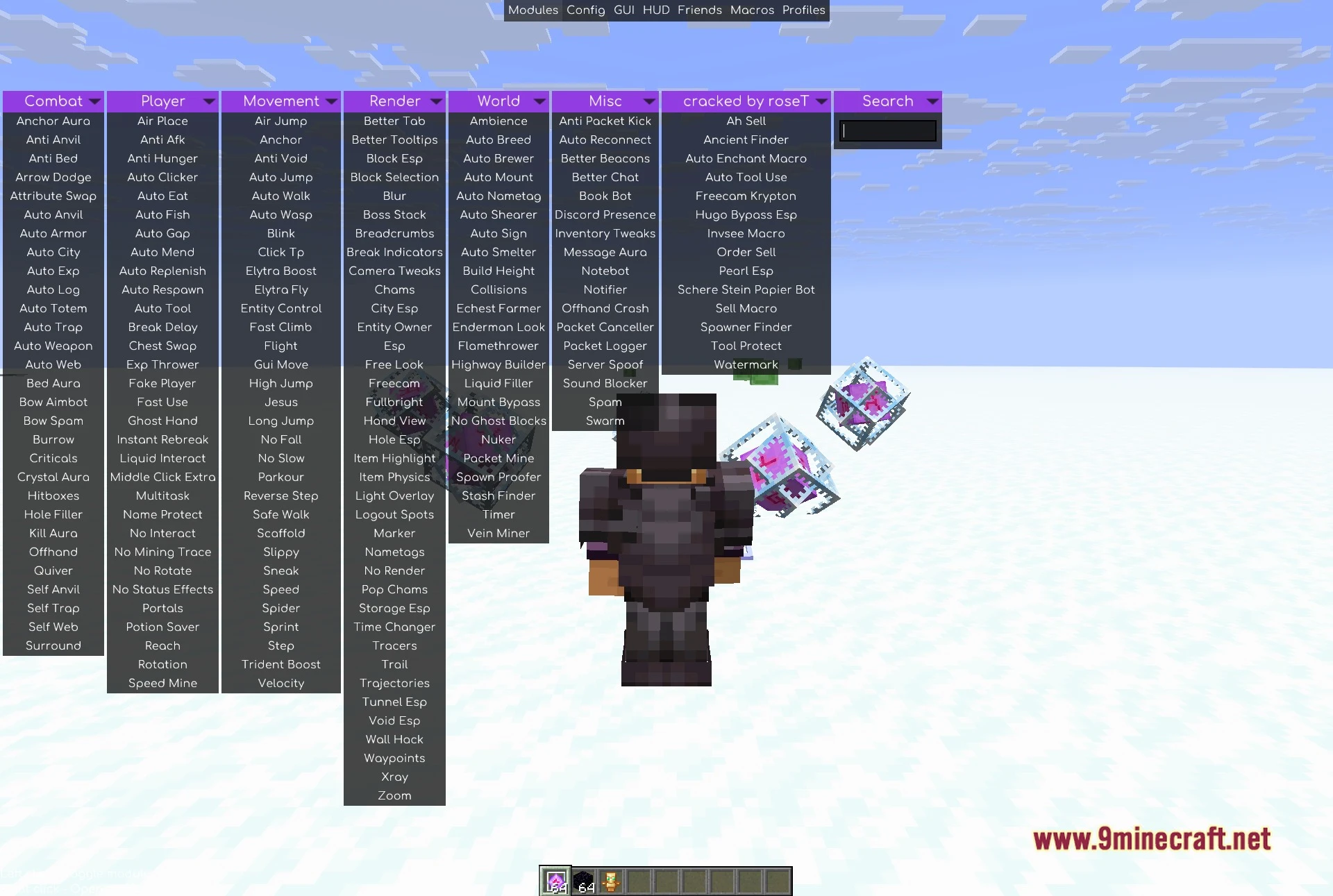
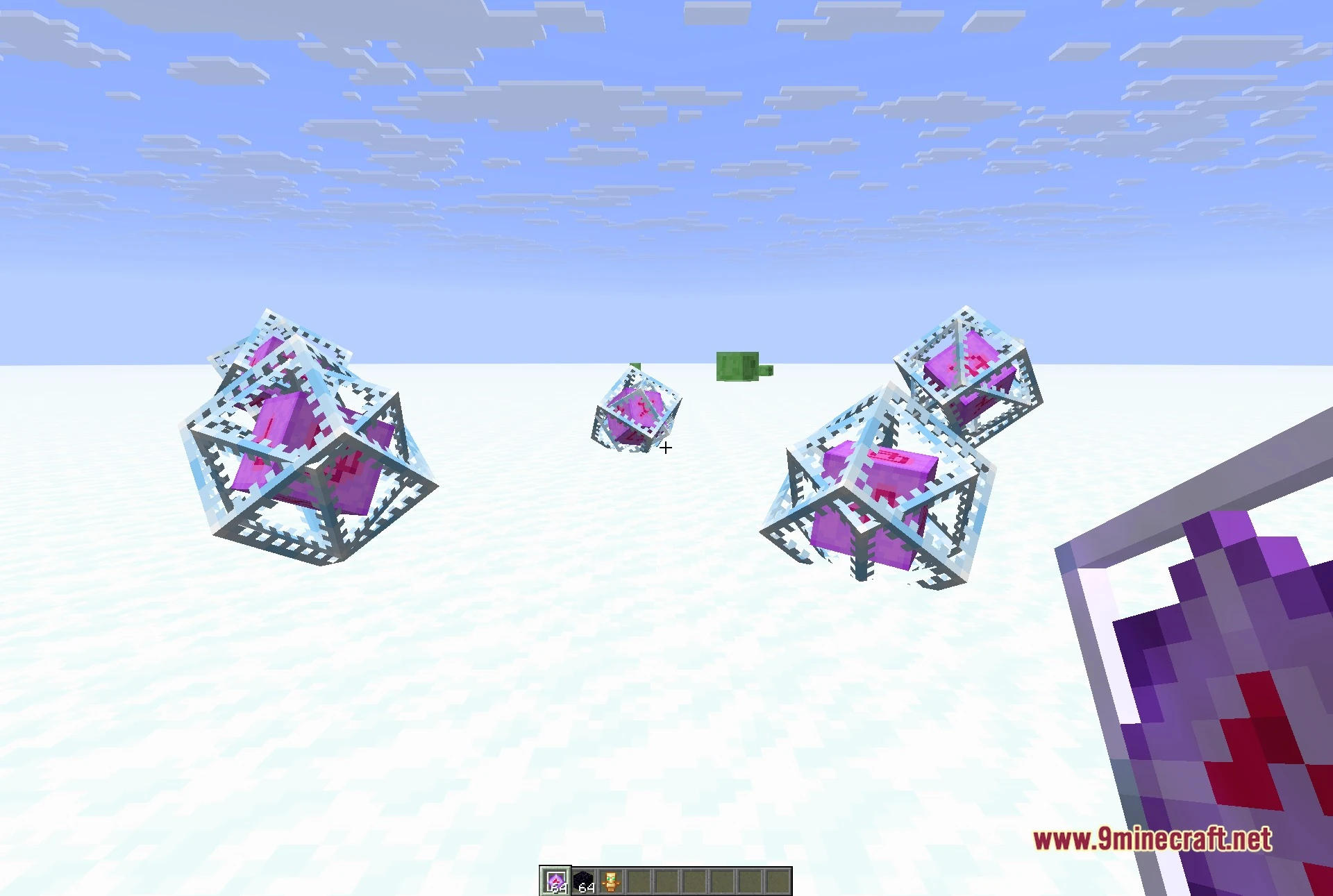
Enjoyer Addon Client Mod extends Meteor Client with utility modules focused on server economy tasks and finding rare items. It adds a dedicated tab inside the client interface with tools for automated selling, crafting, and enchanting. The mod helps you locate spawners and ancient debris with visual tracers and custom scan ranges. It also includes protection settings that prevent your favorite tools from breaking during routine jobs.
Features:
Automation and Economy:
- Ah Sell and Order Sell put items up for auction and check for successful trade confirmations.
- Auto Enchant Macro enchants items continuously until reaching your chosen target level.
- Auto Tool Use automatically switches to the correct tool for any block and swaps back after mining.
- Tool Protect stops tool actions before durability drops below your safety limit.
- Auto Craft builds items in repeat cycles and places the finished goods into nearby chests.
- Schere Stein Papier Bot automatically plays rock-paper-scissors minigames using custom action delays and move choices.
Visual Finders and Tracers:
- Ancient Finder points lines directly to buried ancient debris blocks.
- Spawner Finder highlights mob spawners across a customizable scan radius.
- Pearl Esp tracks thrown ender pearls in mid-air.
- Highlights dropped items, tridents, potions, fireworks, and wind charges with custom box colors.
- Freecam Krypton lets you detach your camera from your player model to look around freely.
How to Use:
- Open the Meteor Client ClickGUI menu in-game.
- Click the dedicated addon tab to see the list of modules.
- Toggle your desired economy, automation, or ESP module.
- Right-click any module to adjust settings like price, durability limits, or scan ranges.
Screenshots:
Enjoyer Addon Client Mod Download Links
- Edition: Minecraft Java
- File type: .jar
- Minecraft version listed: 1.21.11
- How to install: Install the matching mod loader (Forge, Fabric or NeoForge) for your Minecraft version. → Download the .jar. → Put it in the .minecraft/mods folder and launch that loader profile.
- Where to get it: In MC Java Mods, or directly above on this page.
Install steps are the general flow for this file type — How to install Minecraft Java mods & modpacks walks through it step by step.
- Downloads as 521172.mcaddon
- Download size: 99 KB
- Download link checked 4 Oct 2026 — working
- Mirrored on our own servers — the download does not depend on the original host
These come from our own check of the pack file, not from the source page.