ModsJava
Babo Debug Client Mod (1.21.11) – Spot Hidden Bases on Anarchy Servers
Java mod listed for Minecraft 1.21. Downloads from the MC Java Mods app on Android.
⬇ Download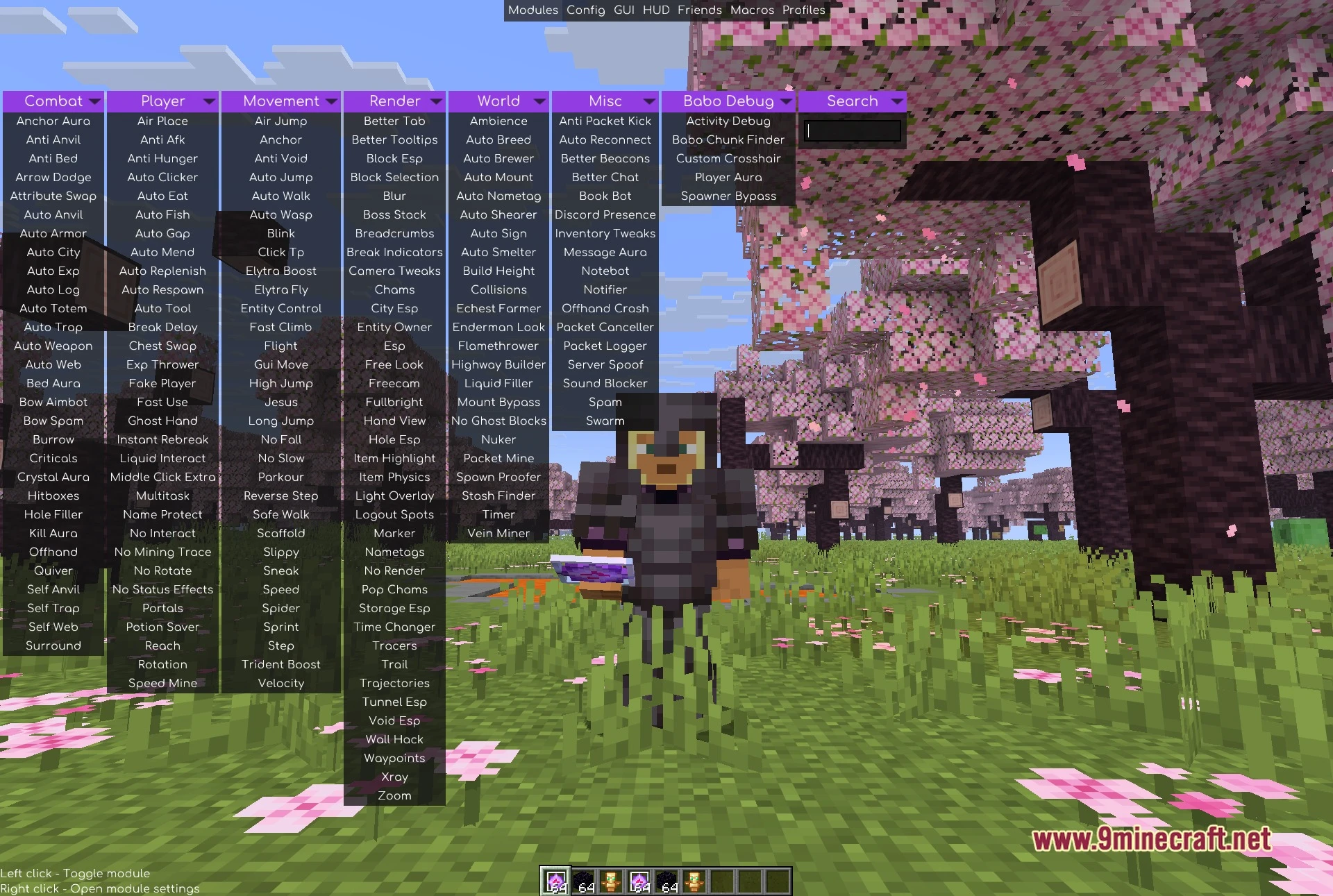
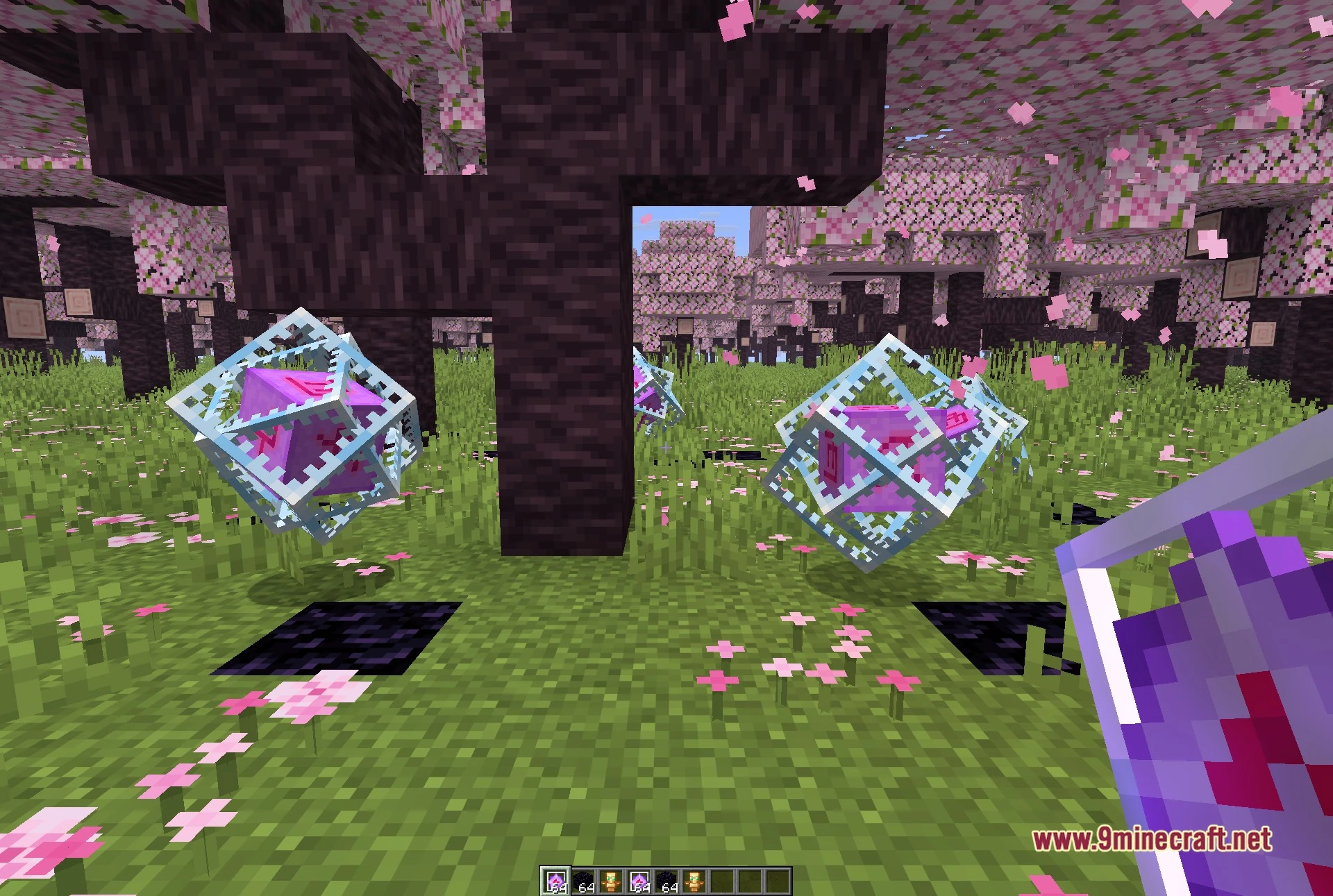
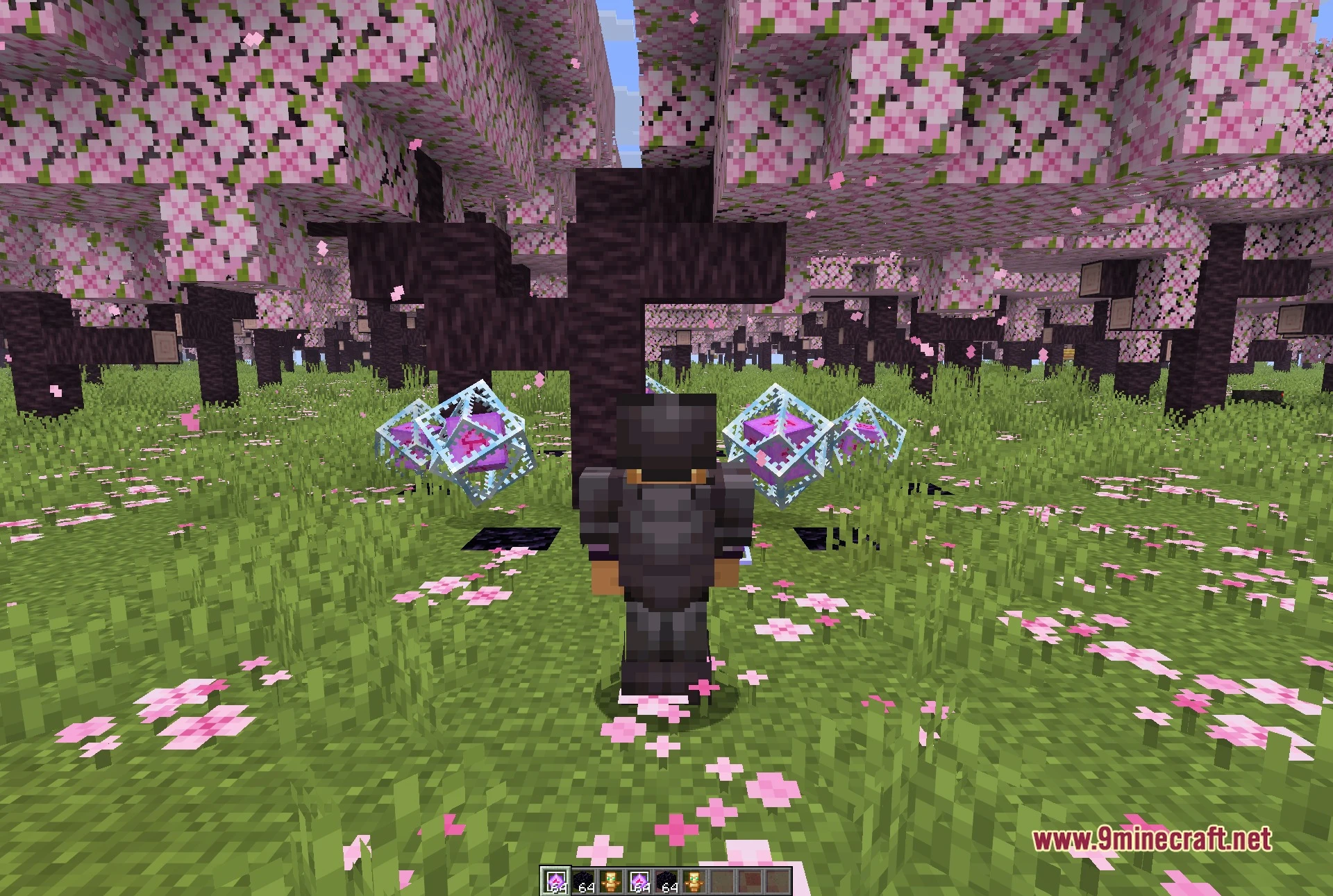
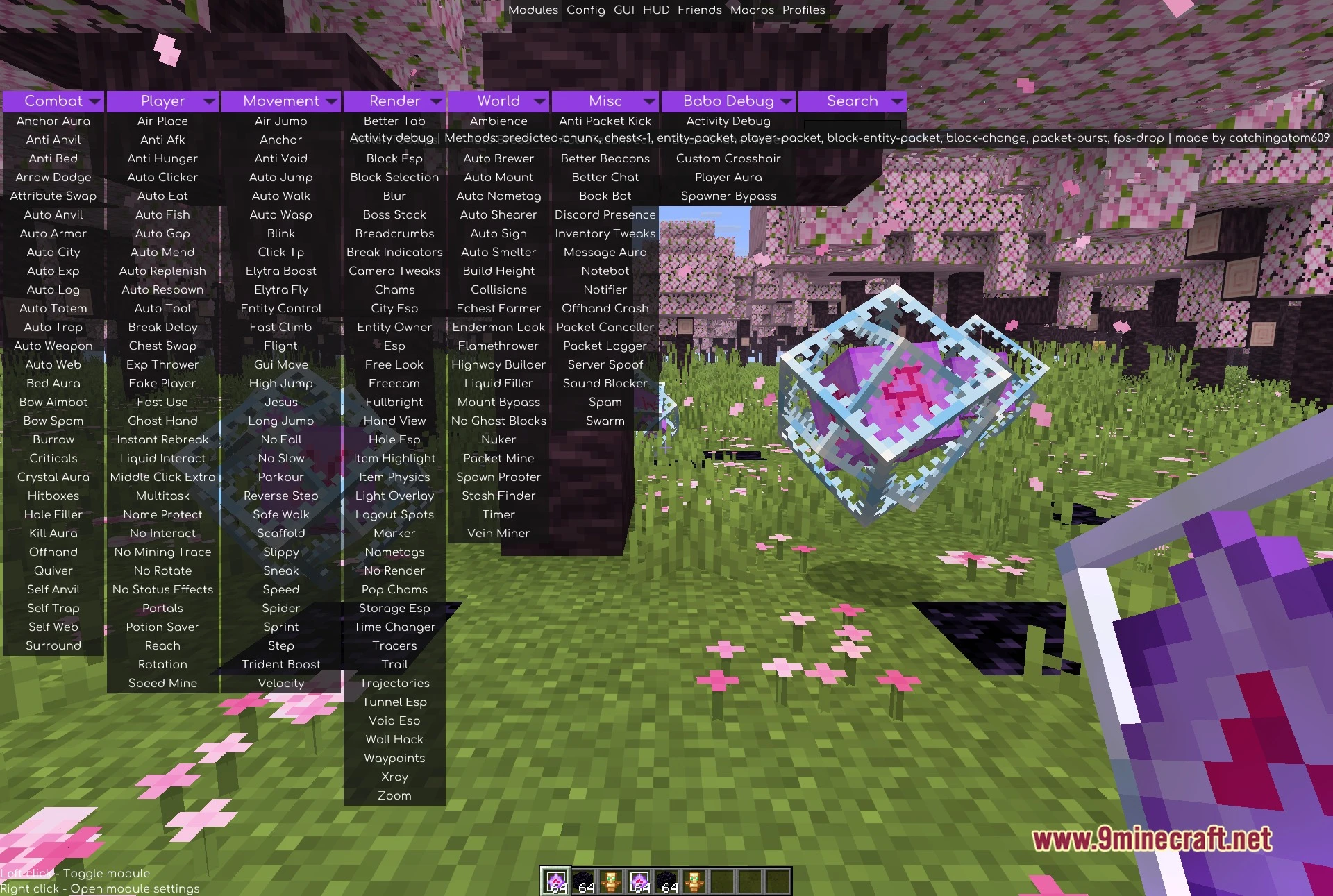
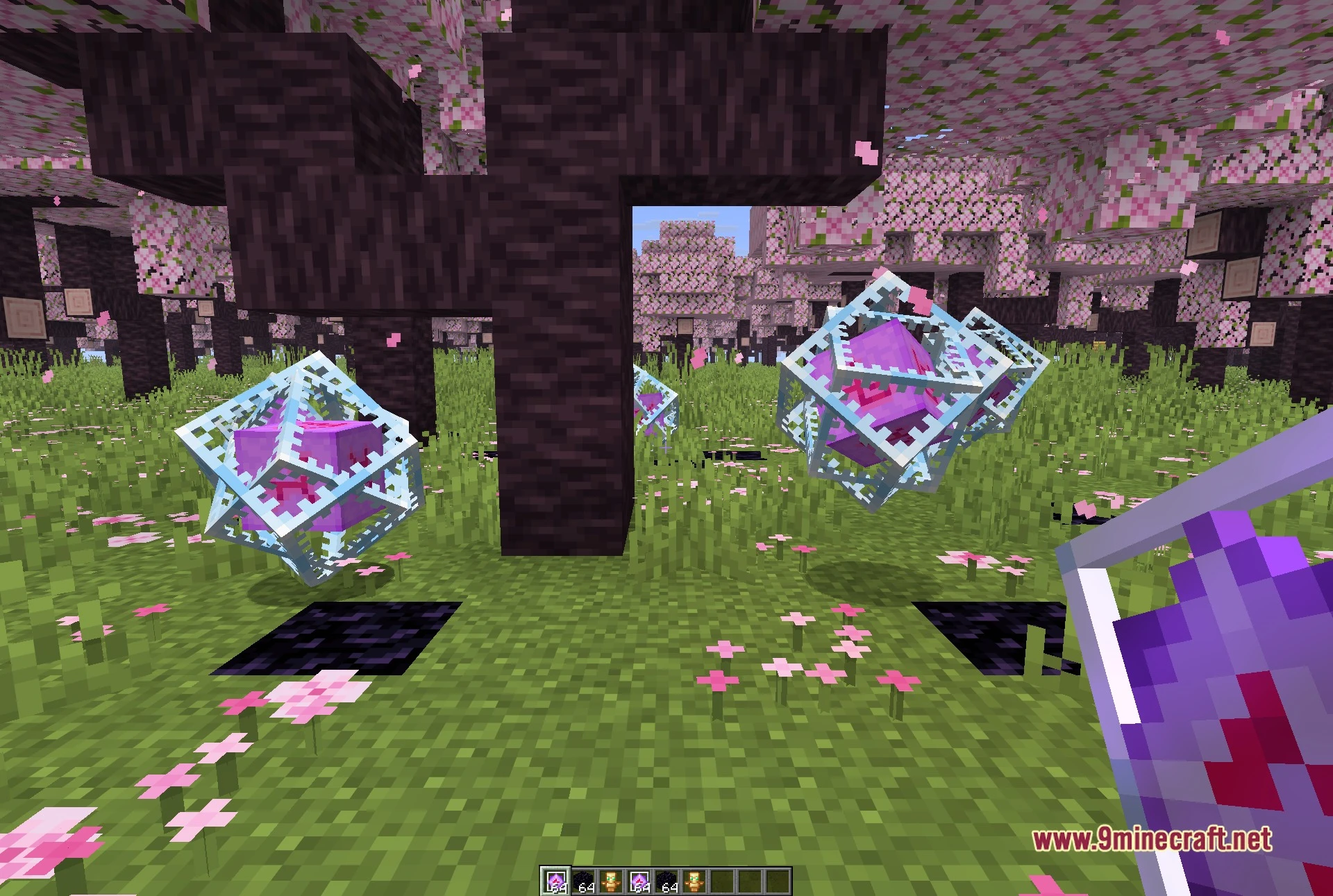
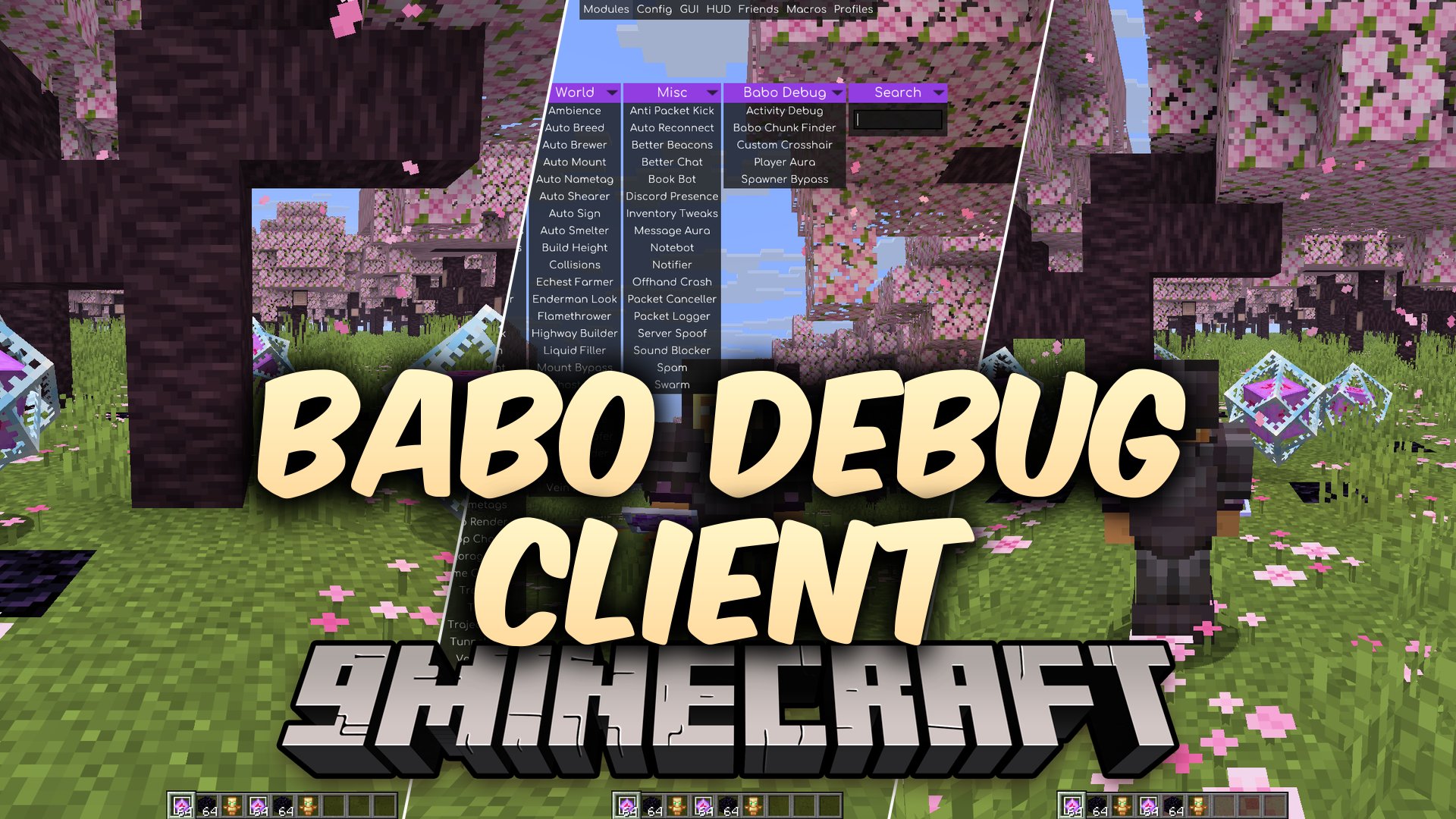
Babo Debug Client Mod adds dedicated tracking tools for Meteor Client. It expands your menu with a custom tab built for anarchy and multiplayer survival servers. The mod helps you spot nearby player movement, detect hidden chests, and track chunk changes. It also includes visual tweaks and bypass options to keep you safe in dangerous territory.
Features:
- Babo Chunk Finder: Scans loaded terrain to locate player trails, storage clusters, and grown geodes.
- Activity Debug: Monitors block updates and entity packets to warn you about player actions near you.
- Player Aura: Highlights nearby players so you can see them clearly during exploration or battle.
- Displays visual markers in different shapes like squares, diamonds, circles, stars, and rings.
- Lets you change marker colors, scan radius, render height, and scale.
- Sends chat messages or popup alerts whenever it detects nearby block changes.
- Includes an option to leave the server automatically when suspicious chunks appear.
- Provides a Spawner Bypass module to work around server-side checks.
- Replaces the standard crosshair with a custom reticle design.
- Lets you ignore liquids and skip your own block edits during scans.
How to Use:
- Open the Meteor Client menu screen in game.
- Click the Babo Debug tab to view the list of available modules.
- Toggle on the tools you want, such as the chunk tracker or activity alerts.
- Adjust the render shapes and alert settings to match your gameplay preferences.
Screenshots:
Babo Debug Client Mod Download Links
Quick facts
- Edition: Minecraft Java
- File type: .jar
- Minecraft version listed: 1.21.11
- How to install: Install the matching mod loader (Forge, Fabric or NeoForge) for your Minecraft version. → Download the .jar. → Put it in the .minecraft/mods folder and launch that loader profile.
- Where to get it: In MC Java Mods, or directly above on this page.
Install steps are the general flow for this file type — How to install Minecraft Java mods & modpacks walks through it step by step.
File checked by MCModsHub
- Downloads as 521173.mcaddon
- Download size: 422 KB
- Download link checked 4 Oct 2026 — working
- Mirrored on our own servers — the download does not depend on the original host
These come from our own check of the pack file, not from the source page.