ModsJava
BepHax Client Mod (1.21.11) – Hunt Player Stashes on Anarchy Servers
Java mod listed for Minecraft 1.21. Downloads from the MC Java Mods app on Android.
⬇ Download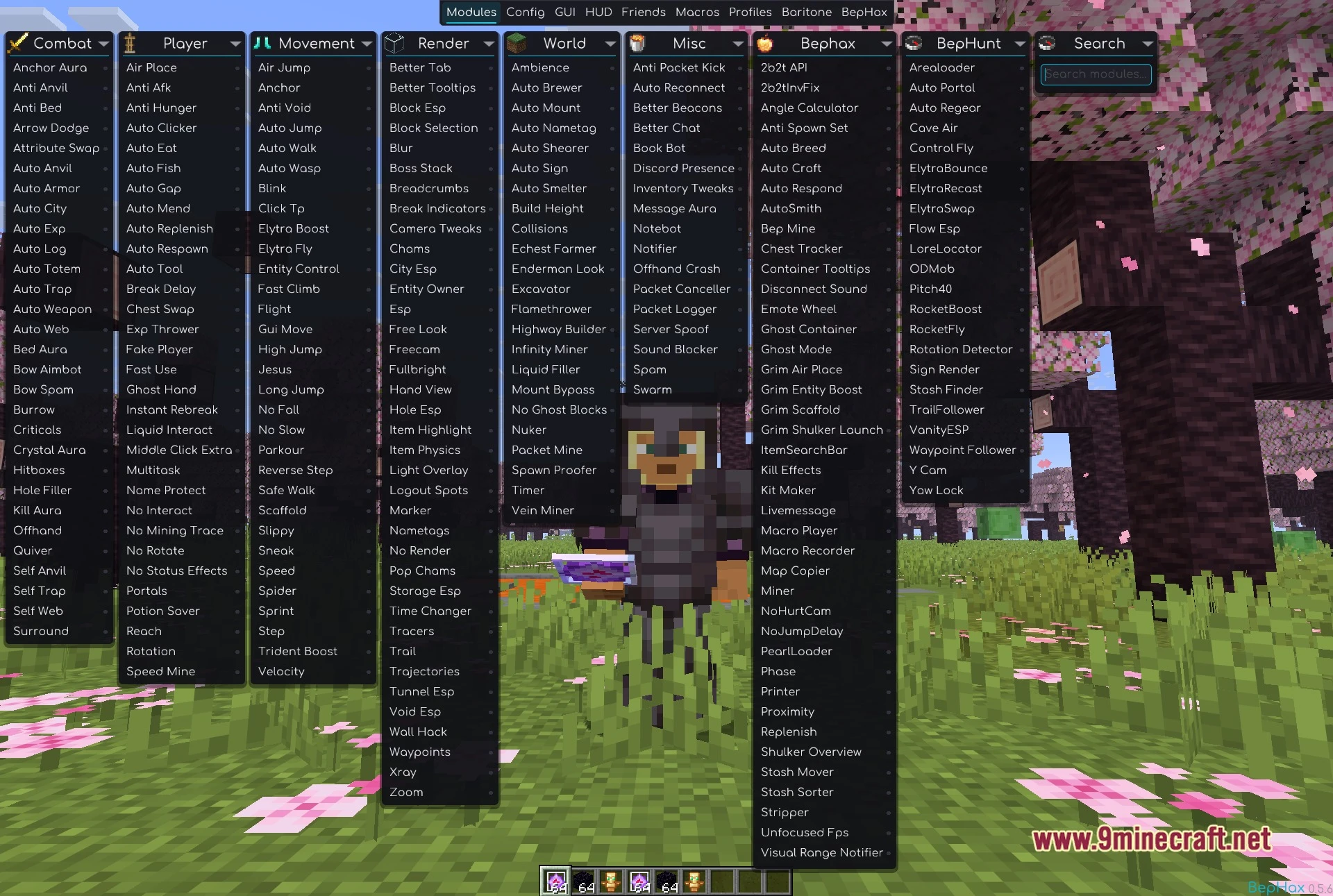
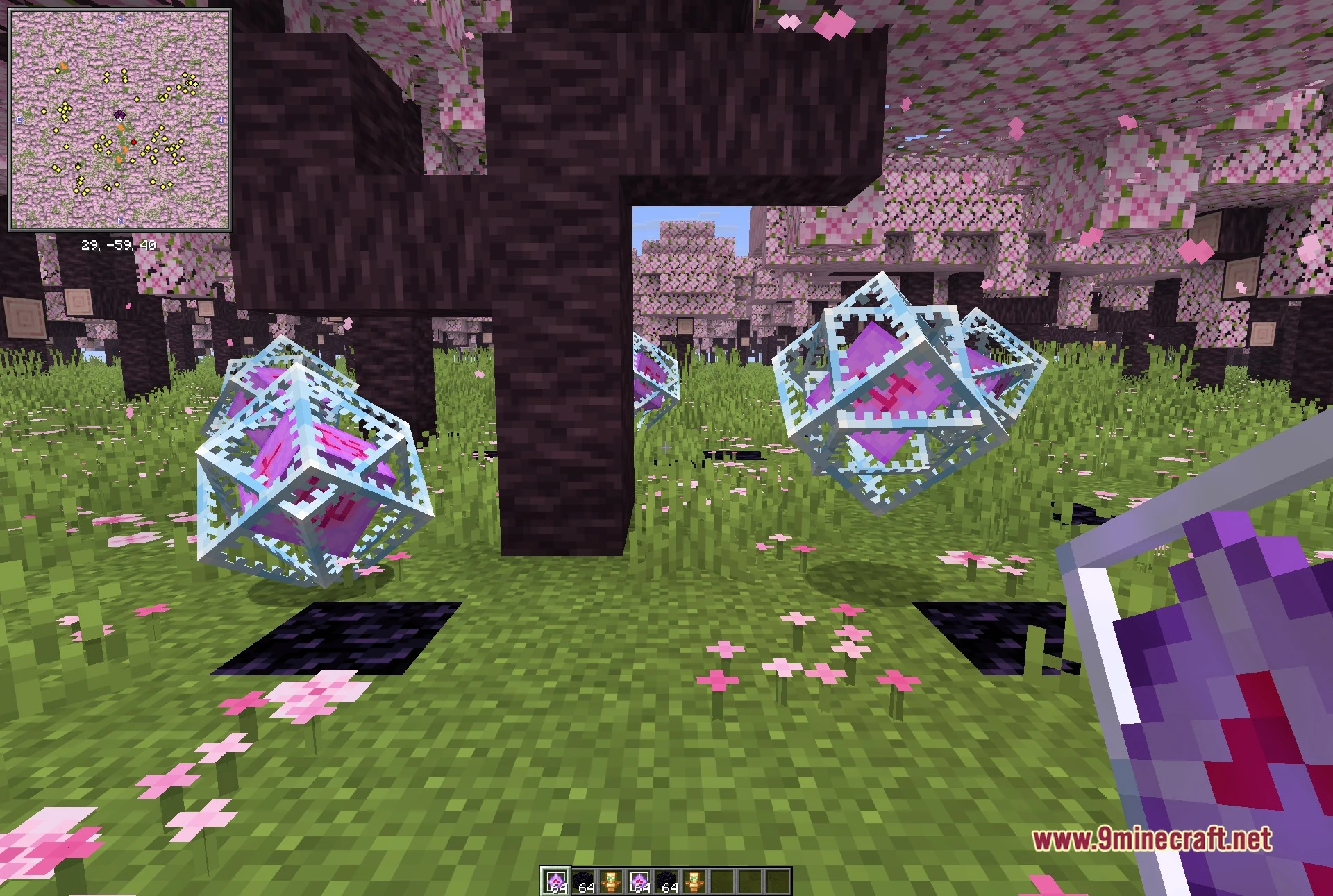
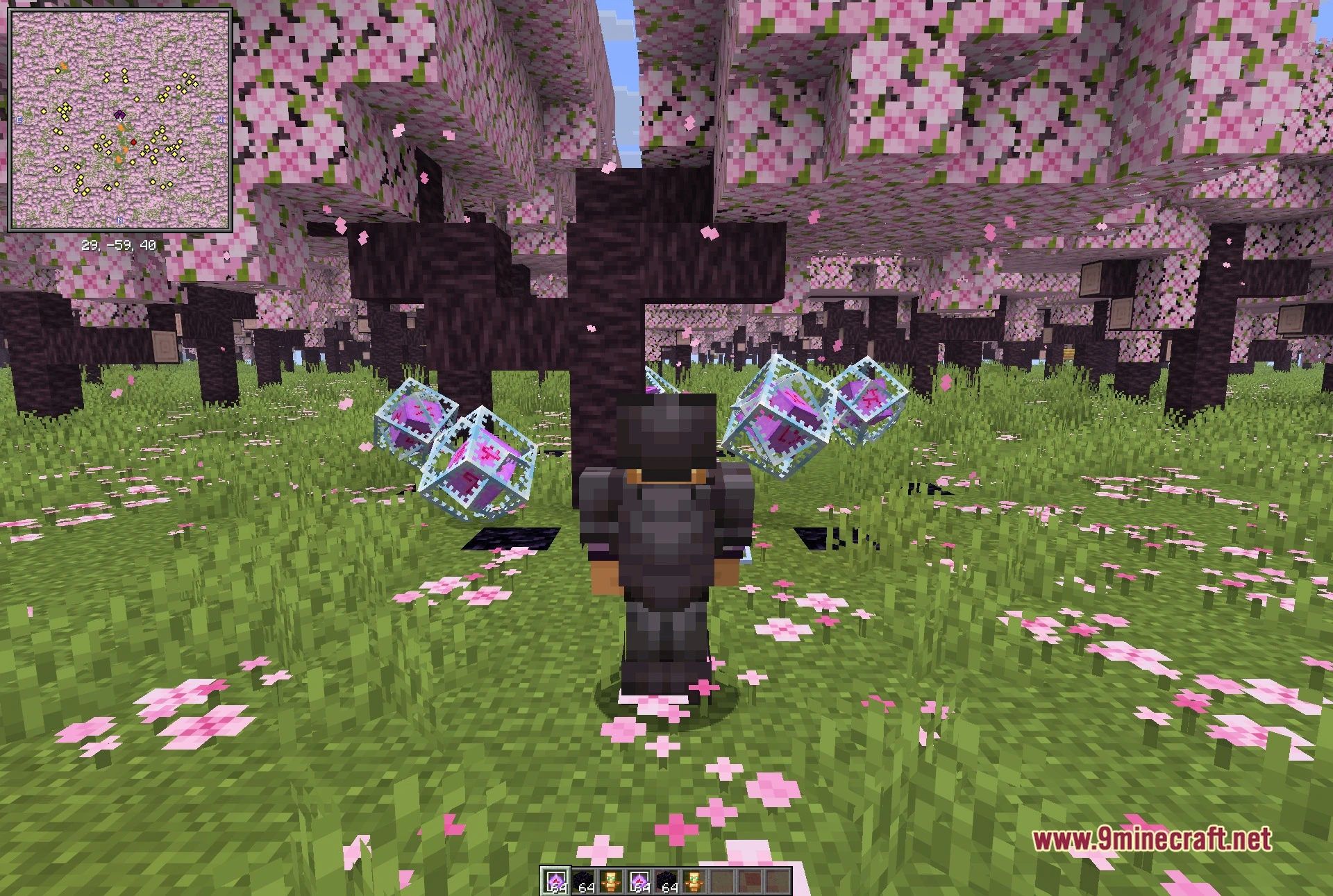
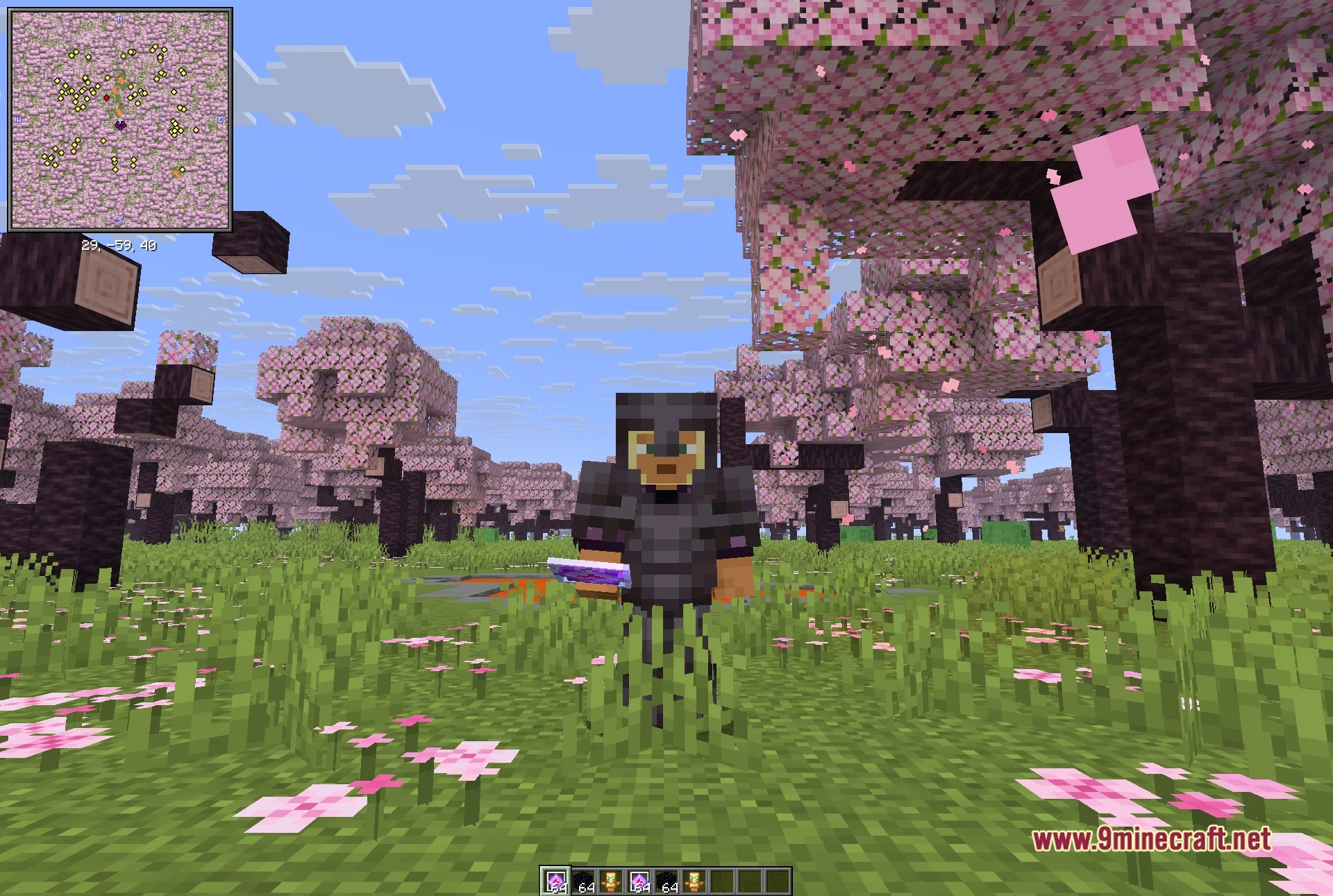
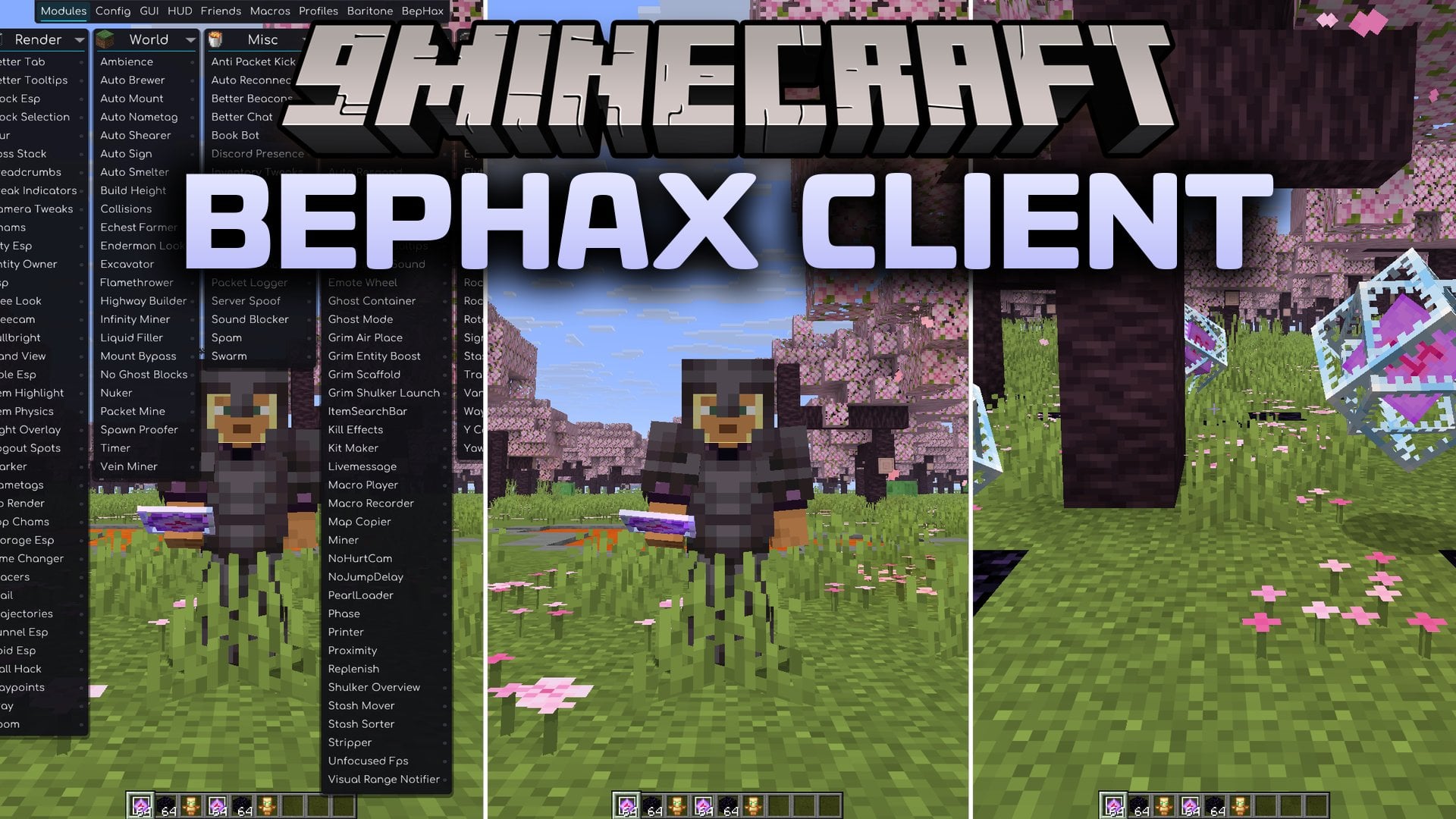
BepHax Client Mod extends Meteor Client with extra anarchy server utilities and player tracking tools. This addon brings two extra tabs to the main interface with unique icons. Players get automated systems for sorting chests, building structures, and moving across huge distances. It also checks server statistics and connects to live chat channels.
Features:
- Adds two custom module tabs directly into the Meteor ClickGUI.
- Helps manage storage with tools to sort, move, and track chests.
- Speeds up exploration through custom flight, bounce, and elytra controls.
- Includes visual finders to spot player trails, custom signs, and nearby stashes.
- Automates routine tasks such as breeding mobs, smithing gear, and crafting items.
- Queries public server data to check player deaths, kills, playtime, and queue length.
- Includes an in-game live chat tool to message other users directly.
- Lets players show custom cosmetic capes on multiplayer servers.
Bephax Utility Modules:
- Includes automation tools like Auto Breed, Auto Craft, Auto Respond, and AutoSmith.
- Adds stash tools such as Chest Tracker, Container Tooltips, Stash Sorter, and Stash Mover.
- Provides movement tweaks like Grim Scaffold, Grim Air Place, Phase, and Ghost Mode.
- Features building and recording tools including Printer, Macro Recorder, and Map Copier.
BepHunt Tracking Modules:
- Helps locate stashes and players using Stash Finder, TrailFollower, and VanityESP.
- Improves flight and transport with RocketFly, ElytraSwap, ElytraBounce, and Control Fly.
- Locks view directions and angles with Yaw Lock, Pitch40, and Rotation Detector.
- Scans nearby blocks and terrain using Flow Esp, Sign Render, and LoreLocator.
How to Use:
- Open the Meteor ClickGUI menu while in the game.
- Look for the new Bephax and BepHunt tab icons along the interface bar.
- Left-click any module button to toggle that tool on or off.
- Right-click on a module to view and adjust its individual settings.
Screenshots:
BepHax Client Mod Download Links
Quick facts
- Edition: Minecraft Java
- File type: .jar
- Minecraft version listed: 1.21.11
- How to install: Install the matching mod loader (Forge, Fabric or NeoForge) for your Minecraft version. → Download the .jar. → Put it in the .minecraft/mods folder and launch that loader profile.
- Where to get it: In MC Java Mods, or directly above on this page.
Install steps are the general flow for this file type — How to install Minecraft Java mods & modpacks walks through it step by step.
File checked by MCModsHub
- Downloads as 521174.mcaddon
- Download size: 11.5 MB
- Download link checked 4 Oct 2026 — working
- Mirrored on our own servers — the download does not depend on the original host
These come from our own check of the pack file, not from the source page.