ModsJava
Hoplite Tweaks Mod (26.3, 1.21.11) – Spot Teammates and Track Item Cooldowns
Java mod listed for Minecraft 1.21. Downloads from the MC Java Mods app on Android.
⬇ Download


Hoplite Tweaks Mod adds helpful display tools and utility features for players in team matches. This mod lets you spot teammates across long distances, track item cooldowns at a glance, and see supply drop markers directly in the world. It also includes chat alerts and safety locks so you stay focused during combat.
Features:
- Team View: Highlights all teammates across any distance in team modes.
- Cooldown Viewer: Shows the active cooldown timers for all legendary items at once on your screen.
- Supply Beams: Marks announced supply loot drops with clear visual light beams that vanish once visited.
- Kill Tracker shows total kills or mining-phase kills inside player nametags and the Tab list.
- Team Glow highlights teammates with an outline effect during competitive duel matches.
- Anti Slur blocks restricted words in chat to prevent accidental automatic mutes.
- Mention Ping plays an audio notification when another player writes your name or posts in party chat.
- Auto Party Chat switches your active channel to party chat whenever you join a group.
- Auto Apply Skins places your weapon skins on legendary weapons automatically when acquired.
- Auto Pet pets the dragon during dragon scatter matches without manual clicks.
- Double tap safety prevents accidental dropping of swords and legendary gear by requiring two presses of the drop key.
- Ping Header displays network ping numbers directly on player nametags.
- No Lava Fog clears lava visibility so you can see through lava pools.
How to Use:
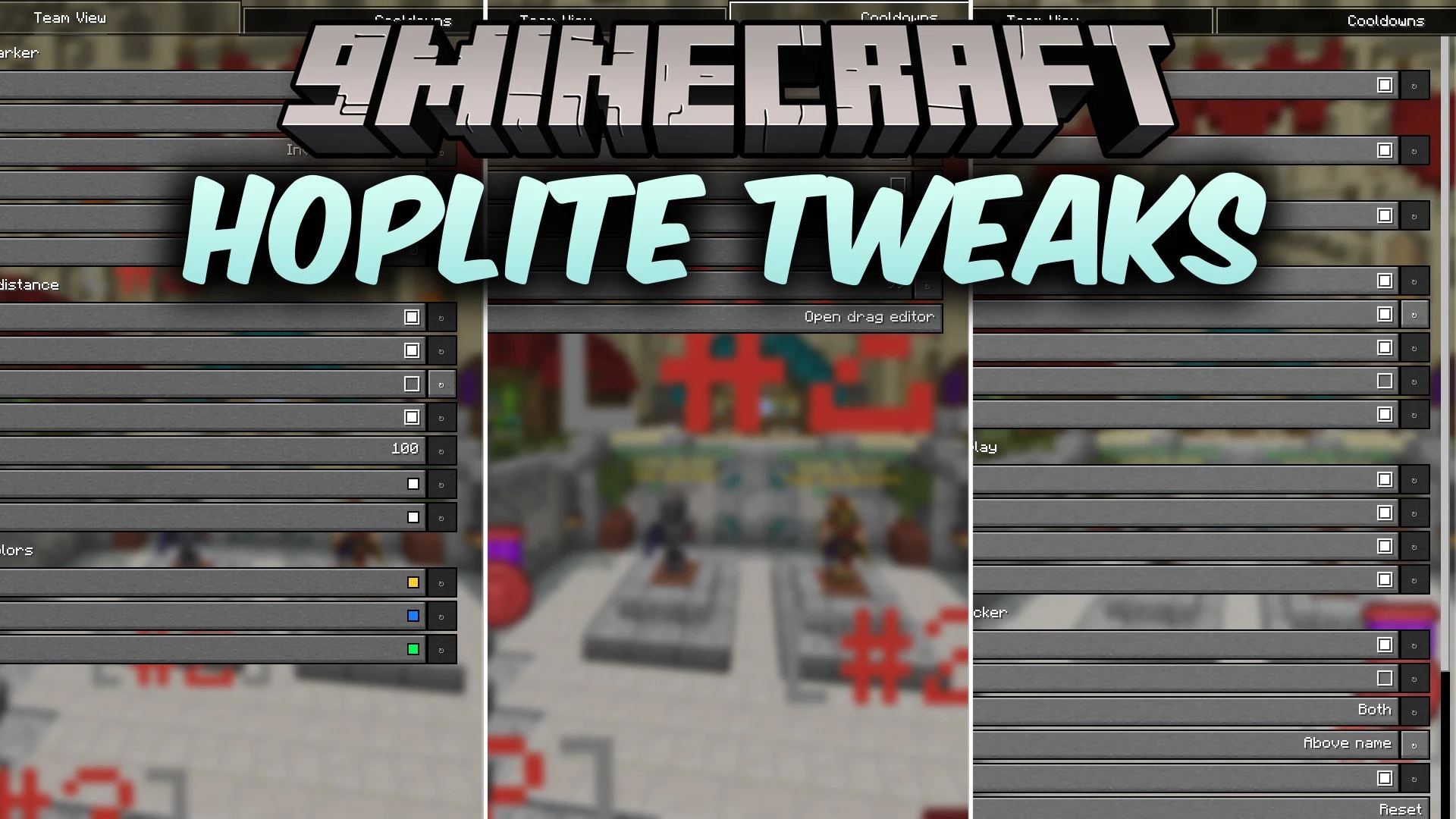
- Press P in game to open the settings menu.
- Toggle your preferred display options like Team View, Cooldown Viewer, or Supply Beams.
- Adjust nametag kill counters and chat sound alerts to suit your battle preferences.
Screenshots:
Hoplite Tweaks Mod Download Links
Quick facts
- Edition: Minecraft Java
- File type: .jar
- Minecraft version listed: 1.21.11
- How to install: Install the matching mod loader (Forge, Fabric or NeoForge) for your Minecraft version. → Download the .jar. → Put it in the .minecraft/mods folder and launch that loader profile.
- Where to get it: In MC Java Mods, or directly above on this page.
Install steps are the general flow for this file type — How to install Minecraft Java mods & modpacks walks through it step by step.
File checked by MCModsHub
- Downloads as 521177.mcaddon
- Download size: 235 KB
- Download link checked 4 Oct 2026 — working
- Mirrored on our own servers — the download does not depend on the original host
These come from our own check of the pack file, not from the source page.