ModsJava
Petlings Mod (26.3, 1.21.11) – Travel Across Worlds with a Loyal
Java mod listed for Minecraft 1.21. Downloads from the MC Java Mods app on Android.
⬇ Download


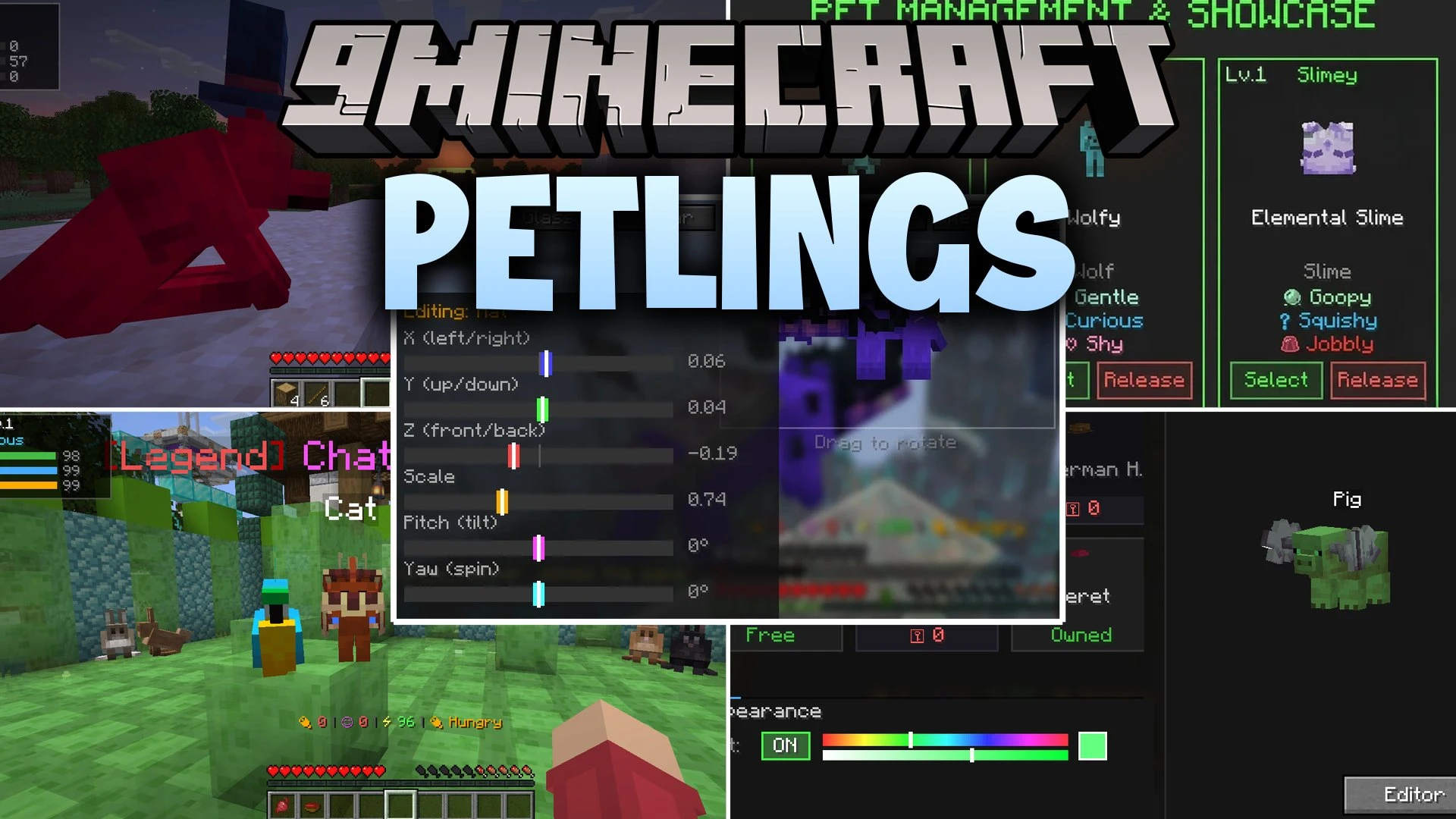
Petlings Mod introduces customizable client-side animal companions that follow you across your worlds. You can pick from dozens of different species, dress them up in 3D accessories, and teach them fun tricks with an emote wheel. The companion chats with you, remembers your adventures, and unlocks helpful perks as you feed and play with it over time. It works directly on your game client without needing server plugins.
Features:
- Pick from 42 pet species like cats, wolves, axolotls, baby dragons, and elemental slimes.
- Equip over 170 3D cosmetic items including animated hats, wings, capes, and spinning halos.
- Talk with your companion in chat, and it remembers what you share during your travels.
- Play the Pawprints rhythm mini-game to stamp glowing prints with your pet.
- Let your companion sniff and dig in dirt, sand, and gravel to uncover hidden keepsakes.
- Unlock six unique companion abilities such as Head Mount, Night Vision, and Ore Radar.
- Express feelings using an emote wheel with 19 movements like dancing, sleeping, and waving.
- Fine-tune the exact size, position, and rotation of every accessory in the cosmetic editor.
- Works completely on the client side, letting you see pets on any multiplayer server.
- Sync your pet progress, items, and chats across cloud profiles.
How to Use:
- Press O to open the pet menu and pick your starter companion.
- Press K to open chat and talk directly with your pet.
- Press Y to bring up the emote wheel and pick a trick or reaction.
- Press J to toggle pet visibility on your screen.
- Press ; to dismiss or call your pet back to your side.
- Feed and play with your companion regularly to gain XP and unlock special abilities.
Screenshots:
Petlings Mod Download Links
Quick facts
- Edition: Minecraft Java
- File type: .jar
- Minecraft version listed: 1.21.11
- How to install: Install the matching mod loader (Forge, Fabric or NeoForge) for your Minecraft version. → Download the .jar. → Put it in the .minecraft/mods folder and launch that loader profile.
- Where to get it: In MC Java Mods, or directly above on this page.
Install steps are the general flow for this file type — How to install Minecraft Java mods & modpacks walks through it step by step.
File checked by MCModsHub
- Downloads as 521178.mcaddon
- Download size: 4.7 MB
- Download link checked 4 Oct 2026 — working
- Mirrored on our own servers — the download does not depend on the original host
These come from our own check of the pack file, not from the source page.