ModsJava
Everrose Mod (26.3, 1.20.1) – Forge Rose Gold Gear Stronger Than Netherite
Java mod listed for Minecraft 1.20. Downloads from the MC Java Mods app on Android.
⬇ Download


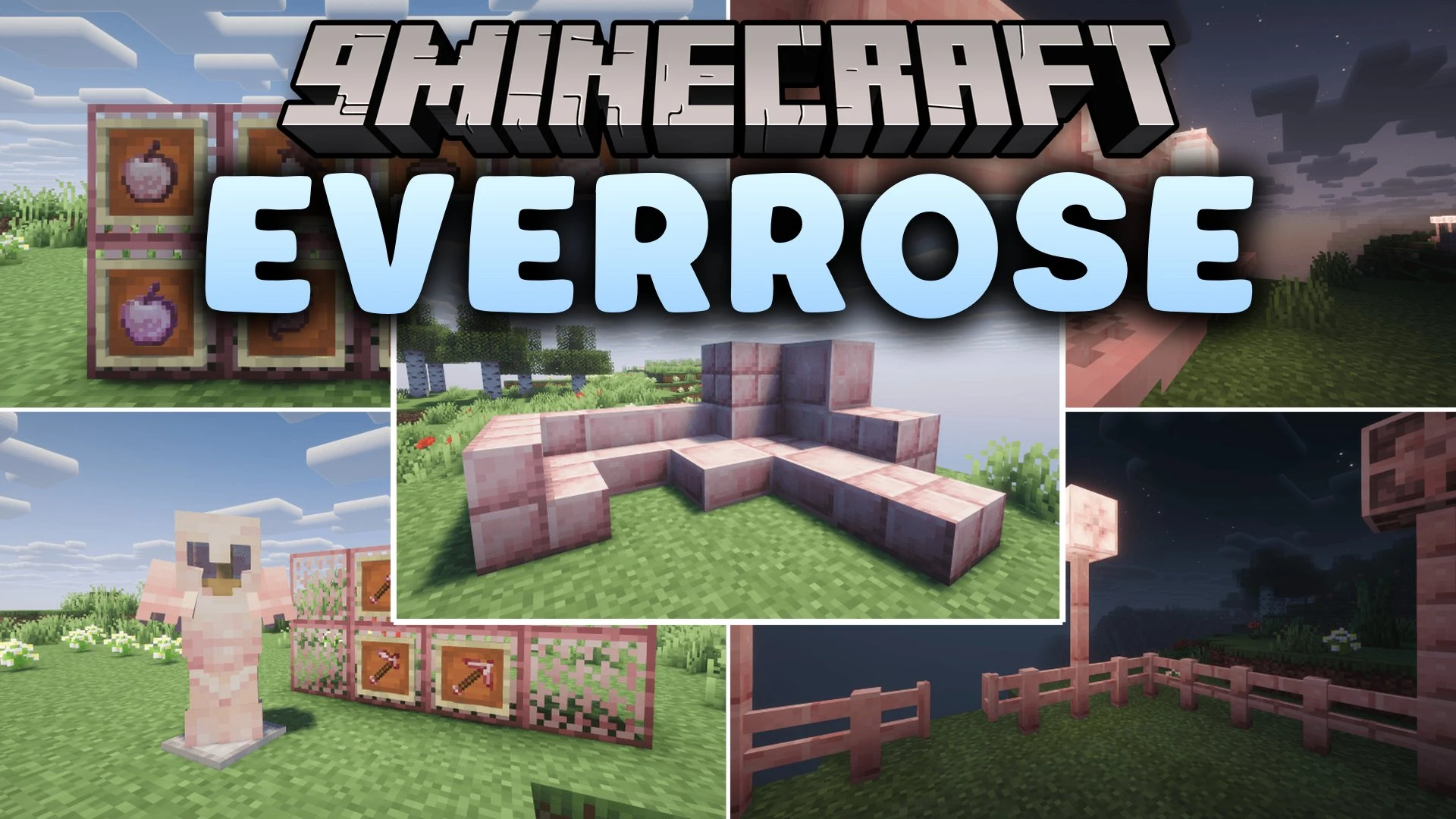
Everrose Mod introduces a rose gold alloy tier that surpasses Netherite in defense and speed. Players can smelt Everrose ingots to upgrade endgame equipment, forge tools with gold-tier mining speed, and consume specialized foods that grant status effects. The mod also supplies decorative building blocks like lanterns, grates, and cut alloy variants to decorate your survival bases.
Features:
- Everrose Equipment: Upgrades Netherite gear using Everrose Ingots and upgrade templates at a Smithing Table.
- Armor pieces provide higher protection, toughness, and knockback resistance than vanilla Netherite armor.
- Tools combine the high durability of Netherite with the rapid mining speed of gold.
- Adds specialized food items including Everrose Apples, Enchanted Everrose Apples, Carrots, Beetroots, and Beetroot Soup.
- Supplies structural blocks such as Everrose Grates, Doors, Trapdoors, Walls, Stairs, Slabs, and Fences.
- Adds decorative light sources including Everrose Lanterns and Everrose Bulbs.
- Includes the Disarming enchantment along with the Unbladed status effect for combat encounters.
How to Use:
- Combine materials to craft Raw Everrose and smelt it into Everrose Ingots.
- Obtain an Everrose Upgrade Template and duplicate it using the crafting grid.
- Place your Netherite armor or tool, an Everrose Ingot, and the upgrade template inside a Smithing Table to create your new gear.
Screenshots:
Everrose Mod Download Links
Quick facts
- Edition: Minecraft Java
- File type: .jar
- Minecraft version listed: 1.20.1
- How to install: Install the matching mod loader (Forge, Fabric or NeoForge) for your Minecraft version. → Download the .jar. → Put it in the .minecraft/mods folder and launch that loader profile.
- Where to get it: In MC Java Mods, or directly above on this page.
Install steps are the general flow for this file type — How to install Minecraft Java mods & modpacks walks through it step by step.
File checked by MCModsHub
- Downloads as 521180.mcaddon
- Download size: 201 KB
- Download link checked 4 Oct 2026 — working
- Mirrored on our own servers — the download does not depend on the original host
These come from our own check of the pack file, not from the source page.