ModsJava
Nice Actions Mod (26.3, 1.21.11) – Quick Survival Actions and Teleports
Java mod listed for Minecraft 1.21. Downloads from the MC Java Mods app on Android.
⬇ Download


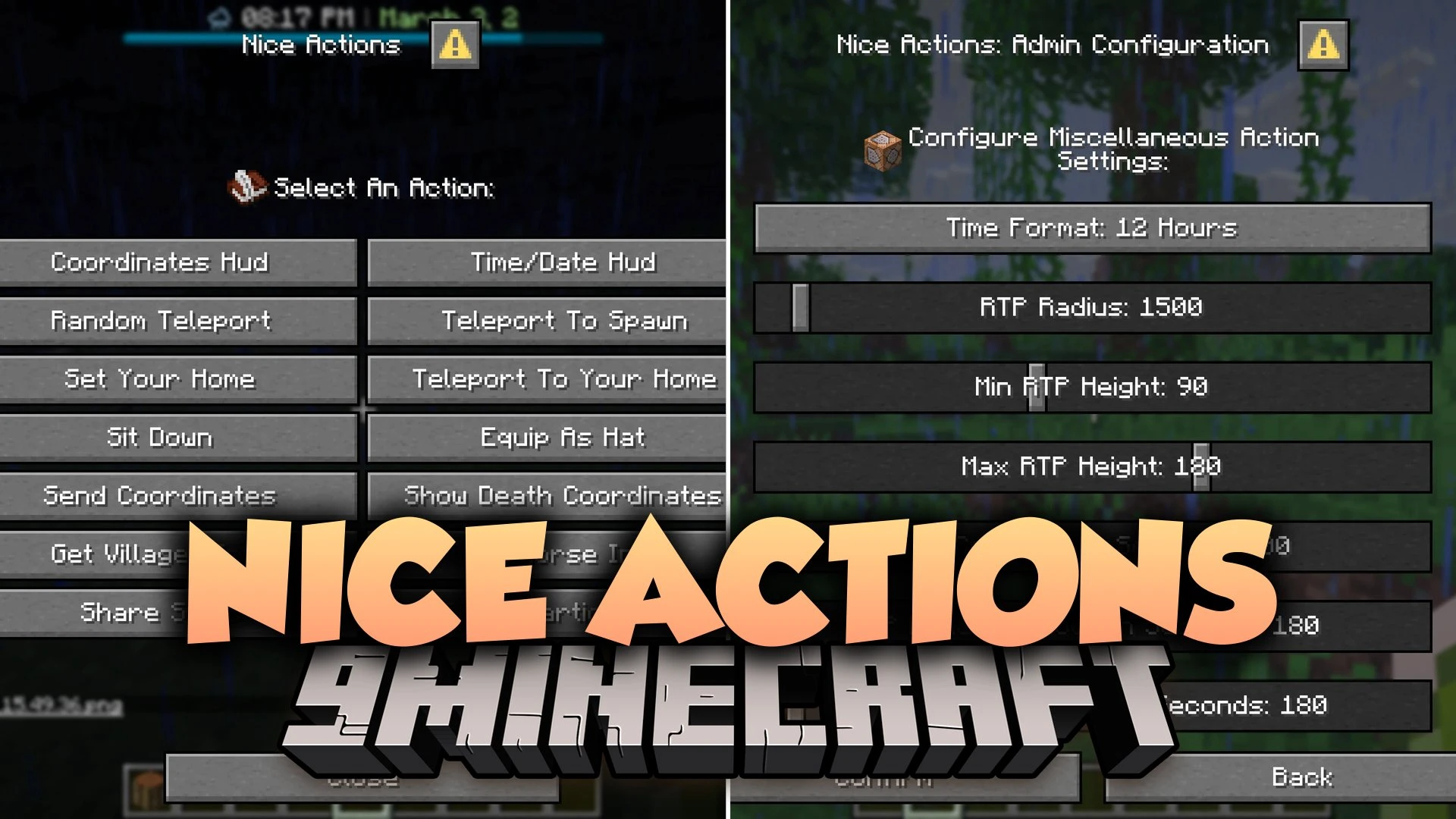
Nice Actions Mod adds a clean in-game action menu for quick daily tasks without typing out commands. It lets you set home points, warp back to spawn, sit on solid ground, and jump to random spots in the world. You can also view horse stats, check villager jobs, track coordinates on your screen, and share your location in chat. The mod works for both singleplayer worlds and multiplayer servers.
Features:
- Action Menu: Opens a handy interface with a single hotkey to run common game actions.
- Teleport Shortcuts: Lets you set a personal home, warp to spawn, or teleport to a random location.
- Lets you sit down safely on any solid block.
- Displays coordinates and facing direction on a neat top screen bar.
- Shows world time alongside an in-game calendar system.
- Sends your exact position directly to the chat window without checking debug screens.
- Shows the coordinates of your last death point so you can retrieve lost items.
- Inspects nearby villagers to show their current job, workplace block, and inventory items.
- Checks stats for nearby horses, including jump height, running speed, and total health.
- Lets you compare and share player stats with nearby friends.
- Includes random daily challenges like fishing or combat goals with bonus rewards.
Commands:
/function nice_actions: opens the in-game settings menu for operators and admins.
How to Use:
- Press the G key on your keyboard to open the main action menu.
- Select an action from the list, such as setting a home, sitting down, or checking coordinates.
- Type
/function nice_actionsin chat if you are an operator who wants to adjust cooldowns or event settings.
Screenshots:
Nice Actions Mod Download Links
Quick facts
- Edition: Minecraft Java
- File type: .jar
- Minecraft version listed: 1.21.11
- How to install: Install the matching mod loader (Forge, Fabric or NeoForge) for your Minecraft version. → Download the .jar. → Put it in the .minecraft/mods folder and launch that loader profile.
- Where to get it: In MC Java Mods, or directly above on this page.
Install steps are the general flow for this file type — How to install Minecraft Java mods & modpacks walks through it step by step.
File checked by MCModsHub
- Downloads as 521181.mcaddon
- Download size: 799 KB
- Download link checked 4 Oct 2026 — working
- Mirrored on our own servers — the download does not depend on the original host
These come from our own check of the pack file, not from the source page.