ModsJava
Fairy Lights Reborn Mod (1.21.1) – Hang Cozy Glowing Lights Across Your Village
Java mod listed for Minecraft 1.21. Downloads from the MC Java Mods app on Android.
⬇ Download


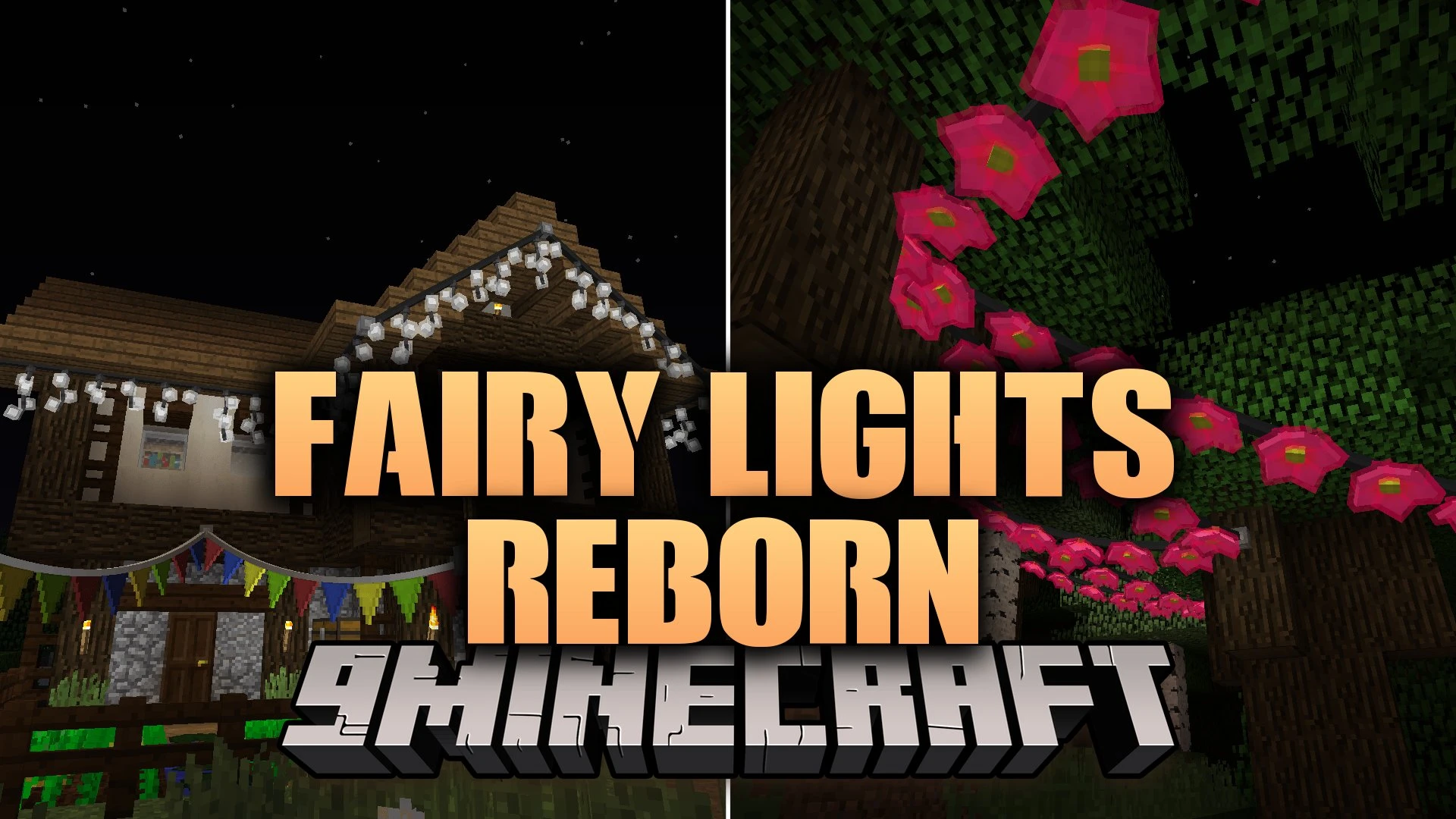
Fairy Lights Reborn Mod brings colorful hanging lights, festive garlands, and custom pennant buntings to your world. This mod lets you mix and match different bulb shapes and dye colors along a single hanging wire. It updates classic decorative lighting with smooth rendering and fresh placement options. You can hang lights between fences, drape them along walls, or set individual bulbs directly on the ground.
Features:
- Lets you craft custom hanging lights with different bulb shapes and dye colors on a single strand.
- Lets you dye hanging wires and strings with any dye color by right-clicking them.
- Lets you place individual light bulbs on the ground with full sixteen-step rotation.
- Turns lights on and off when you click them with an empty hand.
- Connects to both horizontal and vertical fences for easy attachment points.
- Adds letter buntings and triangle pennants to spell out names or mark event areas.
- Plays musical jingles whenever a redstone signal powers the hanging light string.
- Lets you adjust wire slack and thickness using sticks or string.
- Lets you swap light bulbs on existing strands by clicking spots with new light items.
- Includes twinkling light effects crafted by combining bulbs with glowstone dust.
- Runs with Flywheel rendering to keep your game frames smooth.
Light Shapes and Lanterns:
- Classic shapes: fairy bulbs, hearts, moons, stars, snowflakes, icicles, and meteors.
- Lantern styles: paper lanterns, orb lanterns, flower lights, candle lanterns, and oil lanterns.
- Spooky shapes: spider lights, ghost lights, jack-o’-lanterns, skull lights, and witch lights.
How to Use:
- Craft individual light bulbs using iron ingots, glass, and your choice of dye.
- Combine your crafted bulbs with iron ingots and string or sticks on a crafting table to create hanging strands.
- Right-click on a solid block or fence post to attach the starting point, then right-click another block to hang the string.
- Right-click any hanging bulb with an empty hand to turn it on or off.
- Right-click the hanging wire with dye to change its color, or click with string and sticks to adjust wire sag.
Screenshots:
Fairy Lights Reborn Mod Download Links
Quick facts
- Edition: Minecraft Java
- File type: .jar
- Minecraft version listed: 1.21.1
- How to install: Install the matching mod loader (Forge, Fabric or NeoForge) for your Minecraft version. → Download the .jar. → Put it in the .minecraft/mods folder and launch that loader profile.
- Where to get it: In MC Java Mods, or directly above on this page.
Install steps are the general flow for this file type — How to install Minecraft Java mods & modpacks walks through it step by step.
File checked by MCModsHub
- Downloads as 521184.mcaddon
- Download size: 1.9 MB
- Download link checked 4 Oct 2026 — working
- Mirrored on our own servers — the download does not depend on the original host
These come from our own check of the pack file, not from the source page.