ModsJava
Kuruma Mod (1.21.1, 1.20.1) – Race and Drift Tuned Cars with Real Driving
Java mod listed for Minecraft 1.20–1.21. Downloads from the MC Java Mods app on Android.
⬇ Download


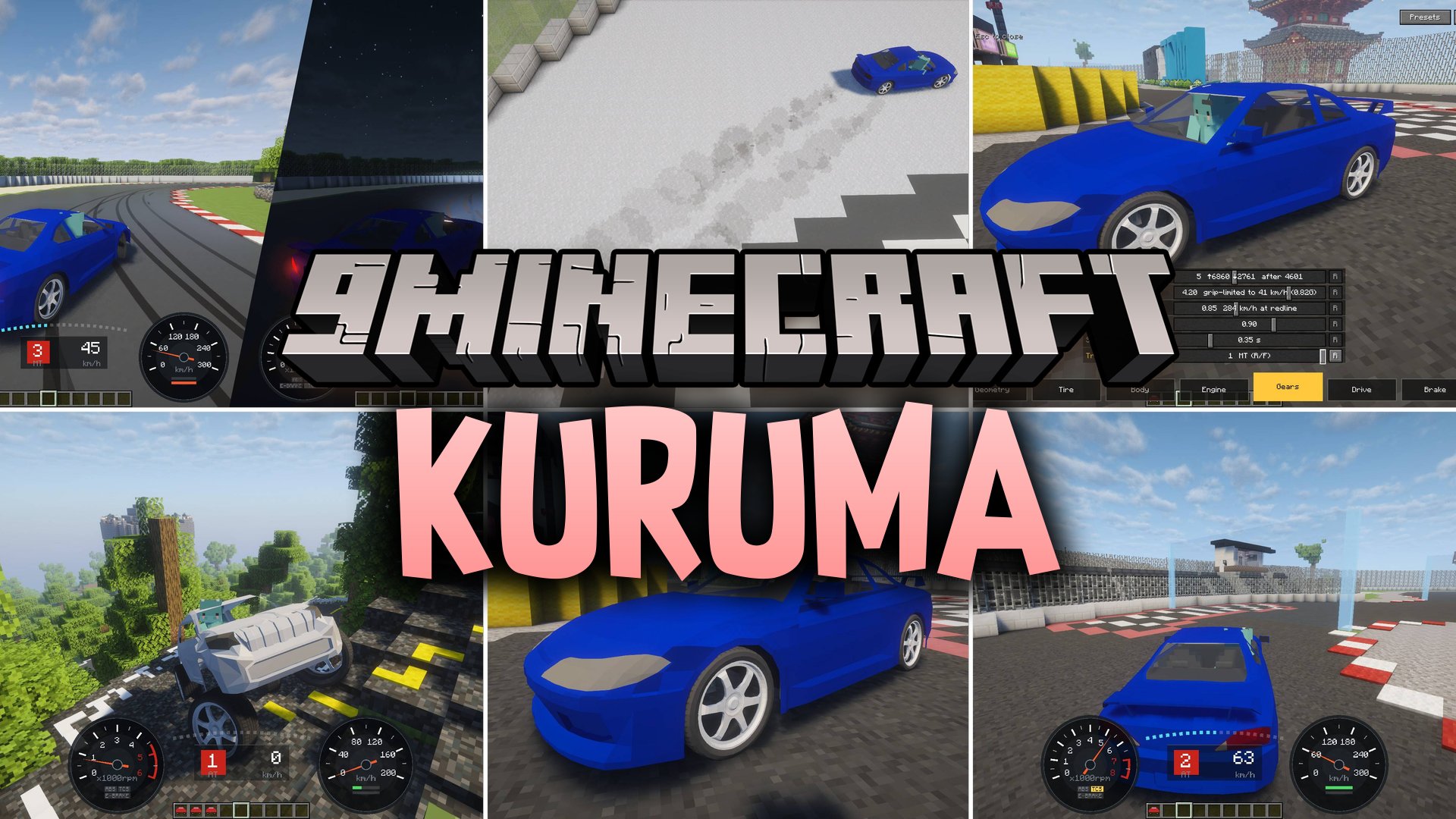
Kuruma Mod brings realistic driving physics and vehicle tuning to Minecraft. The mod simulates real weight transfer, tyre grip, suspension movement, and drifting mechanics as you drive across blocky terrain. Cars react to different surfaces like tarmac, gravel, ice, and dirt with authentic traction changes. You can tweak vehicle parts mid-drive, hook up controllers or steering wheels, and race against friends on custom tracks.
Features:
- Realistic Physics: Simulates authentic suspension, weight transfer, tyre grip, and differential mechanics.
- Live Tuning: Lets you adjust springs, anti-roll bars, tyre grip, and gear ratios without pausing the game.
- Lets you drift through corners by pulling the handbrake to break rear traction.
- Changes vehicle handling depending on surface blocks such as gravel, snow, sand, ice, and wet asphalt.
- Includes working headlights with real beam projection, fog illumination, and shadow casting.
- Gives you analog control through steering wheels and gamepad controllers.
- Lets two players ride together in the same vehicle.
- Includes full multiplayer race tools with start lights, split timers, and checkpoint tracking.
- Expands vehicle choices through standalone car pack addons without extra coding.
Commands:
/kuruma-admin point: marks the current position as a track line endpoint./kuruma-admin course create <name>: creates a new race track facing your current view direction./kuruma-admin course checkpoint <name>: adds a sequential checkpoint to the specified race track.
How to Use:
- Grab a vehicle item from the creative tab.
- Right-click on the ground to place the car in your world.
- Right-click the vehicle to get into the driver seat.
- Press W to accelerate, S to brake, and A or D to steer.
- Press Space to pull the handbrake for slides and drifts.
- Press G while sitting inside to open the live tuning and setup menu.
- Press L to turn on headlights or Ctrl+L to adjust beam brightness.
- Press J to set up and bind an analog gamepad or steering wheel.
- Hold Shift and hit the car to pick it back up into your inventory.
Screenshots:

Kuruma Mod Download Links
Quick facts
- Edition: Minecraft Java
- File type: .jar
- Minecraft versions listed: 1.21.1, 1.20.1
- How to install: Install the matching mod loader (Forge, Fabric or NeoForge) for your Minecraft version. → Download the .jar. → Put it in the .minecraft/mods folder and launch that loader profile.
- Where to get it: In MC Java Mods, or directly above on this page.
Install steps are the general flow for this file type — How to install Minecraft Java mods & modpacks walks through it step by step.
File checked by MCModsHub
- Downloads as 521186.mcaddon
- Download size: 1.3 MB
- Download link checked 4 Oct 2026 — working
- Mirrored on our own servers — the download does not depend on the original host
These come from our own check of the pack file, not from the source page.