ModsJava
Wararmbise Mod (1.21.11, 1.21.1) – Master Tactical Battlefield Roles
Java mod listed for Minecraft 1.21. Downloads from the MC Java Mods app on Android.
⬇ Download


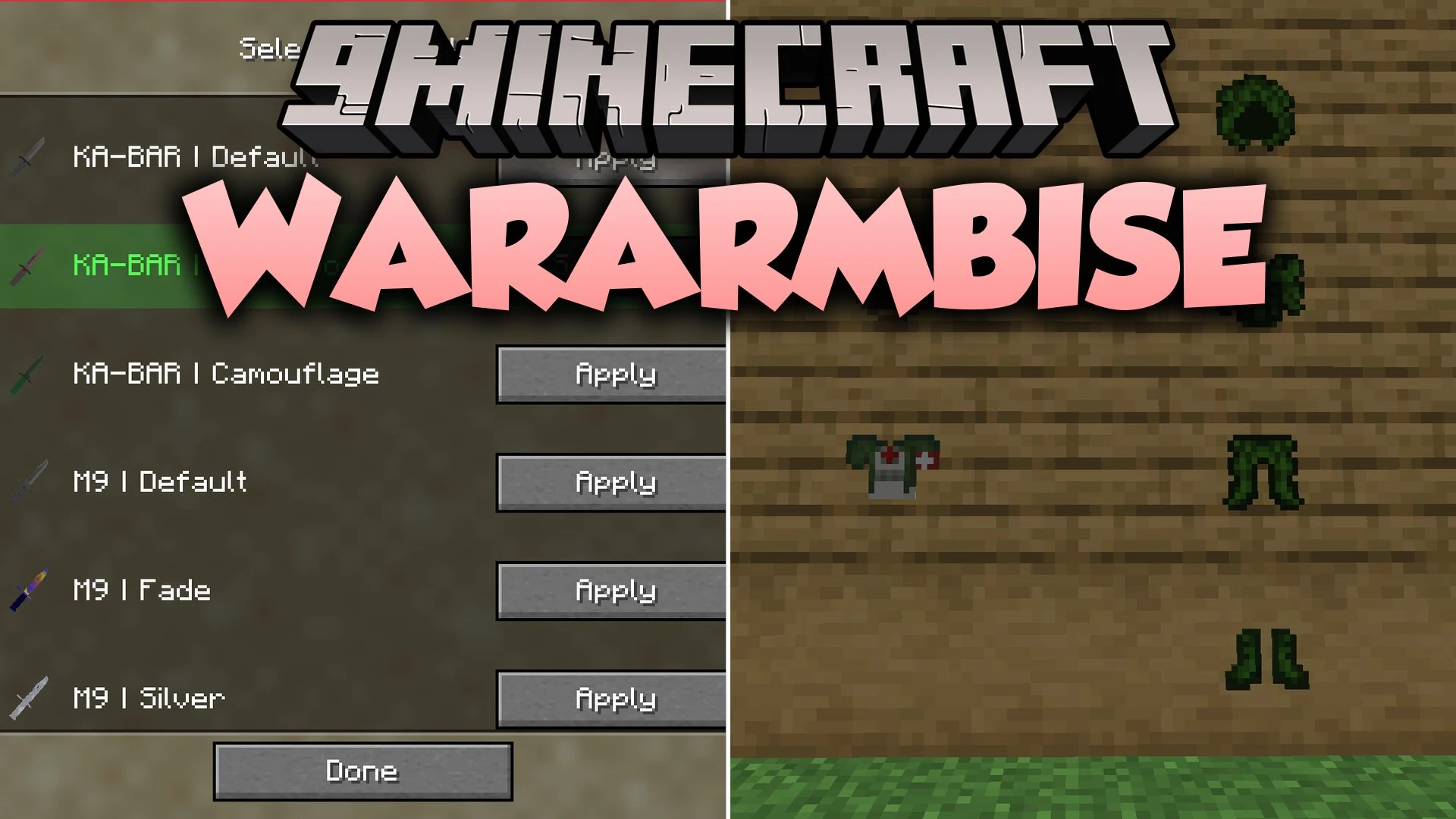
Wararmbise Mod adds tactical military equipment, medical kits, and camouflage suits for battlefield survival. You can blend into your surroundings with ghillie suits that change colors based on your current biome. The mod also lets you take on squad roles like combat medics and SWAT units with unique gear perks.
Features:
- Adaptive ghillie suit changes camouflage patterns automatically to match the surrounding biome.
- Full SWAT armor set provides a continuous supply of flashbang grenades for breaching rooms.
- Field medic uniform supplies players with life-saving medical tools during combat.
- Tactical first aid kit restores full health points after a three-second channel with a 30-second cooldown.
- Flashbang grenades blind nearby targets and craft with stone, gunpowder, and iron.
- Arm patch system lets you equip ten different patch designs on your character.
- Adds specialized defense items including shock traps, web traps, flash traps, tripwires, and safes.
- Includes close-combat knives, C4 explosives, and civilian clothing sets.
- Tracks your survival progress with dedicated combat advancements.
How to Use:
- Press F9 to open the custom patch customization menu.
- Place your preferred patch into the accessory slot to display it on your character’s arm.
- Equip a complete armor set to activate special role bonuses like medic supplies or bonus grenades.
- Hold right-click with the first aid kit for three seconds to restore all missing health.
Screenshots:
Wararmbise Mod Download Links
Quick facts
- Edition: Minecraft Java
- File type: .jar
- Minecraft versions listed: 1.21.11, 1.21.1
- How to install: Install the matching mod loader (Forge, Fabric or NeoForge) for your Minecraft version. → Download the .jar. → Put it in the .minecraft/mods folder and launch that loader profile.
- Where to get it: In MC Java Mods, or directly above on this page.
Install steps are the general flow for this file type — How to install Minecraft Java mods & modpacks walks through it step by step.
File checked by MCModsHub
- Downloads as 521187.mcaddon
- Download size: 673 KB
- Download link checked 4 Oct 2026 — working
- Mirrored on our own servers — the download does not depend on the original host
These come from our own check of the pack file, not from the source page.