Itz Xiaojie's SMP Pack Resource Pack (26.3, 1.21.1) – Crisp Visual Clarity
Java resource pack listed for Minecraft 1.21. Downloads from the MC Java Mods app on Android.
Itz Xiaojie's SMP Pack Resource Pack cleans up visual clutter across survival worlds and multiplayer servers. This pack adds helpful outlines to ore…
⬇ Download


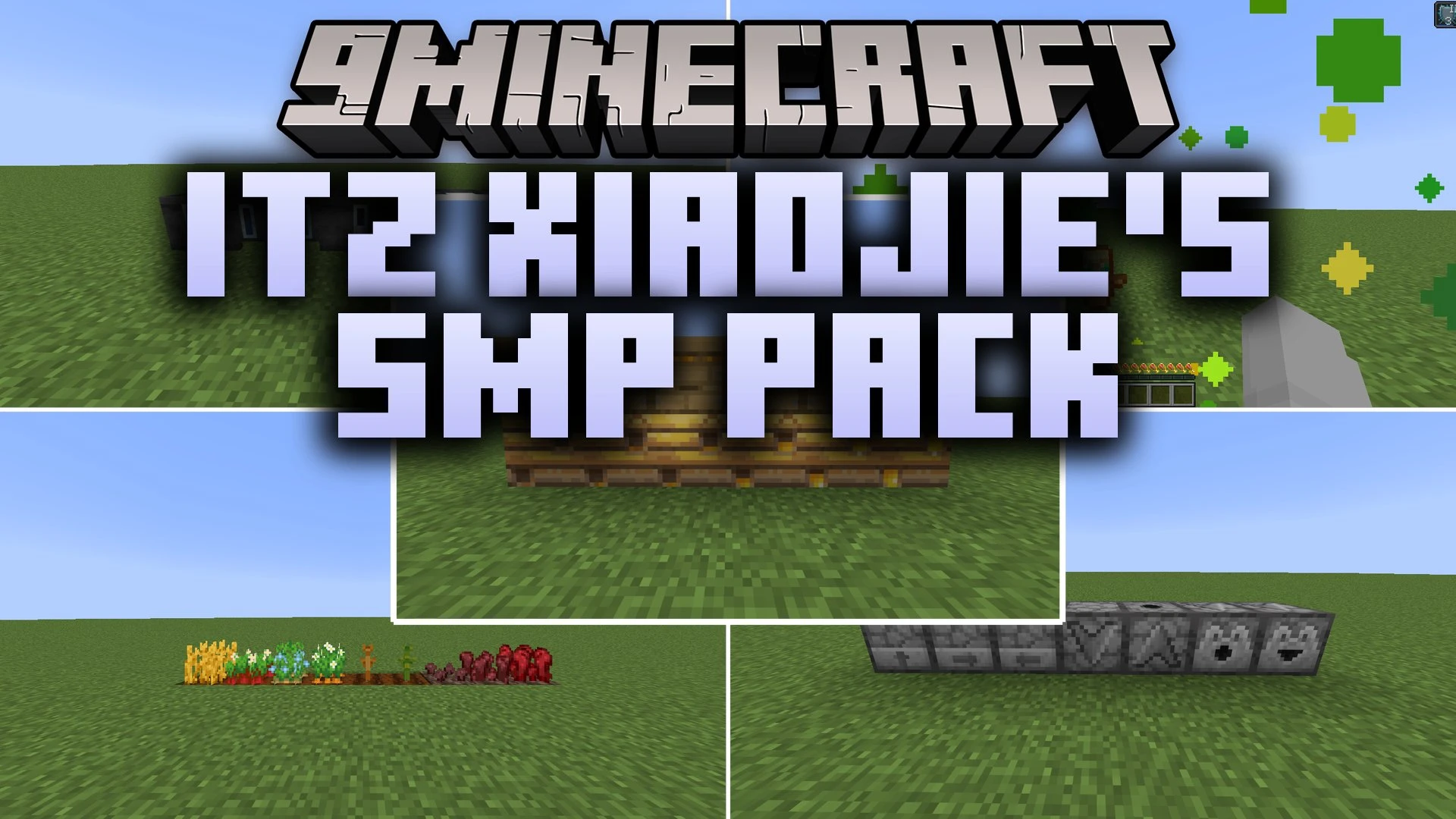
Itz Xiaojie’s SMP Pack Resource Pack cleans up visual clutter across survival worlds and multiplayer servers. This pack adds helpful outlines to ore blocks and powder snow so you can spot them quickly while mining or exploring cold peaks. It lowers fire and shield height on your screen to keep your view open during combat. Helpful indicators also appear on redstone components, crops, and storage containers to make everyday survival much clearer.
Features:
- Adds bright colored outlines to raw ore blocks for easy mining in dark caves.
- Lowers fire screen overlays and shield models to prevent blind spots in combat.
- Clears up water fog so players can see riverbeds and ocean terrain clearly.
- Displays growth stages directly on wheat, carrots, potatoes, beetroots, and nether wart.
- Adds visible directional arrows to droppers, dispensers, observers, and hoppers.
- Outlines dangerous powder snow blocks to prevent unexpected freezing traps.
- Shows fill levels on the sides of cauldrons and composters without needing to look inside.
- Replaces standard pumpkin face and spyglass overlays with clear viewports.
- Adds a quick potion recipe cheat sheet directly onto the brewing stand menu.
- Marks infested stone blocks and waxed copper blocks with distinct texture clues.
- Shrinks totem pop animations and critical hit particle effects to keep the screen clear.
- Highlights trapped chests with red latches and adds visible texture cords to tripwire string.
Screenshots:

Itz Xiaojie's SMP Pack Resource Pack Download Links
- Edition: Minecraft Java
- File type: .zip (resource pack)
- Minecraft version listed: 1.21.1
- How to install: Download the .zip resource pack — do not unzip it. → Put it in .minecraft/resourcepacks. → Enable it in Options → Resource Packs.
- Where to get it: In MC Java Mods, or directly above on this page.
Install steps are the general flow for this file type — How to install Minecraft Java resource packs walks through it step by step.
- Downloads as 521342.mcpack
- Download size: 550 KB
- Download link checked 4 Oct 2026 — working
- Mirrored on our own servers — the download does not depend on the original host
These come from our own check of the pack file, not from the source page.