ModsJava
Aero Forge Mod (26.3, 1.20.1) – Fly Heavy Aircraft and Bore Giant Tunnels
Java mod listed for Minecraft 1.20. Downloads from the MC Java Mods app on Android.
⬇ Download


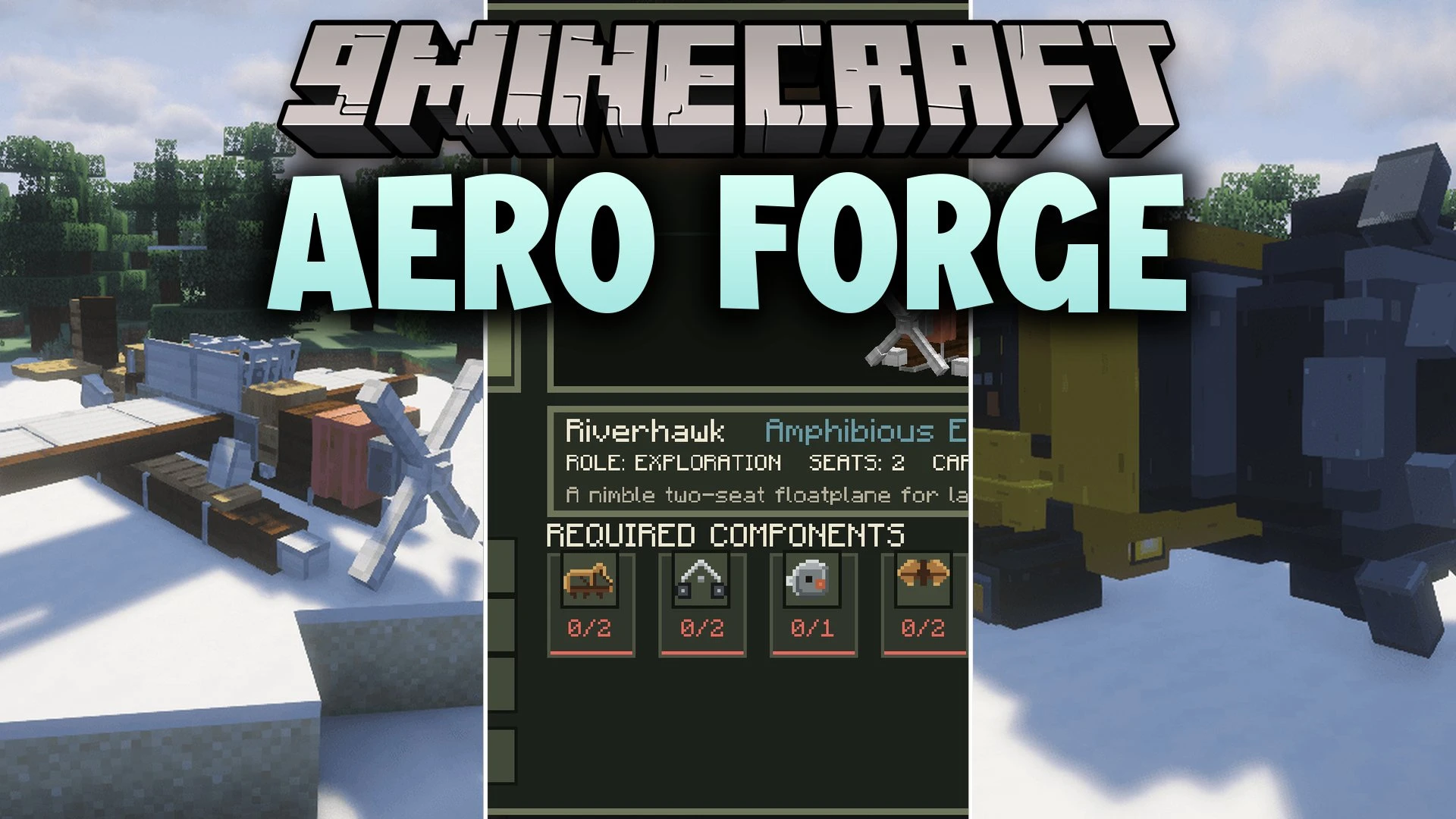
Aero Forge Mod extends Immersive Aircraft with new planes, helicopters, and heavy industrial vehicles. It gives you flying machines for long trips and tracked mining equipment for heavy ground work. Players can craft every machine through a special workbench that displays a rotatable 3D preview before assembly.
Features:
- Vehicle Assembly Workbench: Lets you choose blueprints, check rotatable 3D vehicle previews, and build machines with raw materials.
- Wayfarer Heavy: Hauls massive loads across three storage compartments with 162 inventory slots and alerts you if the aircraft gets overloaded.
- Tunnel Drill: Bores a 5 by 5 tunnel directly through rock while gathering mined blocks into 27 storage slots.
- Pioneer utility plane offers a single seat, custom engine sounds, and an animated propeller for scouting trips.
- Skylark helicopter performs vertical takeoffs and landings with working main and tail rotors.
- Riverhawk aircraft touches down on both water and open land while holding 9 cargo slots.
- AeroForge Excavator digs up blocks with a movable arm and bucket, storing collected materials in 9 internal slots.
- Tracked heavy vehicles produce diesel smoke effects, working beacons, and hydraulic machine sounds during operation.
How to Use:
- Open the Vehicle Assembly Workbench.
- Select a vehicle blueprint from the menu.
- Check the 3D preview to inspect required parts and storage space.
- Place the required materials into the workbench and click Build.
- Take the finished vehicle item from the output slot and place it on a clear, open area of land or water.
Screenshots:

Aero Forge Mod Download Links
Quick facts
- Edition: Minecraft Java
- File type: .jar
- Minecraft version listed: 1.20.1
- How to install: Install the matching mod loader (Forge, Fabric or NeoForge) for your Minecraft version. → Download the .jar. → Put it in the .minecraft/mods folder and launch that loader profile.
- Where to get it: In MC Java Mods, or directly above on this page.
Install steps are the general flow for this file type — How to install Minecraft Java mods & modpacks walks through it step by step.
File checked by MCModsHub
- Downloads as 521423.mcaddon
- Download size: 1.7 MB
- Download link checked 5 Oct 2026 — working
- Mirrored on our own servers — the download does not depend on the original host
These come from our own check of the pack file, not from the source page.