ModsJava
Cool Cat Lib Canvas Mod (26.1.2, 1.20.1) – Custom Skyboxes and Cinematic Screen
Java mod listed for Minecraft 1.20. Downloads from the MC Java Mods app on Android.
⬇ Download


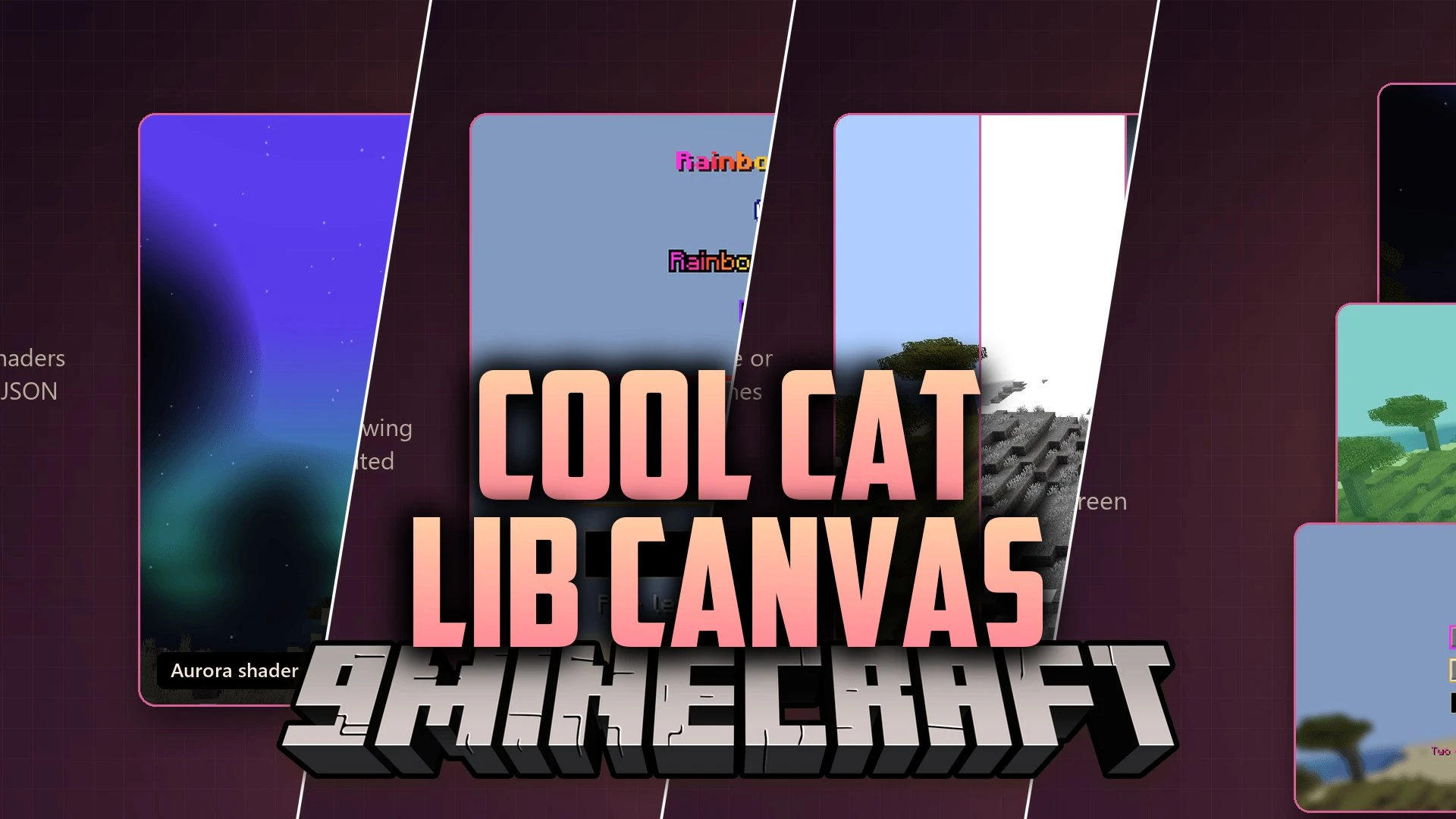
Cool Cat Lib Canvas Mod extends CoolCatLib: Core with visual rendering tools, screen shaders, and custom skyboxes for other Minecraft mods. This library powers slick user interface elements, animated menus, and post-processing effects. Players can tweak active visuals through a dedicated settings screen or load sky designs via standard resource pack files.
Features:
- Screen Shaders: Layers visual effects over the world or full game view with smooth fade transitions and pulses.
- Custom Skyboxes: Blends custom cubemaps, gradients, sprites, and panoramas directly into the vanilla sky.
- Interface Widgets: Builds smooth sliding panels, scroll lists, draggable windows, and pan-and-zoom viewports.
- Includes 9 ready-made screen effects such as blur, vignette, chromatic aberration, heartbeat, and film grain.
- Lets players adjust effect strength or turn specific visual filters on and off via an in-game screen.
- Works directly from server commands or client side scripts to trigger timely visual pulses.
- Fades out the sun, moon, stars, and End dimension sky smoothly when custom skies appear.
- Loads skyboxes through simple JSON files inside resource packs without extra coding needed.
- Adds text rendering helpers like rainbow colors, gradients, outlines, and glowing text borders.
Screen Effects:
- Desaturate: removes world color for gloomy or dramatic scenes.
- Chromatic Aberration: splits color channels across the viewport edges.
- Vignette: darkens screen edges to focus attention on the center.
- Wobble: creates a wavy distortion on the player display.
- Heartbeat: pulses visual strength in sync with low health or action events.
Skybox Layers:
- Cubemaps: full box backgrounds surrounding the game world.
- Sprites: floating orbital objects such as custom planets or moons.
- Gradients: smooth atmospheric color changes based on time or weather.
Screenshots:
Cool Cat Lib Canvas Mod Download Links
Quick facts
- Edition: Minecraft Java
- File type: .jar
- Minecraft version listed: 1.20.1
- How to install: Install the matching mod loader (Forge, Fabric or NeoForge) for your Minecraft version. → Download the .jar. → Put it in the .minecraft/mods folder and launch that loader profile.
- Where to get it: In MC Java Mods, or directly above on this page.
Install steps are the general flow for this file type — How to install Minecraft Java mods & modpacks walks through it step by step.
File checked by MCModsHub
- Downloads as 521558.mcaddon
- Download size: 936 KB
- Download link checked 5 Oct 2026 — working
- Mirrored on our own servers — the download does not depend on the original host
These come from our own check of the pack file, not from the source page.