ModsJava
Balanced Anvils Mod (26.3, 1.21.11) – Repair and Rename Your Gear Without Any
Java mod listed for Minecraft 1.21. Downloads from the MC Java Mods app on Android.
⬇ Download


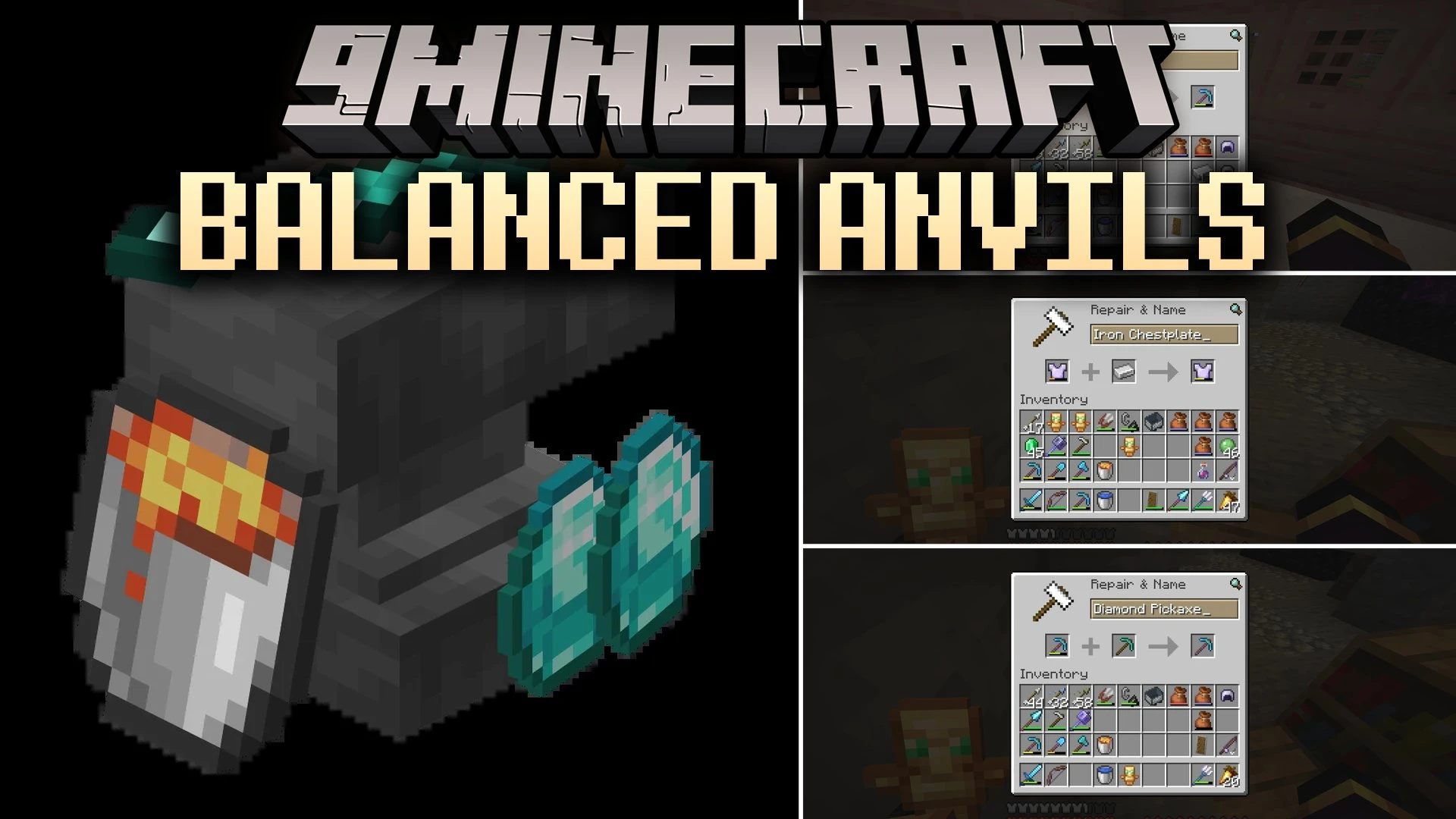
Balanced Anvils Mod changes anvil penalties to make fixing and naming items fair. It removes the XP cost whenever you repair tools or change item names without adding new enchantments. Working on items without upgrading their magic will also prevent the anvil use count from going up. The mod runs in singleplayer worlds and also works on servers without forcing other players to install it.
Features:
- Free Repairs: Fixing items with raw materials or matching gear costs zero XP levels.
- Free Renaming: Changing the name of any item in an anvil is completely free of level costs.
- No Penalty Buildup: Simple repairs and name changes do not increase the hidden anvil work penalty.
- Keeps normal XP costs and penalties active when you add or upgrade enchantments.
- Works on dedicated multiplayer servers as well as in singleplayer worlds.
| Slot 1 | Slot 2 | Result | Is It Free? |
|---|---|---|---|
| Netherite Sword | Rename | Renamed Netherite Sword | Yes |
| Broken Diamond Sword | Diamonds | Repaired Diamond Sword | Yes |
| Broken Copper Sword | Broken Copper Sword | Repaired Copper Sword | Yes |
| Broken Iron Sword (Sharpness V) | Broken Iron Sword (Sharpness IV) | Repaired Iron Sword (Sharpness V) | Yes |
| Golden Axe (Efficiency III) | Golden Axe (Efficiency III) | Golden Axe (Efficiency IV) | No |
| Fishing Rod (Unbreaking III) | Book (Mending) | Fishing Rod (Unbreaking III, Mending) | No |
How to Use:
- Place an anvil on the ground and open its menu.
- Put your damaged or renamed item into the first slot.
- Add a repair material or type a new name in the text box.
- Take the item out of the result slot at zero XP cost if no new enchantments were added.
Screenshots:
Balanced Anvils Mod Download Links
Quick facts
- Edition: Minecraft Java
- File type: .jar
- Minecraft version listed: 1.21.11
- How to install: Install the matching mod loader (Forge, Fabric or NeoForge) for your Minecraft version. → Download the .jar. → Put it in the .minecraft/mods folder and launch that loader profile.
- Where to get it: In MC Java Mods, or directly above on this page.
Install steps are the general flow for this file type — How to install Minecraft Java mods & modpacks walks through it step by step.
File checked by MCModsHub
- Downloads as 521562.mcaddon
- Download size: 150 KB
- Download link checked 5 Oct 2026 — working
- Mirrored on our own servers — the download does not depend on the original host
These come from our own check of the pack file, not from the source page.