ModsJava
Yunbei Urban Construction Mod (1.21.1, 1.20.1) – Build Modern City Streets
Java mod listed for Minecraft 1.20–1.21. Downloads from the MC Java Mods app on Android.
⬇ Download


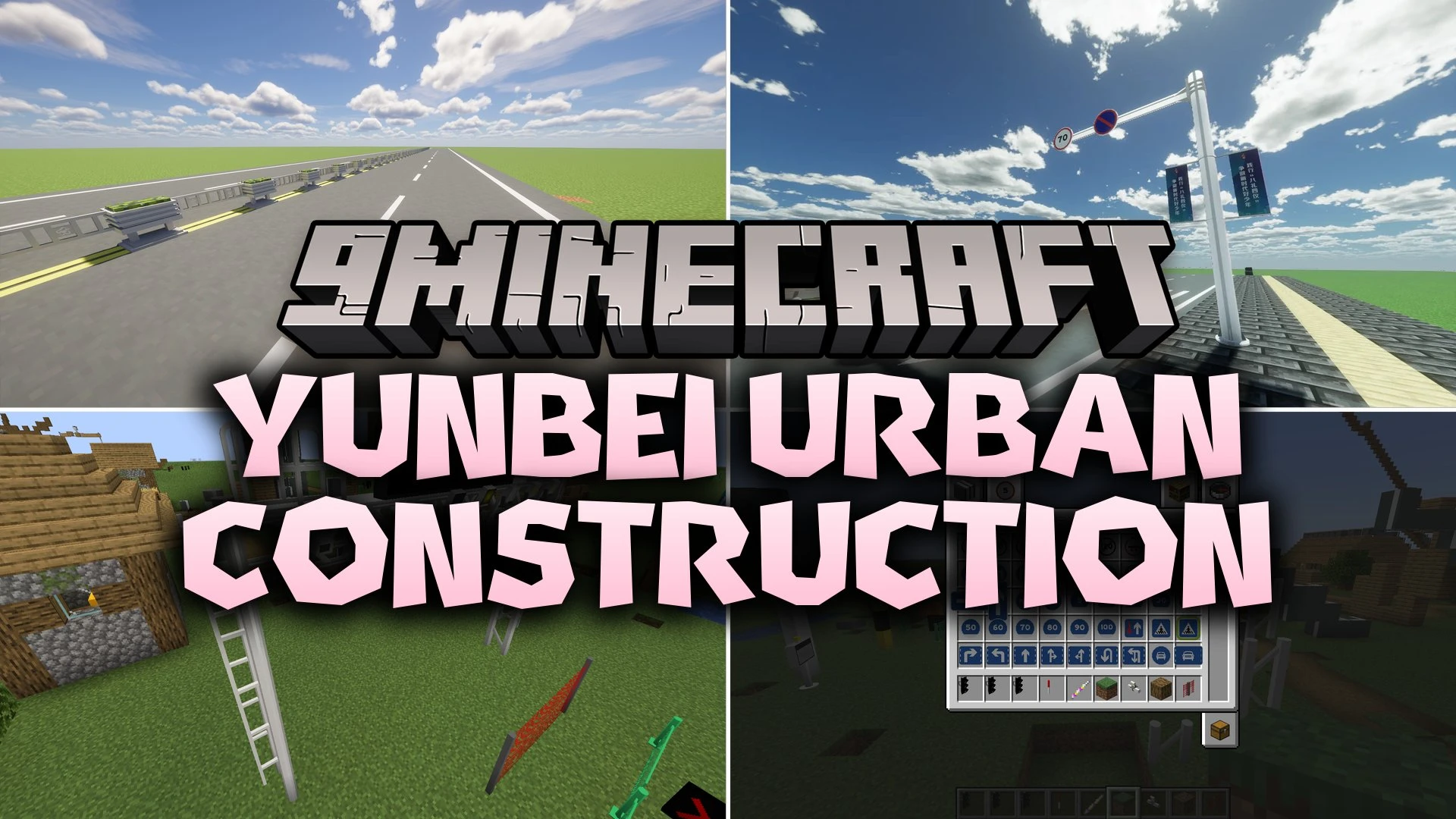
Yunbei Urban Construction Mod brings realistic road blocks, traffic signs, and street props to Minecraft. It lets you lay down asphalt highways with accurate lane markings, crosswalks, and turn arrows. You can set up working traffic lights, street lamps, highway gantries, and guardrails across your custom modern cities. Five specialized wand tools also help you place, rotate, and manage infrastructure blocks quickly.
Features:
Roads and Markings:
- Adds standardized road blocks featuring single lines, double lines, right angles, and T-junction markings.
- Includes ground markings for straight lanes, turn arrows, U-turns, bus lanes, and crosswalk warnings.
- Provides specialized ground markings for speed limits and vehicle distance checks.
Traffic Signs and Lights:
- Features hundreds of traffic signs for speed limits, height limits, steep slopes, sharp turns, and one-way streets.
- Provides traffic light poles that connect together to control intersections.
- Includes pedestrian lights and turn signal heads in multiple color casings.
Municipal and Safety Props:
- Adds street lamps, highway guardrails, speed bumps, parking stoppers, and crash barrels.
- Includes overhead gantry systems, security cameras, radar speed detectors, and electronic LED display boards.
- Brings road flower boxes, trash cans, safety nets, and construction barriers for sidewalks.
Utility Wands:
- Gives you a Rotation Wand to turn blocks in the correct direction.
- Provides a Link Wand to connect traffic lights across roads.
- Includes a Text Copy Wand to copy and paste text between signs and displays.
- Offers a Tree Wand and Water Wand for quick landscaping along roadsides.
How to Use:
- Place road blocks and lane markings to shape your street or highway layout.
- Equip the Rotation Wand and right-click road blocks to orient lines and arrows.
- Assemble street lamp posts, traffic signals, and overhead gantries along the roadside.
- Use the Link Wand to connect matching traffic lights across your intersection.
- Shift right-click text displays with the Text Copy Wand to copy text and right-click to paste onto other signs.
Screenshots:
Yunbei Urban Construction Mod Download Links
Quick facts
- Edition: Minecraft Java
- File type: .jar
- Minecraft versions listed: 1.21.1, 1.20.1
- How to install: Install the matching mod loader (Forge, Fabric or NeoForge) for your Minecraft version. → Download the .jar. → Put it in the .minecraft/mods folder and launch that loader profile.
- Where to get it: In MC Java Mods, or directly above on this page.
Install steps are the general flow for this file type — How to install Minecraft Java mods & modpacks walks through it step by step.
File checked by MCModsHub
- Downloads as 521567.mcaddon
- Download size: 11.5 MB
- Download link checked 5 Oct 2026 — working
- Mirrored on our own servers — the download does not depend on the original host
These come from our own check of the pack file, not from the source page.