Sick Sheet's Practice Bot Mod (26.3, 1.21.11) – Sharpen Your PvP Combat Skills
Java mod listed for Minecraft 1.21. Downloads from the MC Java Mods app on Android.
Sick Sheet's Practice Bot Mod adds customizable training dummies to test and sharpen your combat skills. You can spawn automated bots in singleplayer…
⬇ Download


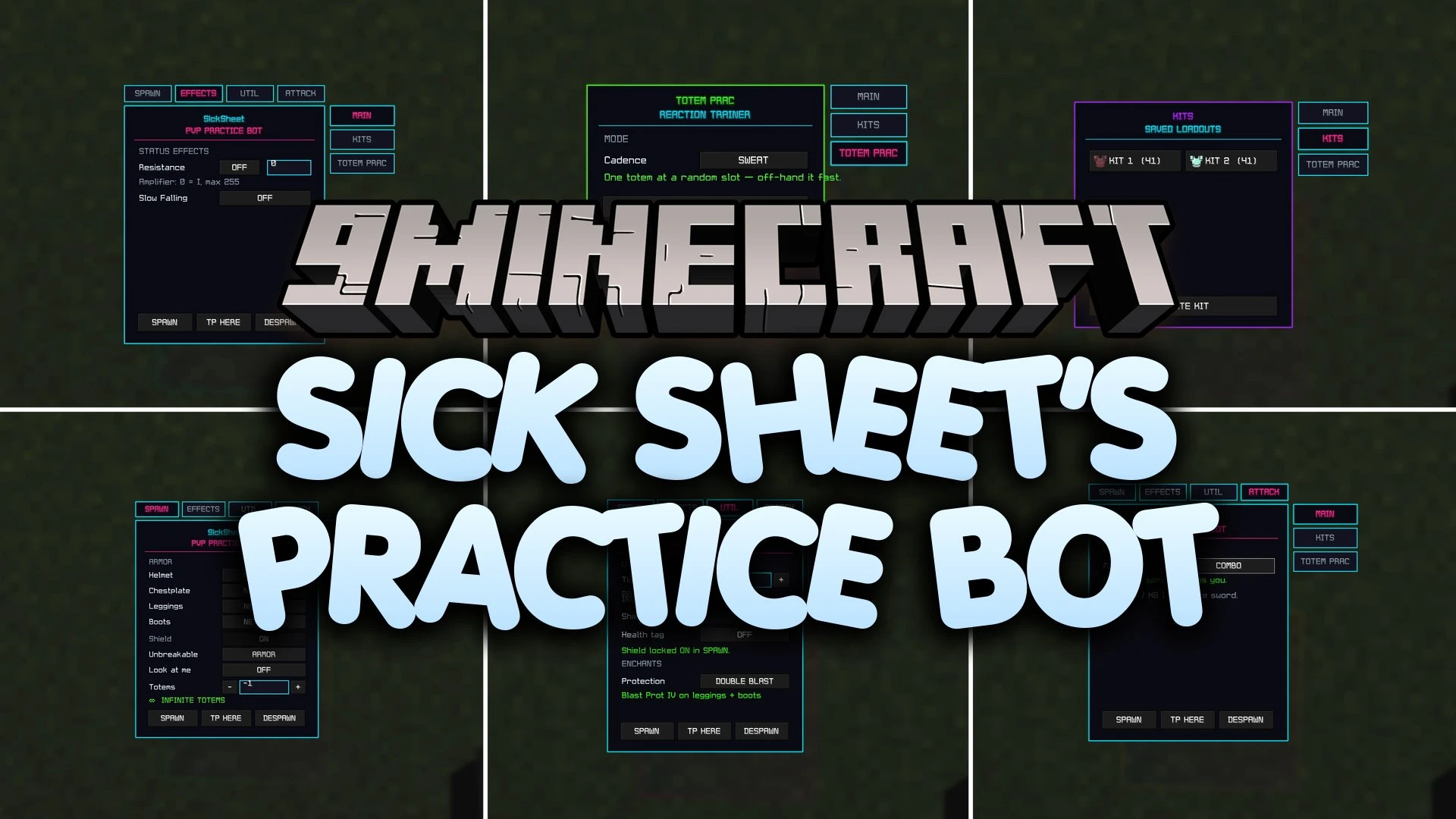
Sick Sheet’s Practice Bot Mod adds customizable training dummies to test and sharpen your combat skills. You can spawn automated bots in singleplayer worlds or multiplayer servers to practice hit combos, shield timing, and totem swaps. The mod includes an in-game control panel that lets you adjust bot gear, status effects, and attack behavior in real time.
Features:
- Automated Training Bots: Spawns combat dummies that can fight back, combo, and hold equipment.
- Control Panel GUI: Opens a neon menu to adjust all bot behaviors without typing complex commands.
- Kit Management System: Saves your current armor and hotbar setup straight to your storage drive.
- Equips bots with custom armor, shields, and auto-refilling totems of undying.
- Updates active bots right away whenever you change settings in the interface.
- Offers three distinct totem training modes to sharpen quick-swap reflexes under pressure.
- Allows you to apply specific potion effects to bots for realistic combat simulation.
Commands:
/bot: opens the practice bot control panel./kit: saves your active inventory and armor as a kit file./kit <number>: loads the selected kit layout into your inventory.
How to Use:
- Type
/botin the chat bar to open the bot configuration screen. - Choose the armor, shield, and attack settings you want for the training dummy.
- Spawn the bot into your world to begin sparring.
- Save your preferred PvP gear by typing
/kit. - Switch training styles anytime by loading saved gear with
/kit <number>.
Screenshots:
Sick Sheet's Practice Bot Mod Download Links
- Edition: Minecraft Java
- File type: .jar
- Minecraft version listed: 1.21.11
- How to install: Install the matching mod loader (Forge, Fabric or NeoForge) for your Minecraft version. → Download the .jar. → Put it in the .minecraft/mods folder and launch that loader profile.
- Where to get it: In MC Java Mods, or directly above on this page.
Install steps are the general flow for this file type — How to install Minecraft Java mods & modpacks walks through it step by step.
- Downloads as 521571.mcaddon
- Download size: 146 KB
- Download link checked 5 Oct 2026 — working
- Mirrored on our own servers — the download does not depend on the original host
These come from our own check of the pack file, not from the source page.