ModsJava
Cobblebase Mod (26.1.2, 1.21.1) – Put Your Cobblemon to Work Around Your Base
Java mod listed for Minecraft 1.21. Downloads from the MC Java Mods app on Android.
⬇ Download


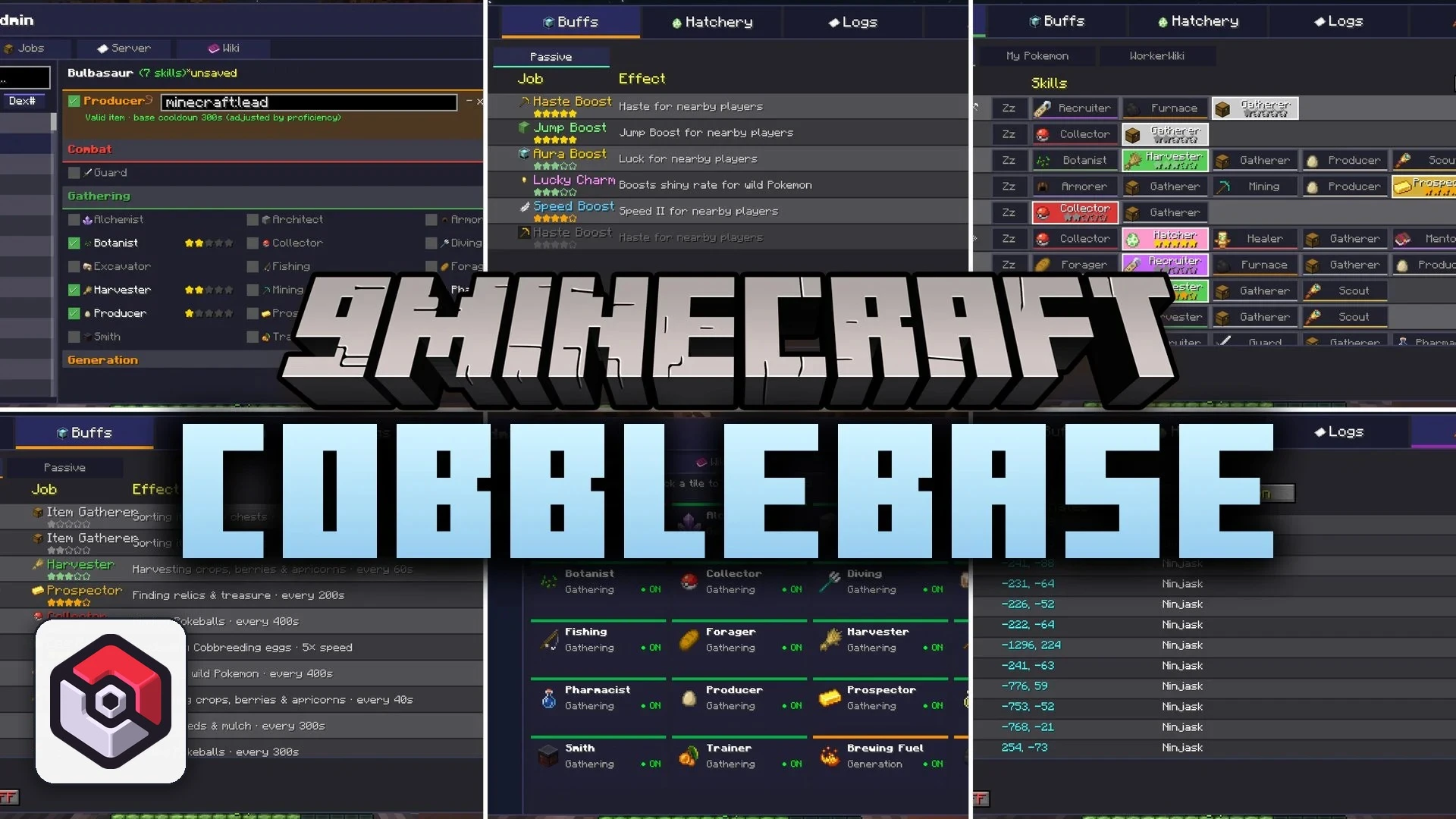
Cobblebase Mod transforms Pasture Blocks in Cobblemon into working stations for your Pokemon. This mod assigns hand-crafted job roles and proficiency levels to over a thousand Pokemon species. Your Pokemon can tend crops, collect building items, fill cauldrons, guard bases, and provide helpful status boosts. Working Pokemon walk around during the day and sleep at night, turning your base into an active camp.
Features:
- Job System: Assigns distinct working roles and proficiency ranks from 1 to 5 to Pokemon based on species identity.
- In-Game Admin GUI: Lets server operators edit skills, tweak job cooldowns, and modify loot tables in real time without datapacks.
- Supports over one thousand Pokemon species, including built-in configurations for popular Fakemon packs.
- Working Pokemon complete chores like smelting items, watering farmland, catching fish, and hunting for minerals.
- Provides area buffs to players, granting helpful effects like bonus speed, night vision, and jump height.
- Pokemon follow natural daily schedules by roaming near pastures, sleeping when night falls, and waking up at dawn.
- Prevents Pokemon from getting stuck inside solid blocks or high tree canopies with built-in escape checks.
- Includes a mute option and cry cooldown timers to keep base noise under control.
- Protects player setups in multiplayer worlds with pasture locks and private owner notifications.
Job Categories:
- Gathering: Harvester, Fishing, Mining, and Producer jobs for collecting raw materials.
- Finding: Specialized searching jobs like Botanist, Excavator, Prospector, and Chef that find unique items.
- Combat and Support: Guard roles to fight off threats, along with Healers and Mentors to assist your team.
- Environmental and Logistics: Item gatherers to move dropped items, along with helpers that fill cauldrons and refuel furnaces.
- Recruiting: Scout roles that attract new wild companions and legendary encounters to your camp.
Commands:
/cobblebase admin: Opens the admin panel to customize skills, job rules, and loot drops.
How to Use:
- Place down a Pasture Block inside your base.
- Assign your Cobblemon Pokemon into the pasture area.
- Open the pasture screen to check assigned skills, active buffs, and job proficiencies.
- Place appropriate workstations, chests, furnaces, or crops nearby so Pokemon can perform their assigned tasks.
- Use
/cobblebase adminif you have server operator permissions to tweak loot tables or job cooldowns.
Screenshots:

Cobblebase Mod Download Links
Quick facts
- Edition: Minecraft Java
- File type: .jar
- Minecraft version listed: 1.21.1
- How to install: Install the matching mod loader (Forge, Fabric or NeoForge) for your Minecraft version. → Download the .jar. → Put it in the .minecraft/mods folder and launch that loader profile.
- Where to get it: In MC Java Mods, or directly above on this page.
Install steps are the general flow for this file type — How to install Minecraft Java mods & modpacks walks through it step by step.
File checked by MCModsHub
- Downloads as 521575.mcaddon
- Download size: 15.0 MB
- Download link checked 5 Oct 2026 — working
- Mirrored on our own servers — the download does not depend on the original host
These come from our own check of the pack file, not from the source page.