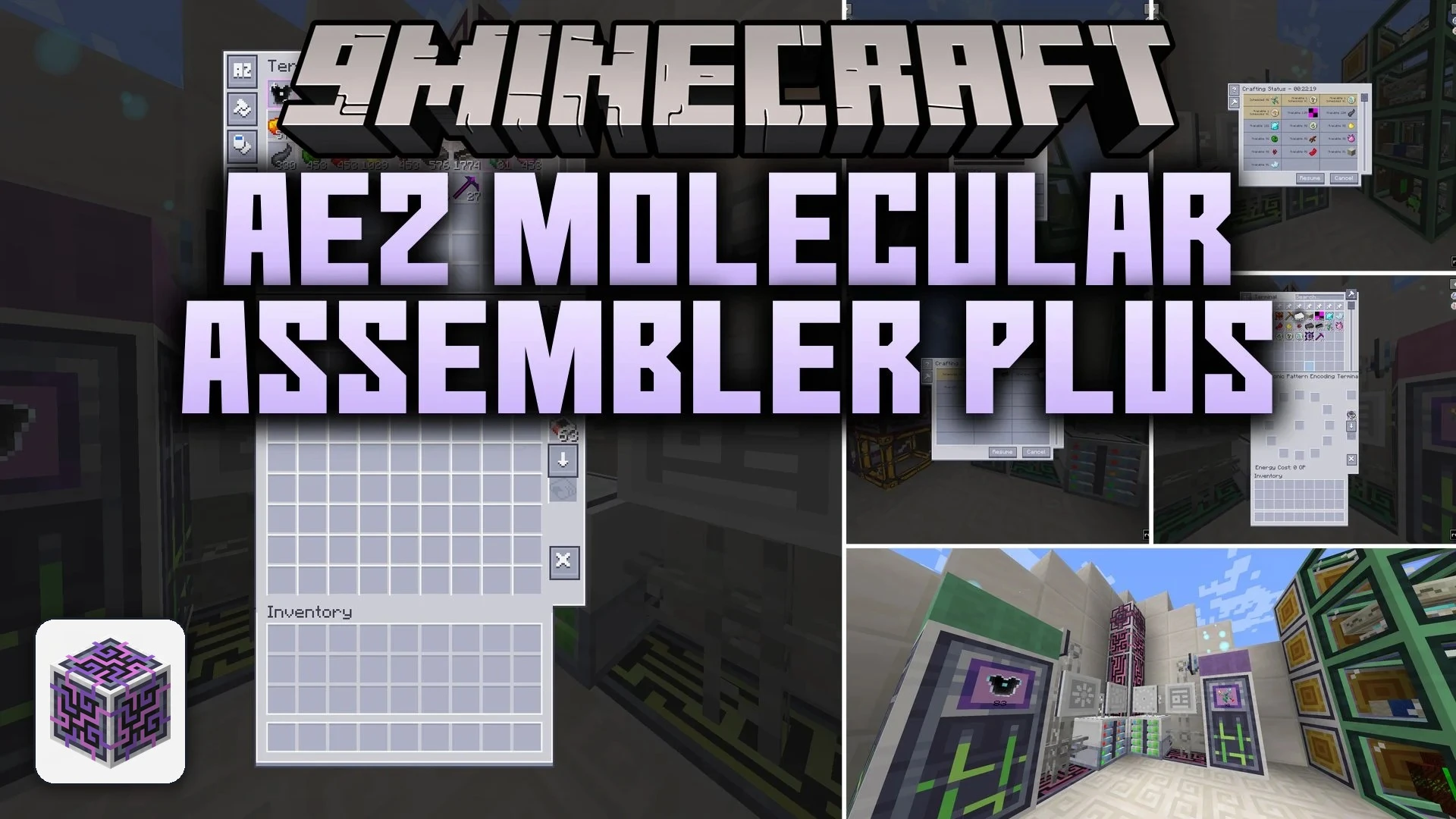
ModsJava
AE2 Molecular Assembler Plus Mod (1.21.1, 1.20.1) – Autocraft Giant Modded
Java mod listed for Minecraft 1.20–1.21. Downloads from the MC Java Mods app on Android.
⬇ Download


AE2 Molecular Assembler Plus Mod extends Applied Energistics 2 with custom pattern terminals and assemblers for big modded recipes. It lets your ME network handle huge crafting grids and special stations that standard autocrafting cannot touch. You can hook up giant crafting tables, fusion setups, and magic pools right into your storage system. The mod works alongside other popular mods without forcing you to change your normal storage layout.
Features:
- Adds an Extreme Pattern Encoding Terminal that handles 9×9 crafting grids.
- Adds Wyvern, Draconic, and Chaotic Molecular Assemblers for fusion crafting.
- Adds specialized assemblers for Botania stations like the Pure Daisy, Runic Altar, and Mana Pool.
- Brings ME Mana storage cells ranging from 1k to 256k capacities.
- Lets you transfer recipe items straight into pattern grids with JEI.
- Includes dedicated blank patterns and encoded patterns for each station type.
- Works only with the optional mods you have installed in your world.
Crafting Stations:
- Extreme Molecular Assembler: crafts items across huge recipe grids.
- Draconic Molecular Assembler: automates high-tier fusion recipes.
- Mana Pool Assembler: automates mana infusing tasks.
- Petal Apothecary Assembler: crafts botanical items automatically.
- Elven Trade Assembler: handles portal trades directly in the ME network.
How to Use:
- Connect the specialized pattern terminal to your ME network cables.
- Insert blank patterns into the terminal and look up the target recipe.
- Click the JEI transfer button or place ingredients into the grid manually, then encode the pattern.
- Place the matching assembler next to an ME pattern provider or connect it to your network.
- Put the encoded pattern inside the assembler and request the item from your ME terminal.
Screenshots:
AE2 Molecular Assembler Plus Mod Download Links
Quick facts
- Edition: Minecraft Java
- File type: .jar
- Minecraft versions listed: 1.21.1, 1.20.1
- How to install: Install the matching mod loader (Forge, Fabric or NeoForge) for your Minecraft version. → Download the .jar. → Put it in the .minecraft/mods folder and launch that loader profile.
- Where to get it: In MC Java Mods, or directly above on this page.
Install steps are the general flow for this file type — How to install Minecraft Java mods & modpacks walks through it step by step.
File checked by MCModsHub
- Downloads as 521576.mcaddon
- Download size: 449 KB
- Download link checked 5 Oct 2026 — working
- Mirrored on our own servers — the download does not depend on the original host
These come from our own check of the pack file, not from the source page.