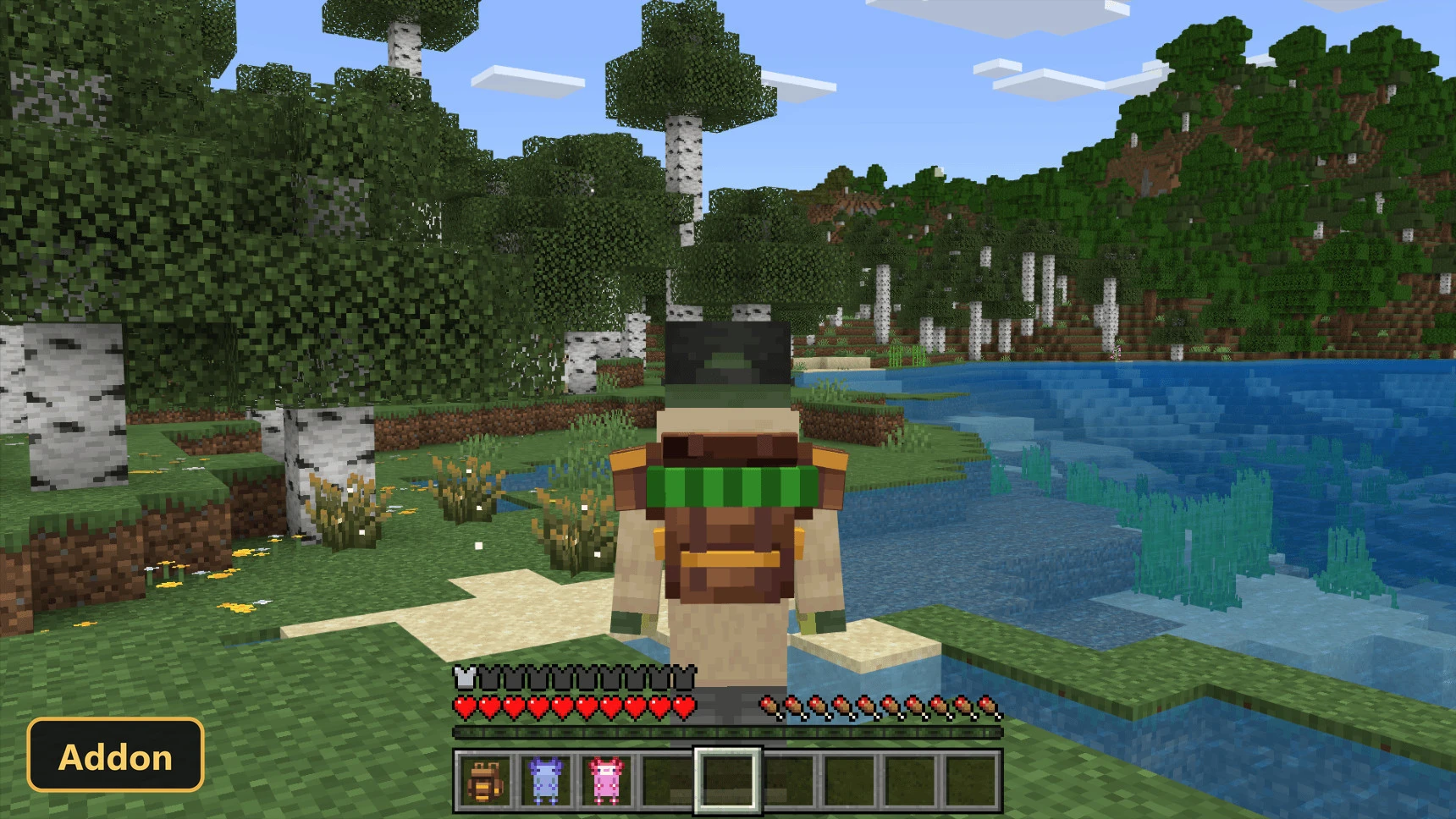
Better Backpacks (26+, 1.21) – MCPE/Bedrock Addon
Bedrock add-on listed for Minecraft 1.21 (behavior + resource pack). File opened and checked on 5 Oct 2026; installs from the MC Bedrock Mods app on Android.
⬇ Download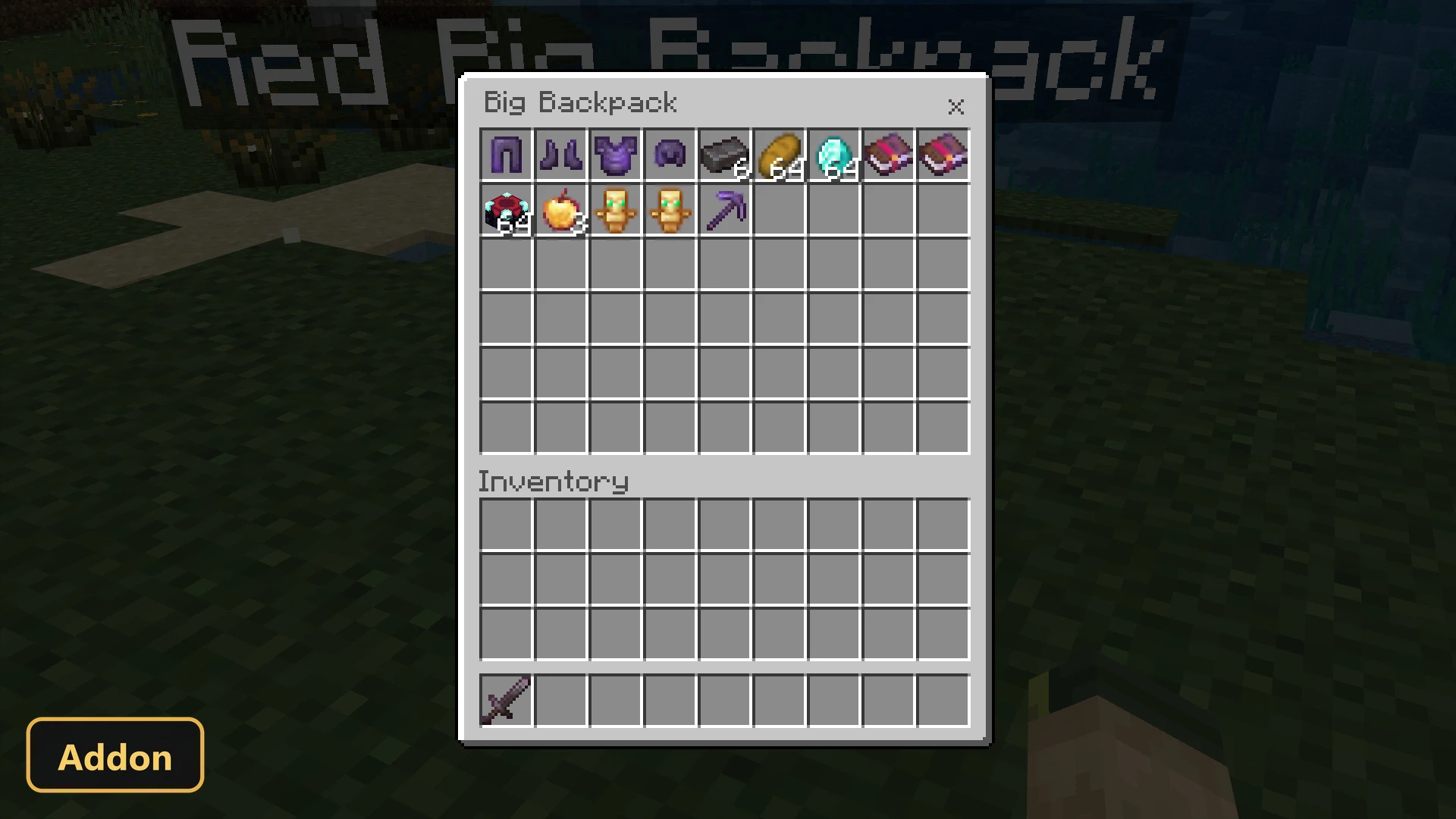
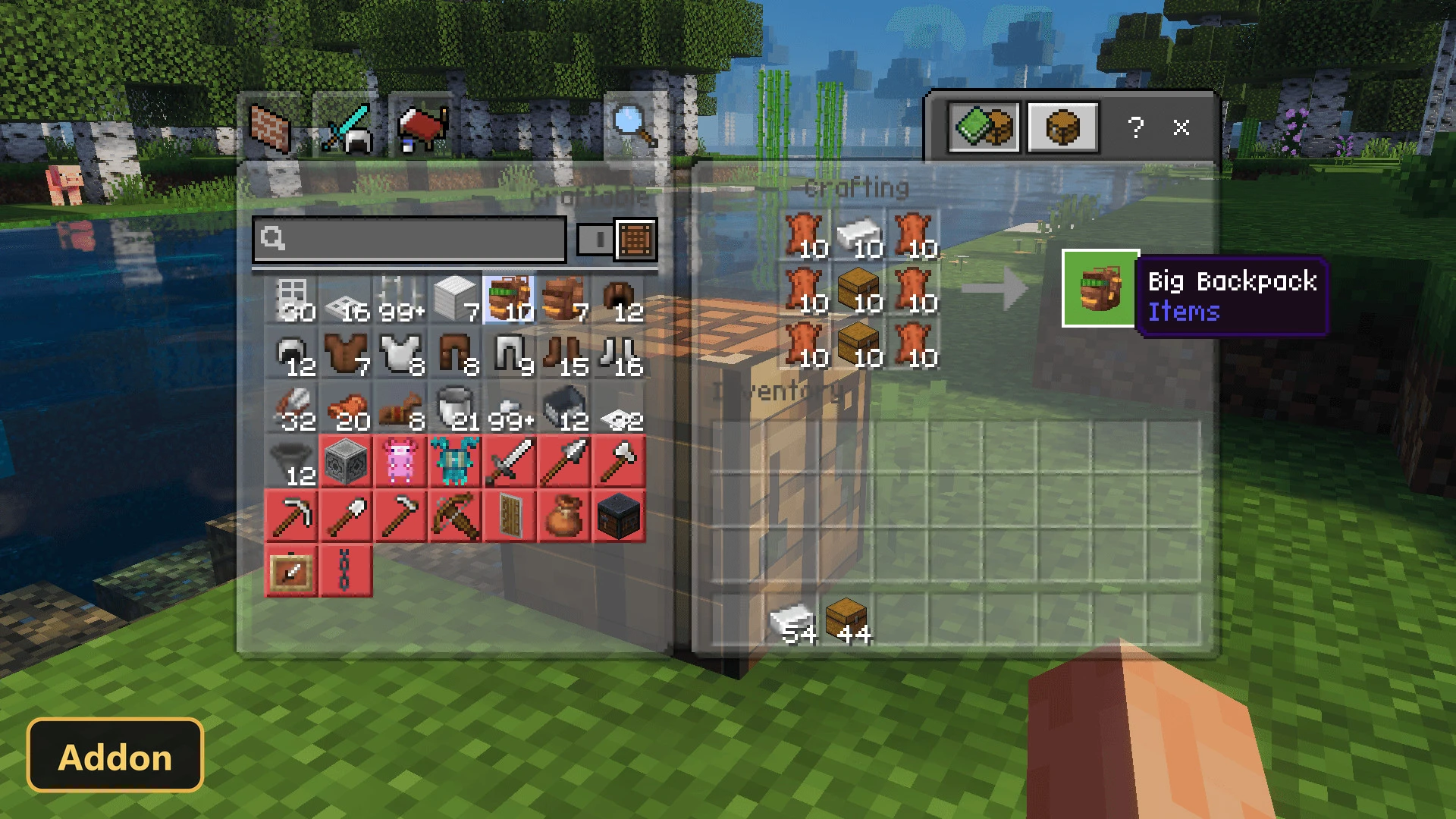
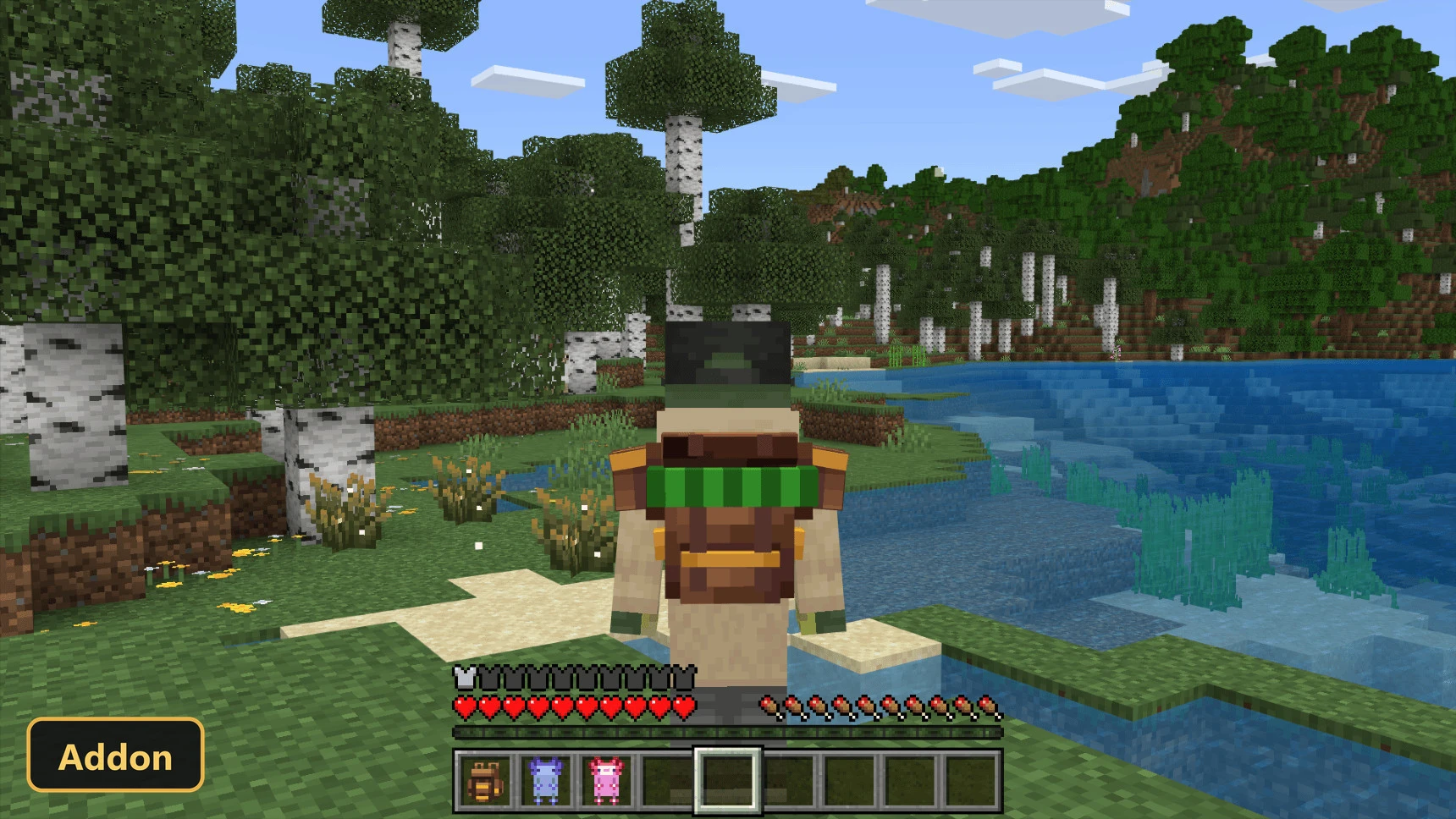
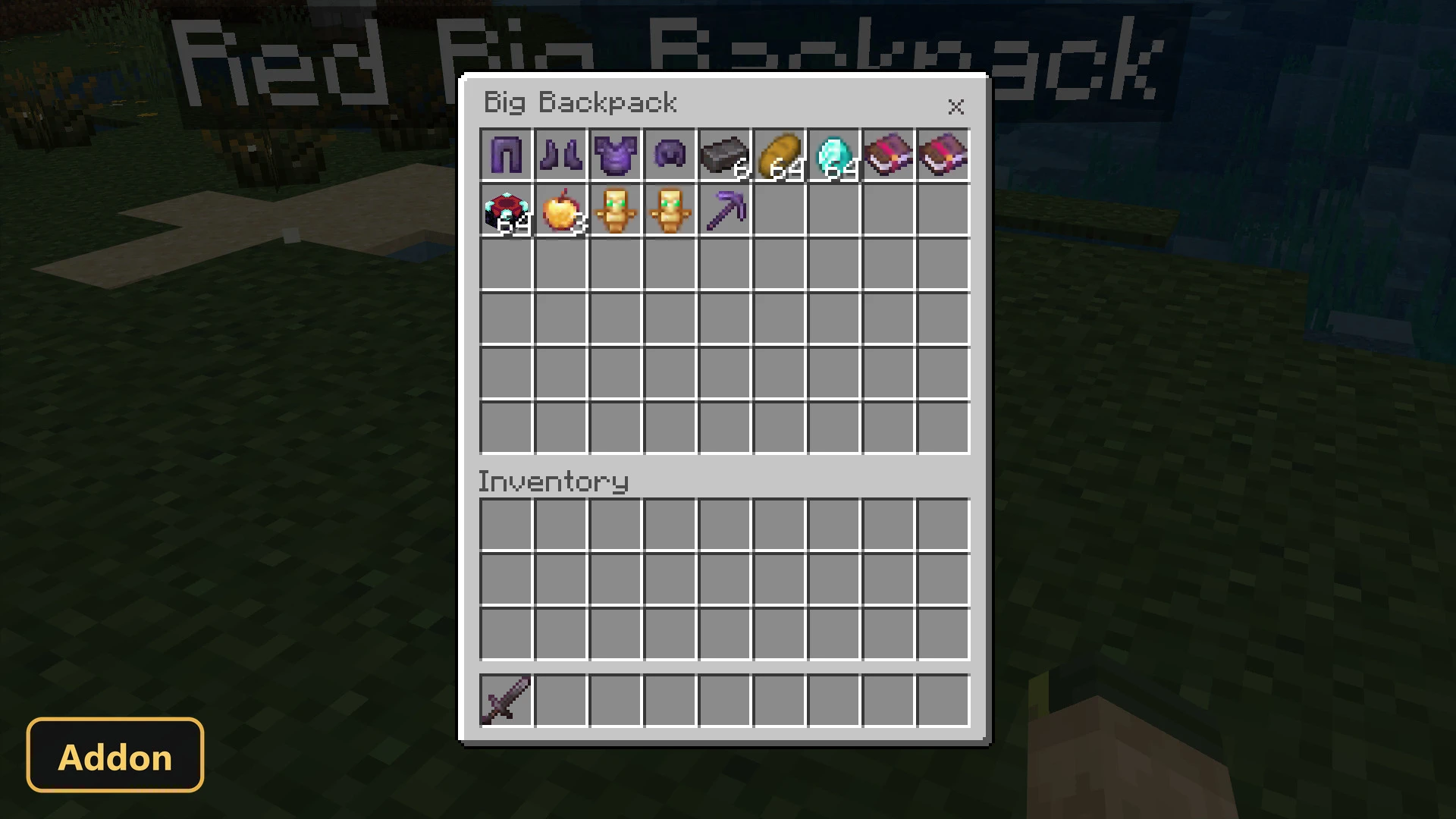
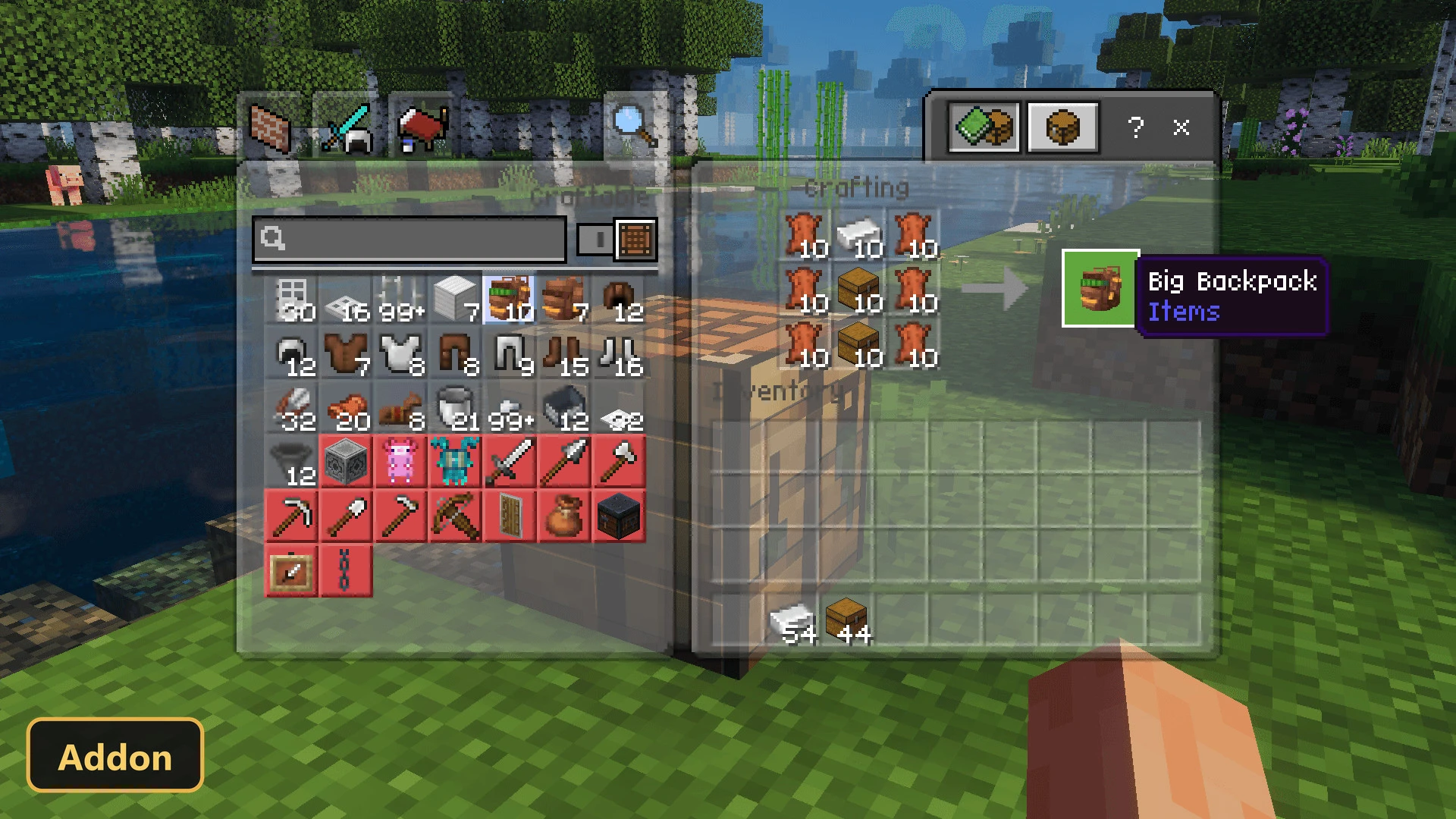
The Better Backpacks addon introduces a range of wearable storage solutions to the game, allowing players to carry more items on their adventures. This pack functions by leveraging the game’s scripting APIs, so players must ensure that Experimental Features are enabled in their world settings for the addon to work correctly. Once activated, players can craft various backpacks, equip them as armor, and utilize them as mobile chests, all while maintaining compatibility with achievements.
Players can craft three distinct types of backpacks: a standard backpack, a larger big backpack, and an axolotl-themed backpack. Each of these comes in five different colors, offering a total of fifteen unique storage items. The standard and axolotl backpacks provide twenty-seven inventory slots, while the big backpack doubles that capacity to fifty-four slots. When worn, a backpack occupies the chest armor slot and provides a small defense bonus of two armor points. These items retain their enchantments, custom names, and descriptions, and their contents remain secure even after world reloads, functioning much like traditional chests or ender chests. They are fully functional in both single-player survival and multiplayer environments.
Requirements:
- MCPE/Bedrock 1.21 – 26.50
all 23 versions26.50, 26.40, 26.30, 26.20, 26.13, 26.12, 26.11, 26.10, 26.3, 26.0.02, 26.0, 1.21.130, 1.21.120, 1.21.100, 1.21.90, 1.21.80, 1.21.70, 1.21.61, 1.21.50, 1.21.40, 1.21.30, 1.21.20, 1.21
- Turn on Experimental Features — this addon uses scripting APIs
Features:
- Backpack variants of: Axolotl, Blue Axolotl, Brown Axolotl, Cyan Axolotl, Gold Axolotl, Blue, Green, Purple, Red, Big, Blue Big, Green Big and 2 more
- Backpack
Screenshots:
- Edition: Minecraft Bedrock
- File type: .mcpack or .mcaddon
- Minecraft version listed: 1.21
- How to install: Download the .mcpack or .mcaddon file. → Open it — Minecraft imports it. → In your world: Behavior Packs → Available → Activate, then the same under Resource Packs.
- Where to get it: In MCModsHub, or directly above on this page.
Install steps are the general flow for this file type — How to install Minecraft Bedrock addons & mods walks through it step by step.
- Pack type: .mcaddon — behaviour and resource pack in one file
- Manifest requires Minecraft 1.21.0 or newer
- Complete pack — everything it depends on is inside the file
- Download size: 121 KB
- Download link checked 5 Oct 2026 — working
- Mirrored on our own servers — the download does not depend on the original host
These come from our own check of the pack file, not from the source page.