ResourcepacksJava
Red Hitbox Resource Pack (26.2, 26.1.2) – Clear Crimson Hitboxes
Minecraft Java resource pack. Downloads from the MC Java Mods app on Android.
⬇ Download


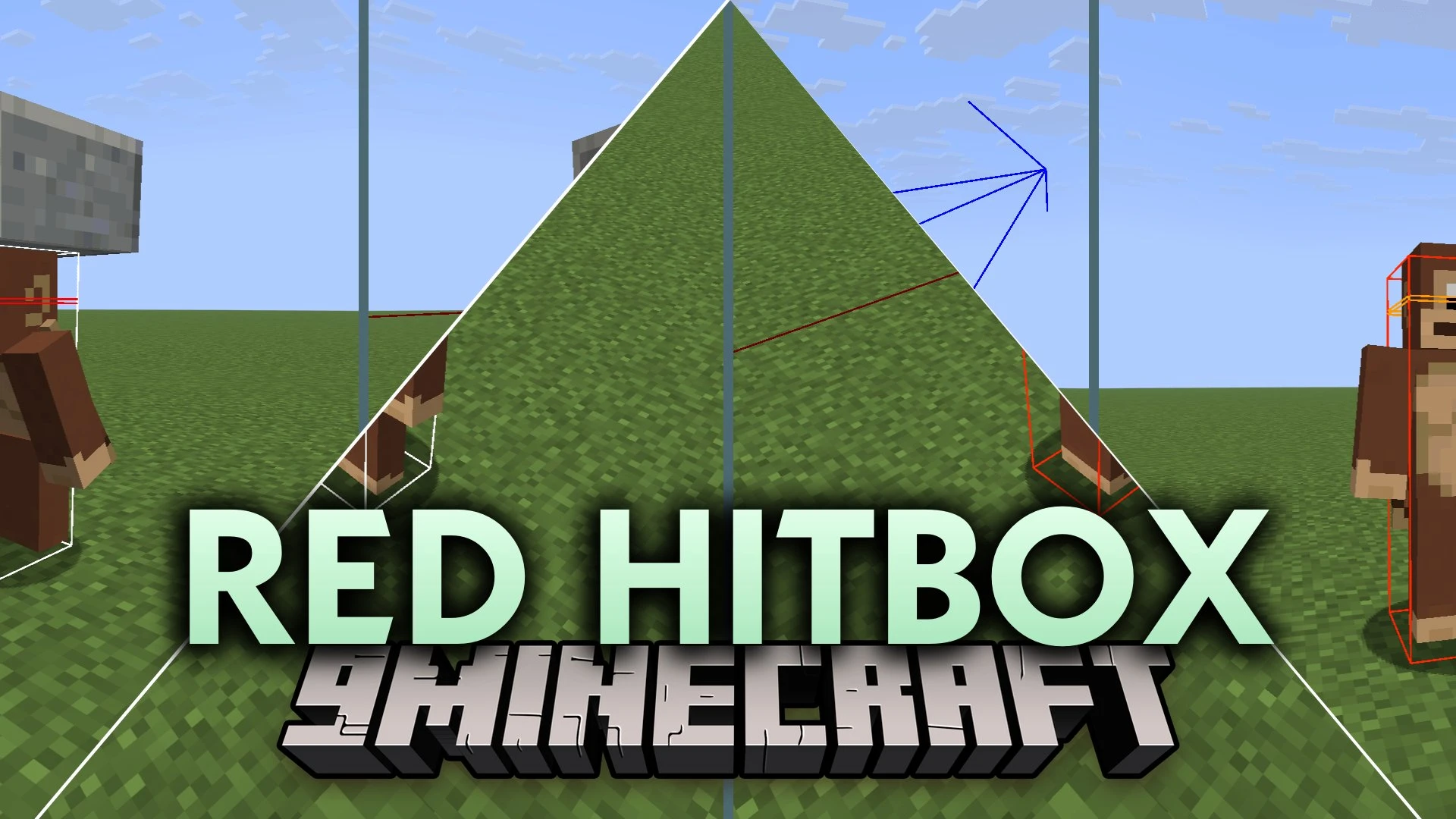
Red Hitbox Resource Pack replaces standard debug hitboxes with a clear red color scheme. It changes the lines you see when pressing F3 and B in the game. You can track mob eye levels and look directions with distinct color codes during combat. The pack keeps regular block selection outlines normal so building and mining stay completely familiar.
Features:
- Entity Hitbox Box: Bright red lines highlight mob and player hitboxes for instant visibility.
- Eye Level Line: Orange line marks head height to help you locate exact eye levels quickly.
- Look Vector Line: Dark crimson line tracks direction and line of sight clearly.
- Keeps original black block outlines intact so everyday building feels natural.
- Uses vanilla core shaders and runs without extra mod dependencies.
- Works alongside optimization tools like Sodium, Lithium, and Iris.
Screenshots:
Red Hitbox Resource Pack Download Links
Quick facts
- Edition: Minecraft Java
- File type: .zip (resource pack)
- How to install: Download the .zip resource pack — do not unzip it. → Put it in .minecraft/resourcepacks. → Enable it in Options → Resource Packs.
- Where to get it: In MC Java Mods, or directly above on this page.
Install steps are the general flow for this file type — How to install Minecraft Java resource packs walks through it step by step.
File checked by MCModsHub
- Downloads as 522044.mcpack
- Download size: 12 KB
- Download link checked 6 Oct 2026 — working
- Mirrored on our own servers — the download does not depend on the original host
These come from our own check of the pack file, not from the source page.