ModsJava
Particle Tweaker Mod (26.3, 1.21.11) – Customize Visual Particles
Java mod listed for Minecraft 1.21. Downloads from the MC Java Mods app on Android.
⬇ Download


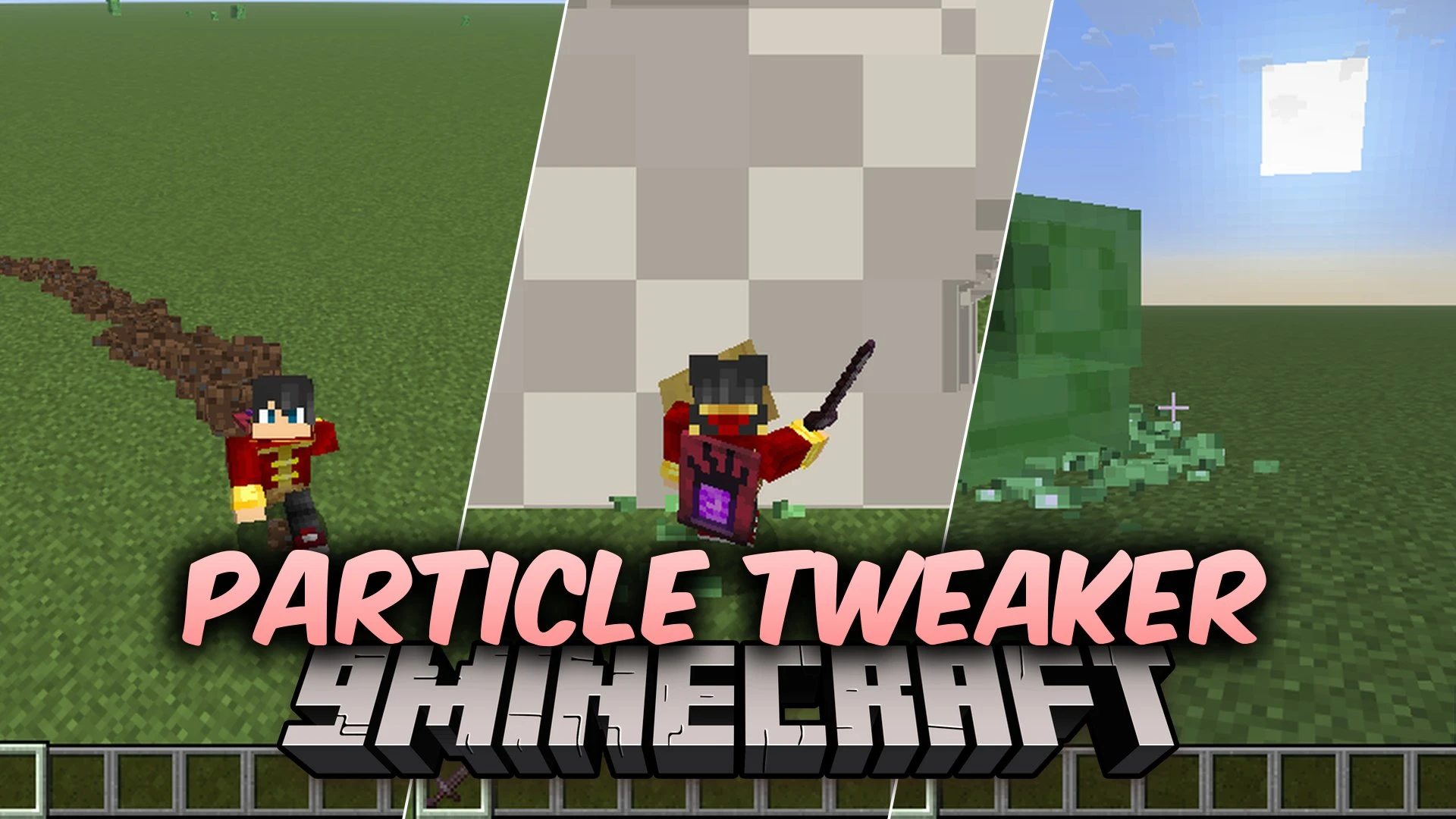
Particle Tweaker Mod gives you full control over Minecraft particle visuals by adjusting their size and count. This mod adds a clean settings screen where you can tweak the look of individual particles in real time. You can turn down effects to boost frame rates on slower computers or blow them up for wild visual chaos. It runs completely client-side, making it safe to use on any multiplayer server.
Features:
- Adjust particle size and spawn count independently for any effect in the game.
- Works directly with all vanilla Minecraft particle types.
- Changes apply right away without needing to restart your game world.
- Includes a search bar so you can find specific particle names quickly.
- Offers built-in presets such as Reset to restore standard visuals instantly.
- Features an Insane preset and a Danger mode that multiplies effects over 100 times.
- Runs entirely on the client side with no server setup required.
How to Use:
- Open the Mod Menu screen from your game options.
- Select Particle Tweaker from the list and open its configuration screen.
- Use the search bar to locate the particle effect you want to edit.
- Move the sliders to change the size and amount of particles or pick a preset.
Screenshots:
Particle Tweaker Mod Download Links
Quick facts
- Edition: Minecraft Java
- File type: .jar
- Minecraft version listed: 1.21.11
- How to install: Install the matching mod loader (Forge, Fabric or NeoForge) for your Minecraft version. → Download the .jar. → Put it in the .minecraft/mods folder and launch that loader profile.
- Where to get it: In MC Java Mods, or directly above on this page.
Install steps are the general flow for this file type — How to install Minecraft Java mods & modpacks walks through it step by step.
File checked by MCModsHub
- Downloads as 522064.mcaddon
- Download size: 822 KB
- Download link checked 6 Oct 2026 — working
- Mirrored on our own servers — the download does not depend on the original host
These come from our own check of the pack file, not from the source page.