Ent's Flags Mod (26.3, 1.20.1) – Hang Custom Waving Flags Across Your Medieval
Java mod listed for Minecraft 1.20. Downloads from the MC Java Mods app on Android.
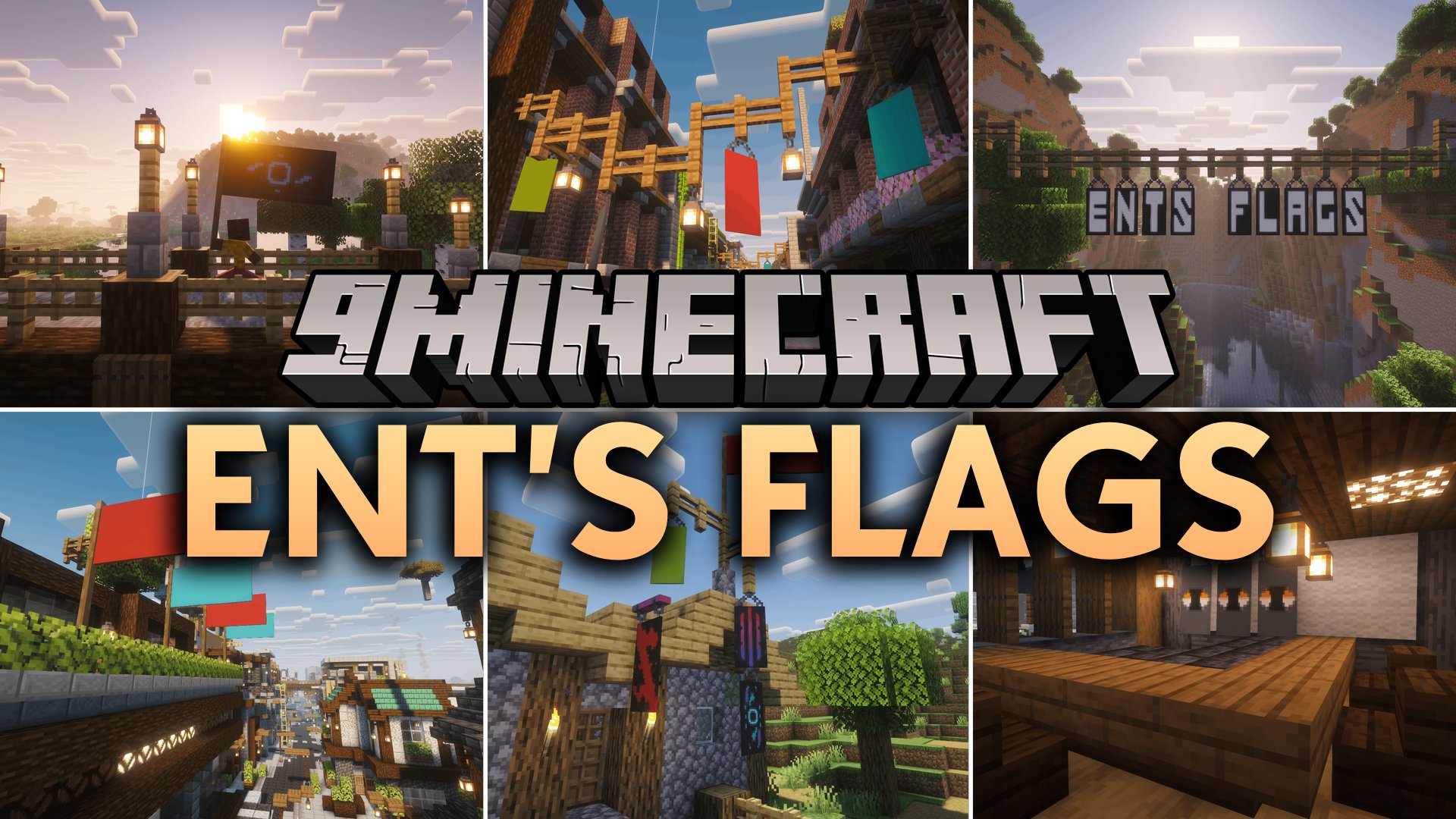
Ent's Flags Mod adds horizontal flags and hanging banners to Minecraft. Players can place flags that wave in the wind on poles or mount them directly to…
⬇ Download


Ent’s Flags Mod adds horizontal flags and hanging banners to Minecraft. Players can place flags that wave in the wind on poles or mount them directly to walls. The mod also introduces hanging banners that attach under ceilings, fences, or the sides of blocks just like hanging signs. Every new banner type works with the loom and supports all standard dye colors and patterns.
Features:
- Horizontal flags mount sideways on poles or walls and wave gently in the air.
- Hanging banners attach to wall sides, under solid blocks with two chains, or below fences and chains.
- Works with all 16 Minecraft dye colors and standard banner patterns in the loom.
- Includes hanging banner variants for every vanilla wood type.
- Supports modded woods from Biomes O’ Plenty, Better End, Better Nether, Twilight Forest, and The Aether.
- Nether wood banner variants are completely fireproof.
Screenshots:

Ent’s Flags Mod Download Links
- Edition: Minecraft Java
- File type: .jar
- Minecraft version listed: 1.20.1
- How to install: Install the matching mod loader (Forge, Fabric or NeoForge) for your Minecraft version. → Download the .jar. → Put it in the .minecraft/mods folder and launch that loader profile.
- Where to get it: In MC Java Mods, or directly above on this page.
Install steps are the general flow for this file type — How to install Minecraft Java mods & modpacks walks through it step by step.
- Downloads as 522068.mcaddon
- Download size: 1.9 MB
- Download link checked 6 Oct 2026 — working
- Mirrored on our own servers — the download does not depend on the original host
These come from our own check of the pack file, not from the source page.