Coldbar Indicator (26+, 1.21) – MCPE/Bedrock Addon
Bedrock add-on listed for Minecraft 1.21 (behavior + resource pack). File opened and checked on 6 Oct 2026; installs from the MC Bedrock Mods app on Android.
⬇ Download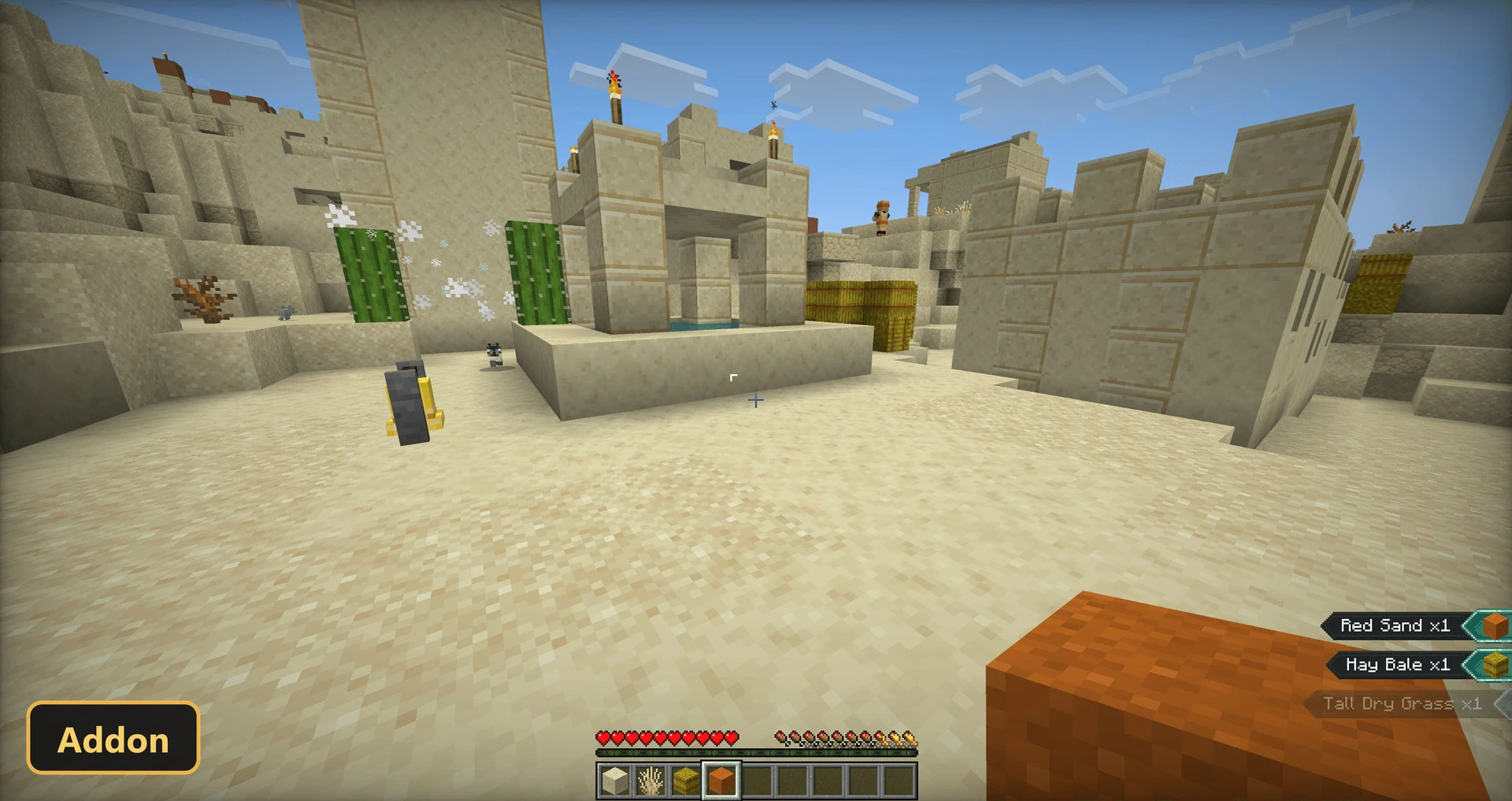
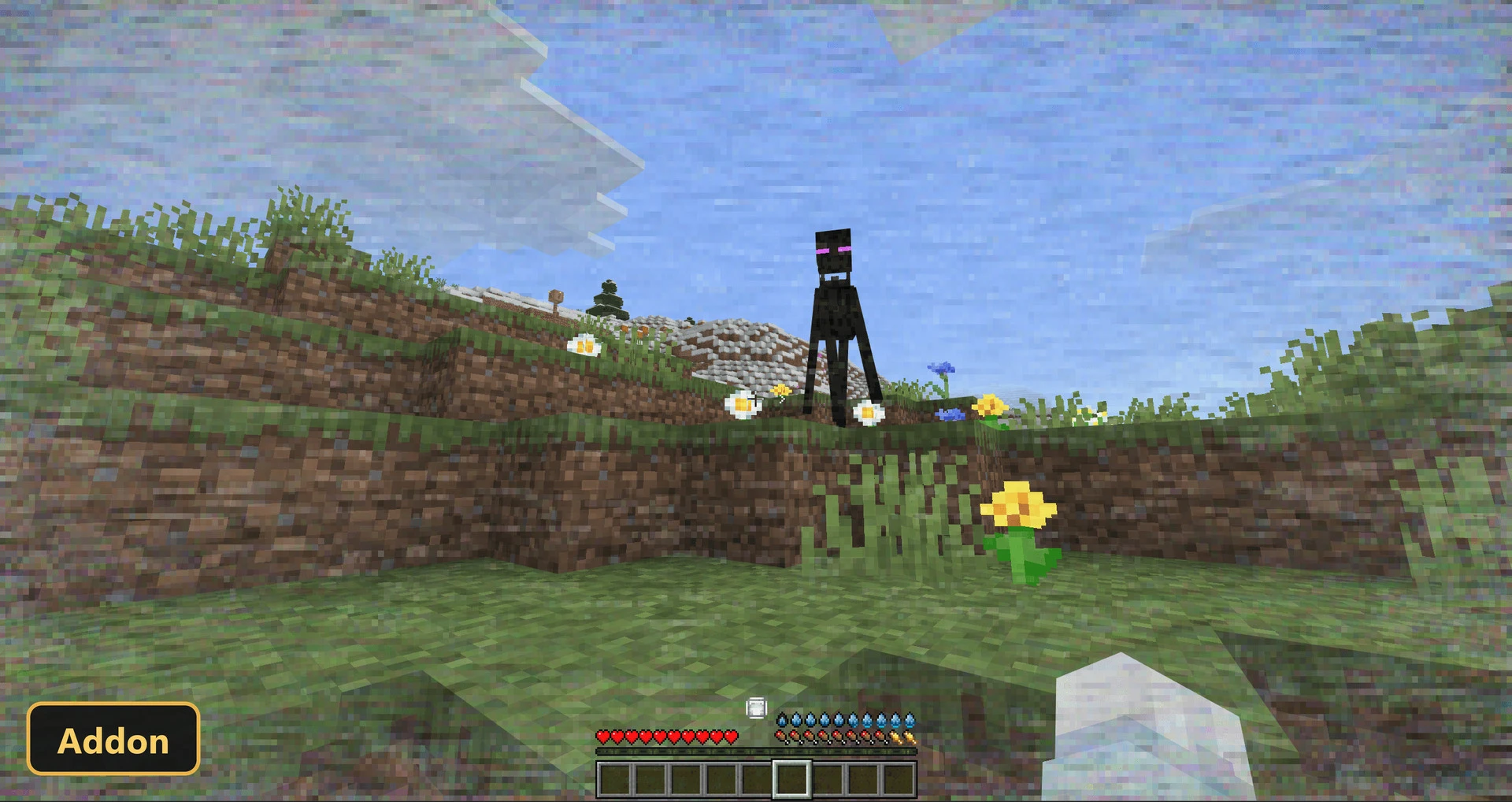
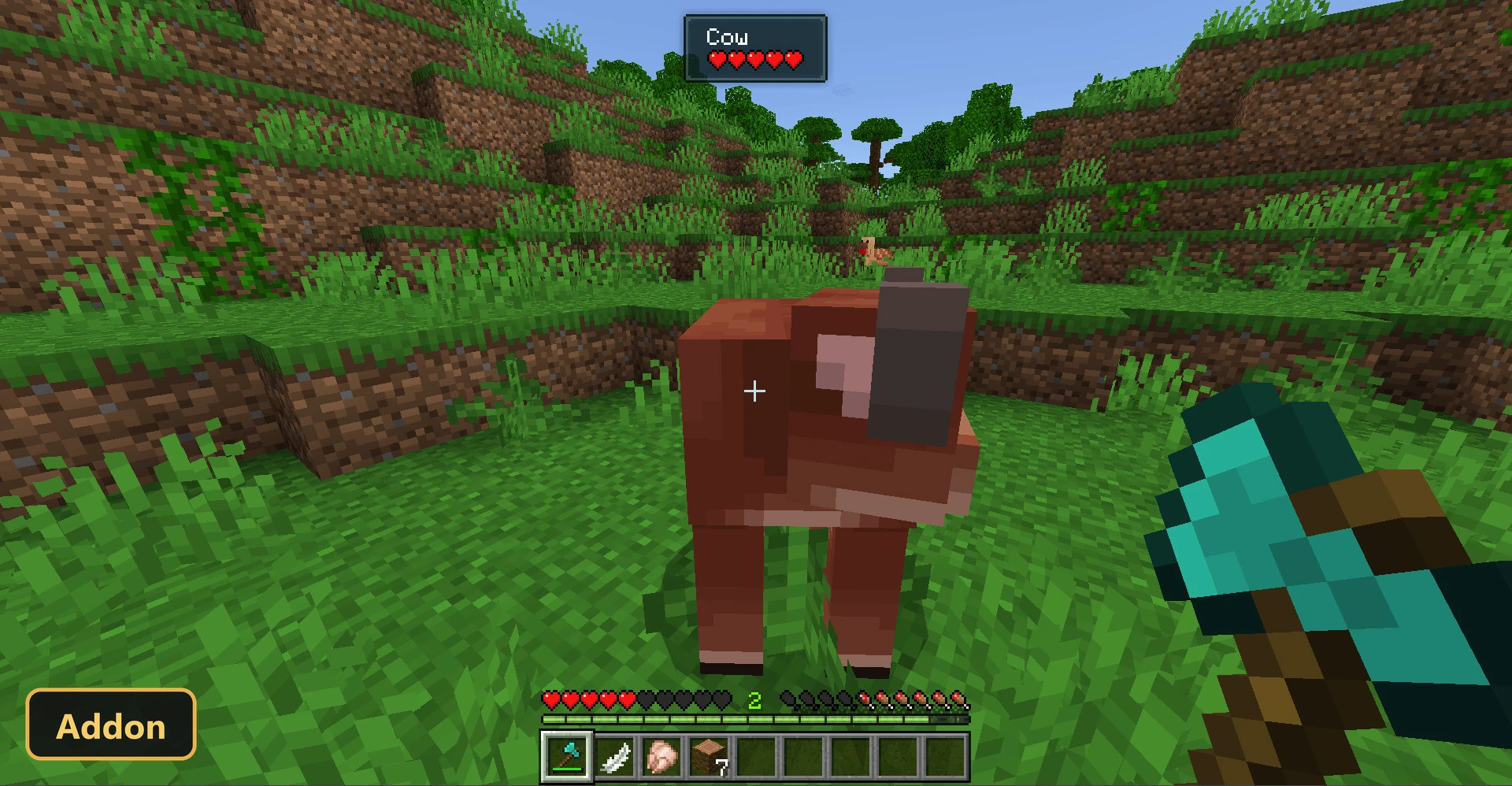
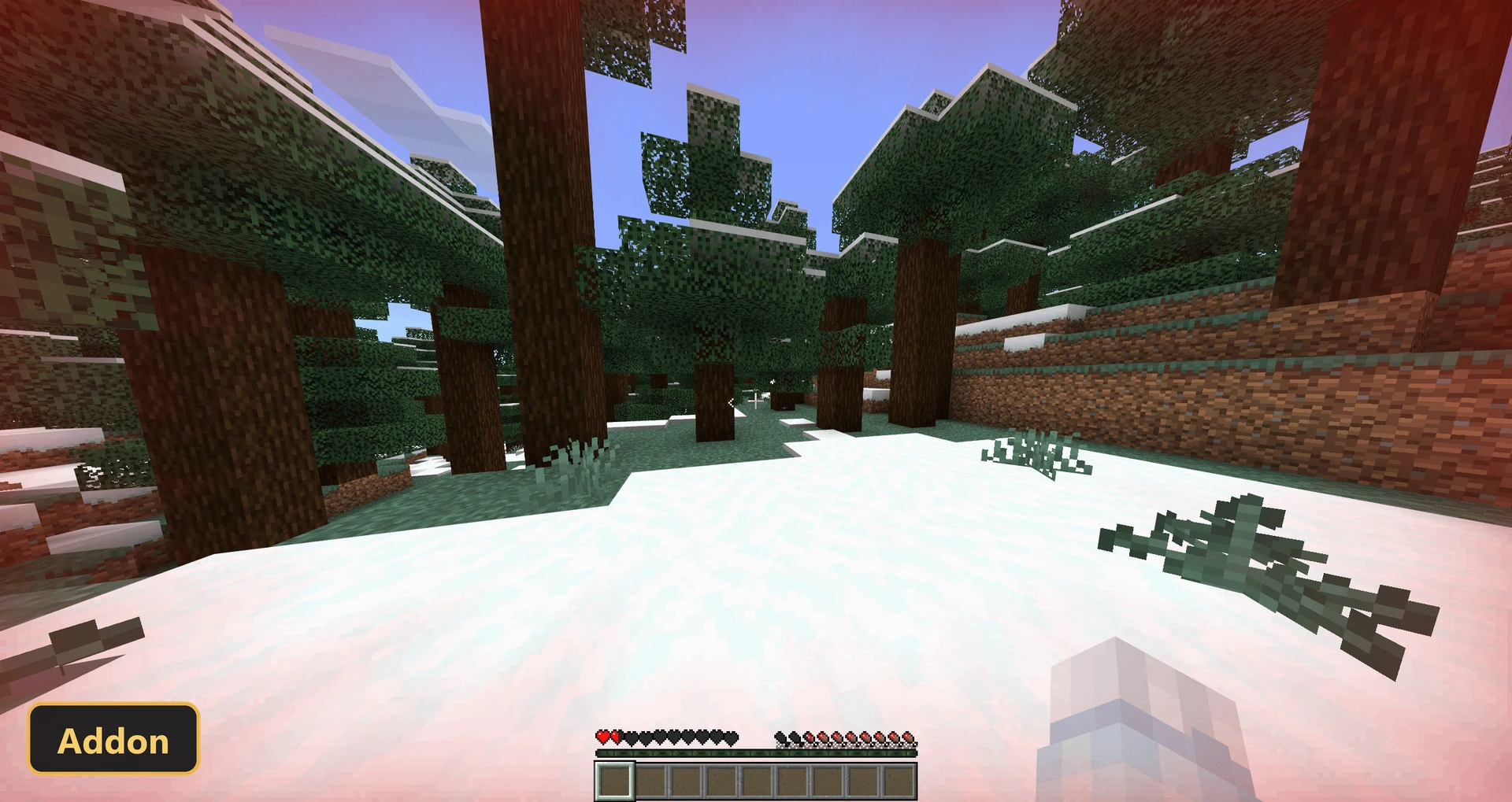
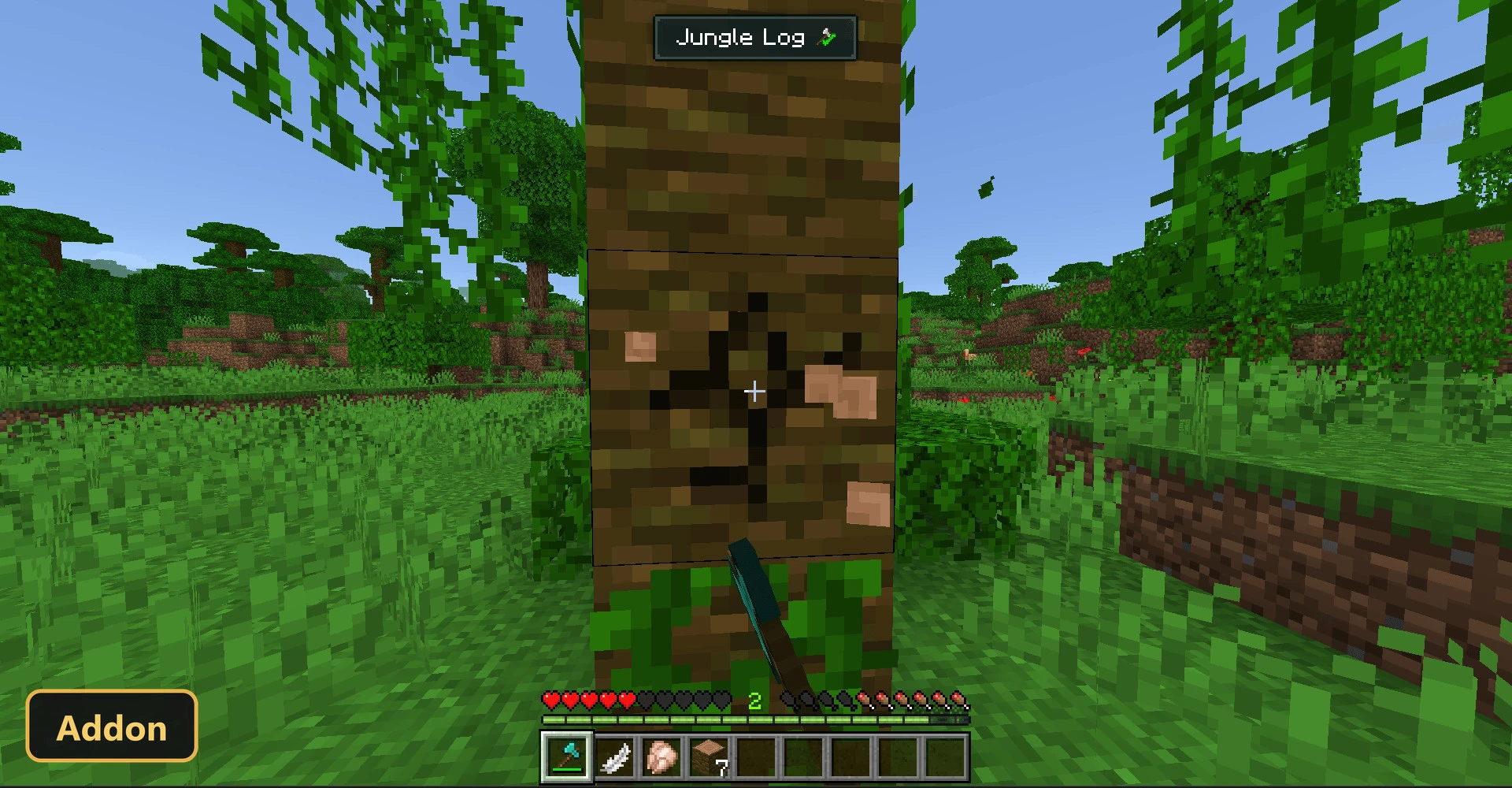
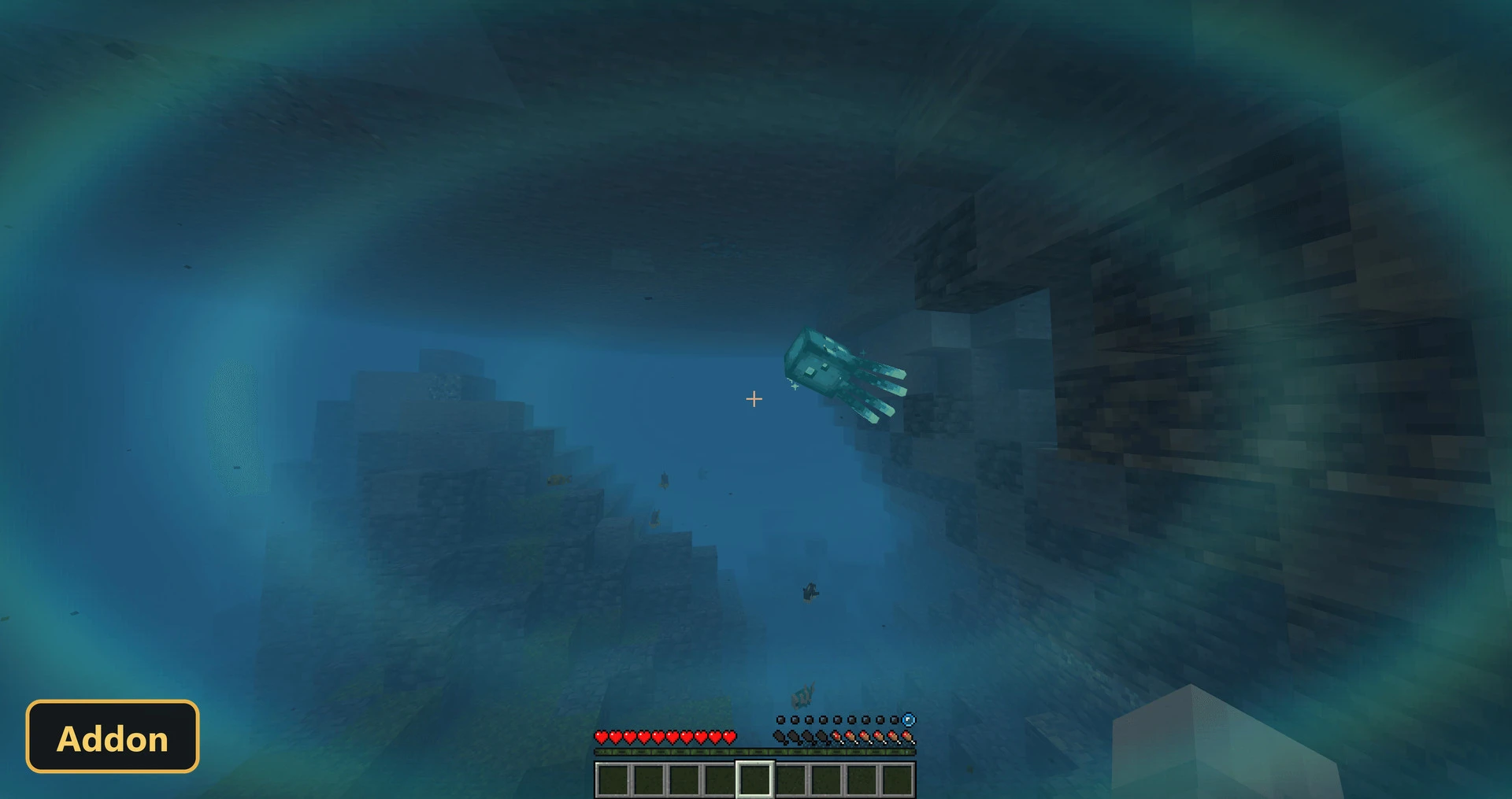
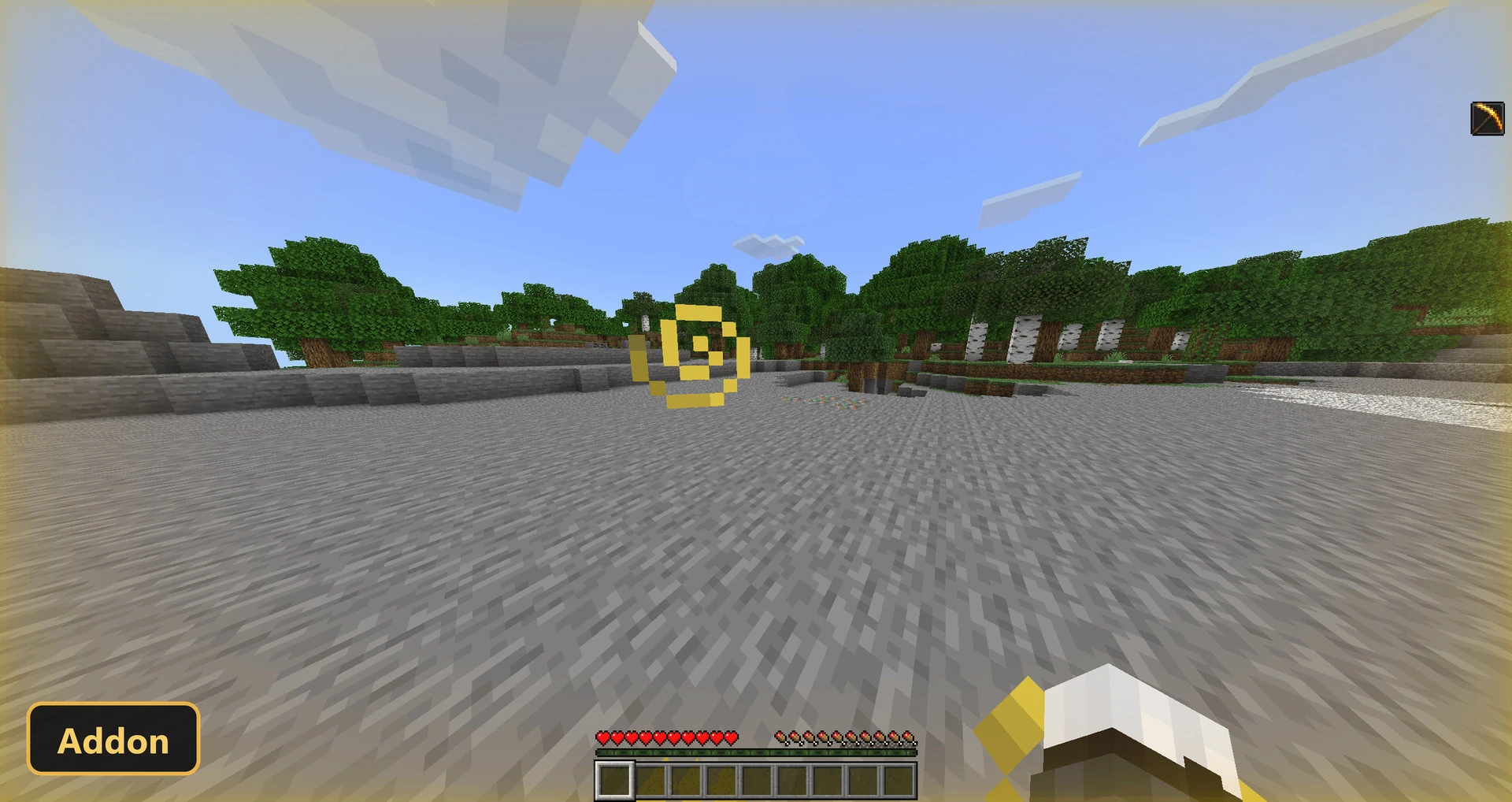
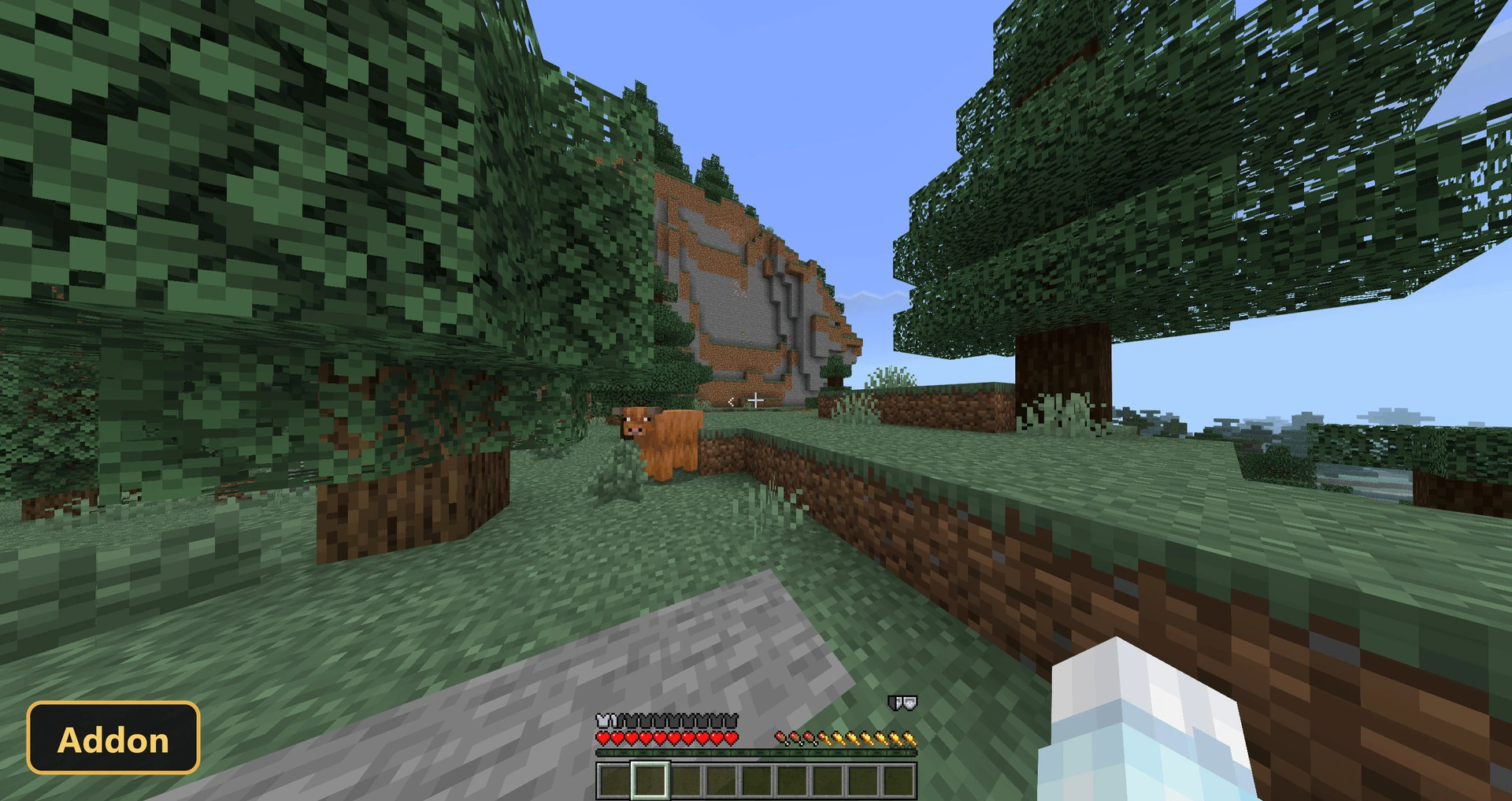
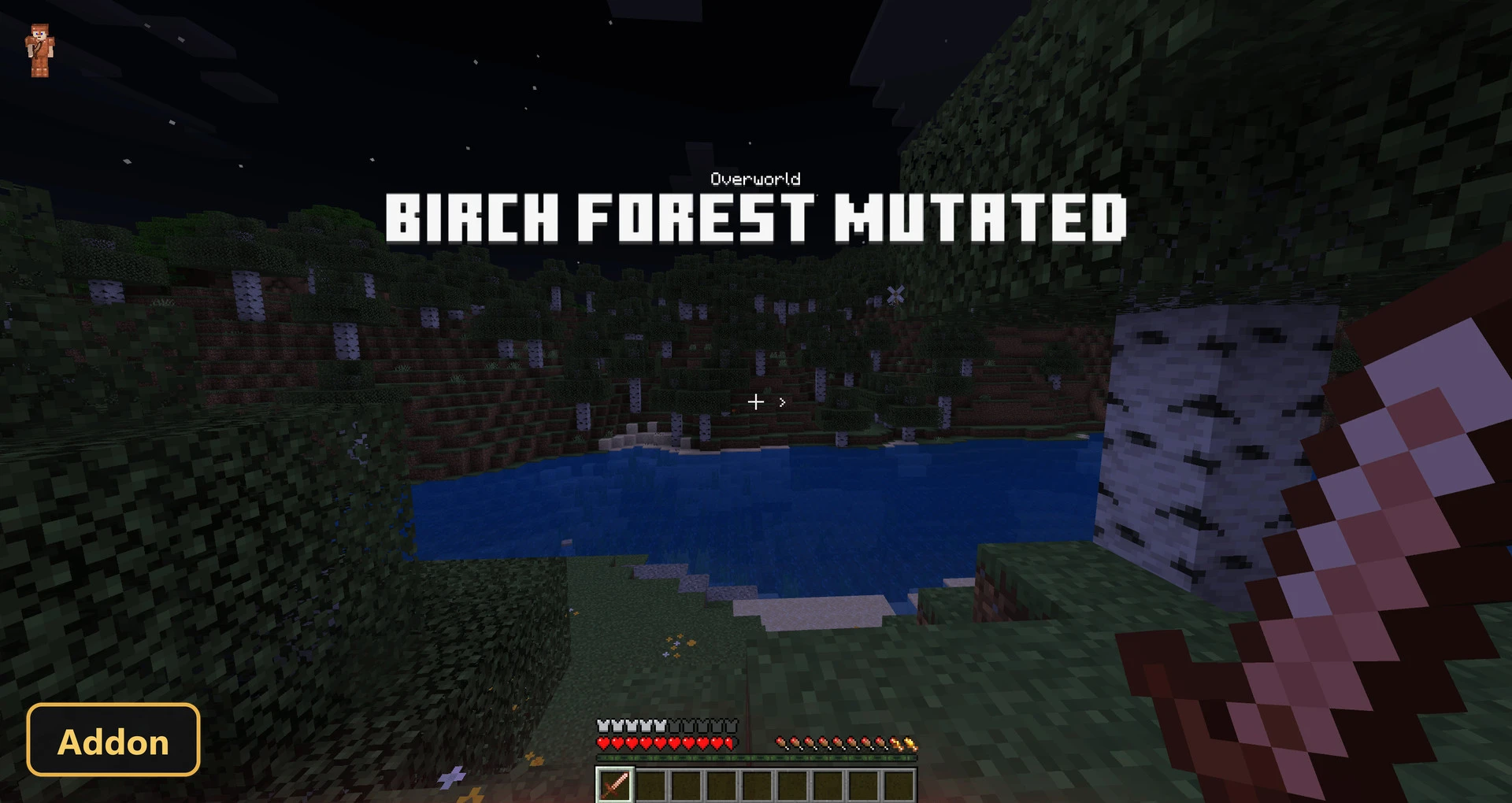
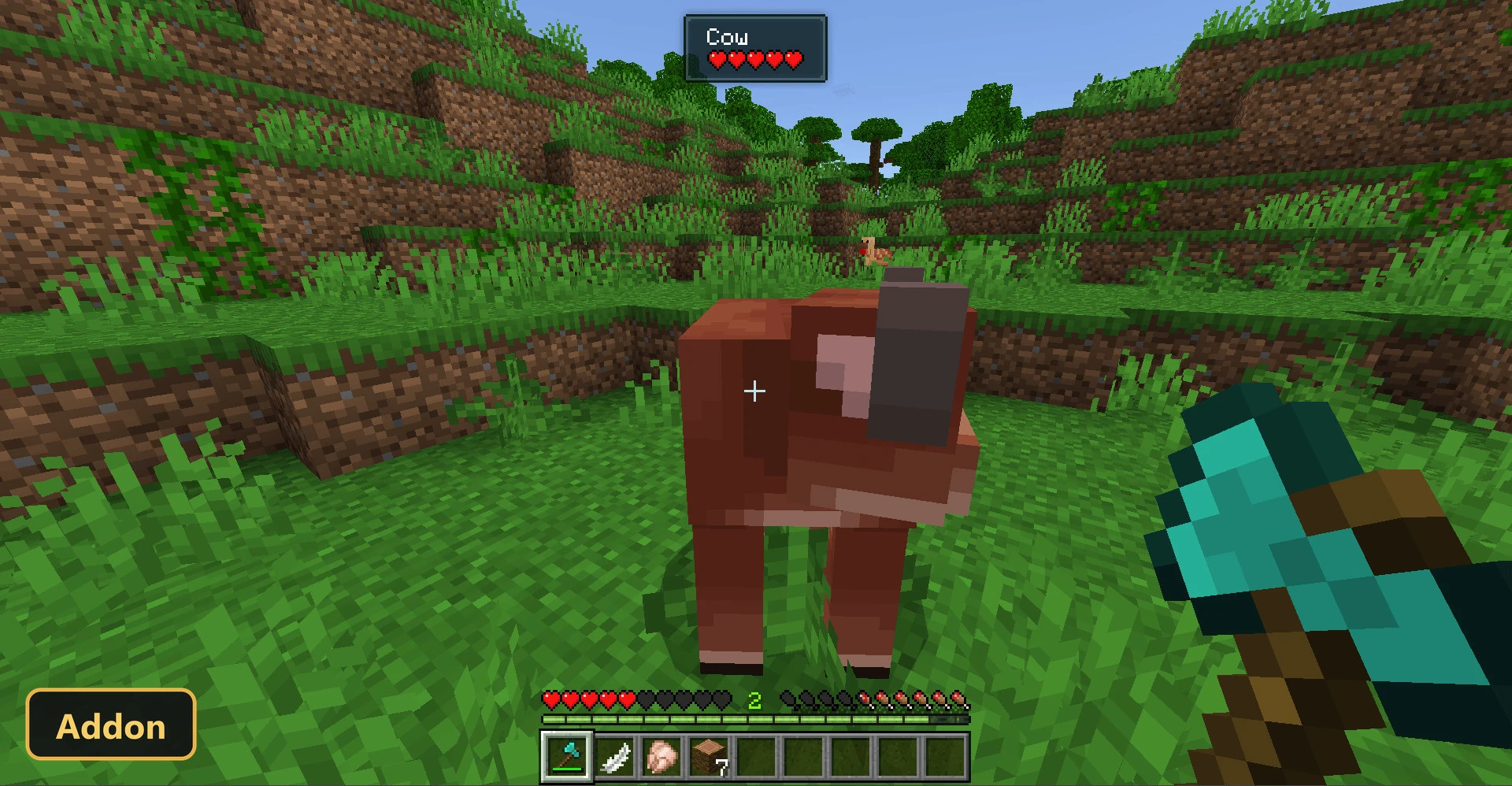
Extra status bars and screen cues fill the HUD with Coldbar Indicator, a utility add-on that shows more of what is happening to the player. Beyond health and hunger it adds armor toughness, saturation, exhaustion and a thirst saturation bar for users of the Adventure Condiment add-on.
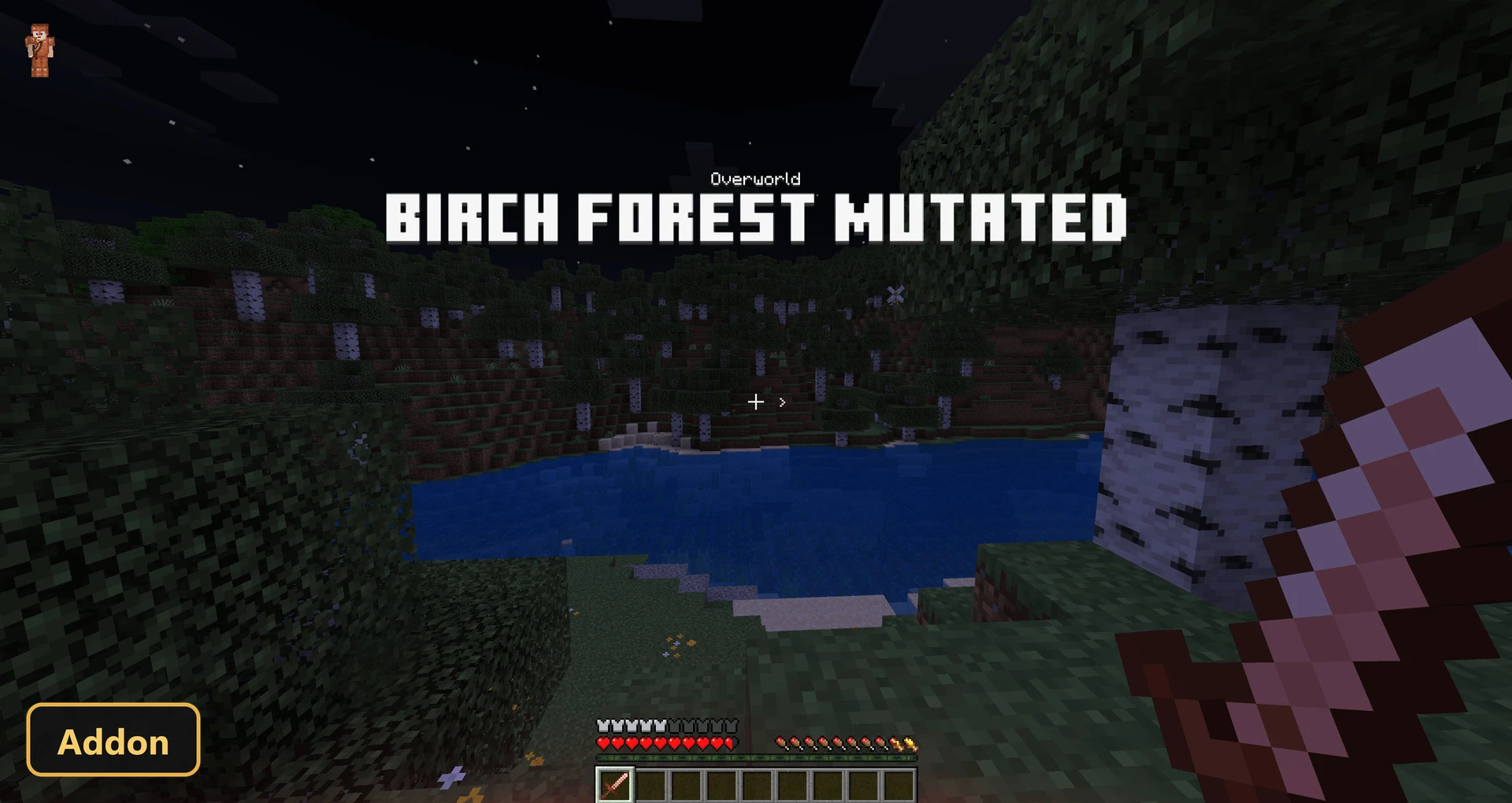
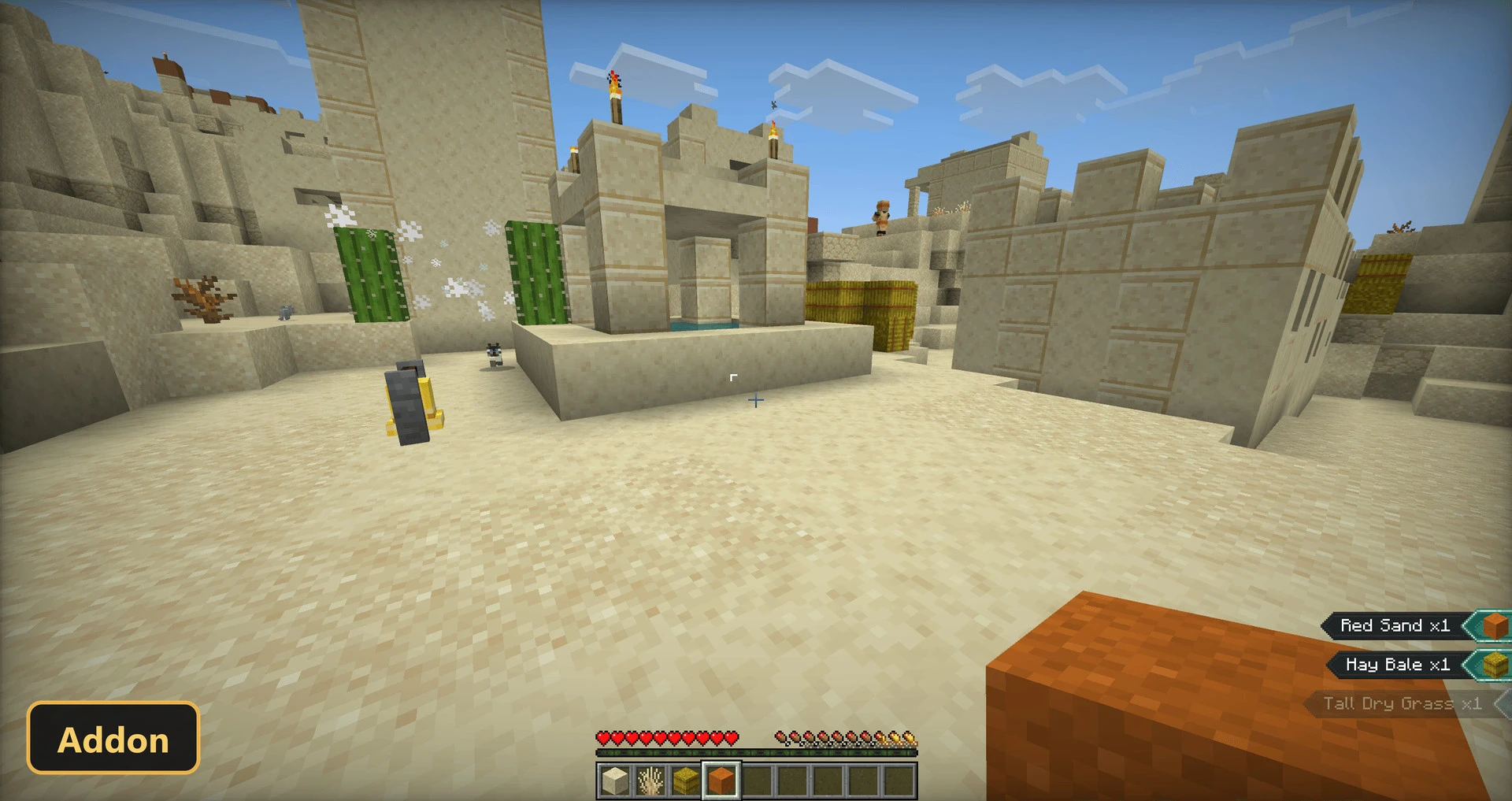
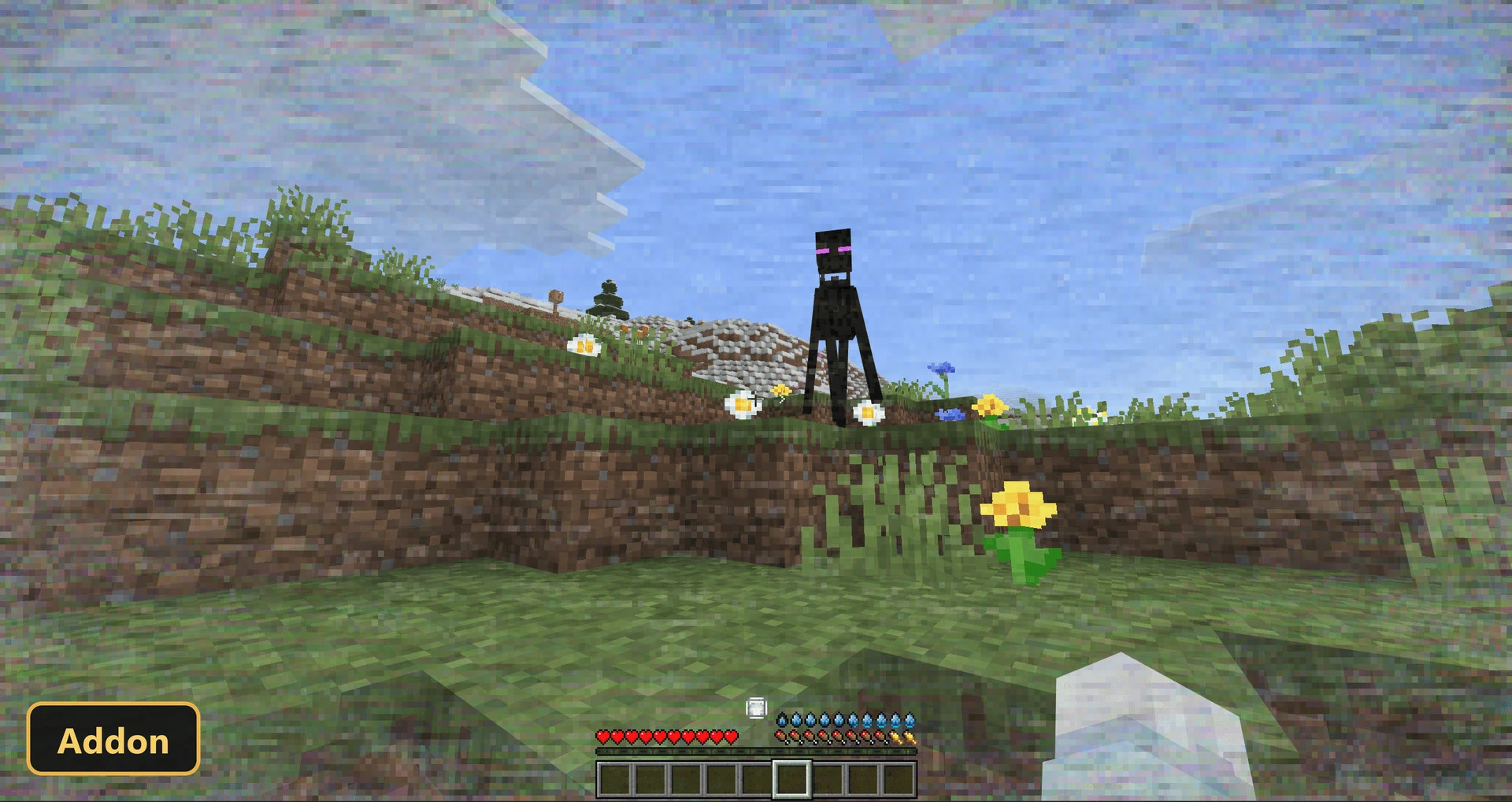
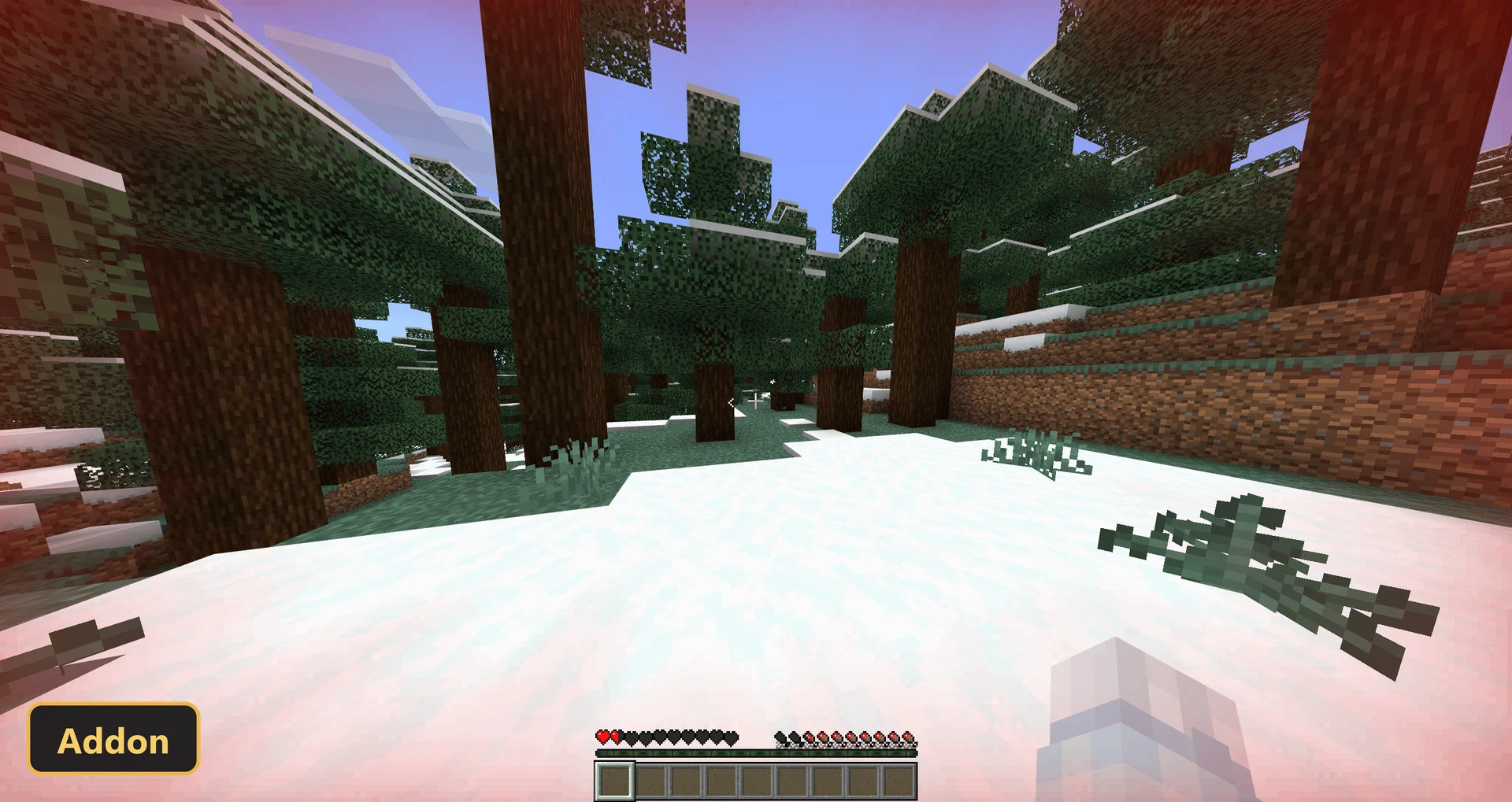
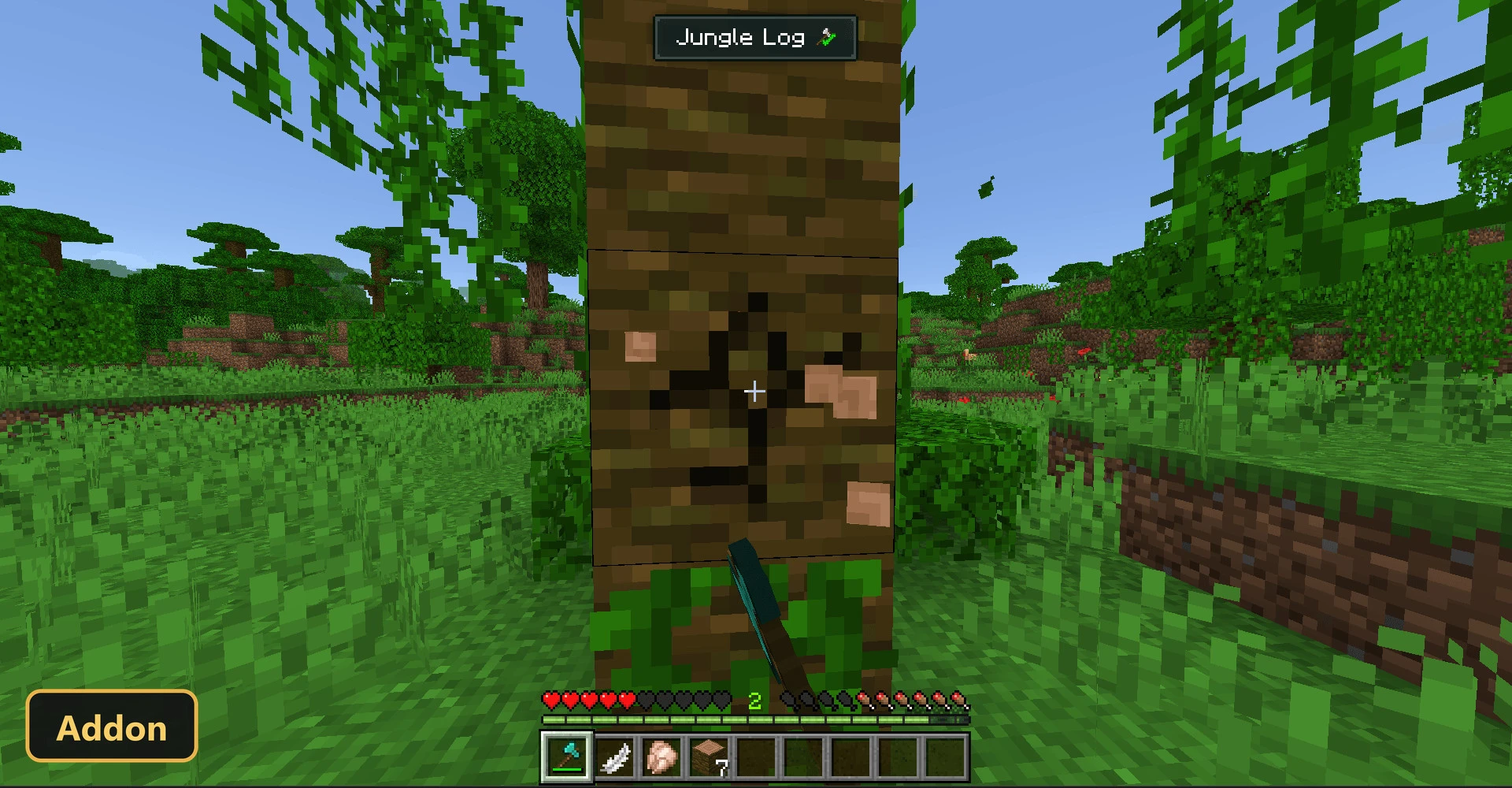
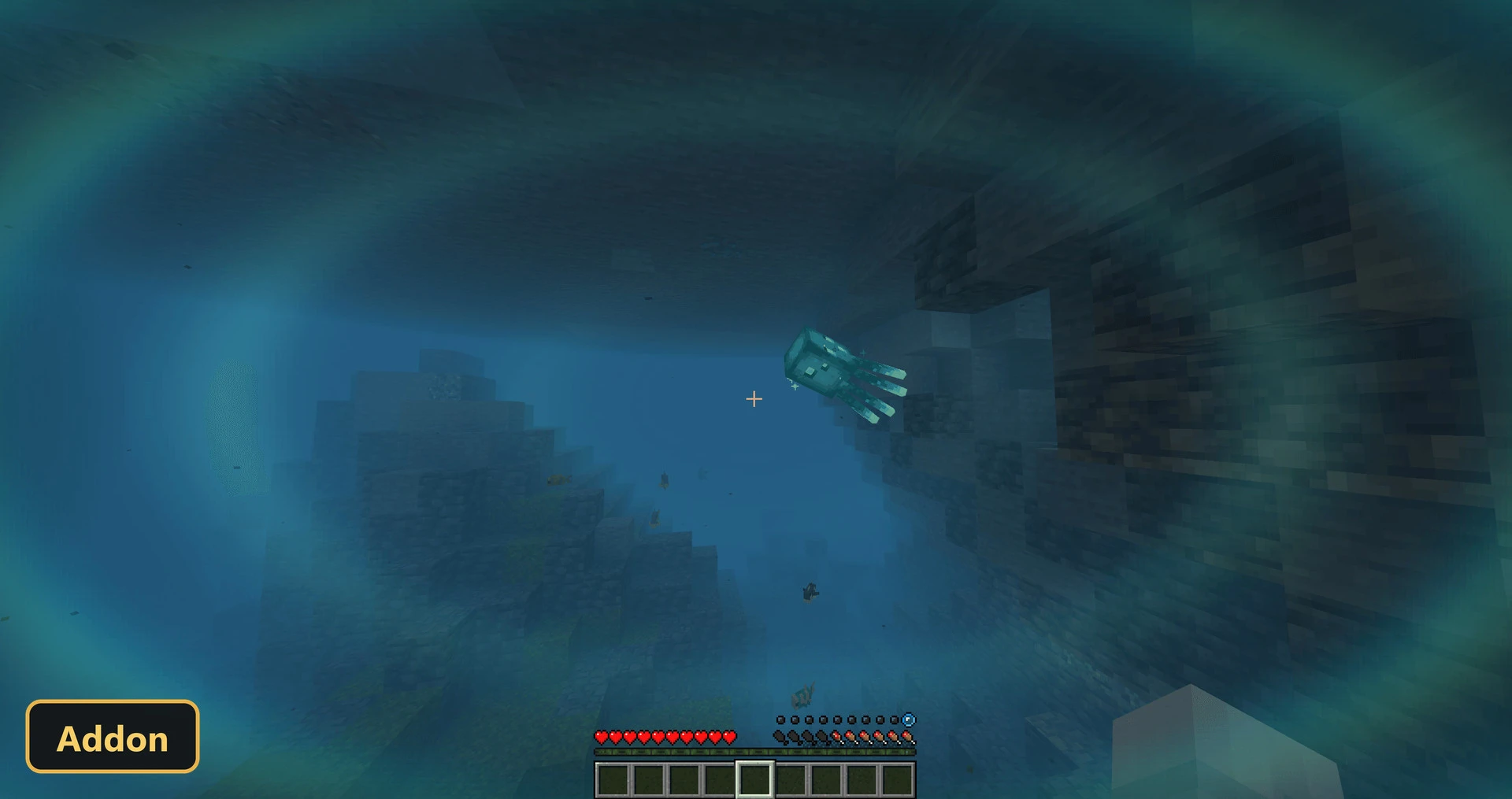
Holding food shows a preview of how much hunger and thirst it restores. Other cues include a glitch when an Enderman comes into view, a flash from nearby explosions, a direction marker for the nearest entity, and a marker showing where hits come from. Potion effects tint the screen, pickups and targets are displayed, and the current biome name appears. UI Queue is required, Experimental Features must be on, and both packs need to be applied.
Requirements:
- MCPE/Bedrock 1.21.120
- Turn on Experimental Features — this addon uses scripting APIs
- Apply BOTH the behavior and the resource pack to your world
Screenshots:
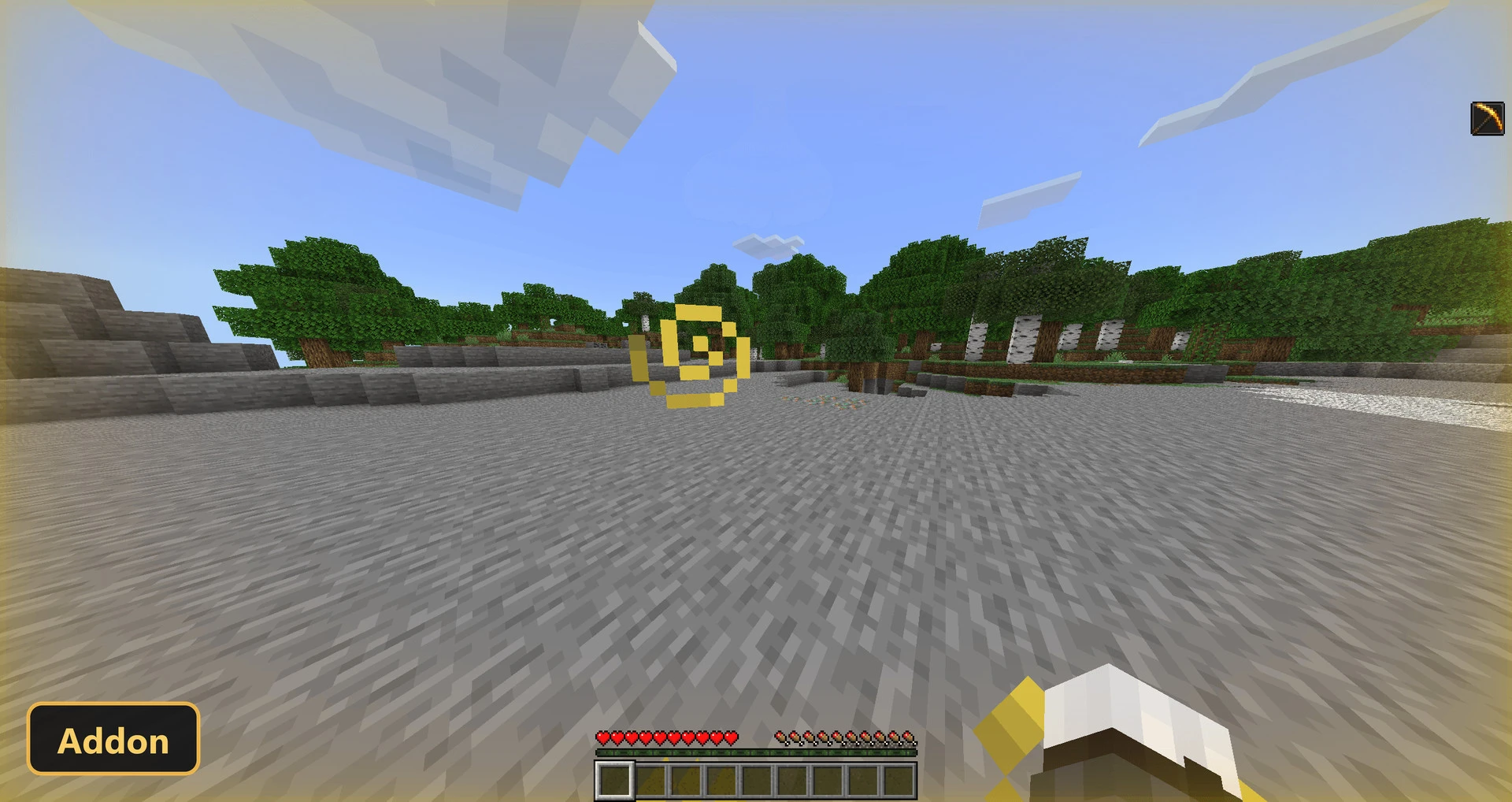
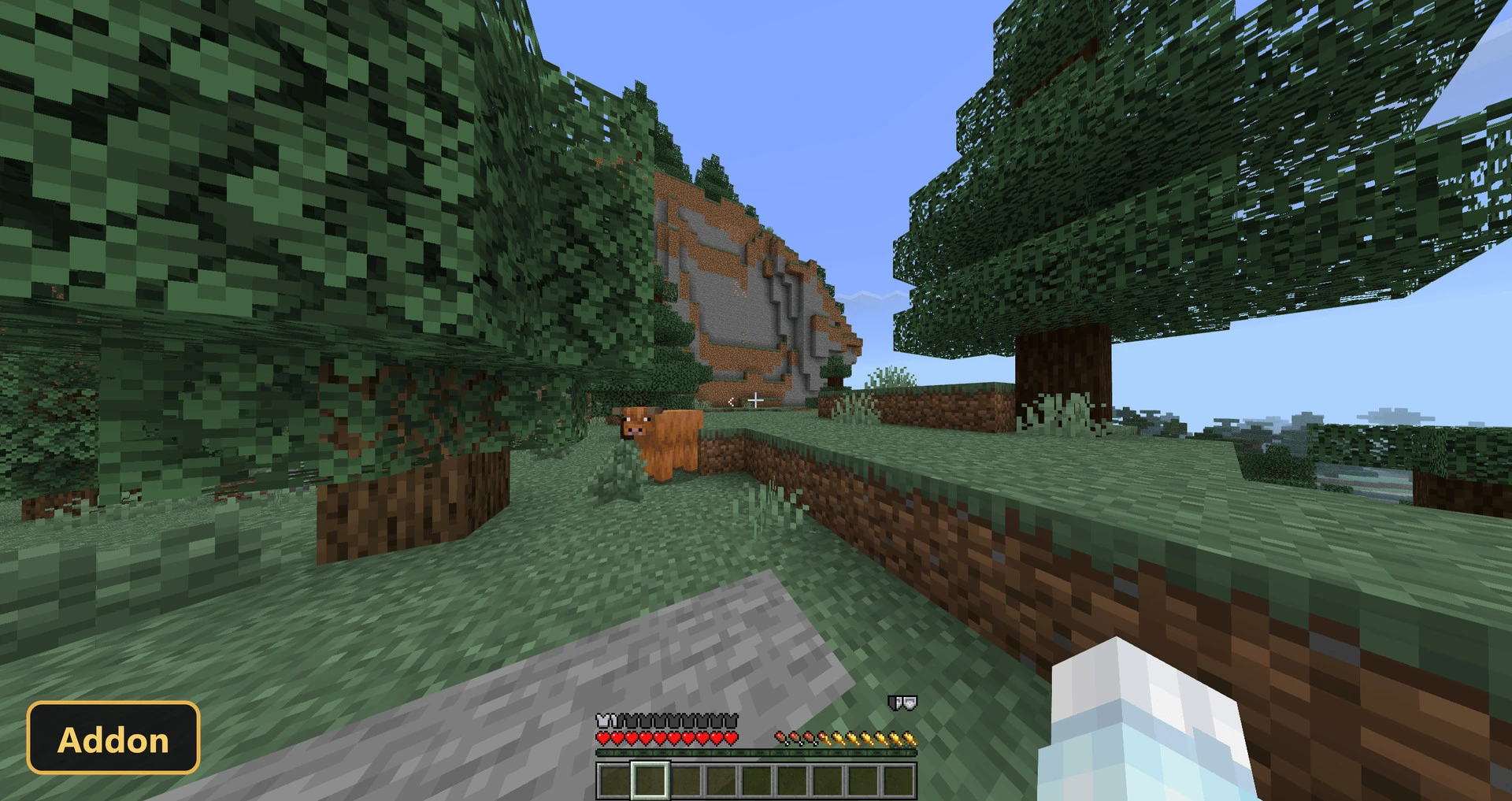
- Edition: Minecraft Bedrock
- File type: .mcpack or .mcaddon
- Minecraft version listed: 1.21
- How to install: Download the .mcpack or .mcaddon file. → Open it — Minecraft imports it. → In your world: Behavior Packs → Available → Activate, then the same under Resource Packs.
- Where to get it: In MCModsHub, or directly above on this page.
Install steps are the general flow for this file type — How to install Minecraft Bedrock addons & mods walks through it step by step.
- Pack type: .mcaddon — behaviour and resource pack in one file
- Manifest requires Minecraft 1.21.90 or newer
- Complete pack — everything it depends on is inside the file
- Download size: 8.8 MB
- Download link checked 6 Oct 2026 — working
- Mirrored on our own servers — the download does not depend on the original host
These come from our own check of the pack file, not from the source page.