ResourcepacksJava
Excalibur Additions Decorations Resource Pack (26.3, 1.21.11)
Java resource pack listed for Minecraft 1.21. Downloads from the MC Java Mods app on Android.
⬇ Download


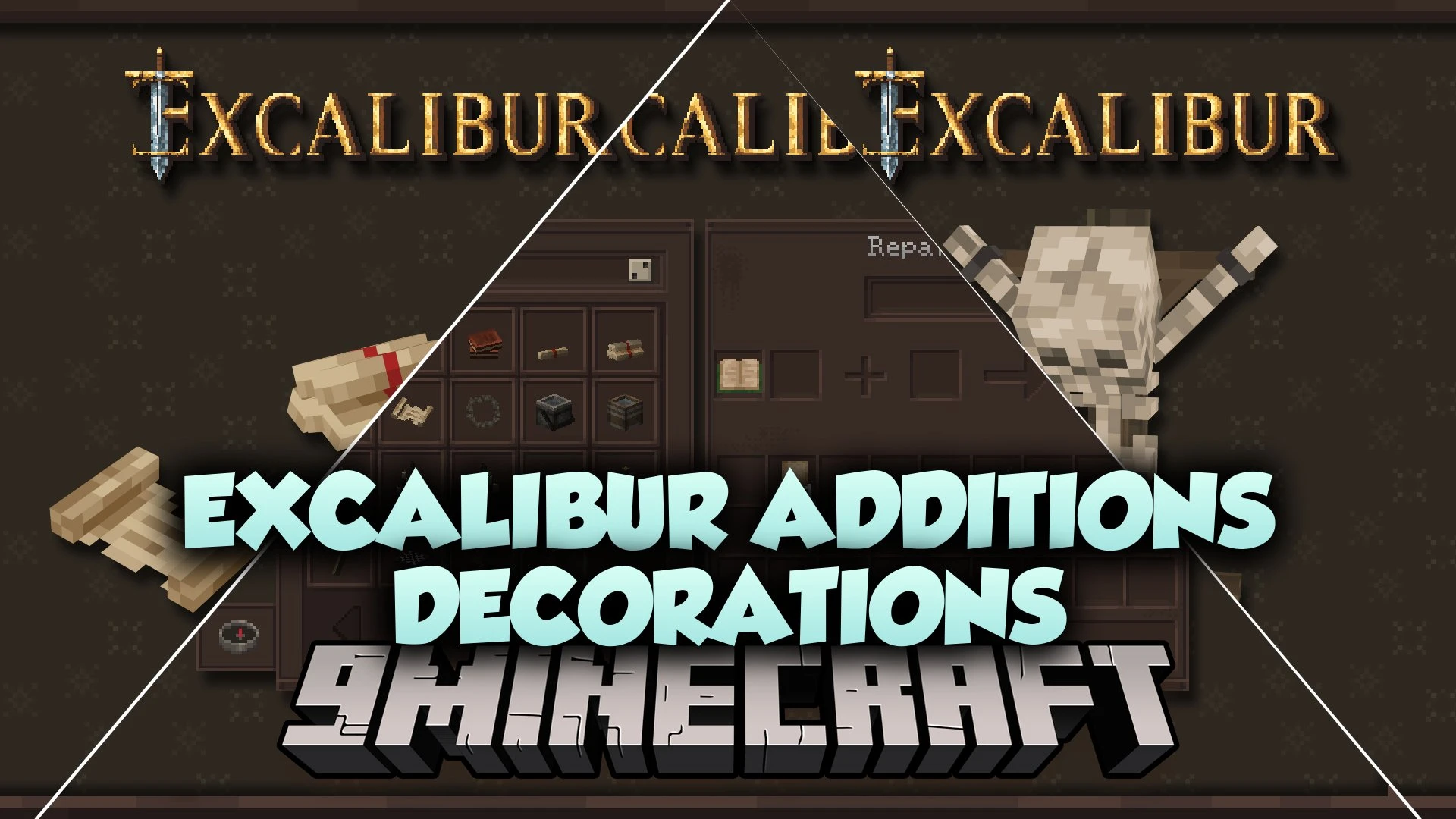
Excalibur Additions Decorations Resource Pack brings detailed 3D models into your world using renamed items inside item frames. This pack expands building possibilities for medieval castles, rustic taverns, and dark dungeons without adding new blocks through code. You only need to rename a specific vanilla item at an anvil, place it in an item frame, and watch it turn into a custom decorative object.
Features:
- Turns standard items into 3D decorative models when renamed and placed in item frames.
- Uses the modern item state system from recent game updates without requiring external mods.
- Works alongside mods that hide frame borders or improve frame rendering speeds.
- Shows custom models properly while held directly in player hands.
Available Decorative Models:
- Resource Barrels: Rename apples, beetroots, carrots, coal, dirt, potatoes, raw gold, or wheat to create open storage barrels.
- Study and Library Items: Rename paper into open books, stacked books, maps, or loose parchment sheets.
- Lighting and Metalwork: Turn iron nuggets into hanging chandeliers, small chandeliers, candelabras, and buckets.
- Dungeon and Gothic Props: Rename bones into hanging or sitting skeletons, and turn flint into stone gargoyles or frog statues.
- Tabletop Decor: Convert sticks into playable chess boards, wooden mugs, or wooden crosses.
- Glassware and Trinkets: Transform glass bottles into assorted storage jars and ender pearls into crystal balls.
- Weapon Displays: Rename netherite swords to show off shiny silver blade models.
Screenshots:
Excalibur Additions Decorations Resource Pack Download Links
Quick facts
- Edition: Minecraft Java
- File type: .zip (resource pack)
- Minecraft version listed: 1.21.11
- How to install: Download the .zip resource pack — do not unzip it. → Put it in .minecraft/resourcepacks. → Enable it in Options → Resource Packs.
- Where to get it: In MC Java Mods, or directly above on this page.
Install steps are the general flow for this file type — How to install Minecraft Java resource packs walks through it step by step.
File checked by MCModsHub
- Downloads as 522521.mcpack
- Download size: 116 KB
- Download link checked 7 Oct 2026 — working
- Mirrored on our own servers — the download does not depend on the original host
These come from our own check of the pack file, not from the source page.