ModsJava
Grid Easy Mod (26.3, 1.20.1) – Build Symmetrical Bases Without Counting Blocks
Java mod listed for Minecraft 1.20. Downloads from the MC Java Mods app on Android.
⬇ Download


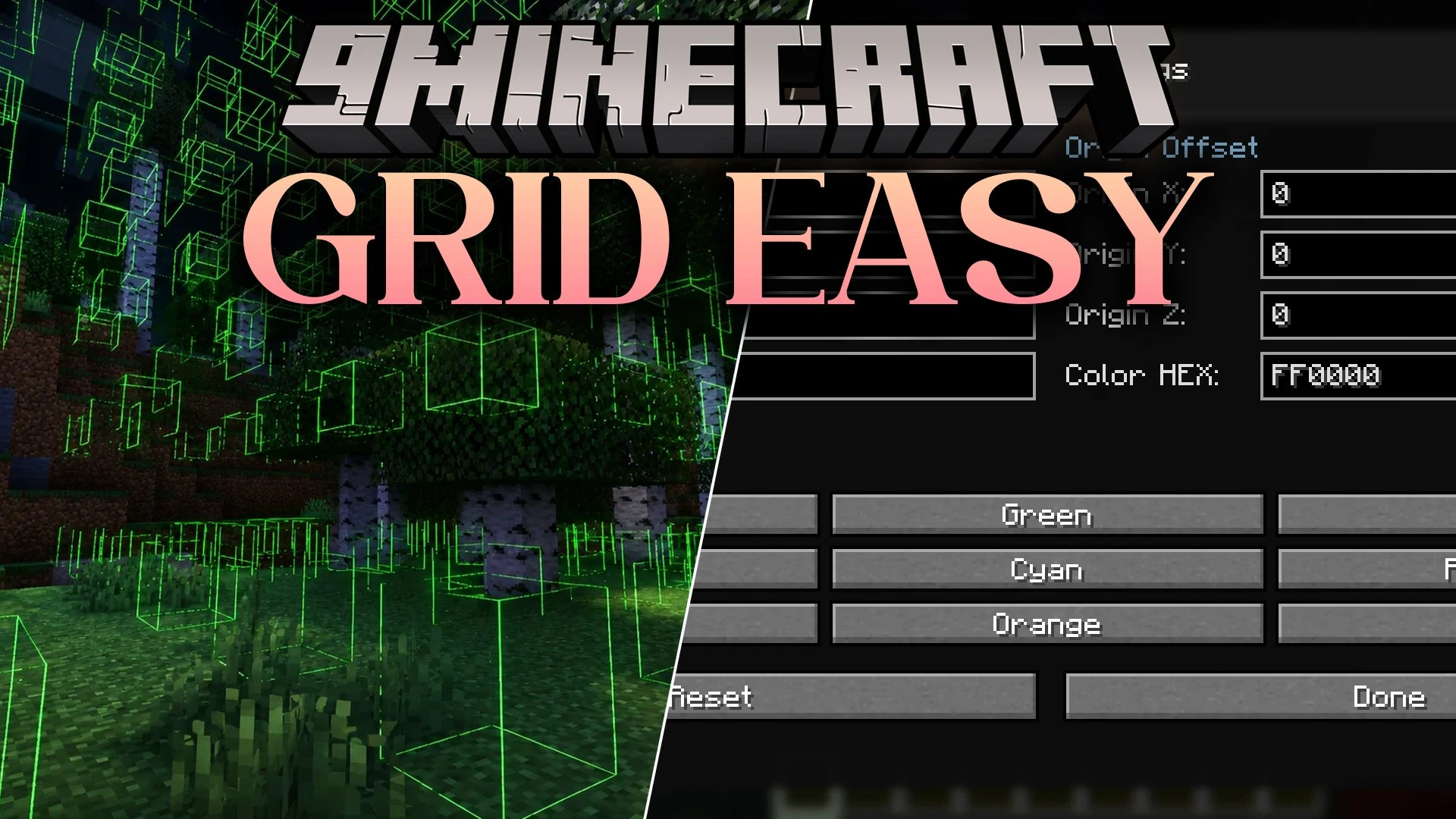
Grid Easy Mod adds a customizable 3D visual grid overlay directly into your world to help with block alignment, symmetry, and spacing. This client-side tool lets you measure distances between points, drop permanent location markers, and swap between custom building profiles without counting blocks by hand.
Features:
- Customizable 3D Grid: Place visual guide lines with adjustable spacing from 1 to 64 blocks along the X, Y, and Z axes.
- Multiple Grid Layouts: Choose between full XYZ 3D, horizontal XZ planes, or vertical XY and YZ planes.
- Two-Pin Distance Tool: Drop Pin A and Pin B across blocks to calculate exact block counts, 3D differences, and copy results straight to your clipboard.
- Lets you anchor the grid origin to any block you target or set it at your current player position.
- Saves up to 256 persistent markers per world and dimension with custom names, coordinates, and colors.
- Lets you save full grid setups into profiles and switch between them with a single keypress.
- Includes custom HEX color codes, built-in presets, and opacity adjustments for lines and markers.
- Runs entirely on the client side without needing server installation.
How to Use:
- Press . to toggle the visual grid overlay on or off.
- Press , to open the settings menu and adjust axis spacing, colors, or profiles.
- Press N to place Pin A, press N on another block for Pin B to measure distance, and press N a third time to clear both pins.
- Press M while looking at a block to place a persistent marker.
- Press P to cycle through your saved layout profiles.
Screenshots:
Grid Easy Mod Download Links
Quick facts
- Edition: Minecraft Java
- File type: .jar
- Minecraft version listed: 1.20.1
- How to install: Install the matching mod loader (Forge, Fabric or NeoForge) for your Minecraft version. → Download the .jar. → Put it in the .minecraft/mods folder and launch that loader profile.
- Where to get it: In MC Java Mods, or directly above on this page.
Install steps are the general flow for this file type — How to install Minecraft Java mods & modpacks walks through it step by step.
File checked by MCModsHub
- Downloads as 522616.mcaddon
- Download size: 2.2 MB
- Download link checked 7 Oct 2026 — working
- Mirrored on our own servers — the download does not depend on the original host
These come from our own check of the pack file, not from the source page.